
Getting in
9The web login is a two-pane card. A phone has one column, so the brand panel becomes the header — which is exactly what the product's own ≤860px breakpoint does. The six artworks are the product's own canvas routines, replayed as SVG from the same seeded PRNG.
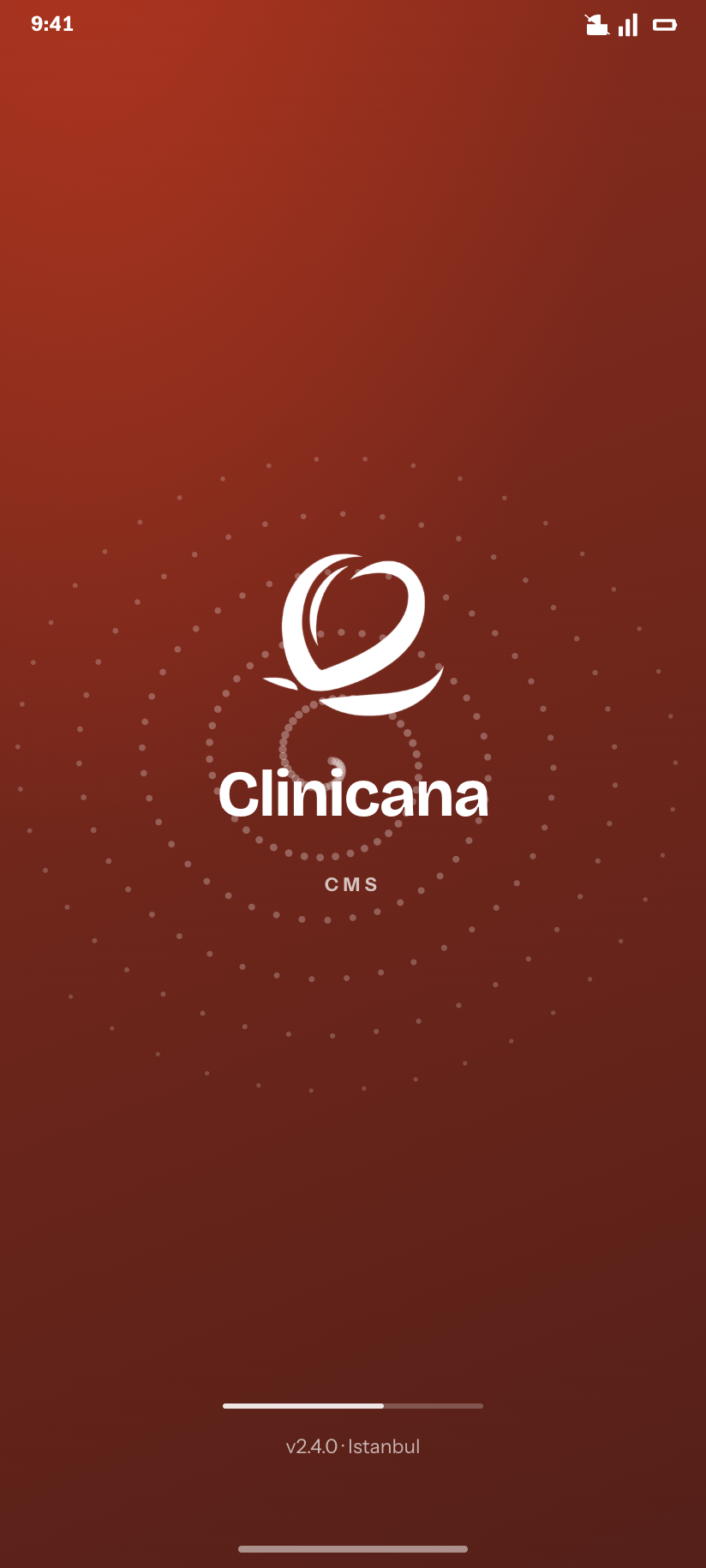
Splash
The one moment the app is pure brand, on the whorl motif.
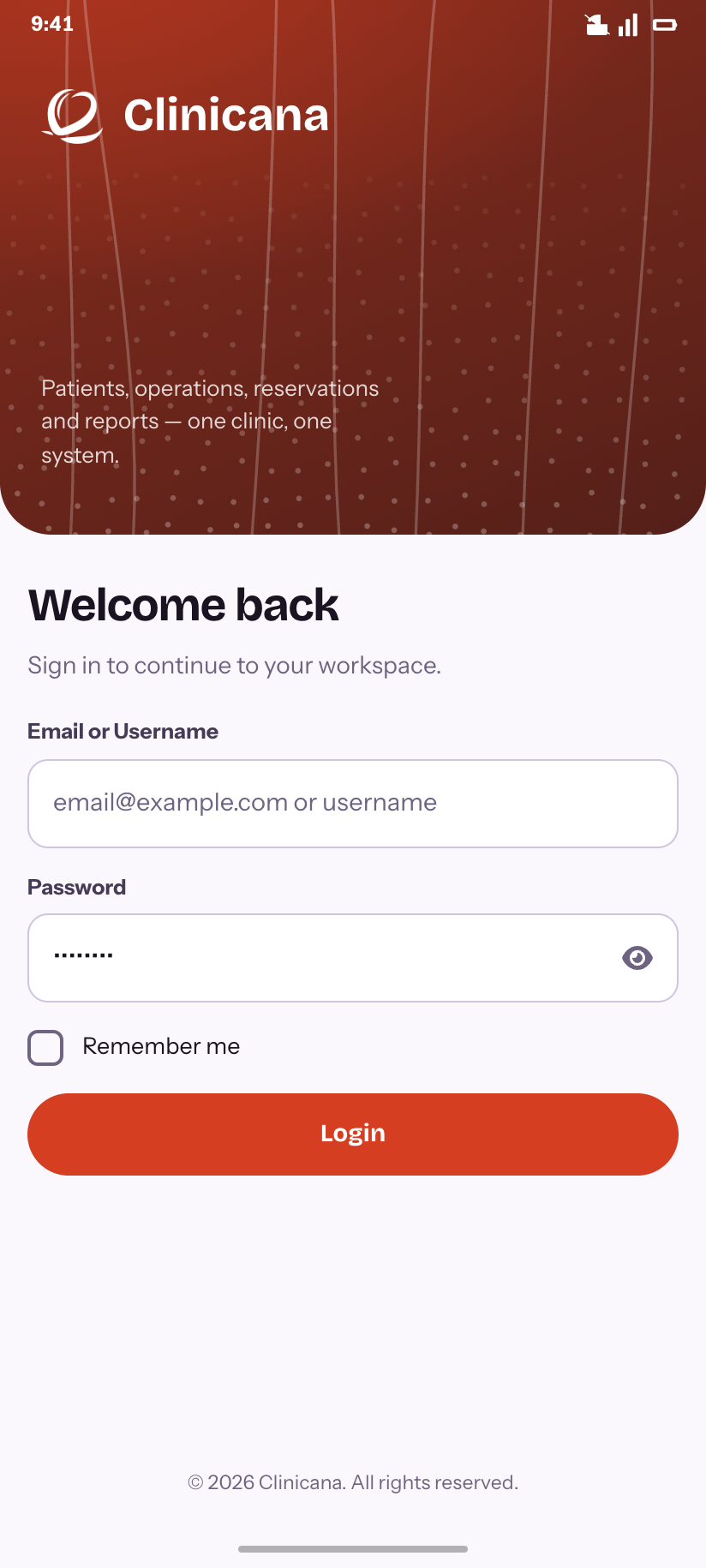
Sign in
The shipped default: Ember style, strands artwork.
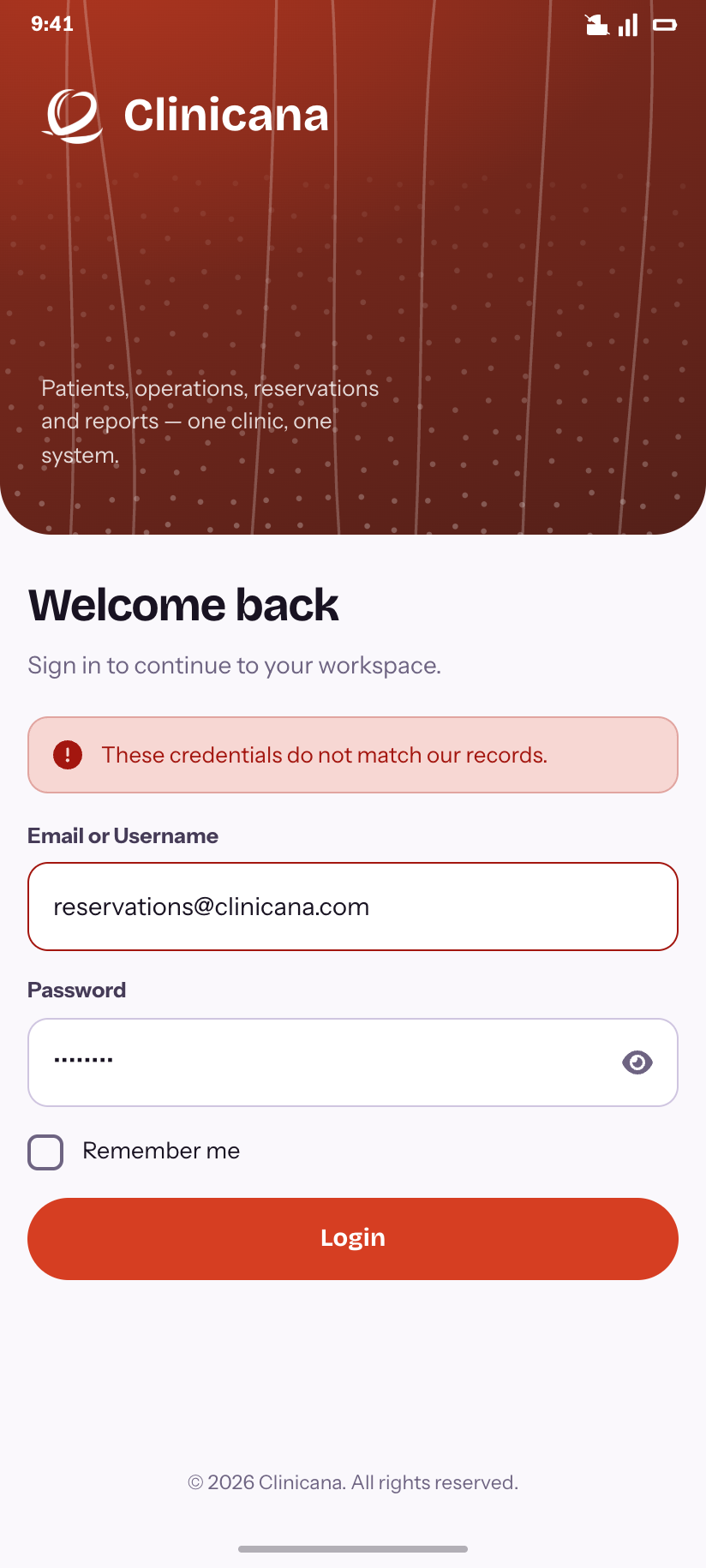
Sign in — failed
The message the API actually returns for bad credentials.
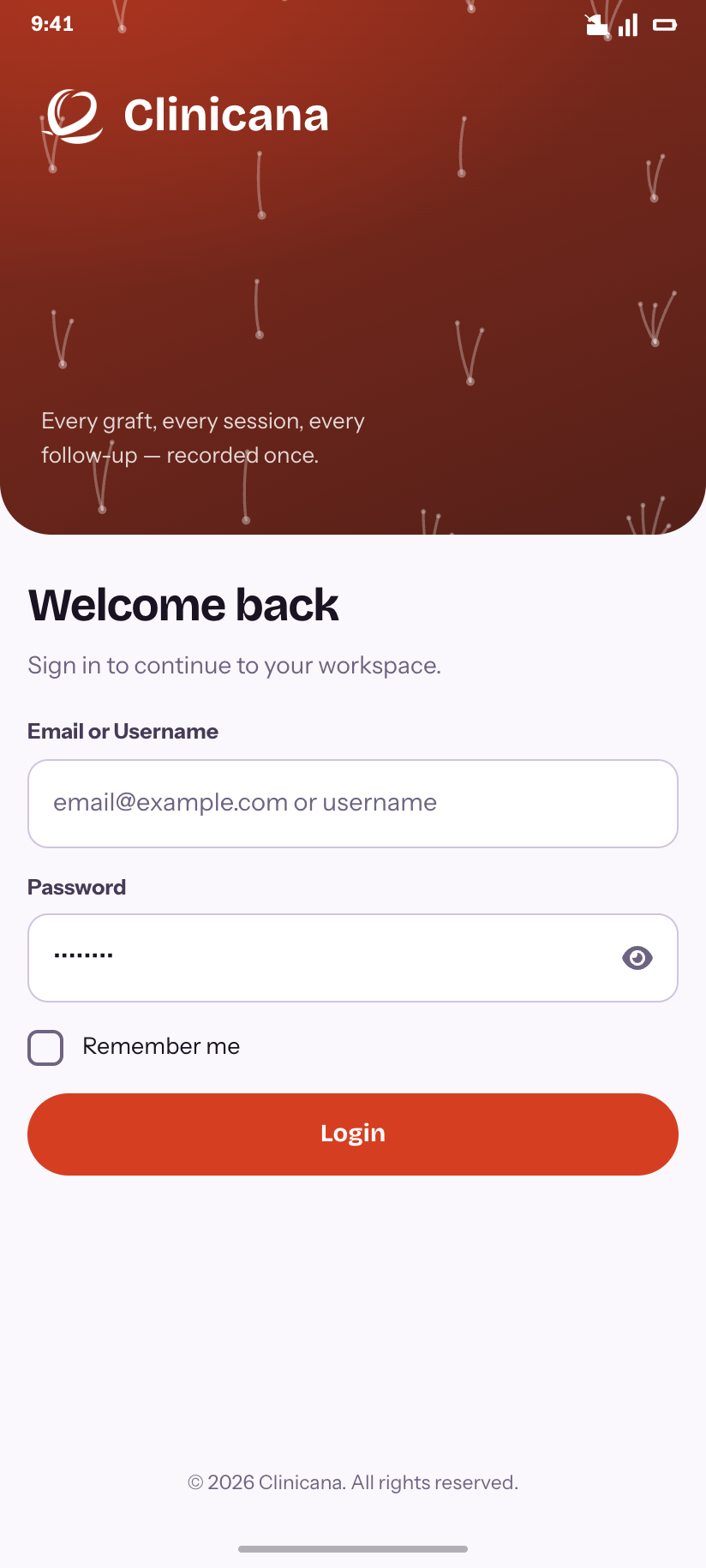
Artwork · Follicles
Grafts leaving their units — the second of six motifs.
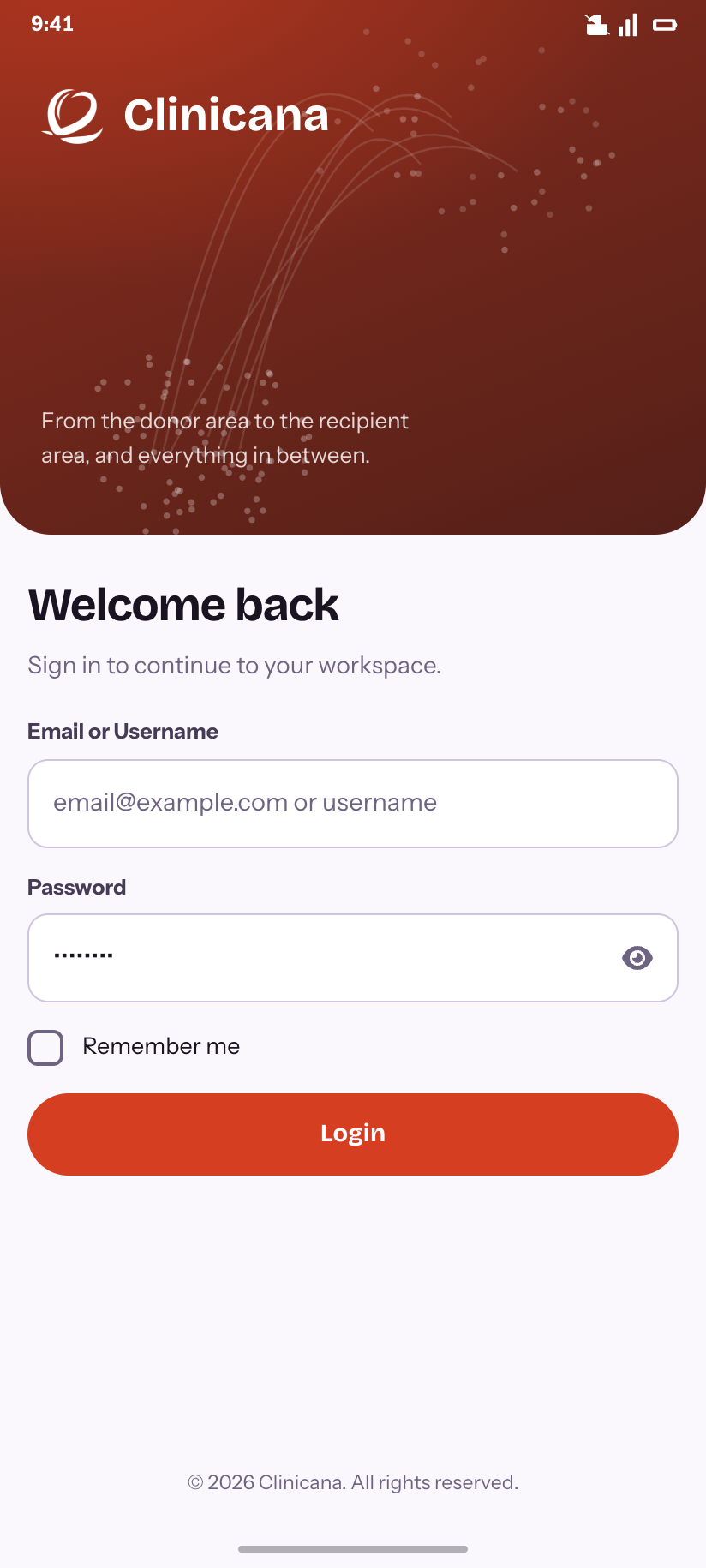
Artwork · Transfer
Donor area to recipient area, drawn as two densities.
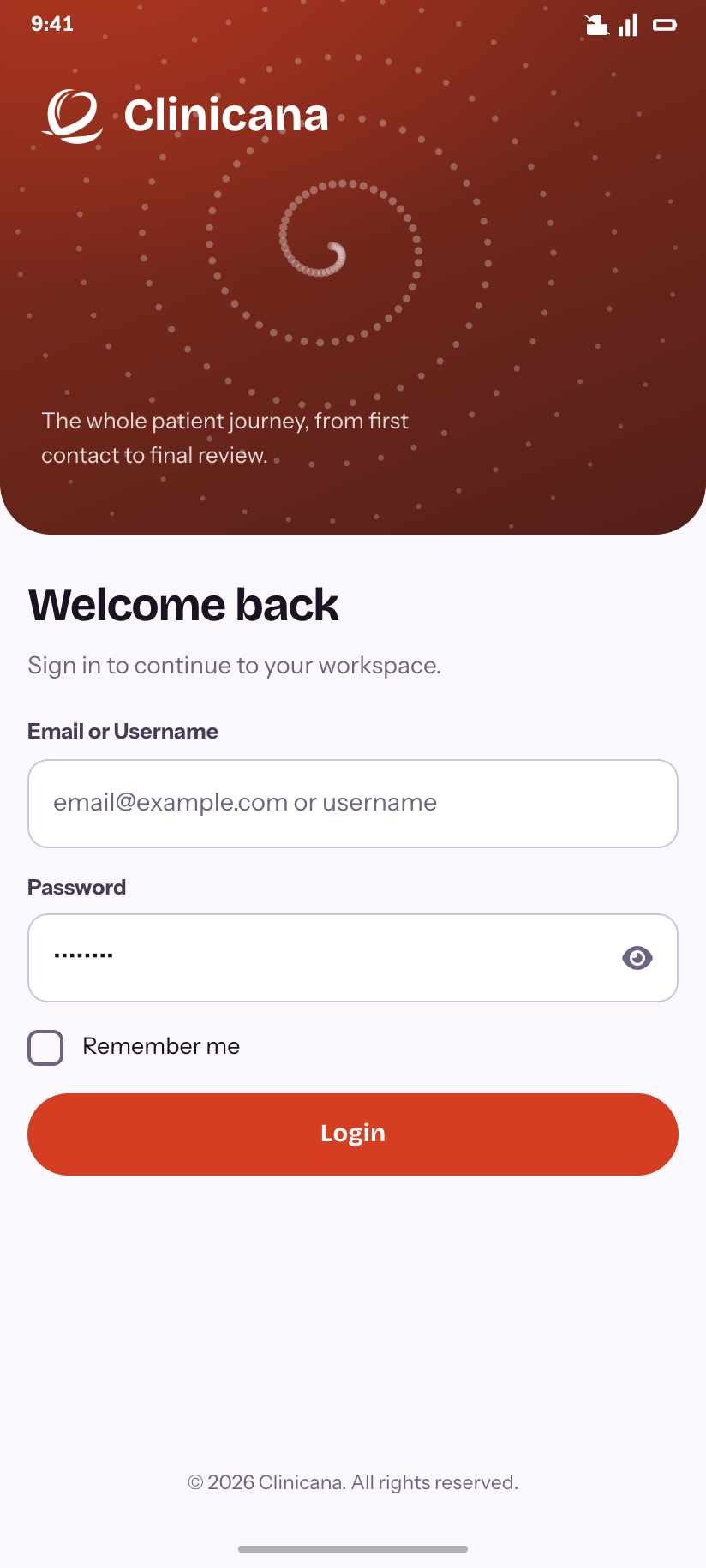
Artwork · Whorl
The crown spiral.
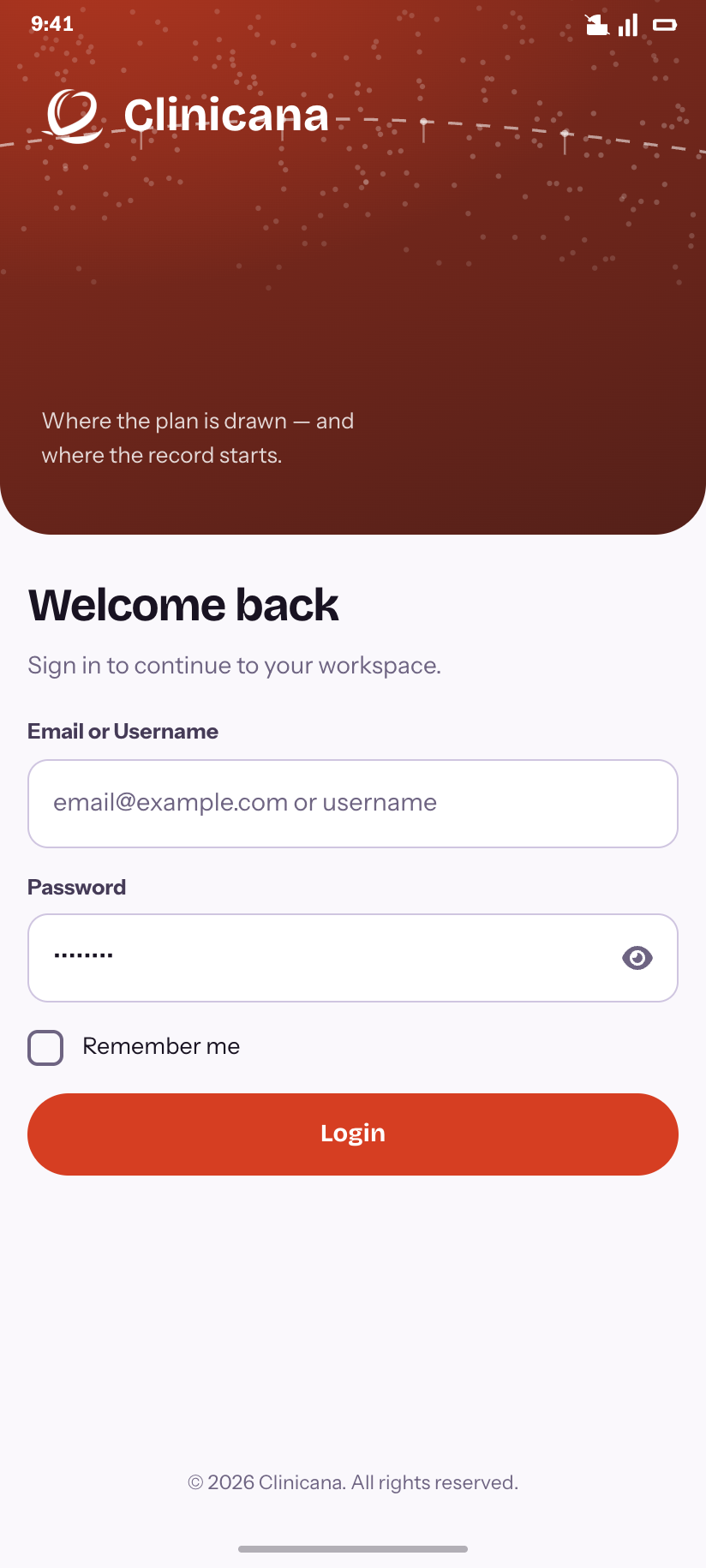
Artwork · Hairline
The drawn hairline with its four reference points.
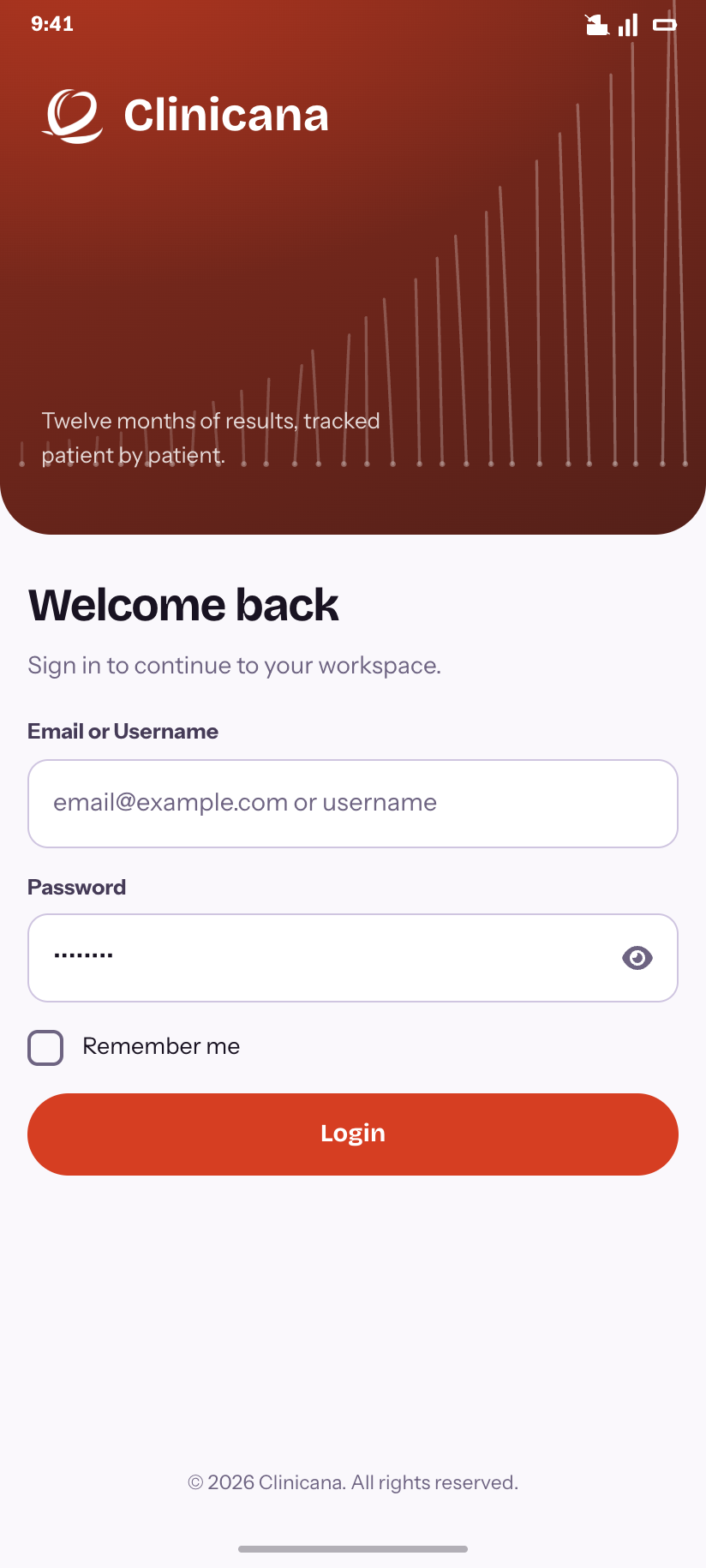
Artwork · Growth
Twelve months of results as a rising curve.
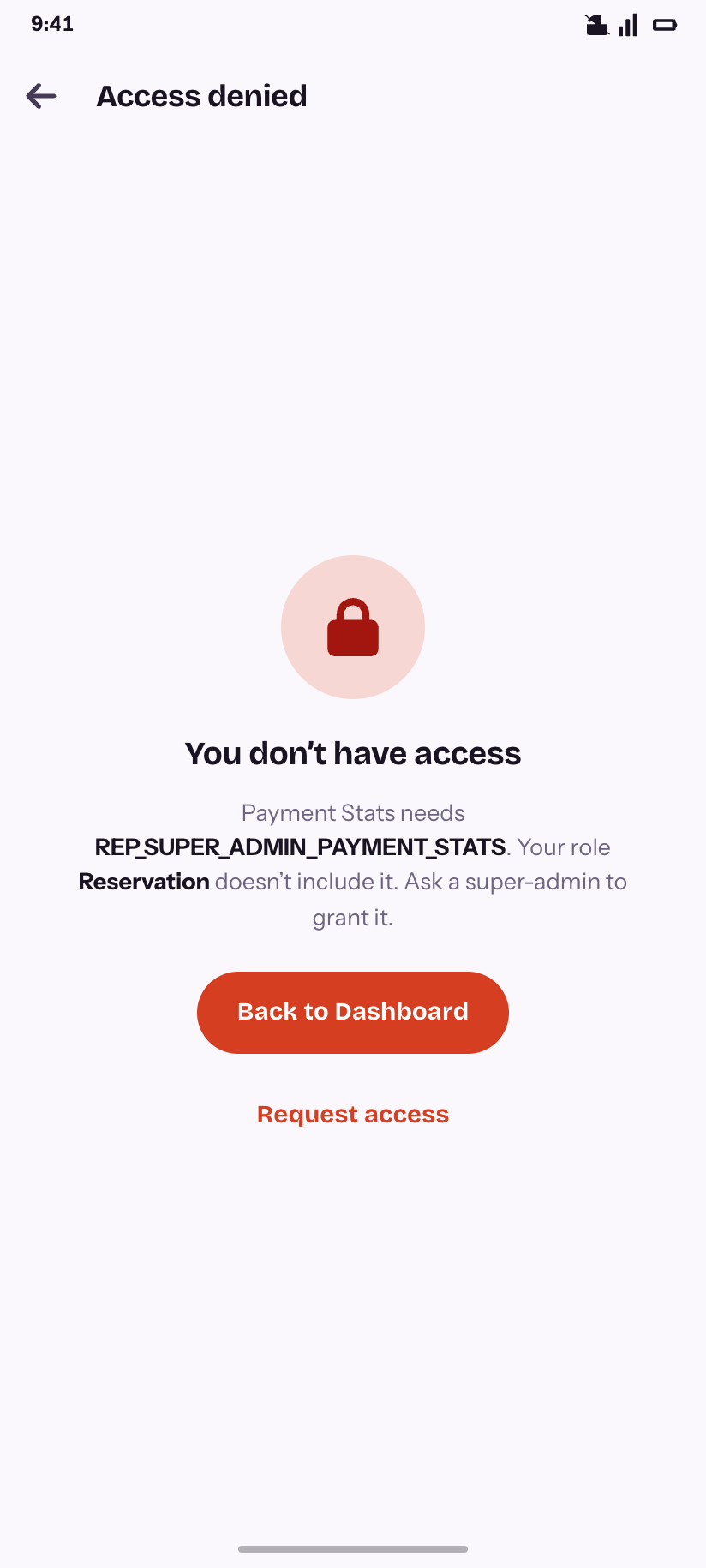
Access denied
A 403 that names the permission you are missing and the role you hold.
Dashboard
7One request decides which widgets a role gets and in which band; the page renders what it is handed. Three of the profiles are drawn here — super-admin, responsible person and driver — because they are genuinely different screens, not the same screen with things hidden.
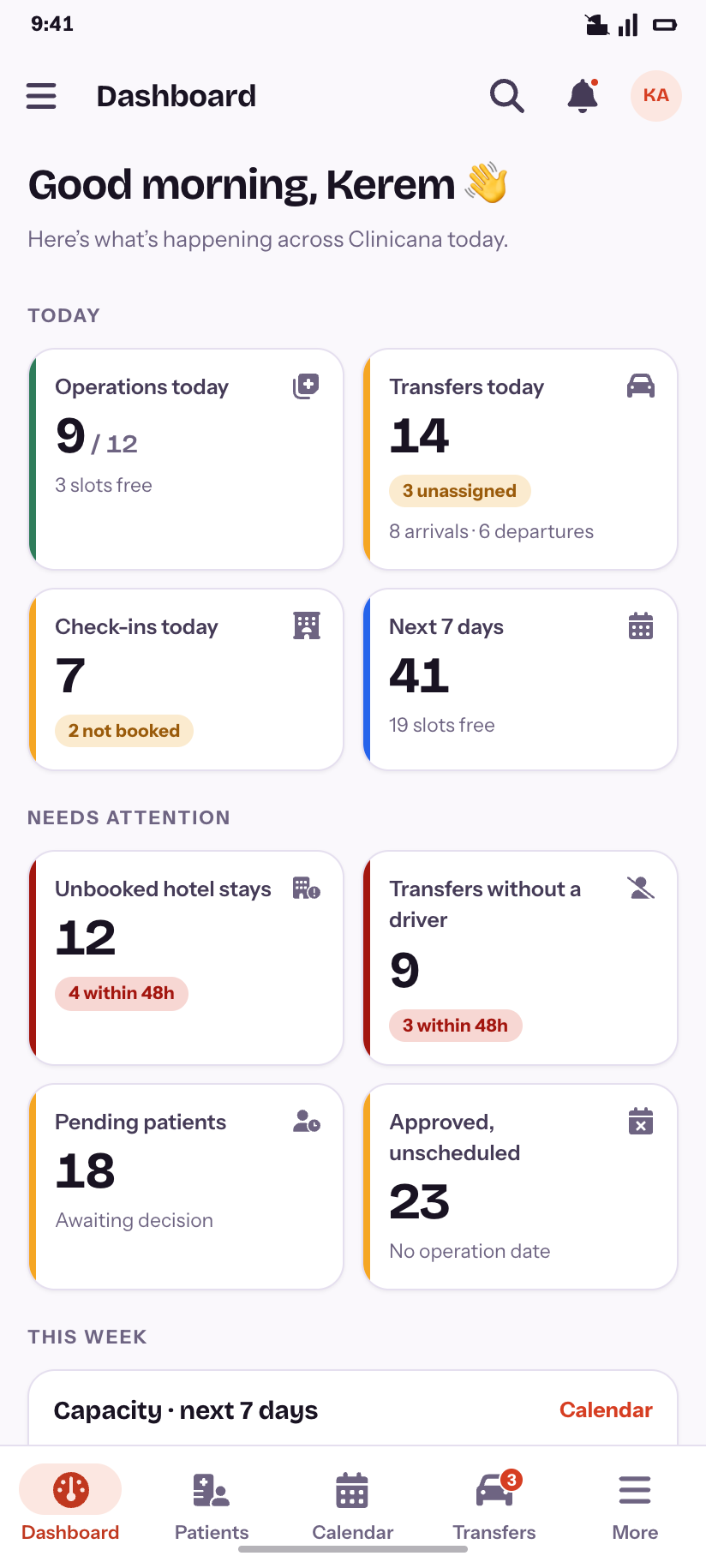
Dashboard
The super-admin profile: today, needs attention, this week.
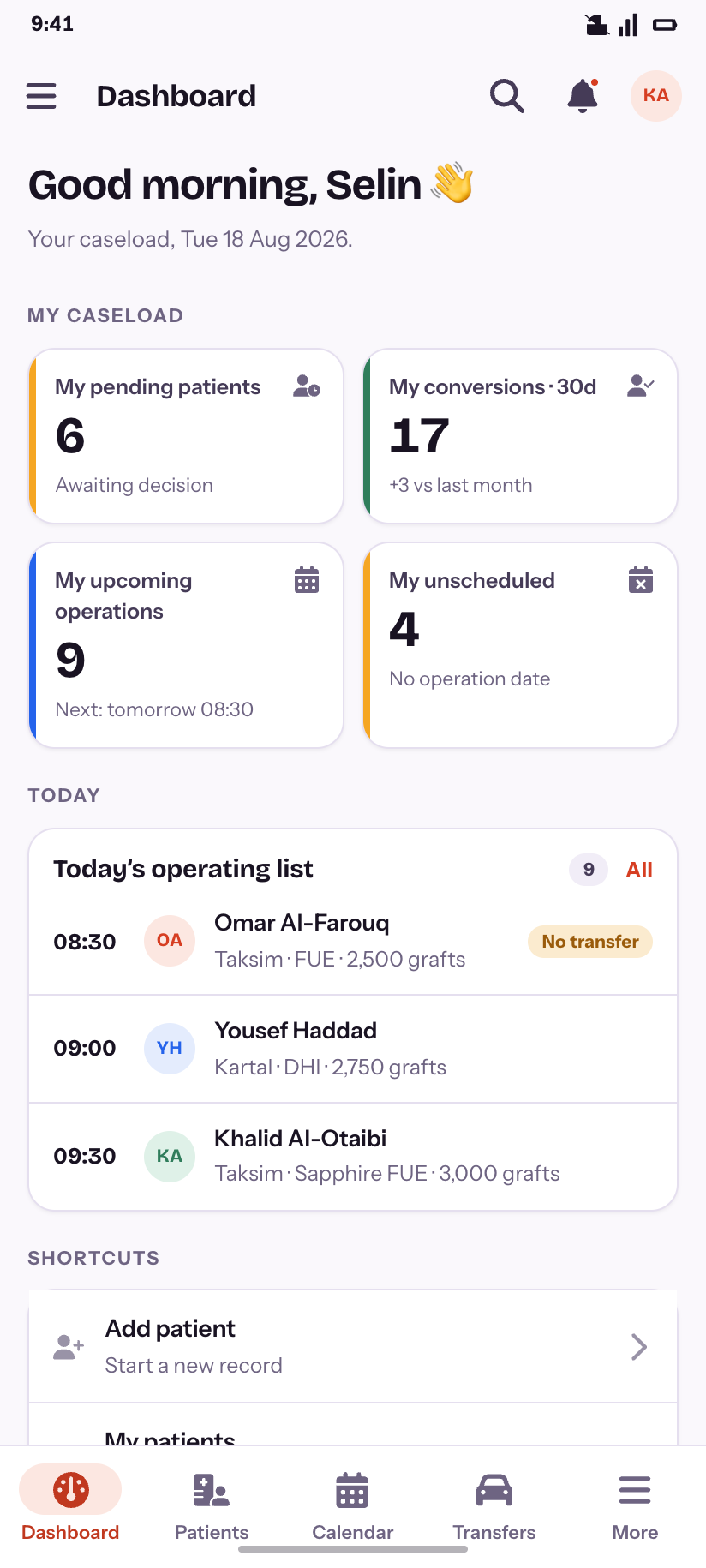
Dashboard — responsible
Caseload-scoped: my pending, my conversions, my operations.
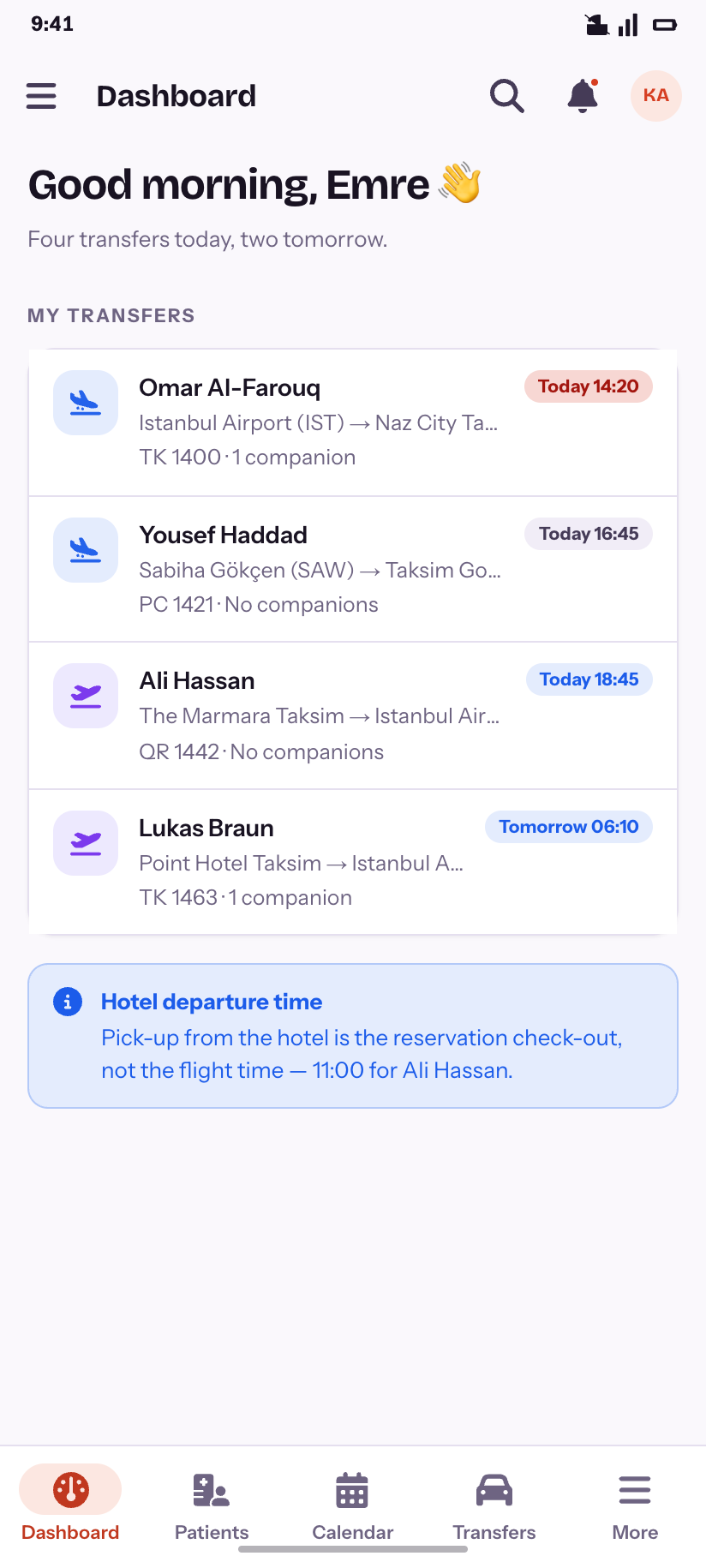
Dashboard — driver
The smallest role in the system sees one list: its own transfers.
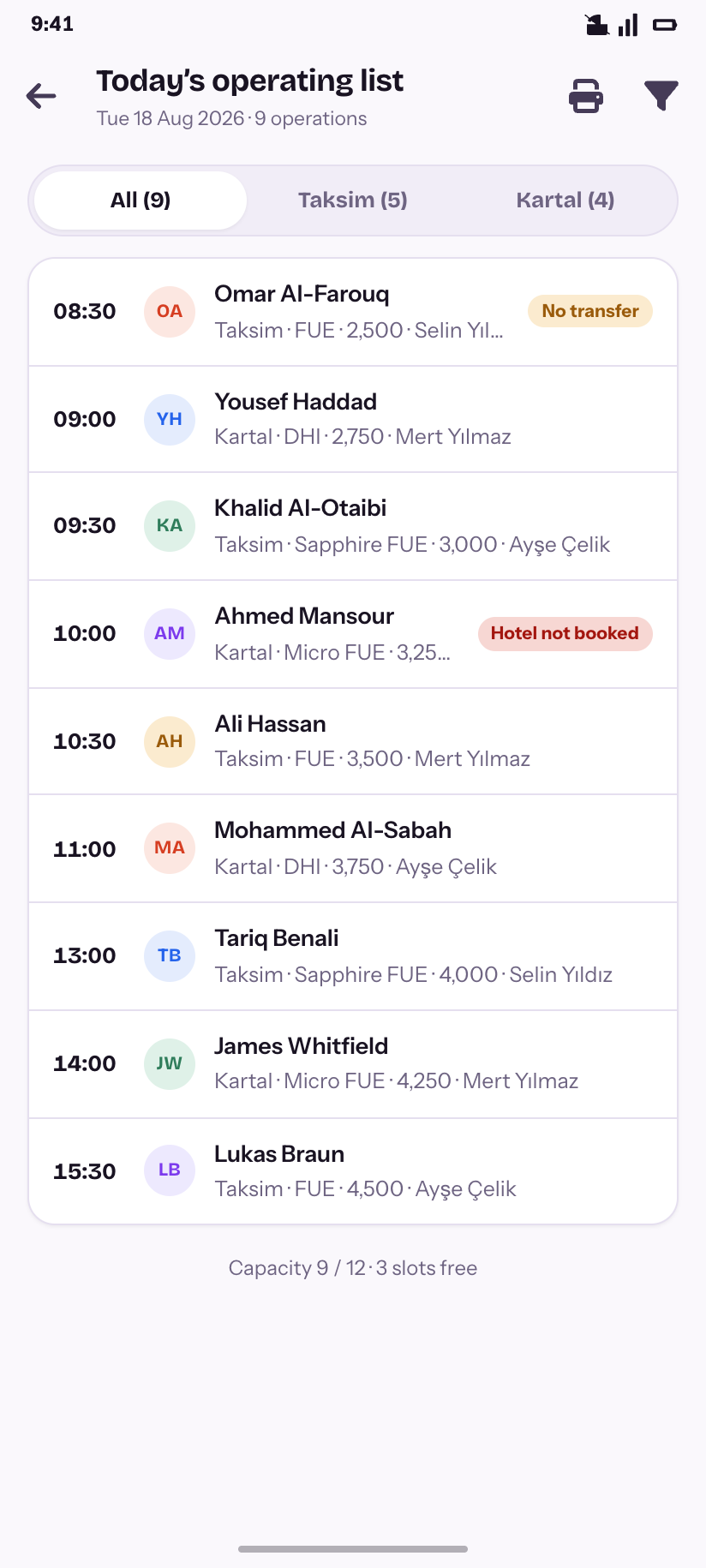
Operating list
Today’s nine operations, with the two that are missing something called out.
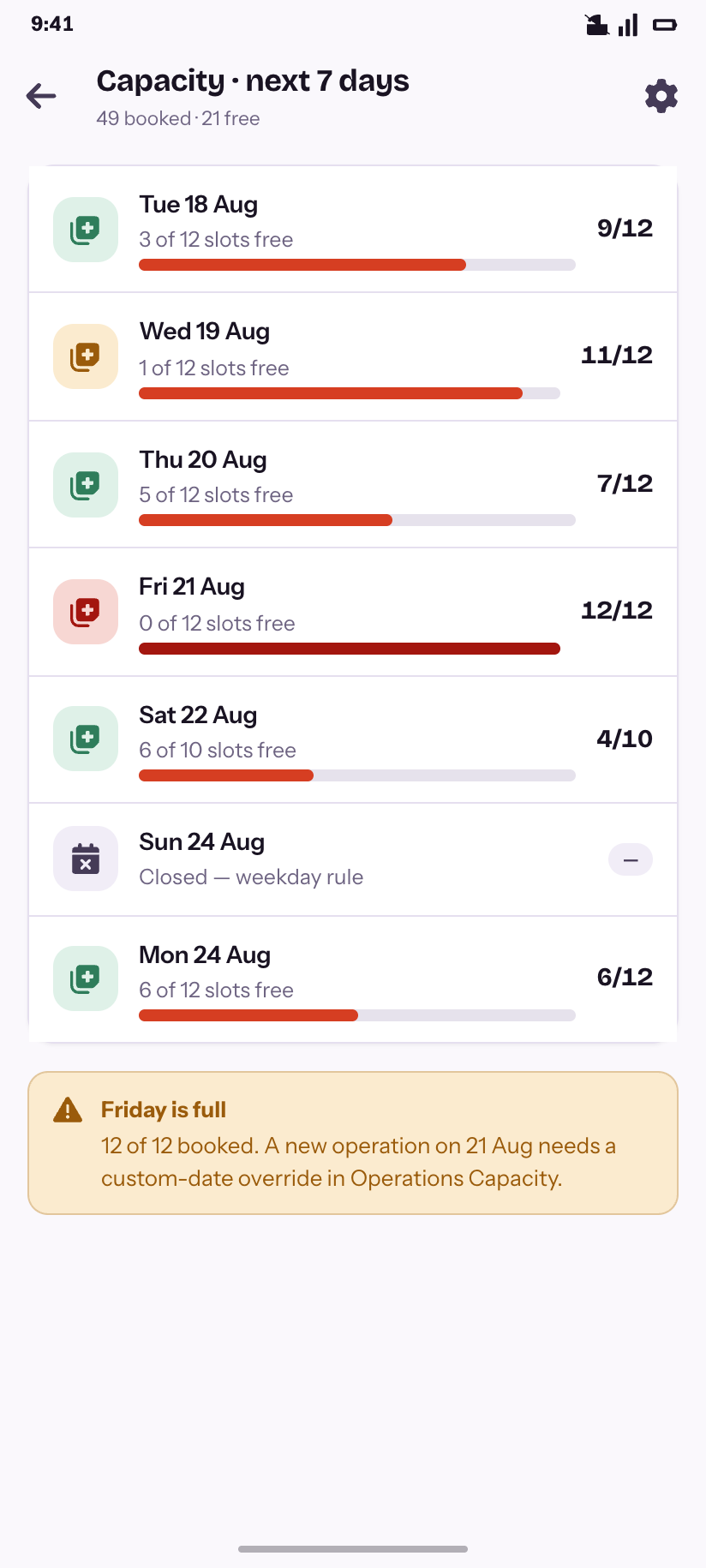
Capacity · 7 days
Where the week is tight, and which day is already full.
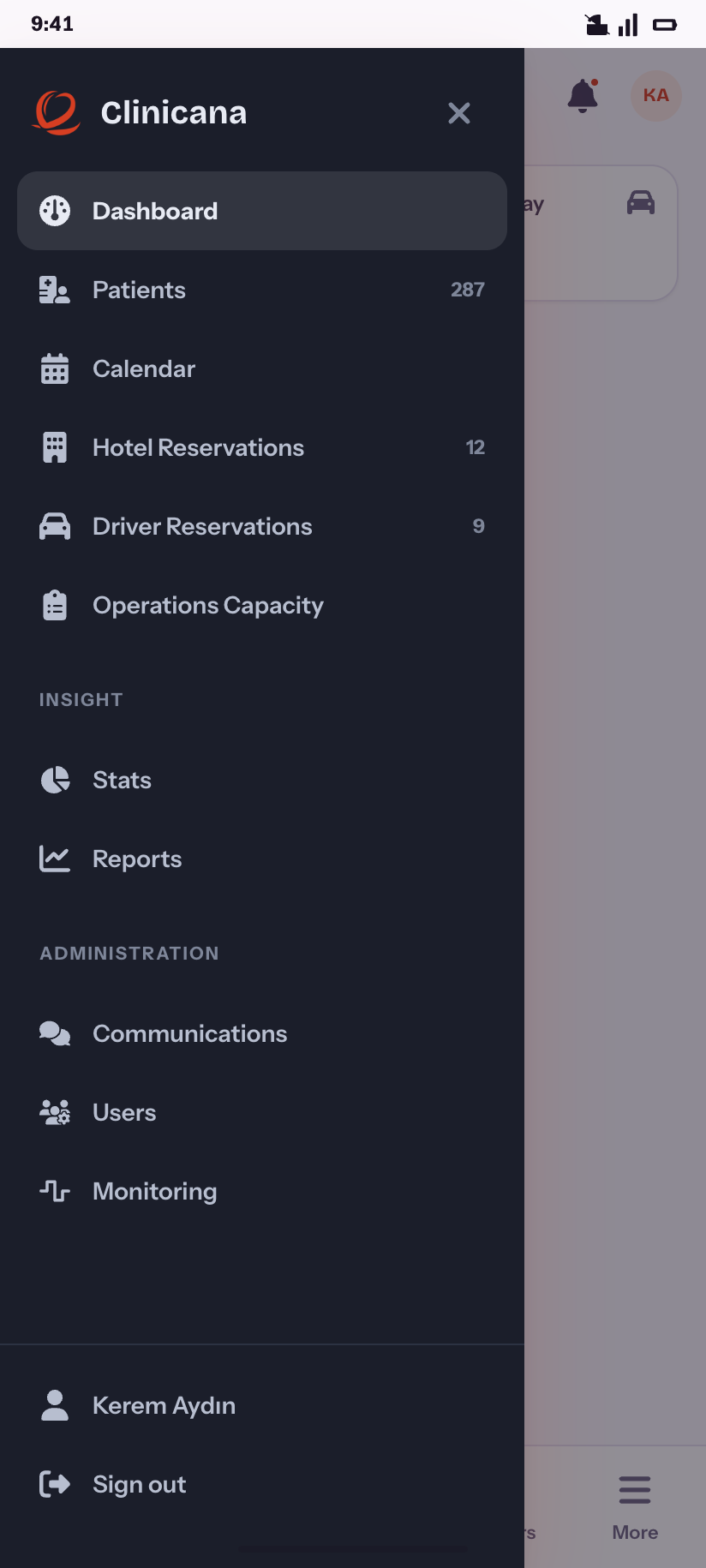
Navigation drawer
The semi-dark rail — the CMS’s signature furniture — in its phone role.
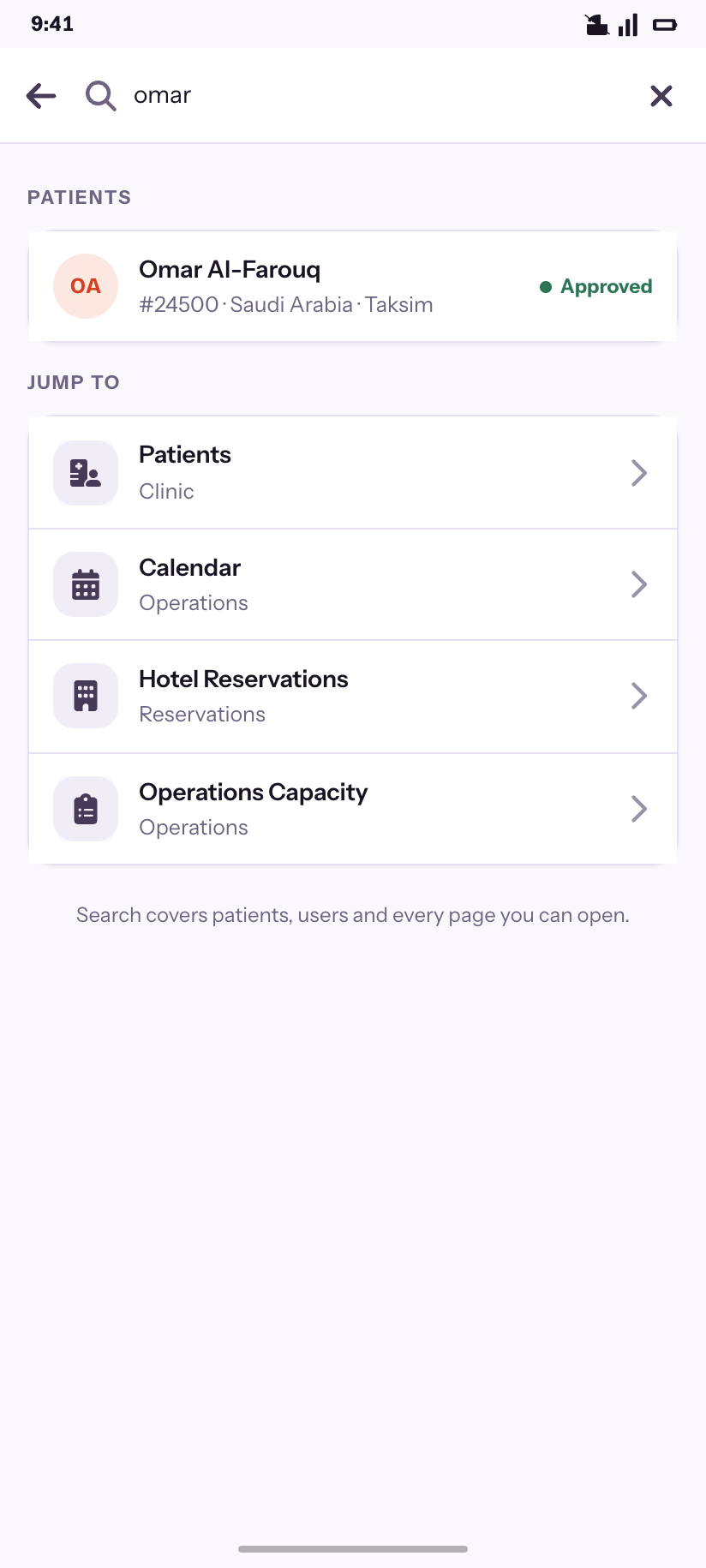
Search
The command palette: records first, then pages.
Patients
16The desktop table has fourteen columns and three densities. A phone row shows five fields, so a sheet decides which five. The record keeps all six of the product's tabs rather than flattening them.
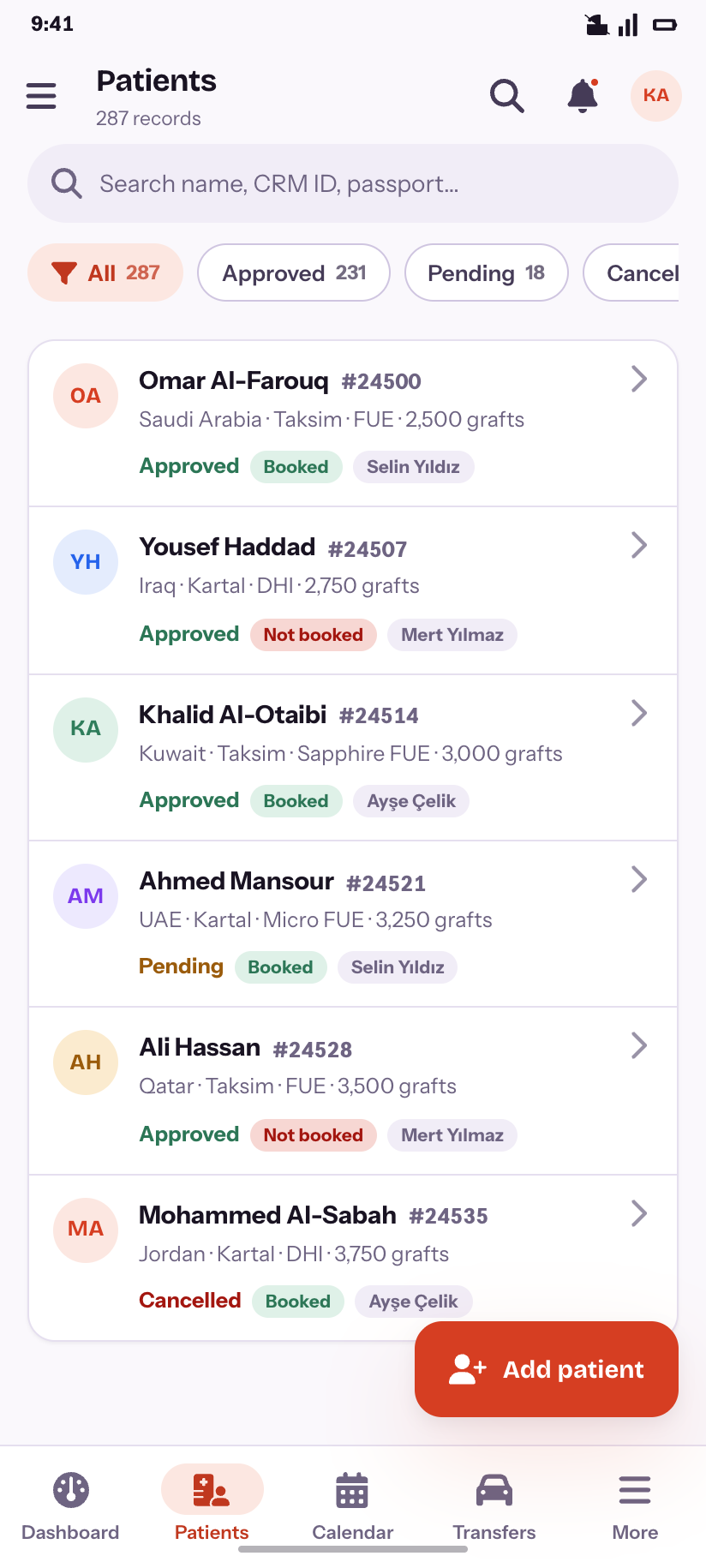
Patients
287 records, filtered by status, with hotel state on the row.
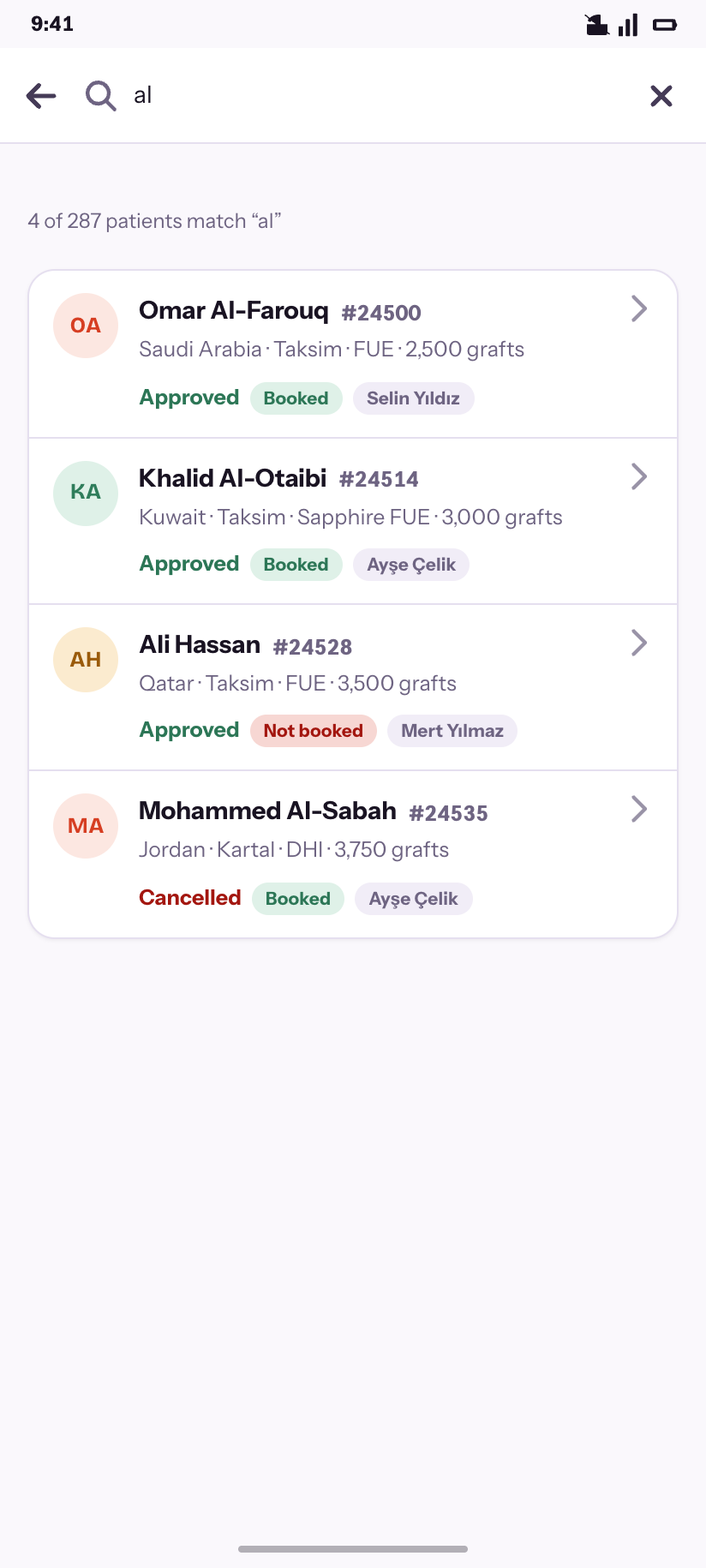
Search
Matching across name, CRM ID and passport.
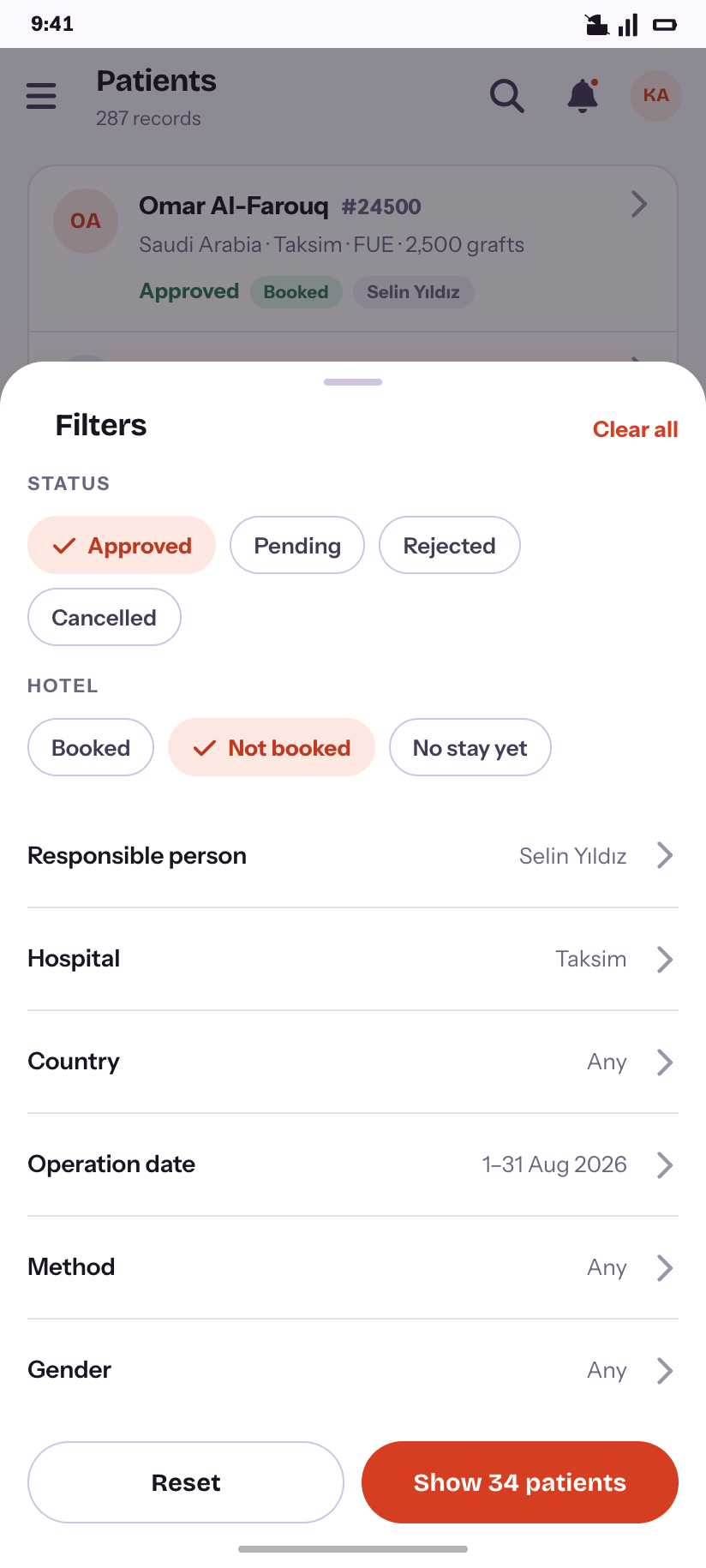
Filters
Status and hotel as chips; the long tail as rows.
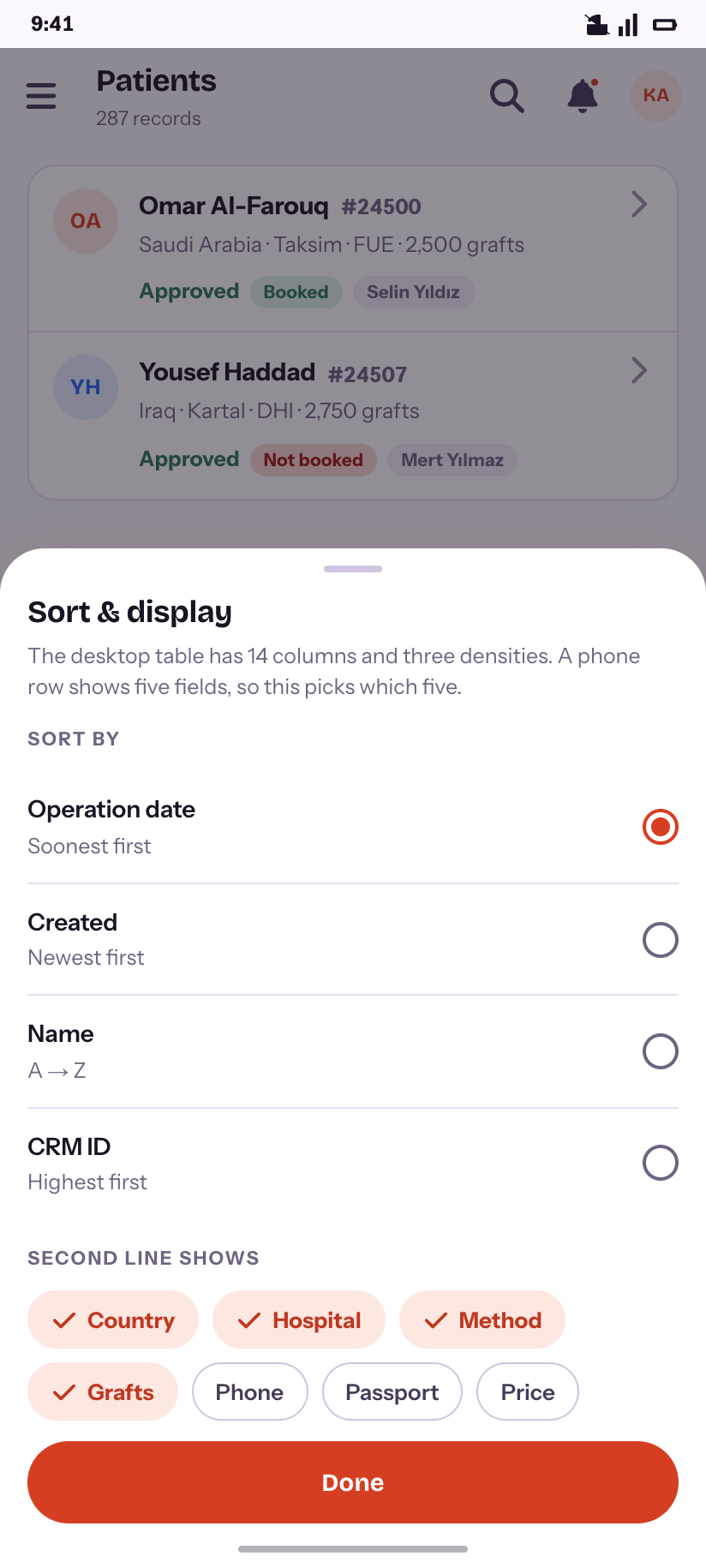
Sort & display
Which five of the fourteen columns the second line carries.
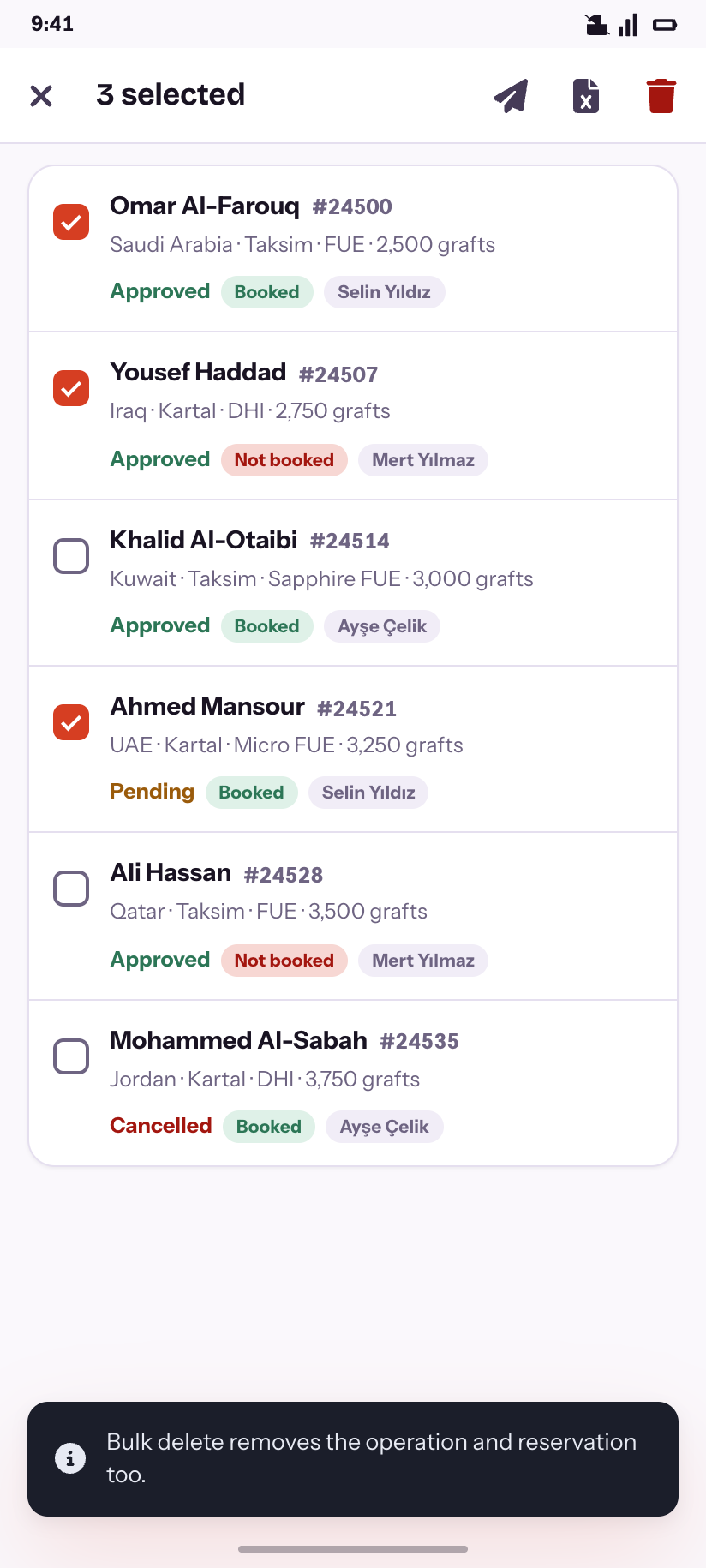
Selection
Bulk delete, with what it actually deletes spelled out.
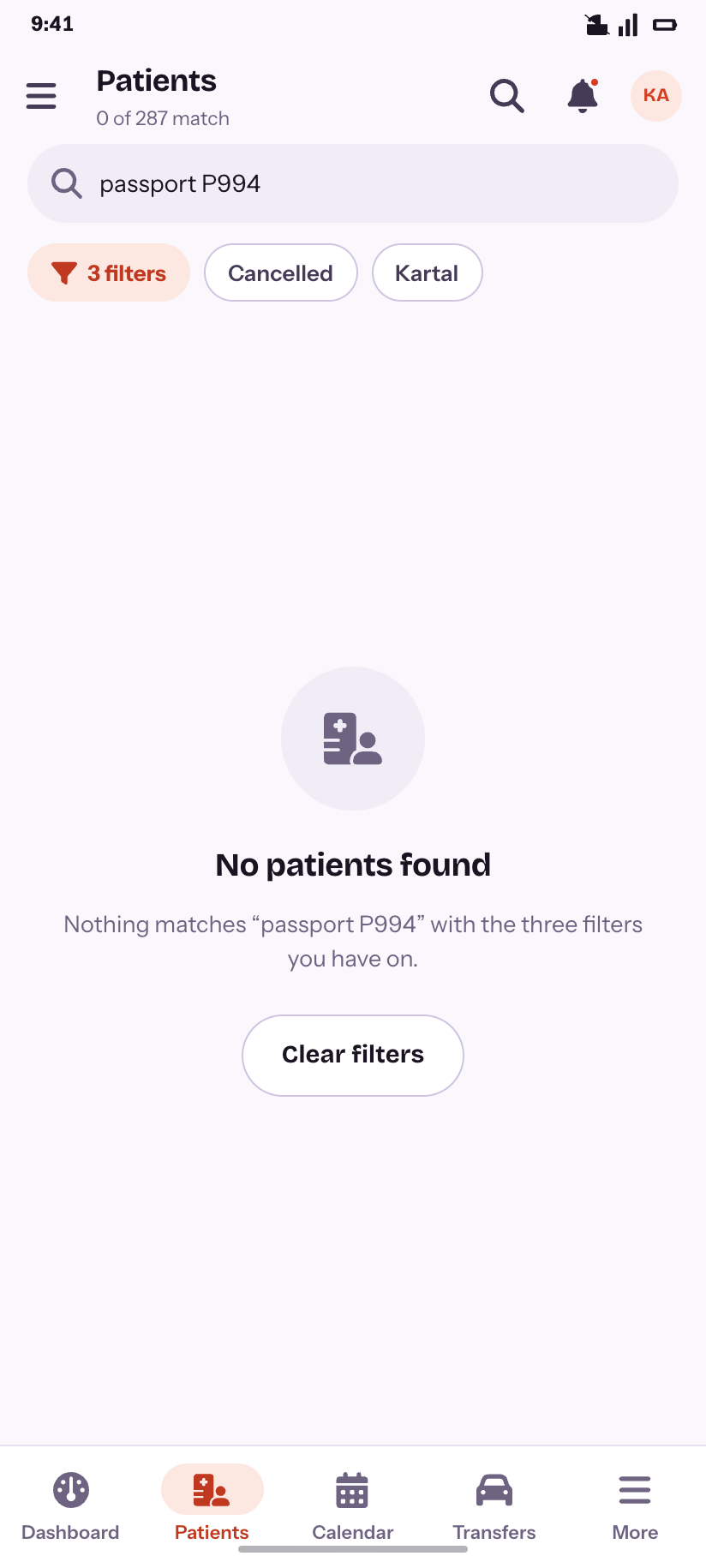
No results
A search plus three filters, and the way back out.
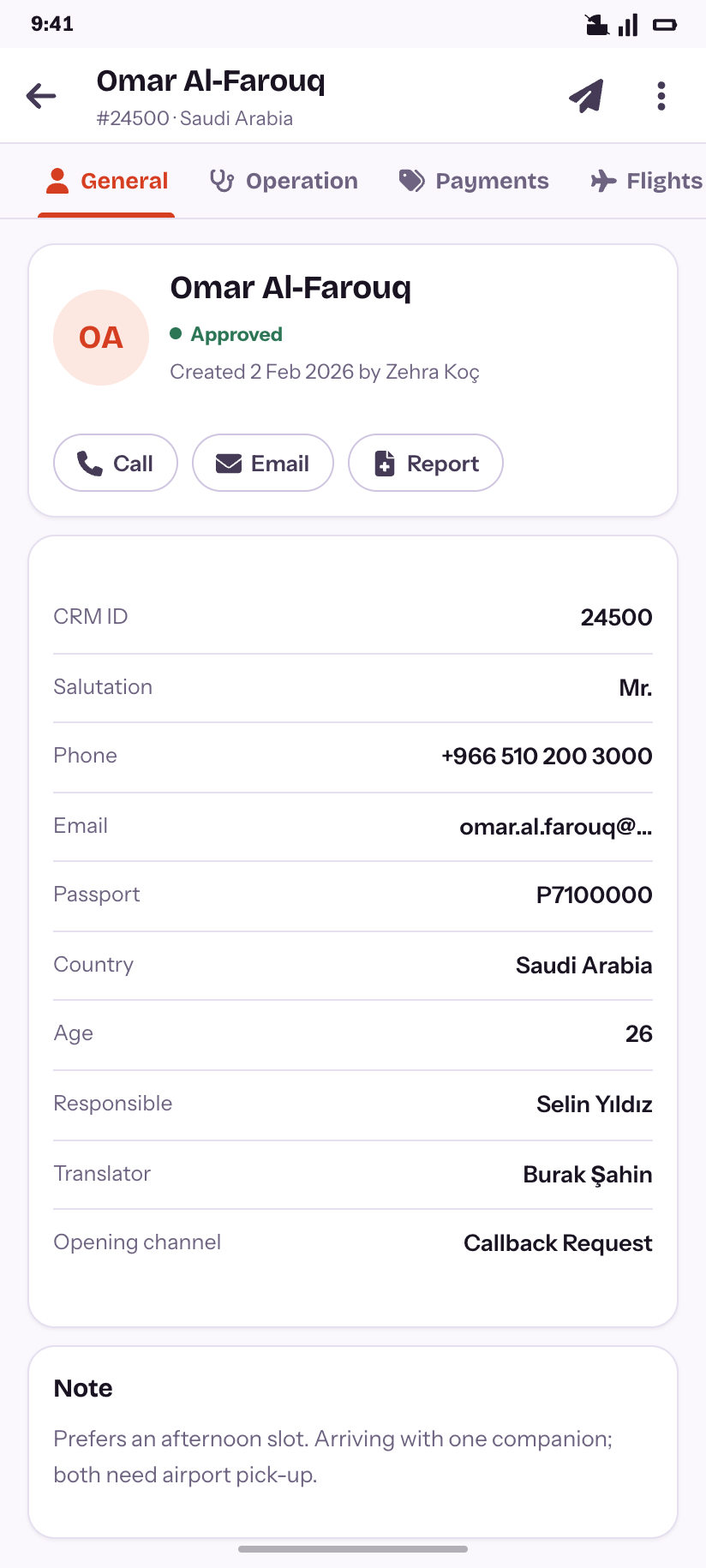
Record · General
Identity, ownership, and the note.
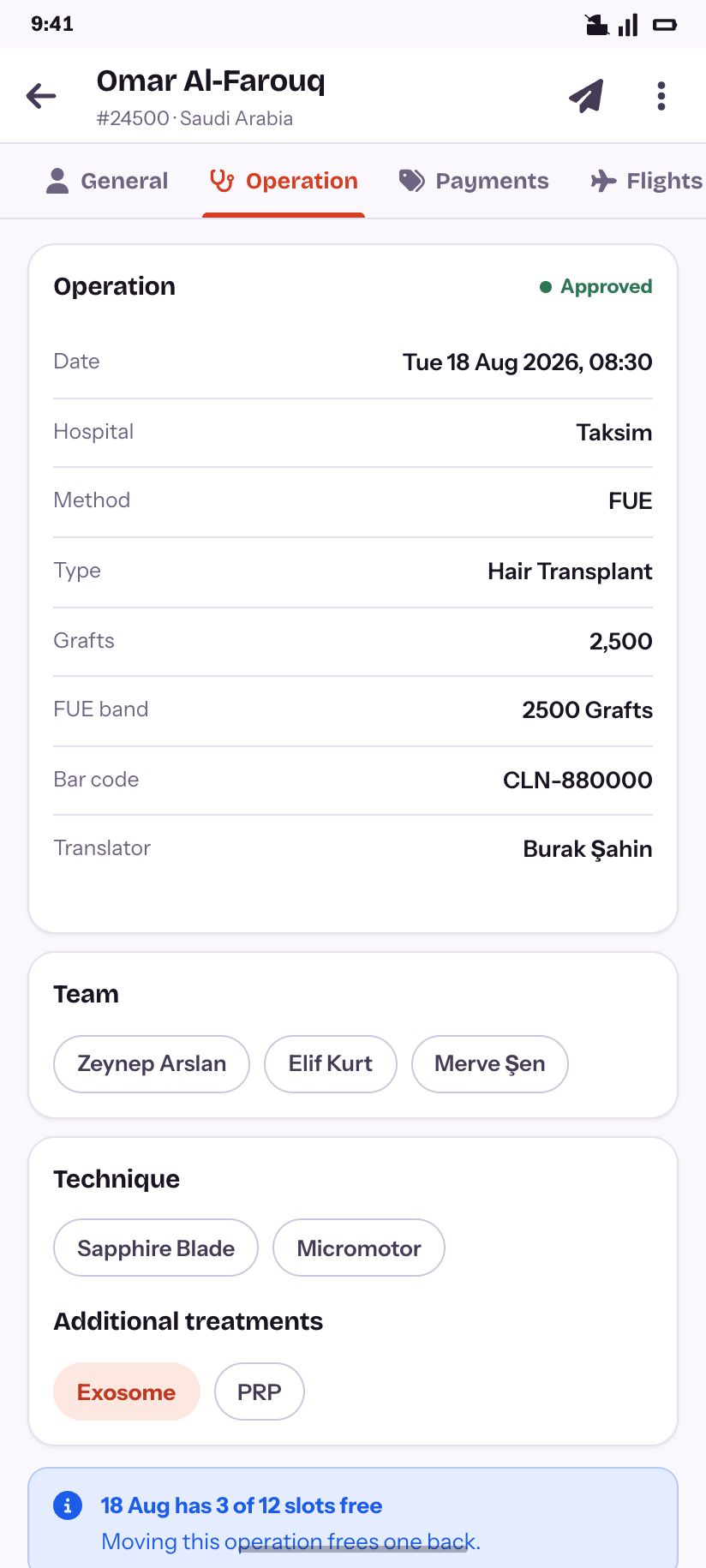
Record · Operation
Date, hospital, method, team and technique.
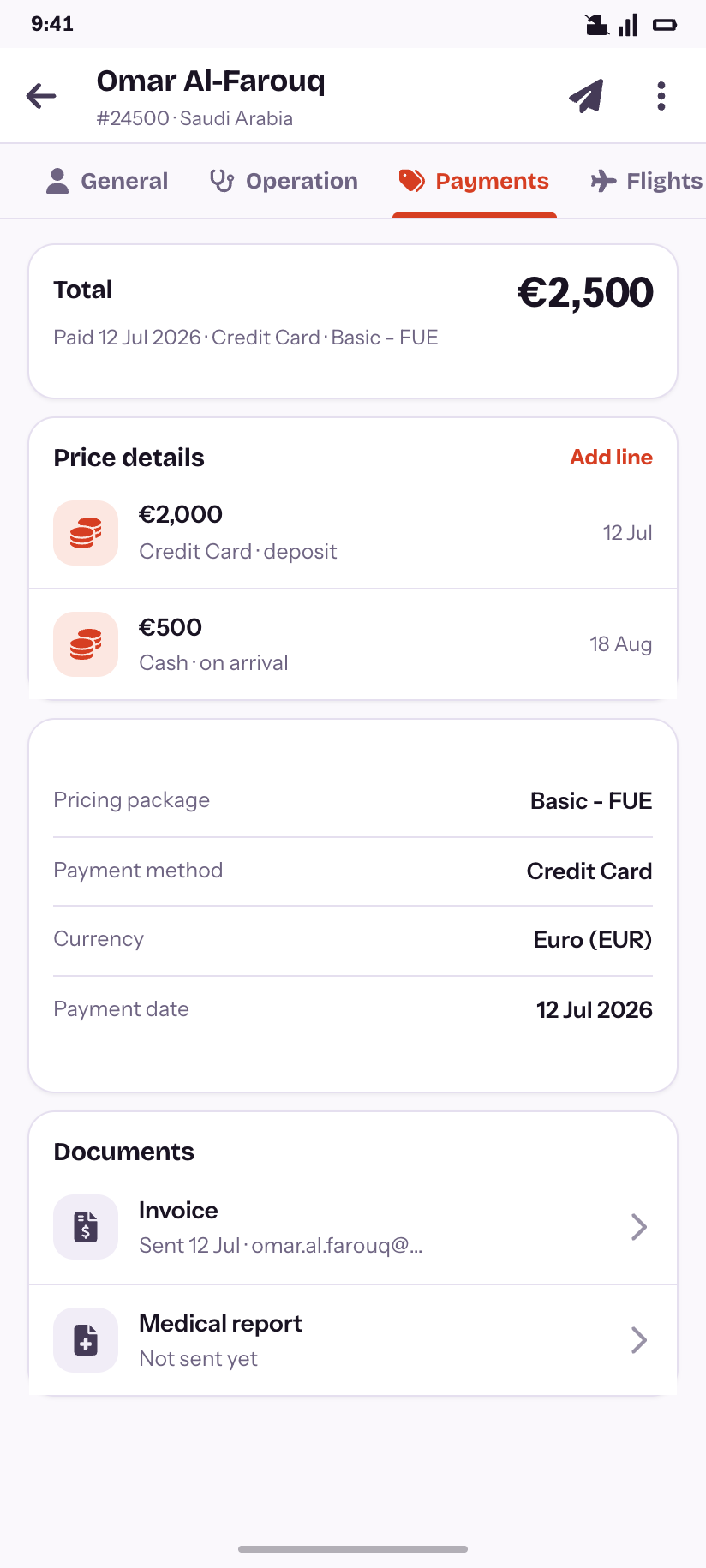
Record · Payments
The multi-currency price lines and the two documents.
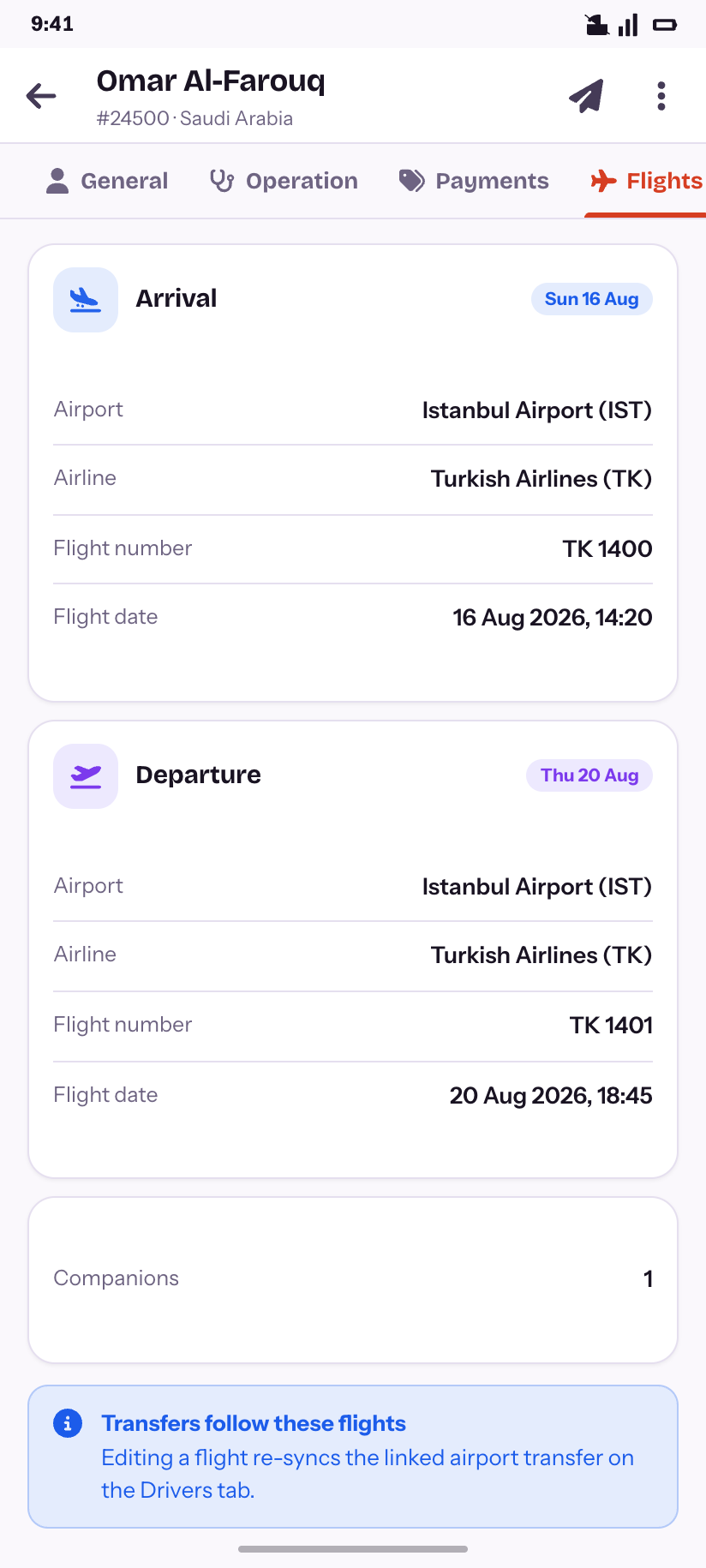
Record · Flights
Arrival and departure, and why editing one re-syncs a transfer.
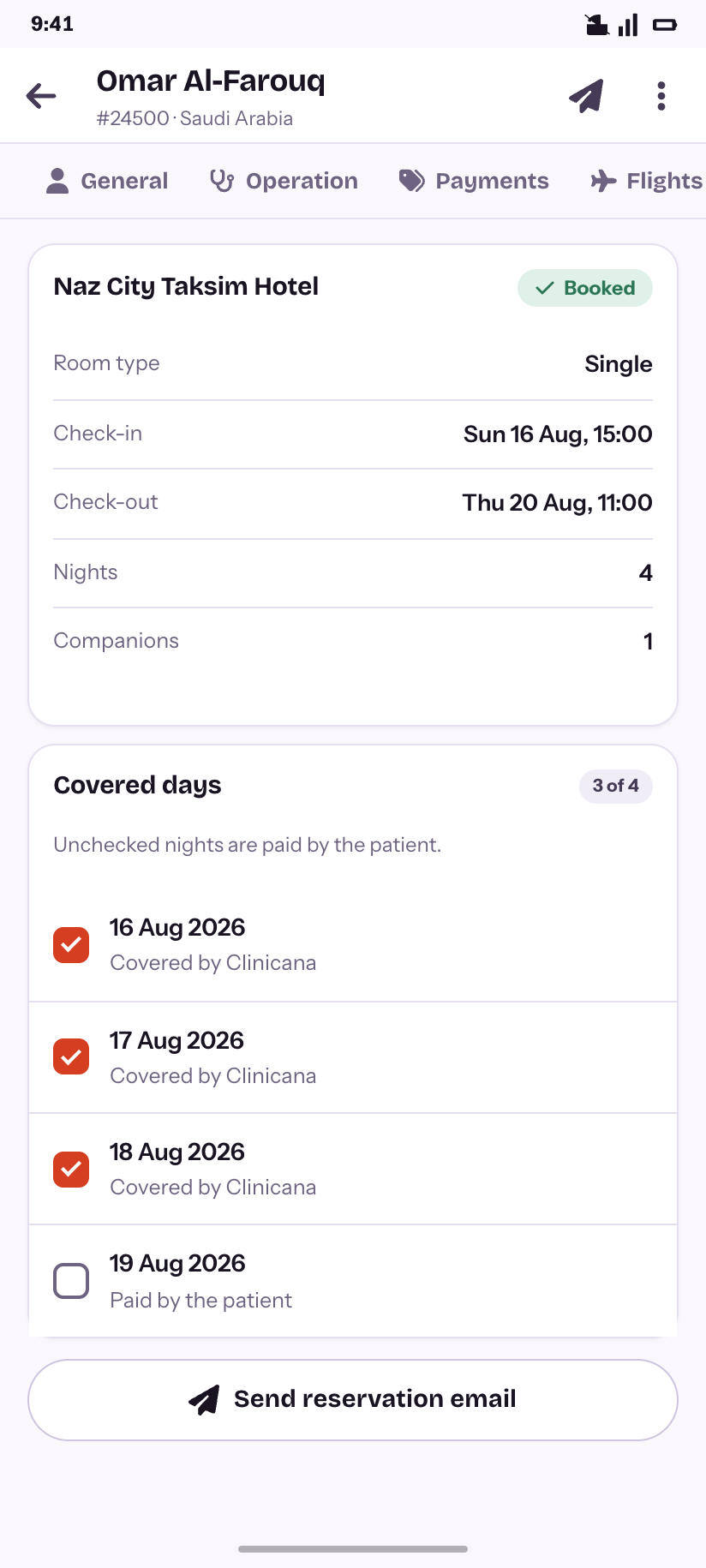
Record · Hotel
The stay, and the covered-nights checklist that splits the bill.
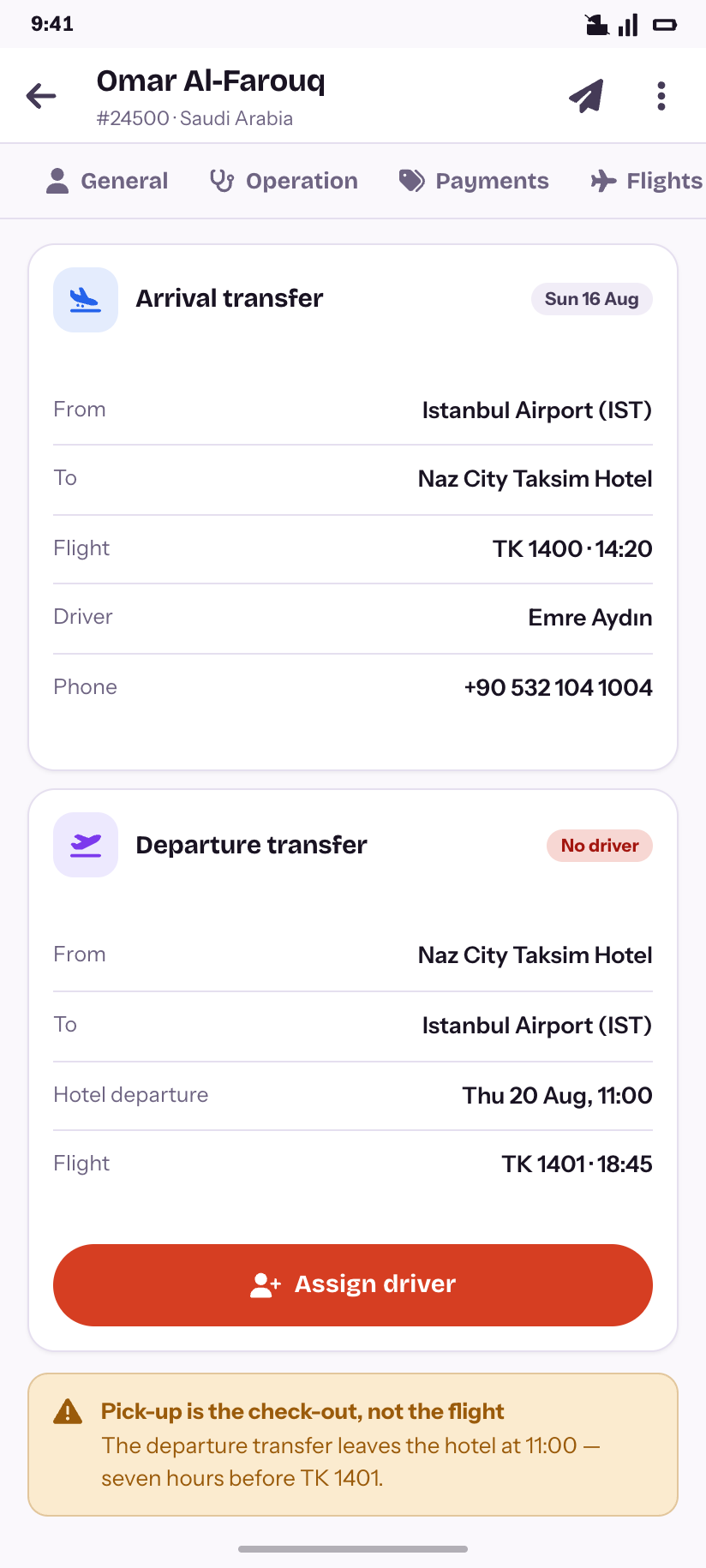
Record · Drivers
Both transfers, including the one with no driver.
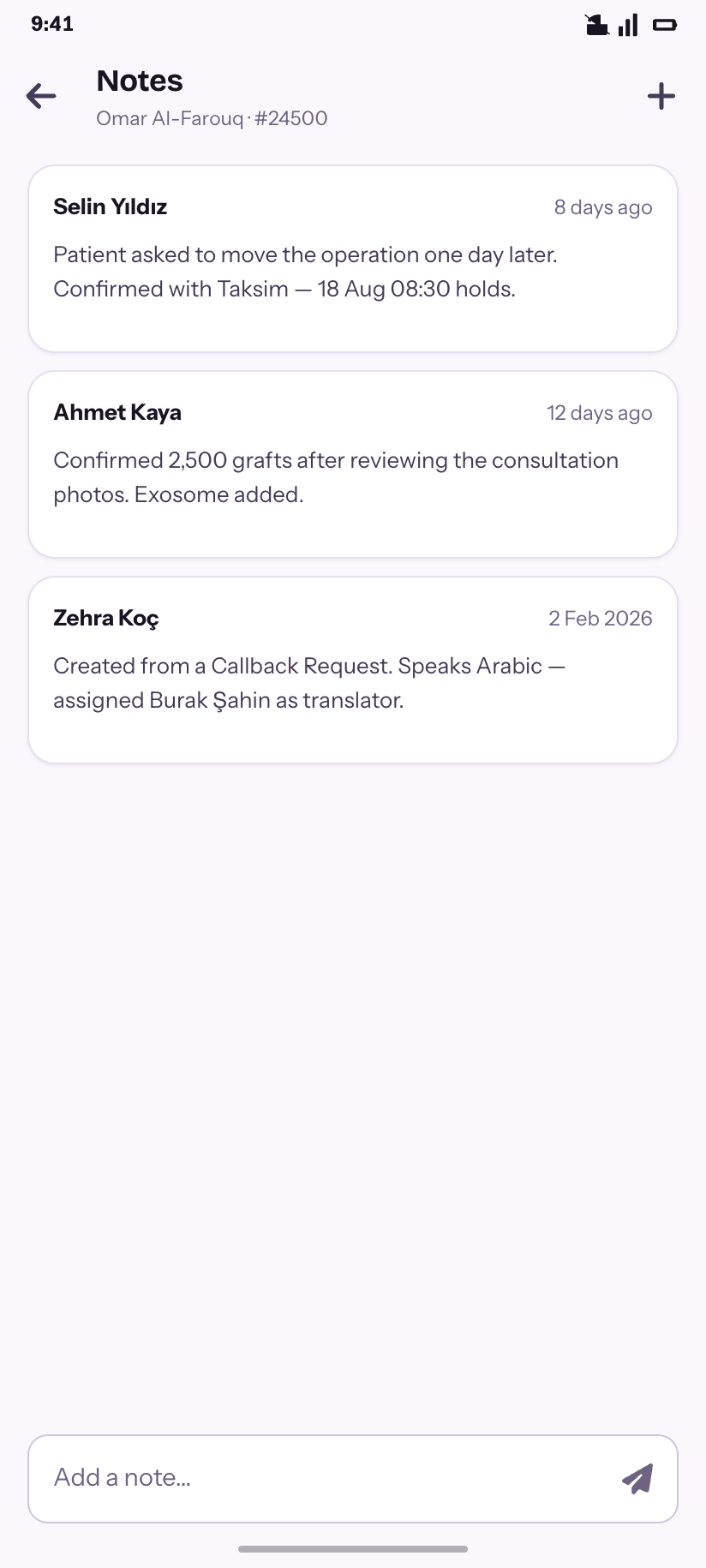
Record · Notes
The operation-note thread, oldest context last.
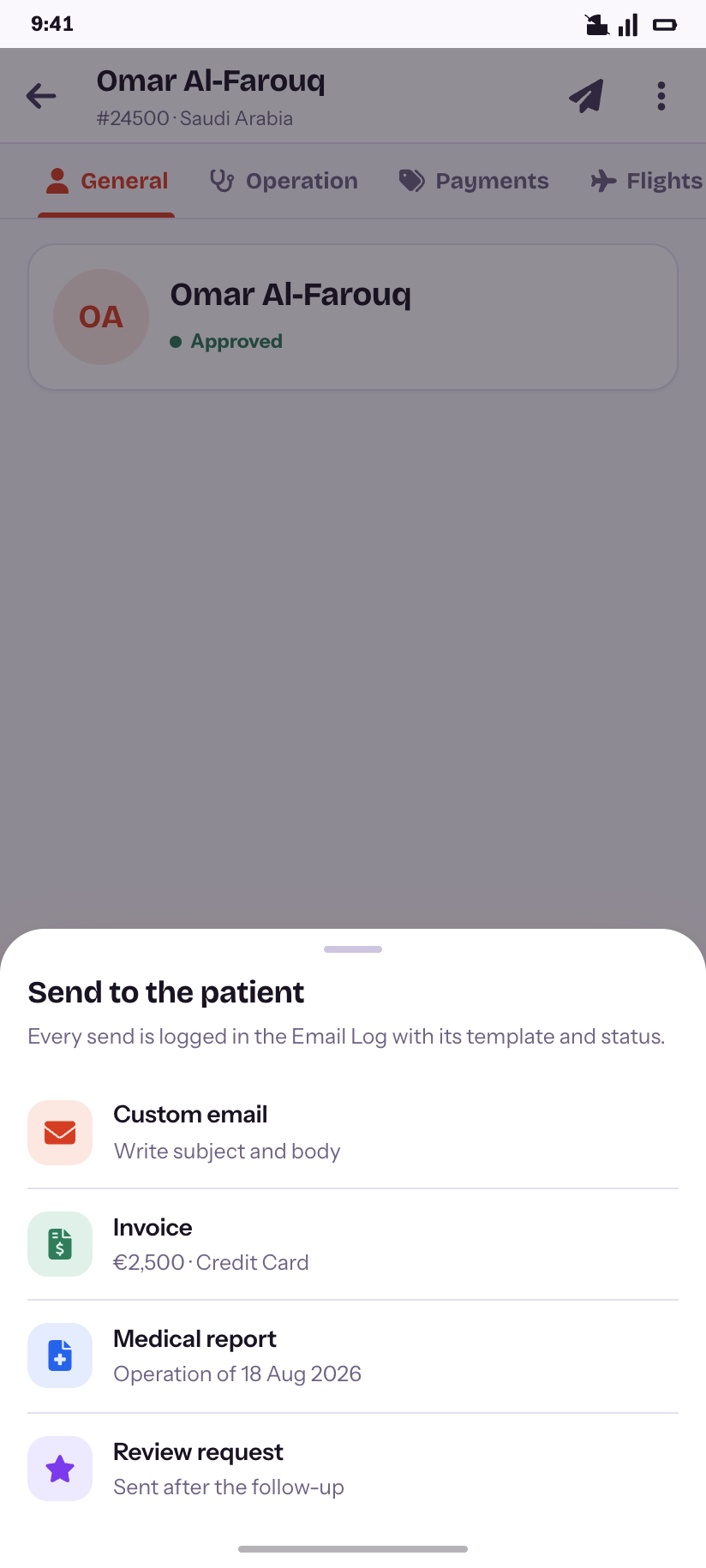
Send
The four things the product can email a patient.
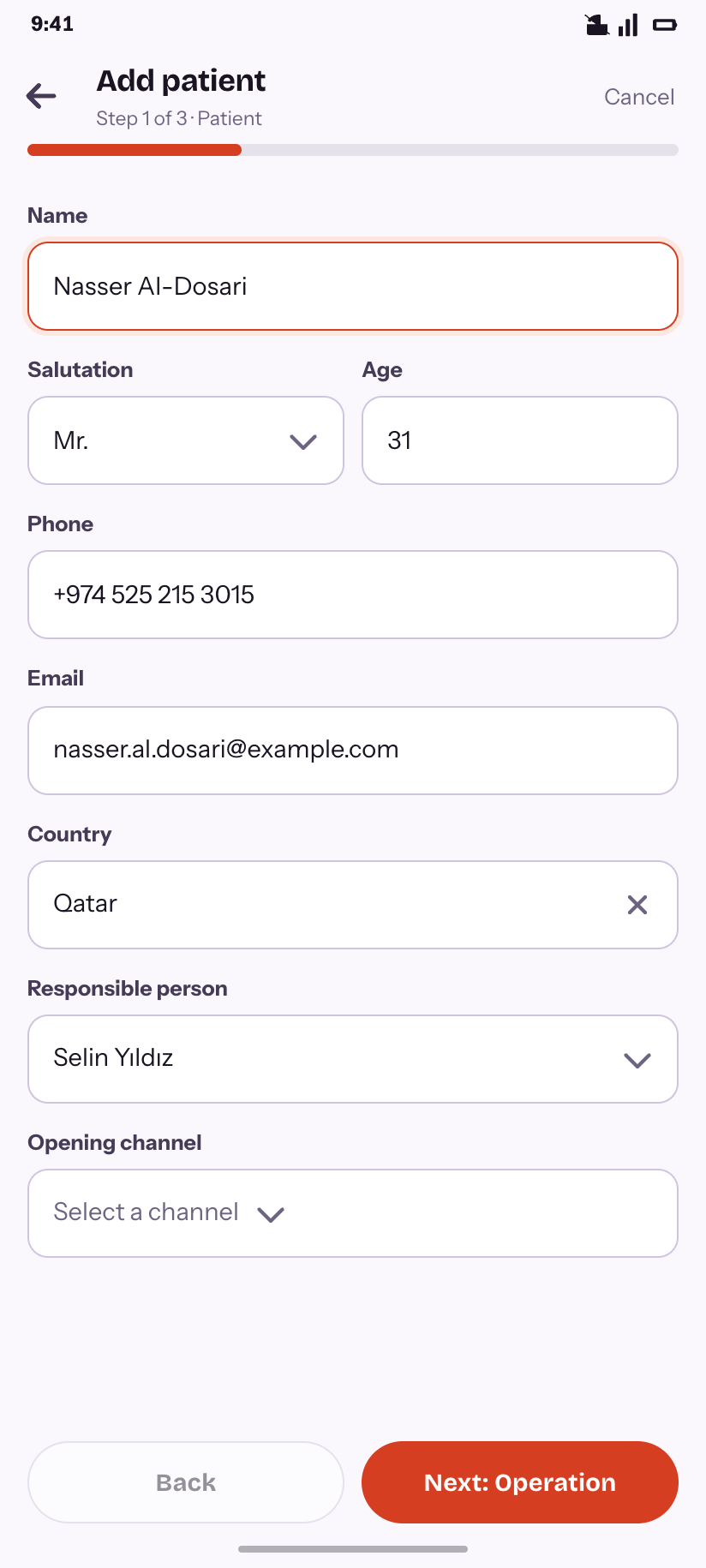
Add patient
Step 1 of 3 — the patient half.
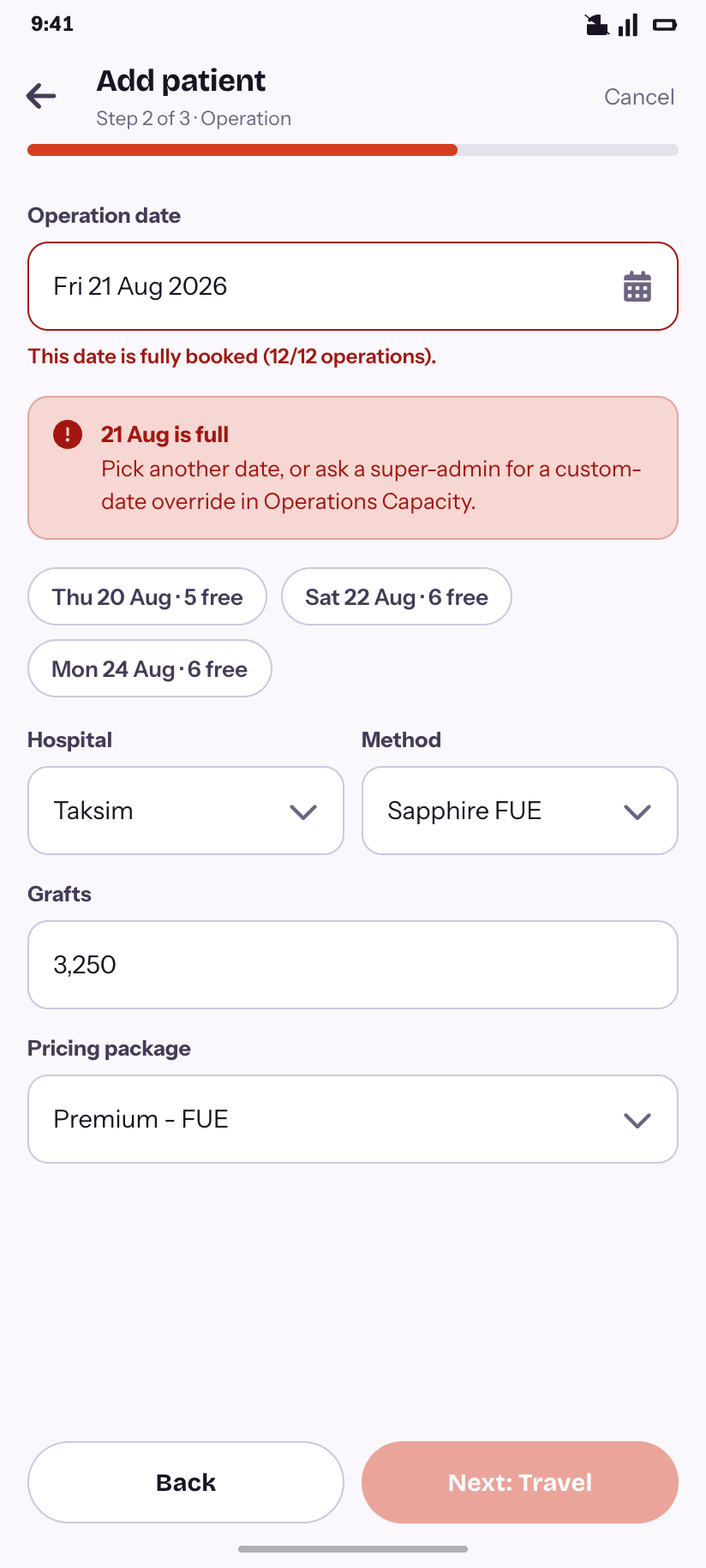
Add patient — full day
Step 2 refuses a full date and offers three that are not.
Calendar & capacity
8All five of the product's calendar views survive the move to a phone, because they answer different questions. The capacity rules that colour them sit at the end of the flow.
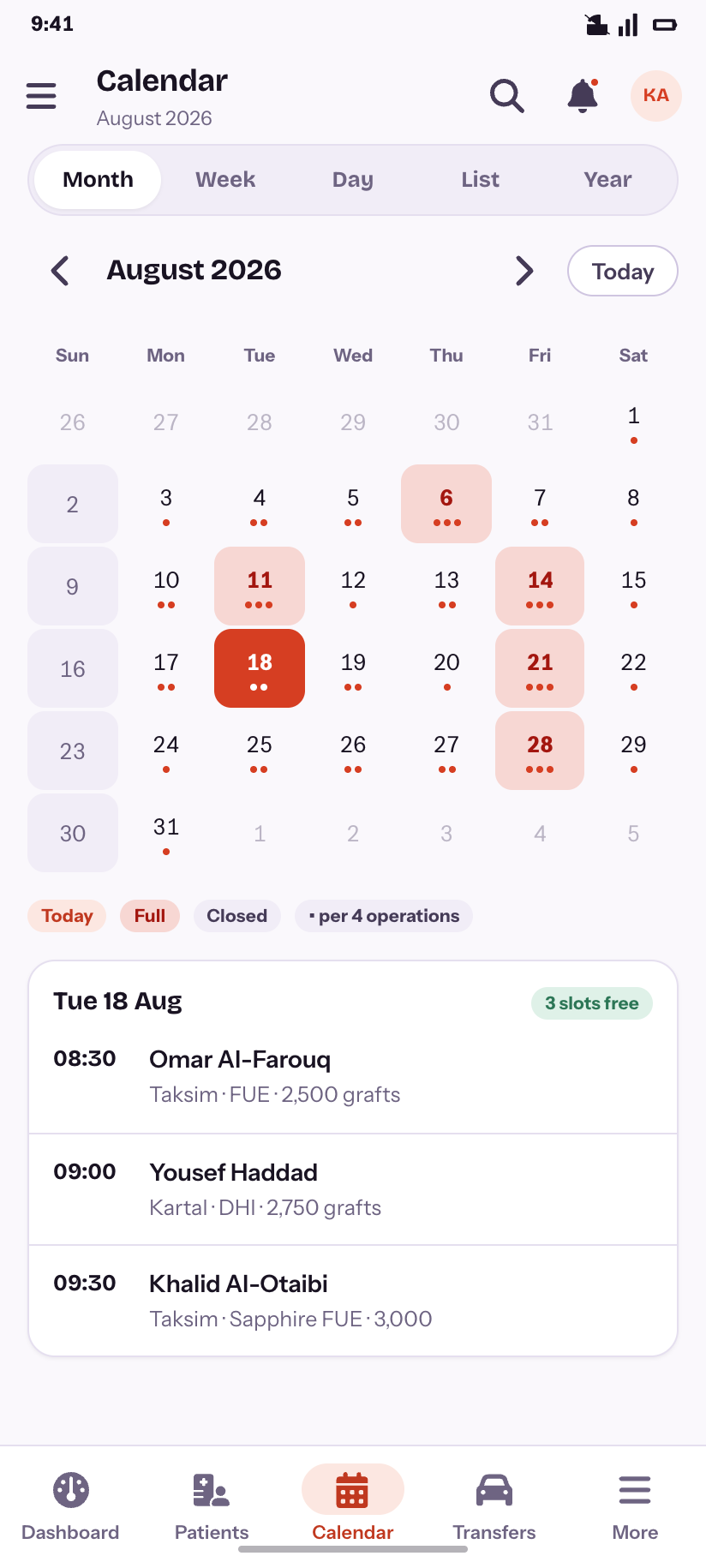
Month
August 2026, with full days, closed days and per-day load.
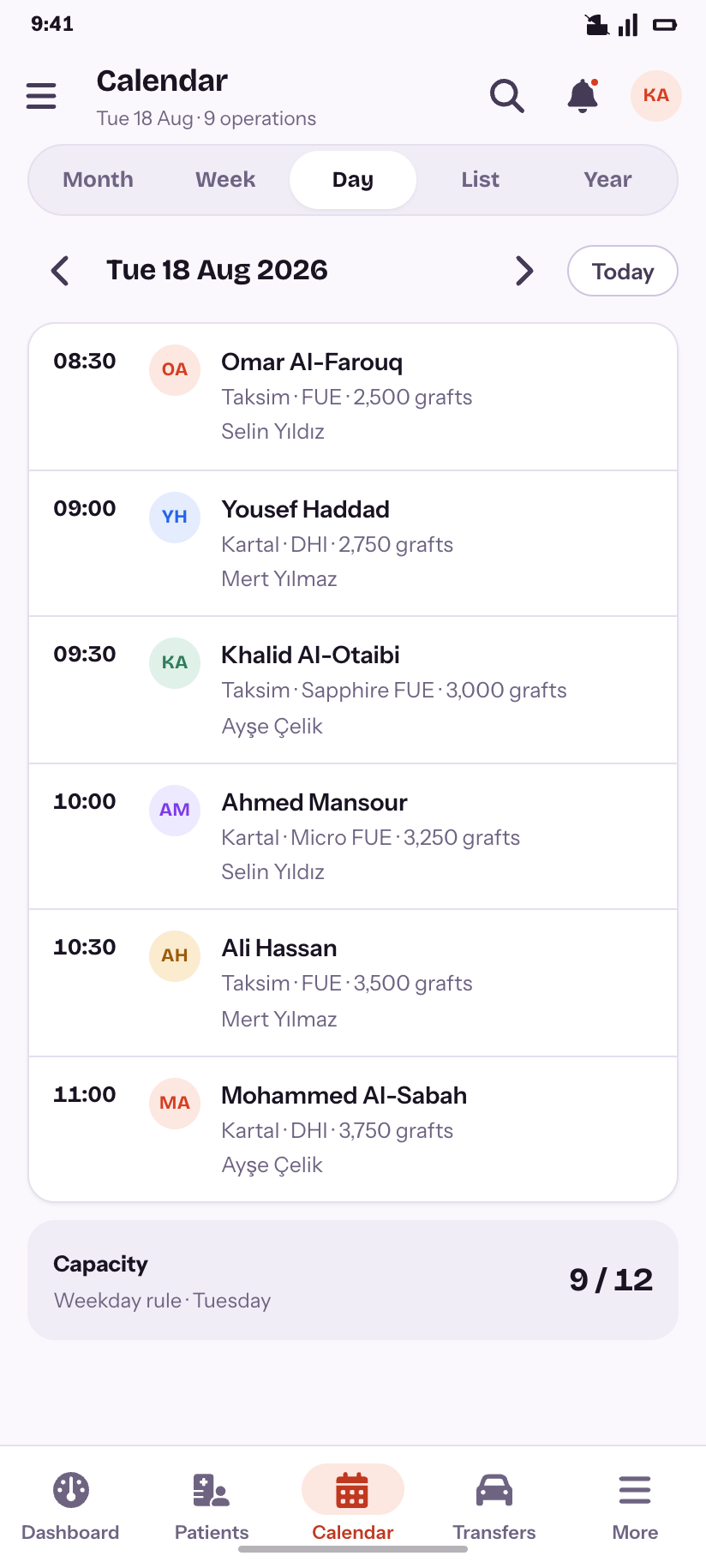
Day
One day as an agenda, against its capacity.
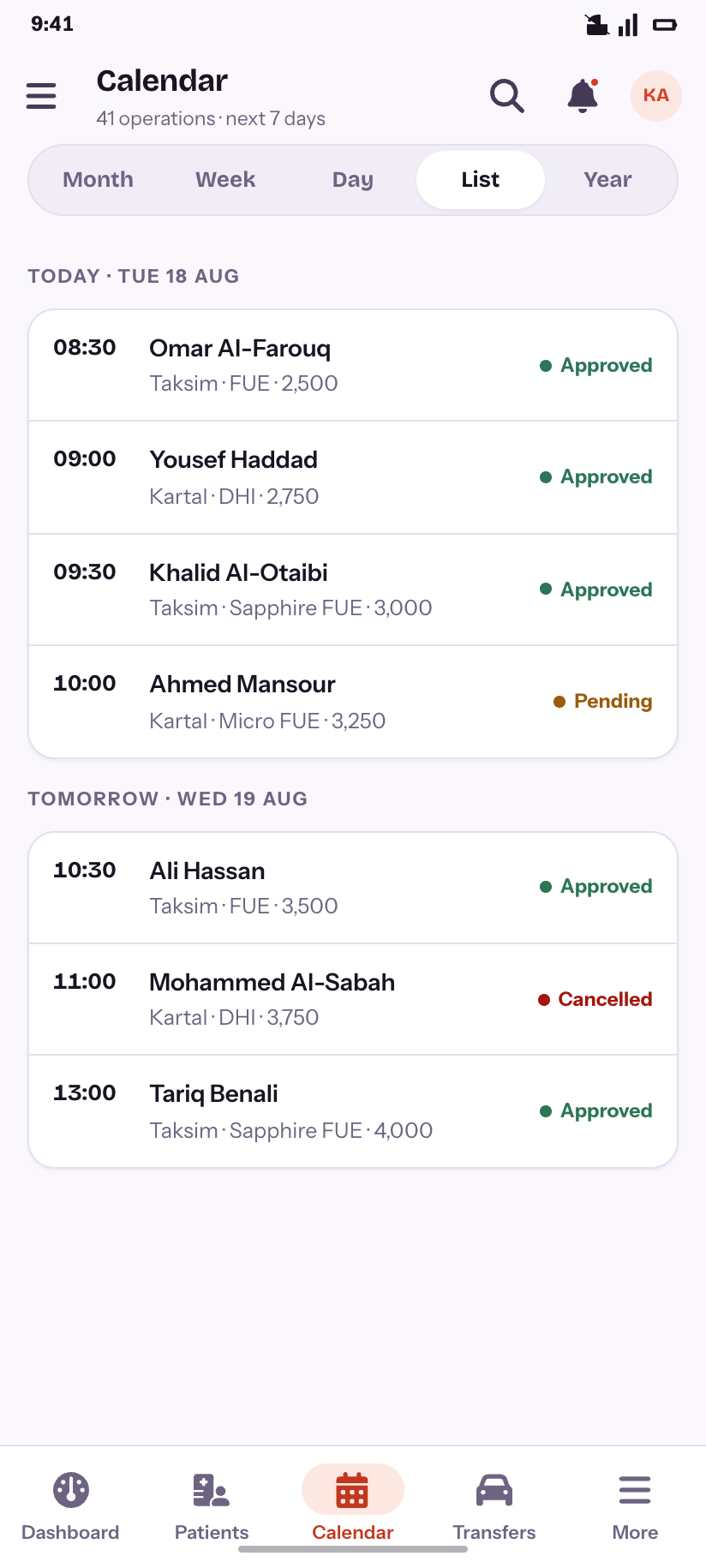
List
The next days as a flat feed.
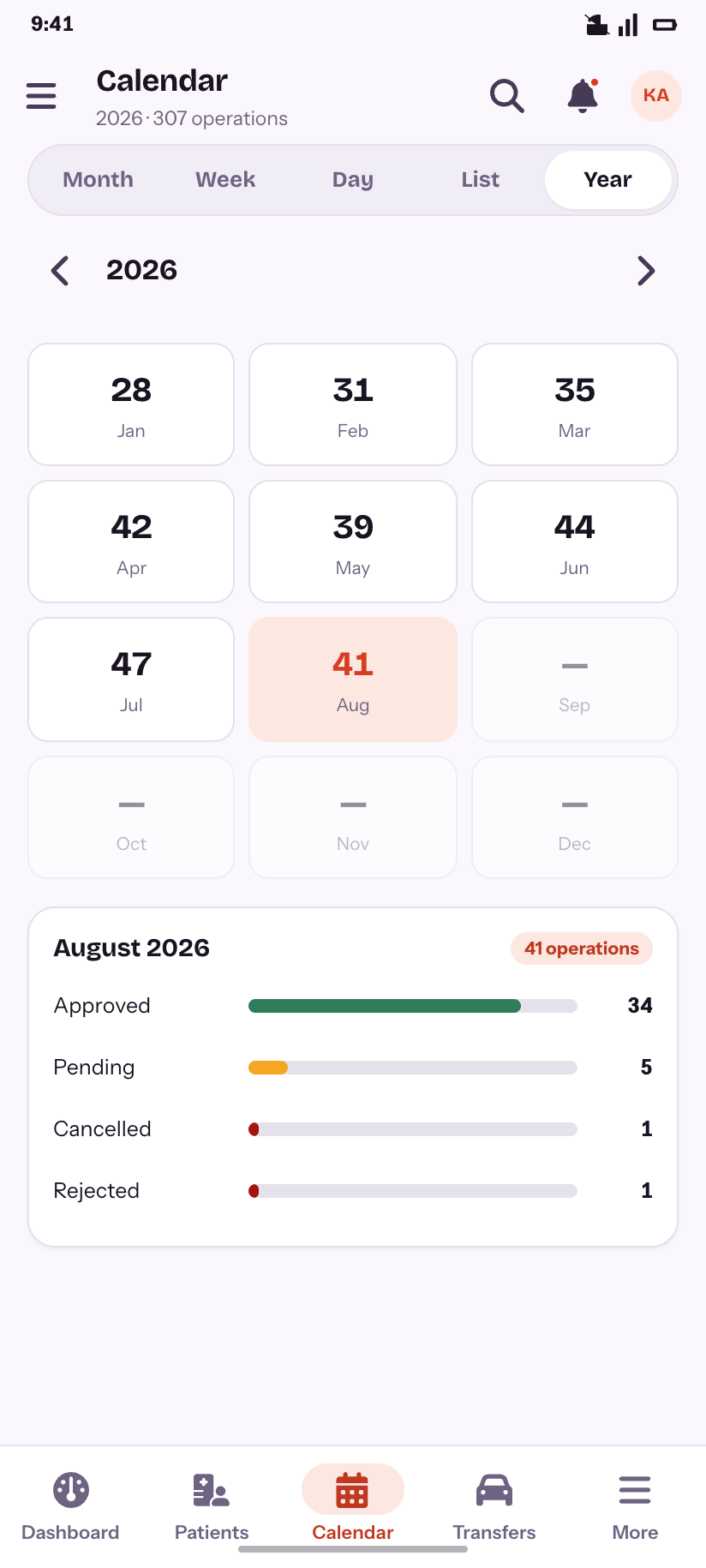
Year
Twelve month cards and the status split behind one of them.
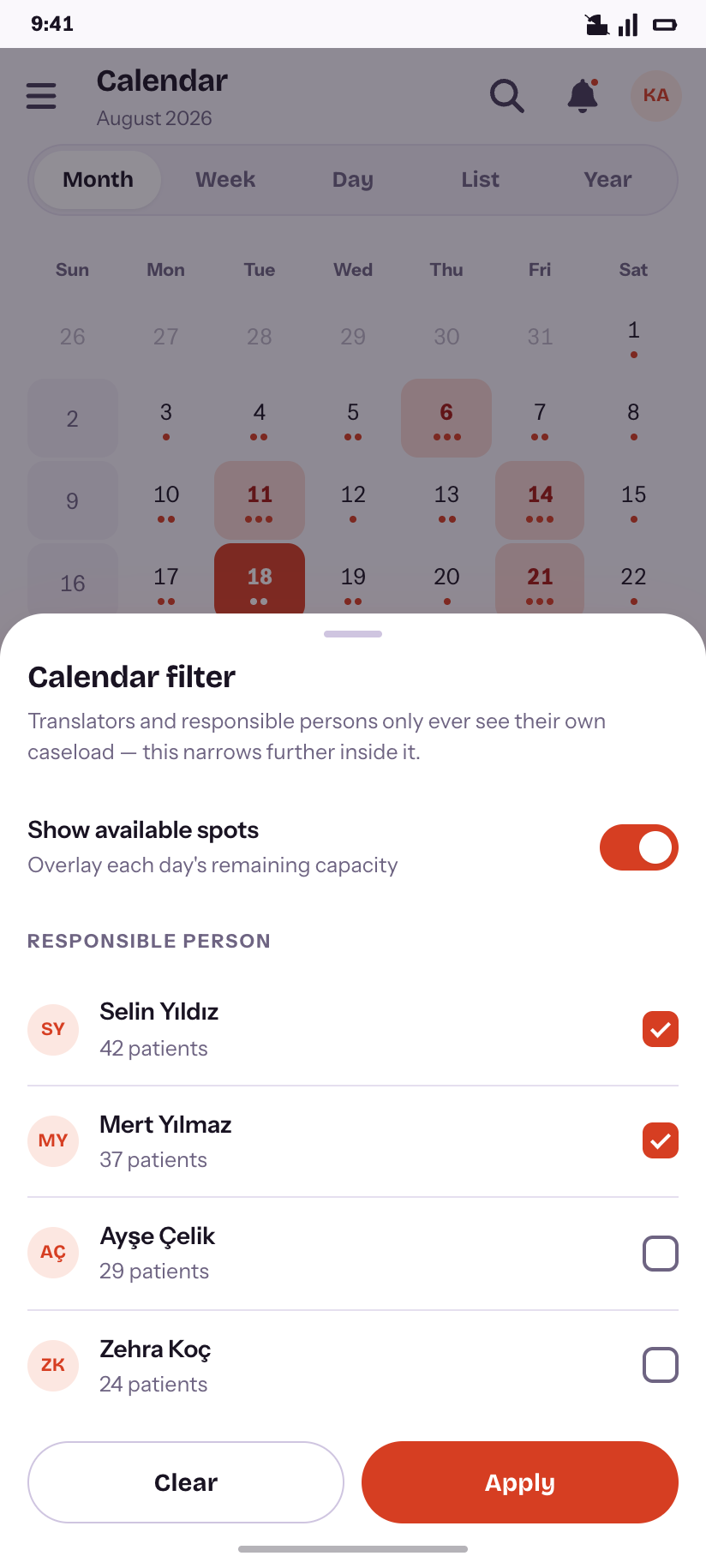
Filter
Available-spots overlay and the responsible-person narrowing.
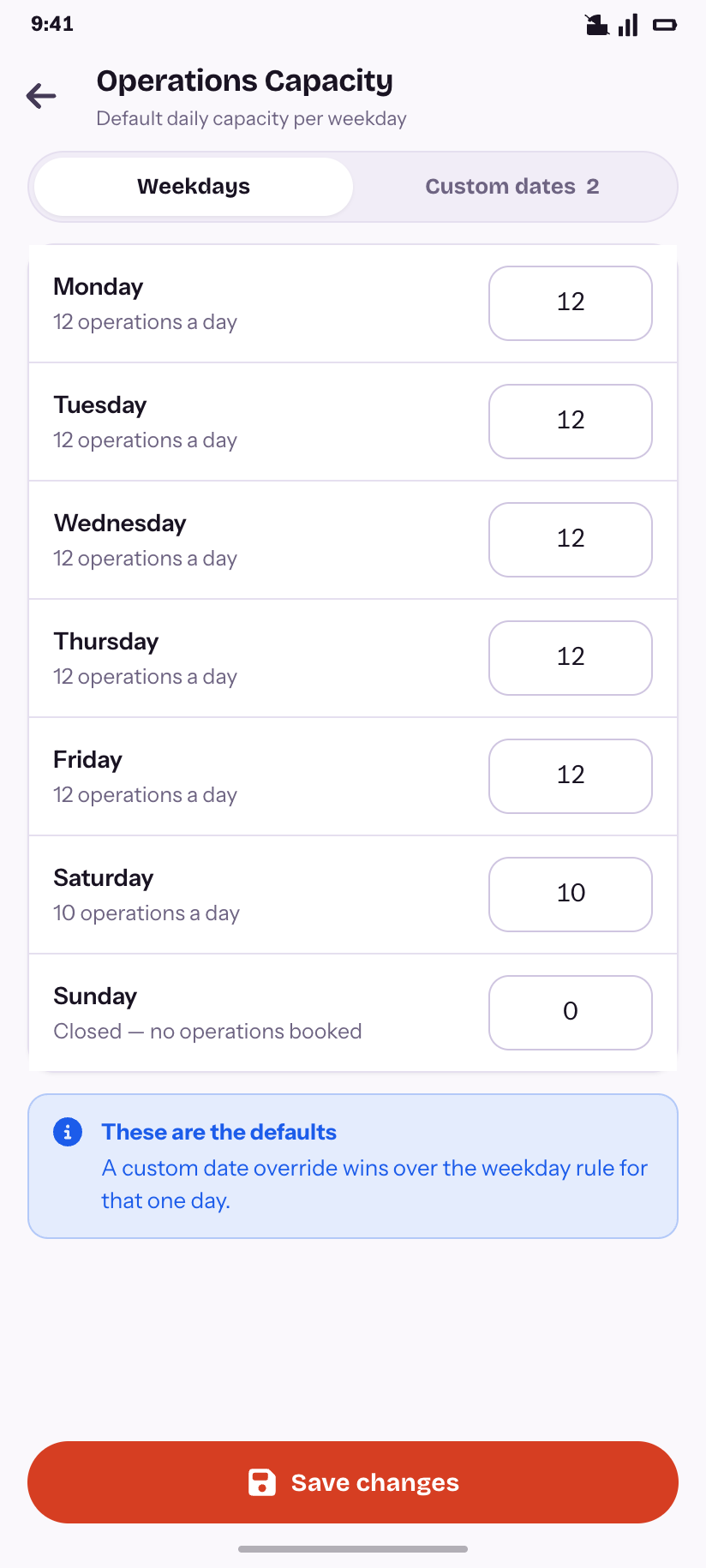
Capacity · weekdays
The default operations per weekday.
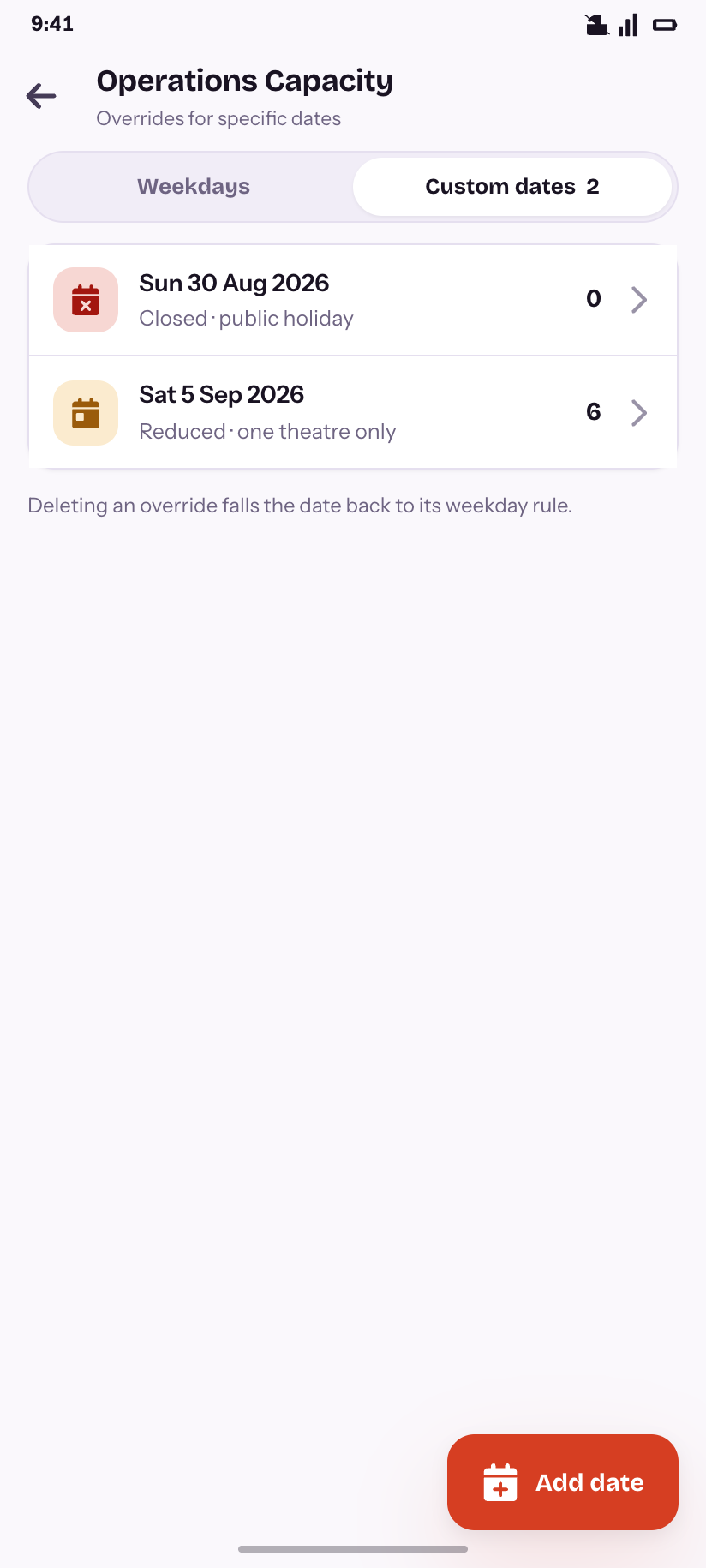
Capacity · custom dates
The overrides that beat the weekday rule.
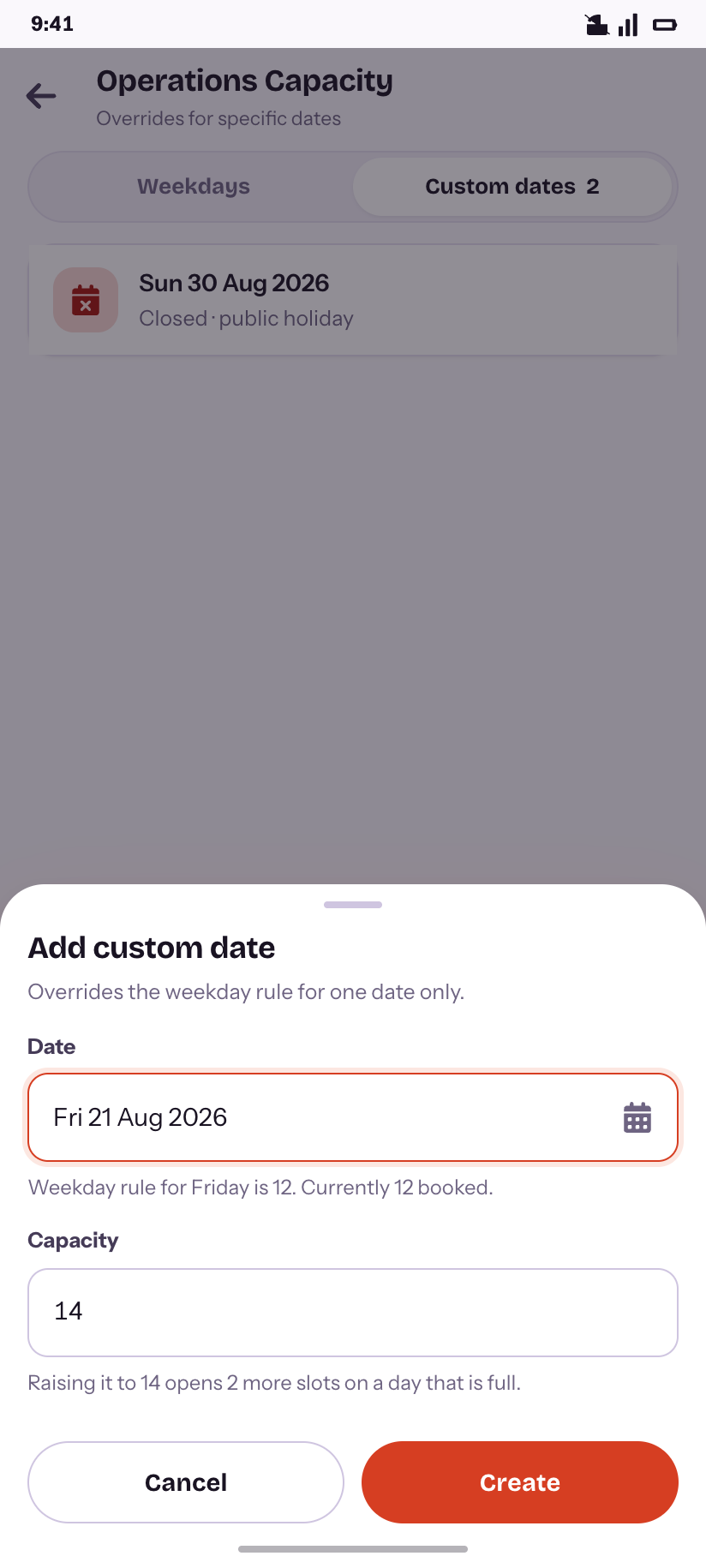
Add override
Opening two extra slots on a day that is already full.
Transfers & stays
8Hotel Reservations and Driver Reservations are two unrelated desktop tables. From a phone they are one job — get everybody where they need to be — so they share a destination and a segmented control.
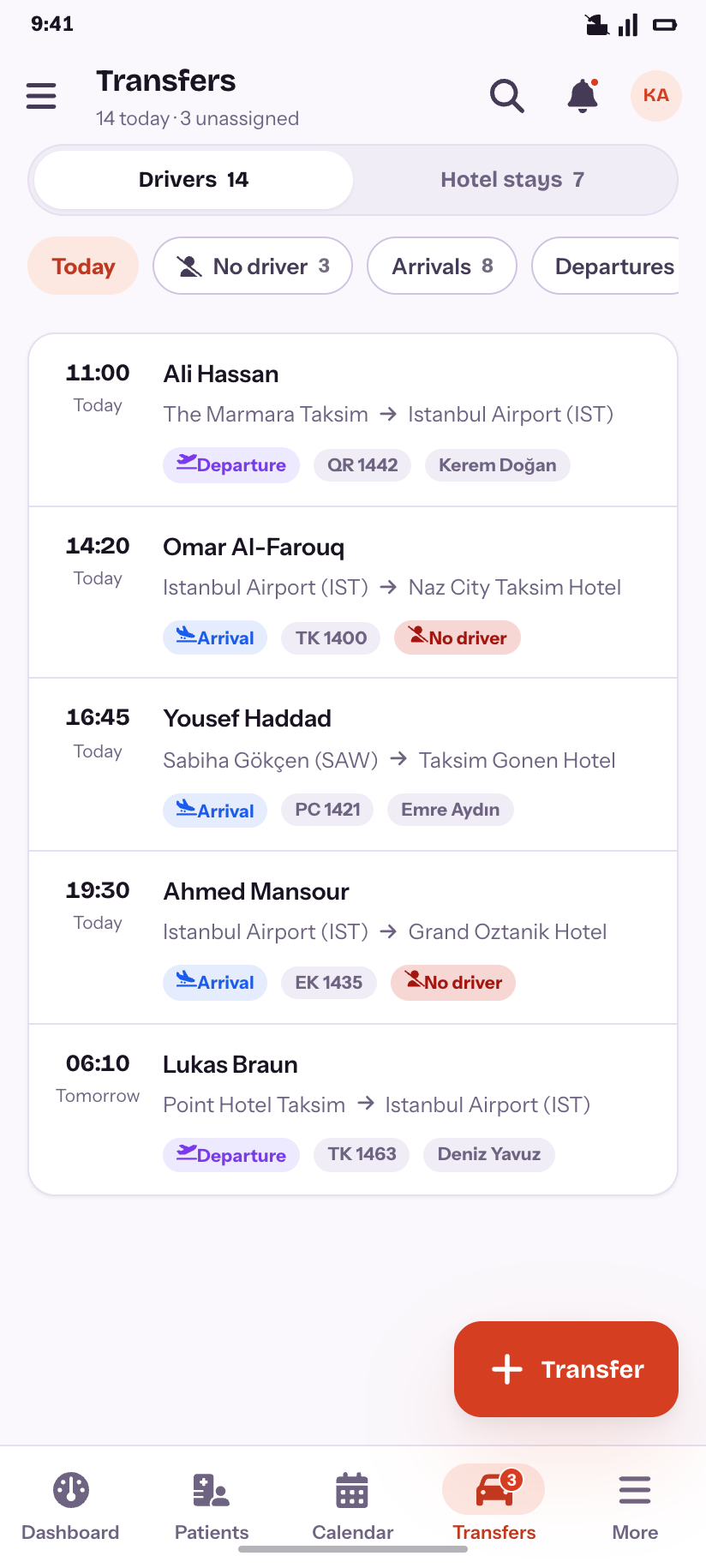
Transfers
Today in time order, with the three that have no driver.
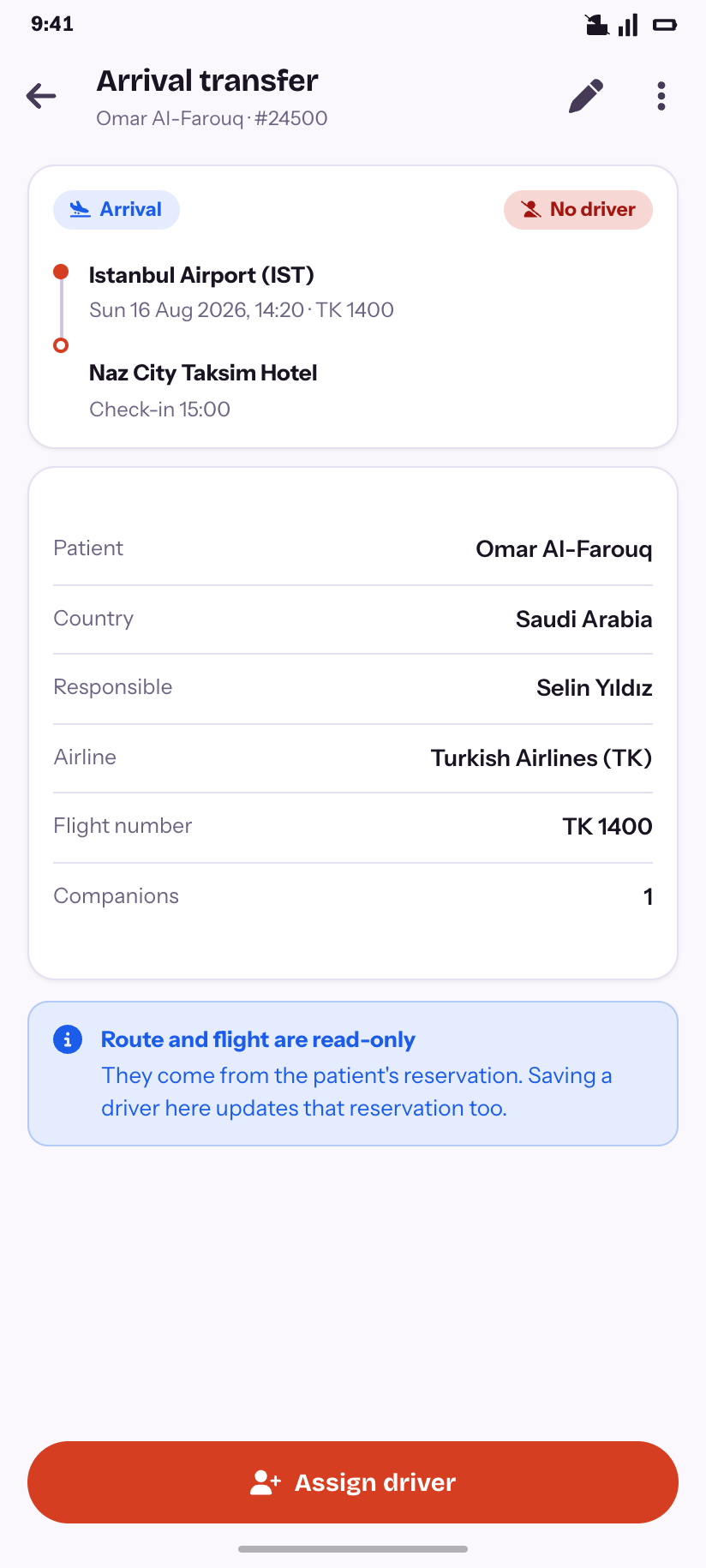
Transfer
One leg drawn as a route, with what is read-only and why.
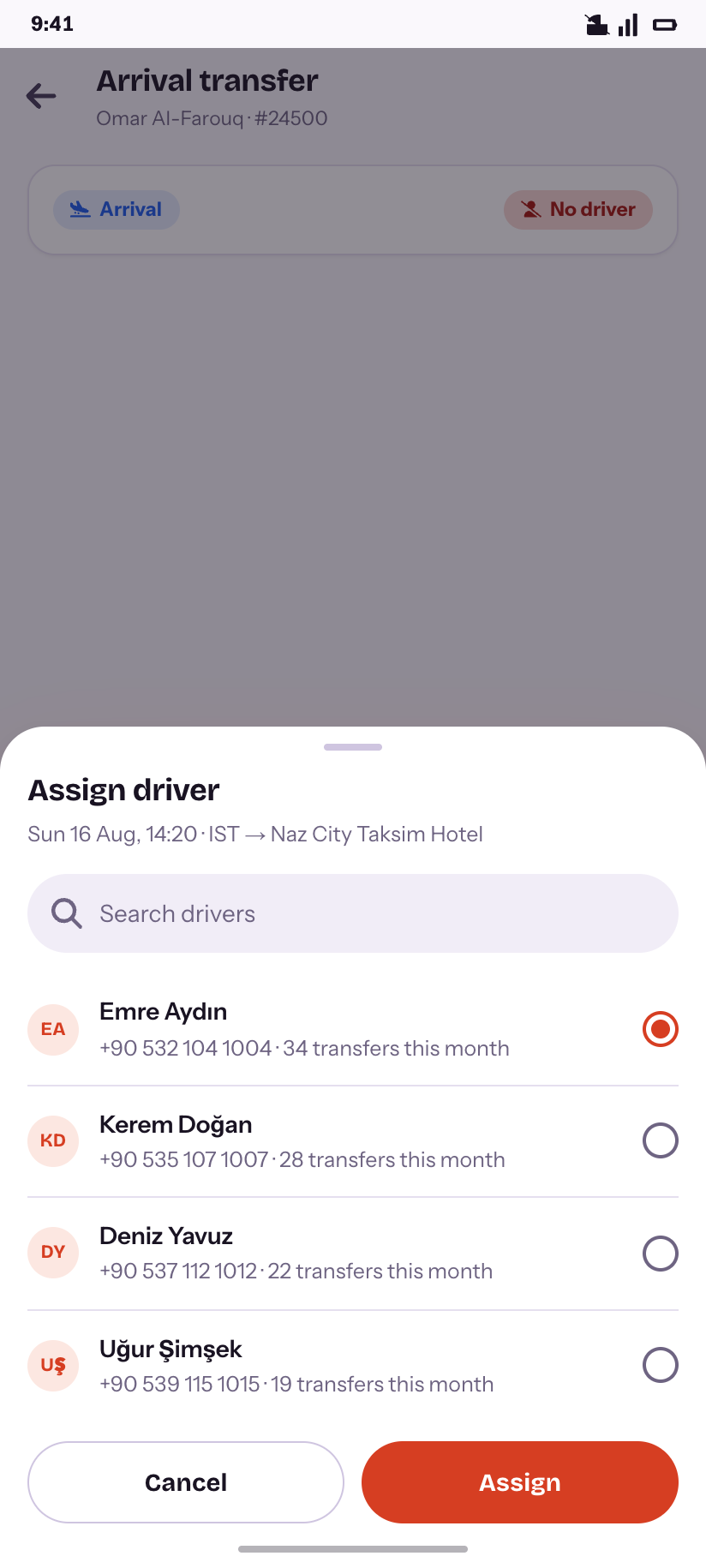
Assign driver
Picked by current load, not alphabetically.
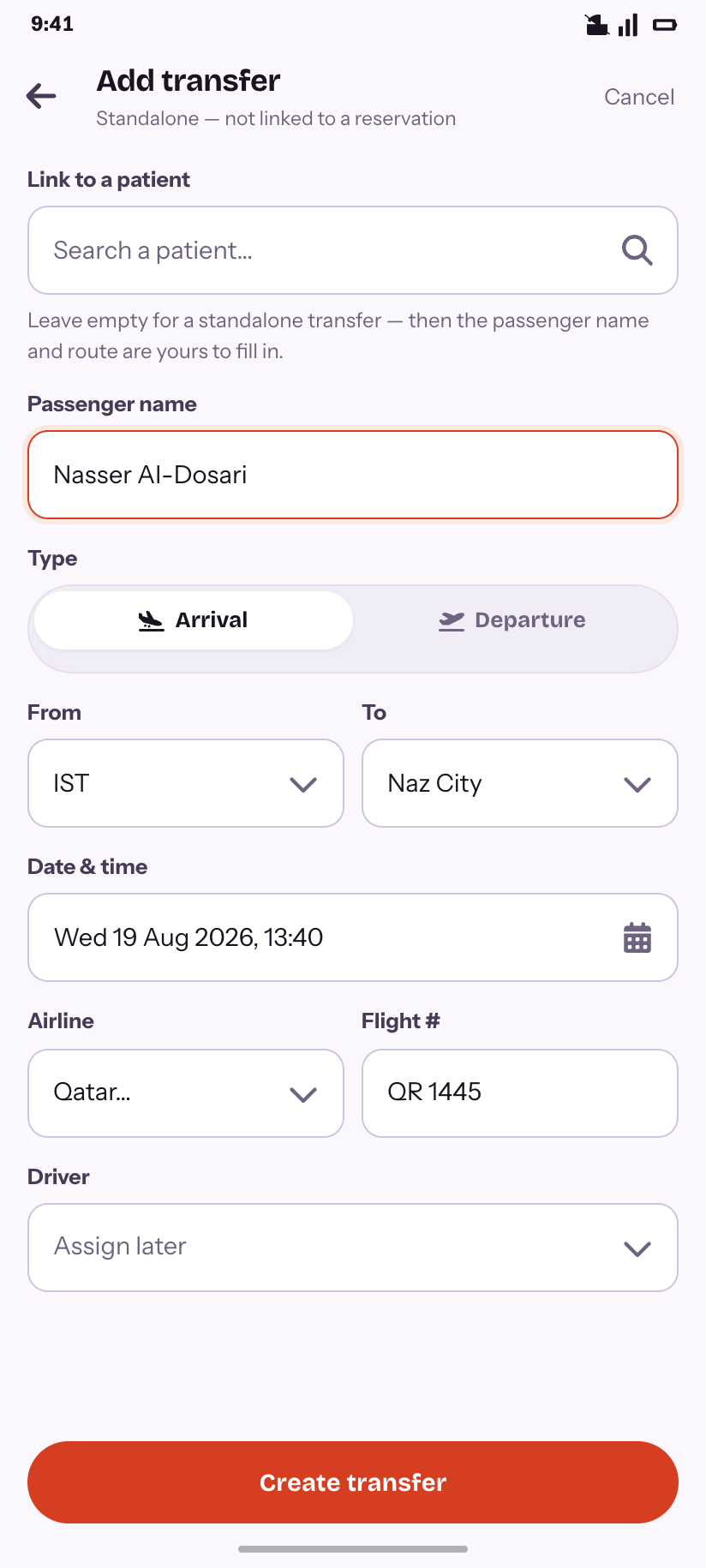
Add transfer
Standalone or linked — the choice that changes the rest of the form.
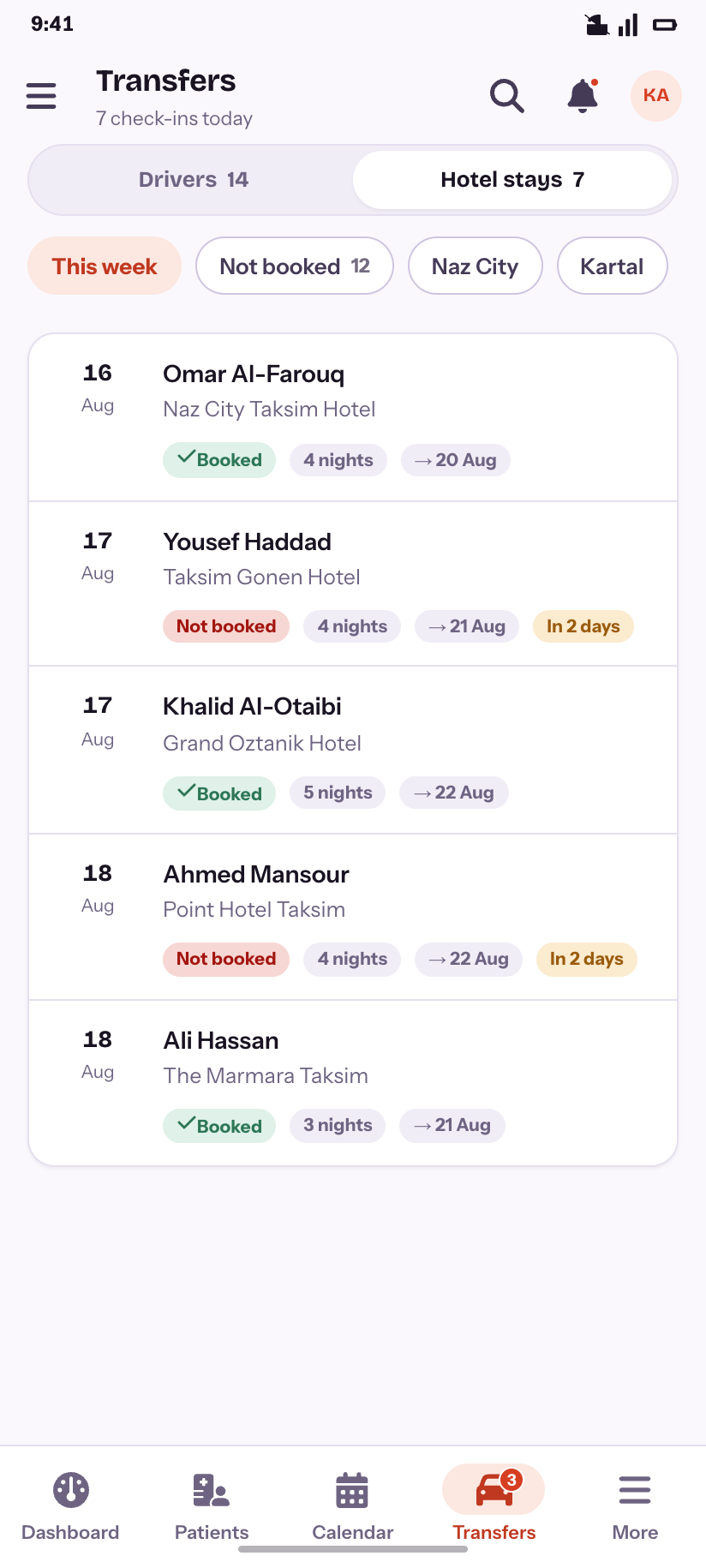
Hotel stays
Check-ins this week and which are still unconfirmed.
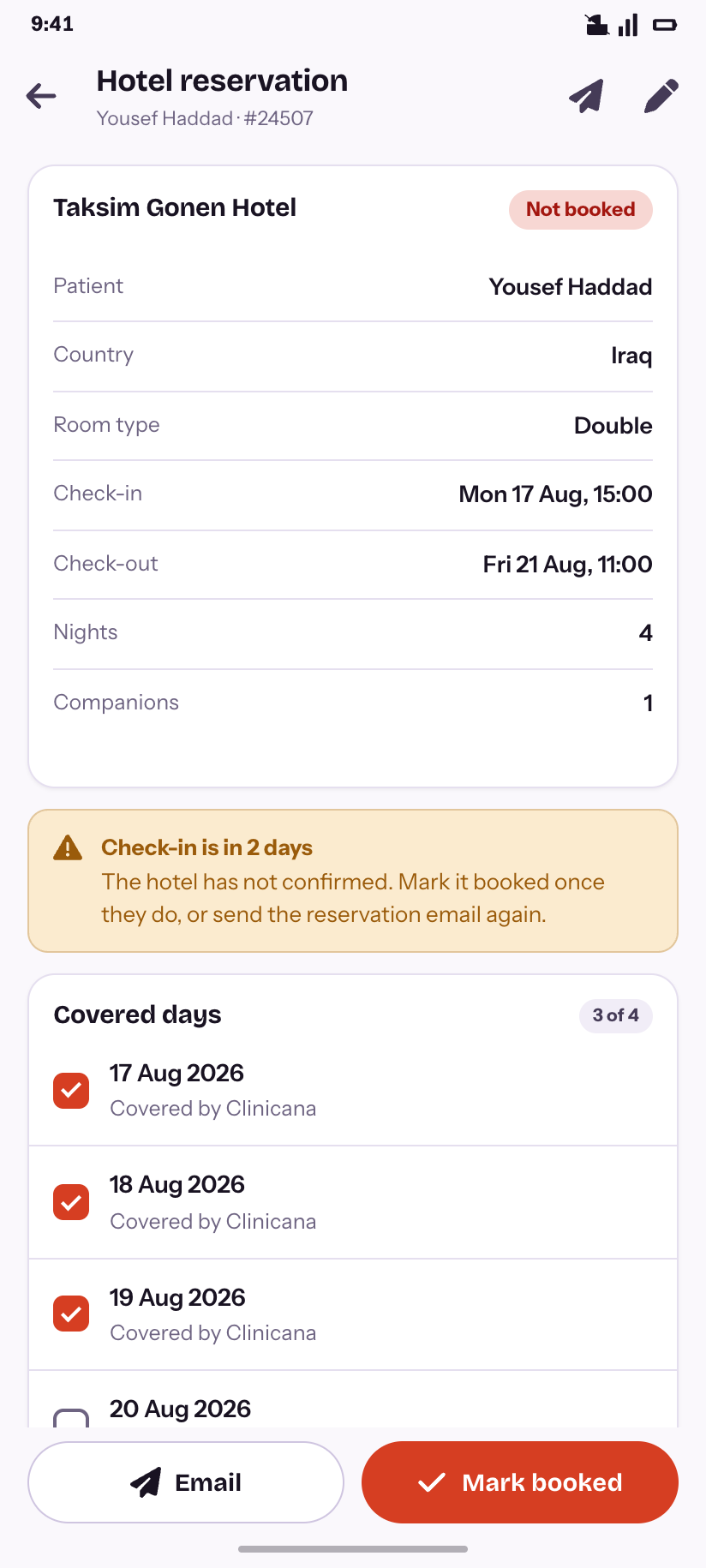
Hotel stay
The stay, its covered nights, and a check-in two days out.
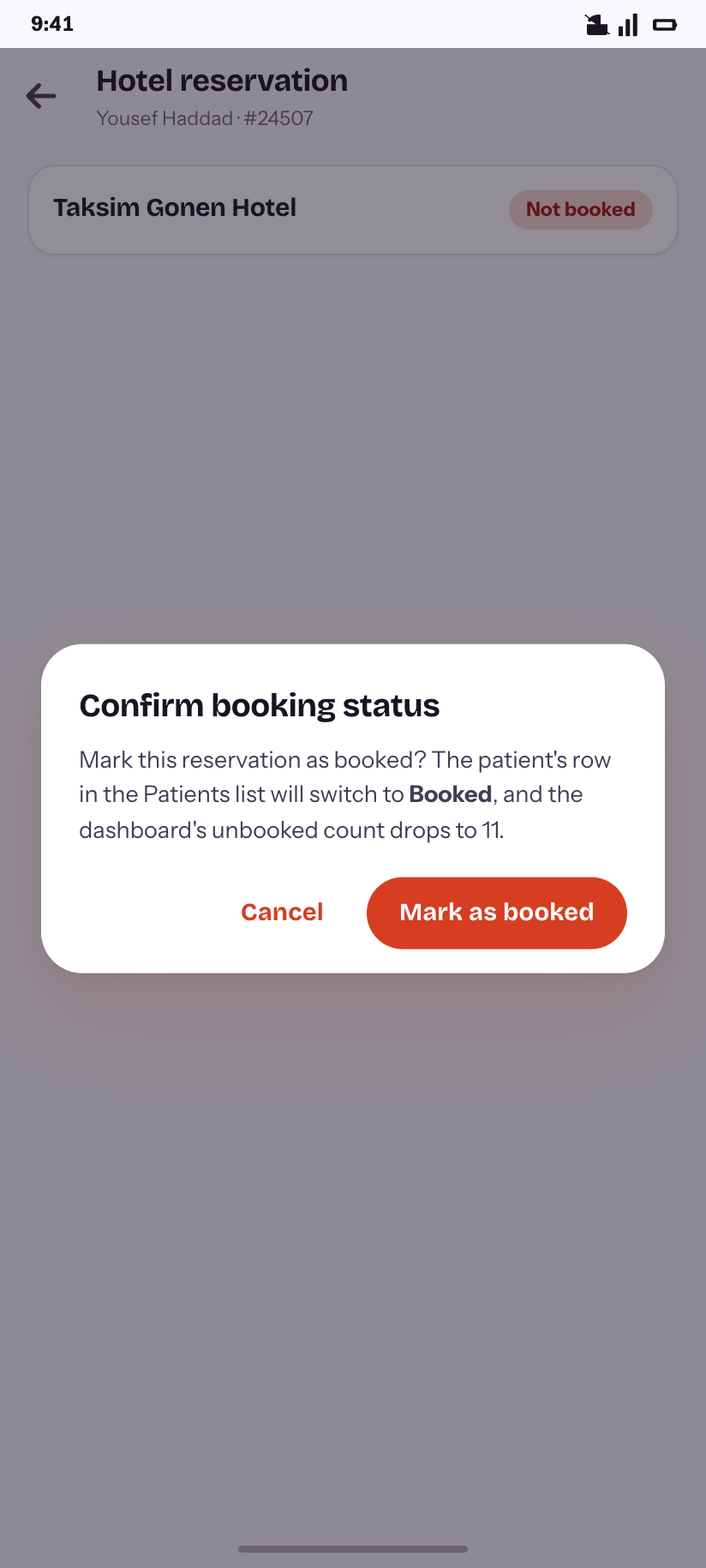
Confirm booking
What marking it booked changes elsewhere.
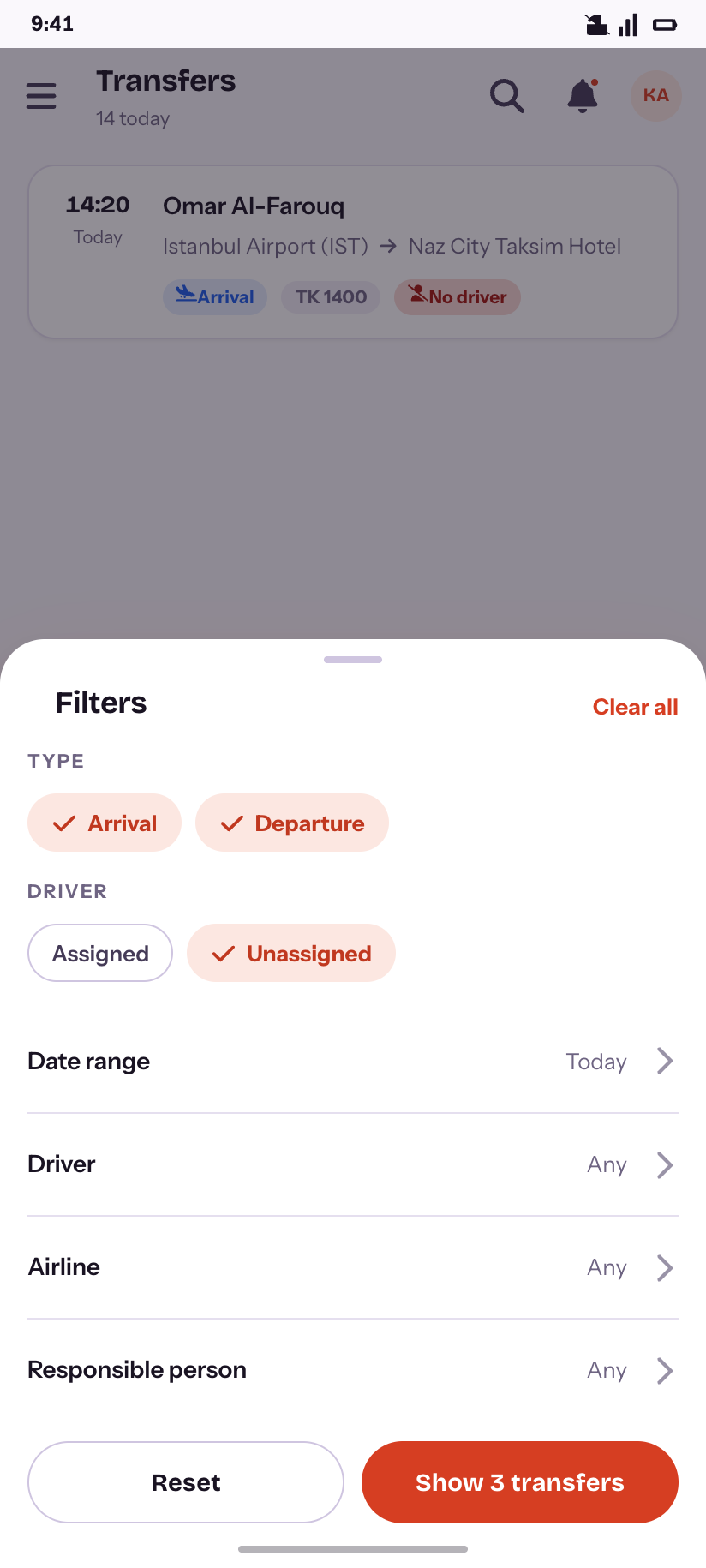
Filters
Type and driver as chips; the rest as rows.
Reports
9Seven reports, each a wide table on the desktop. On a phone the summary leads and the rows follow, and one shared filter sheet drives all seven.
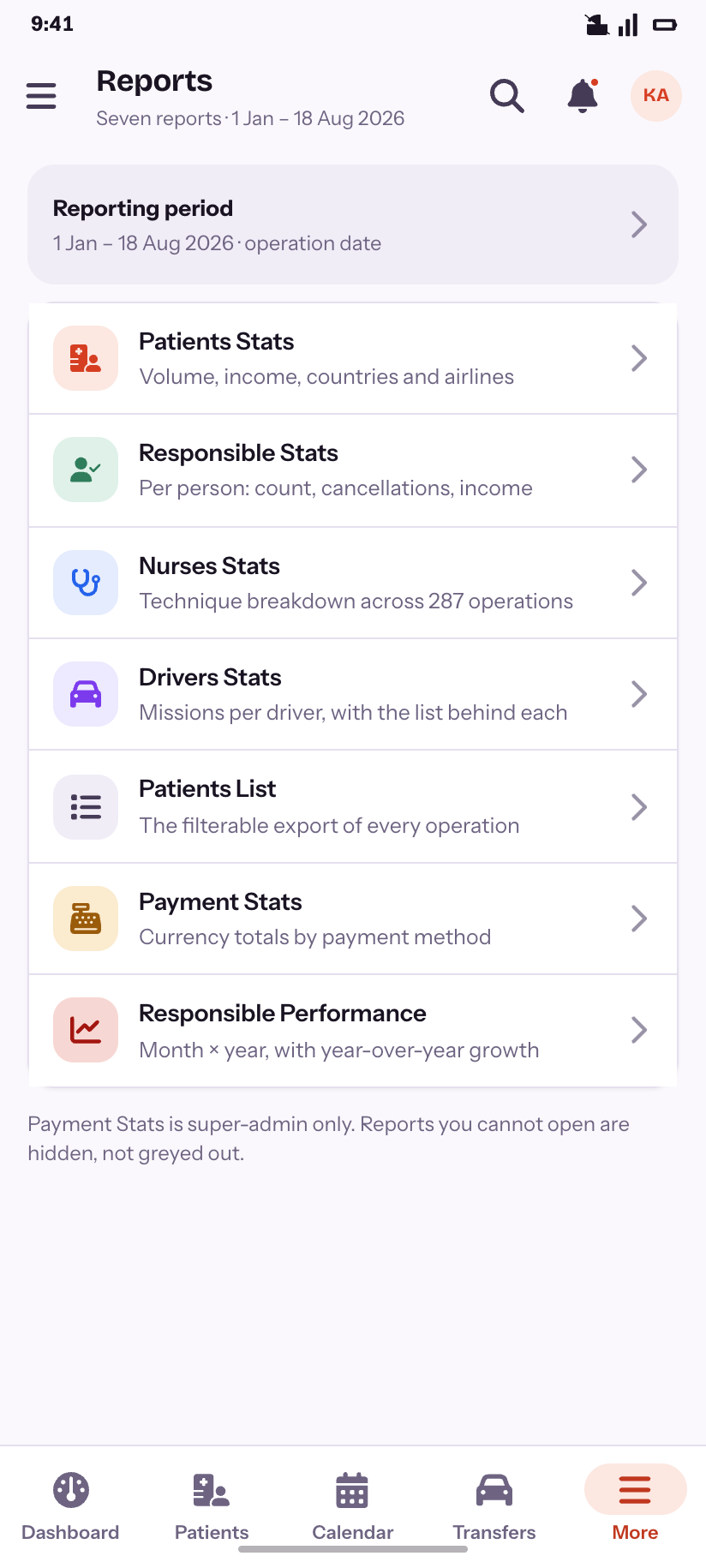
Reports
The seven, with the reporting period pinned at the top.
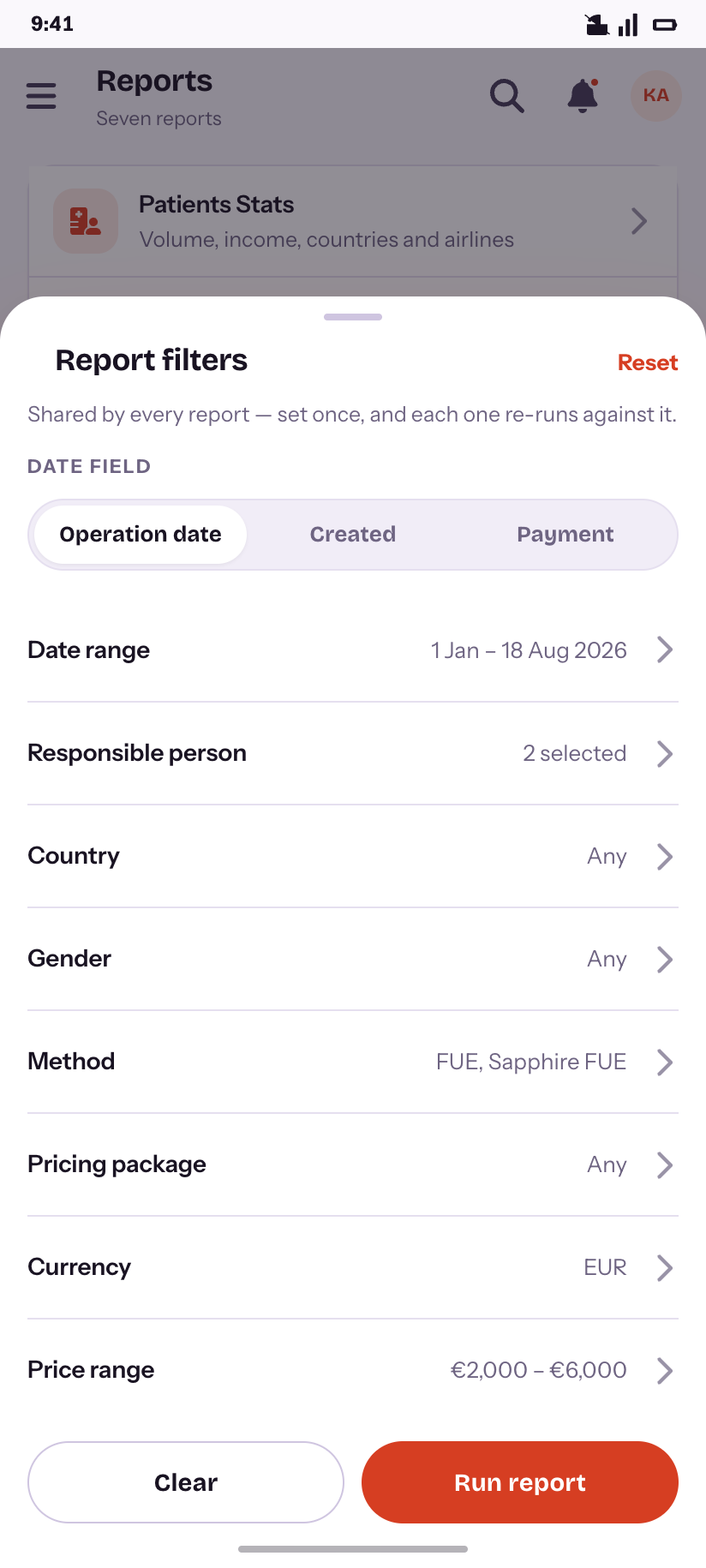
Filters
Set once — every report re-runs against it.
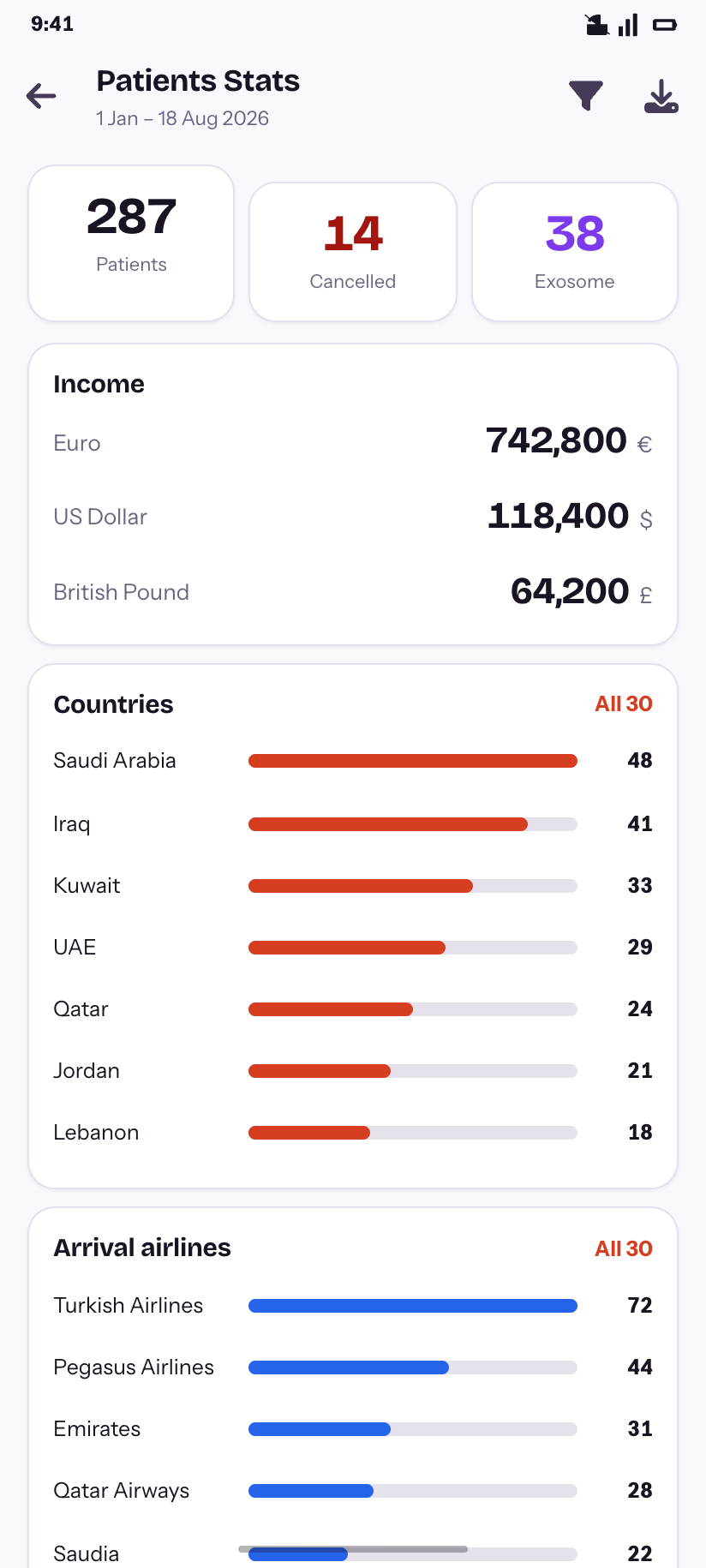
Patients Stats
Volume, income in three currencies, countries and airlines.
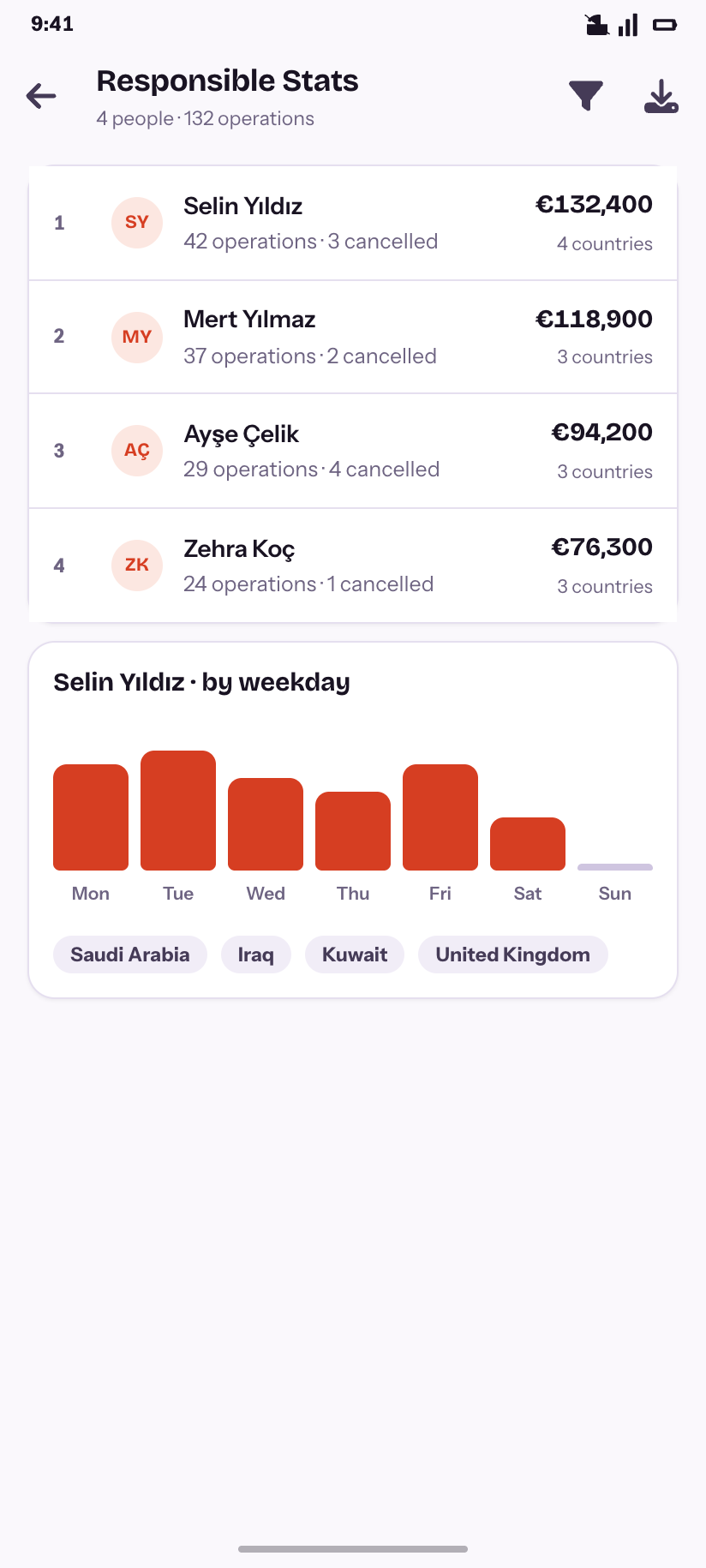
Responsible Stats
Per person, with the weekday shape behind one of them.
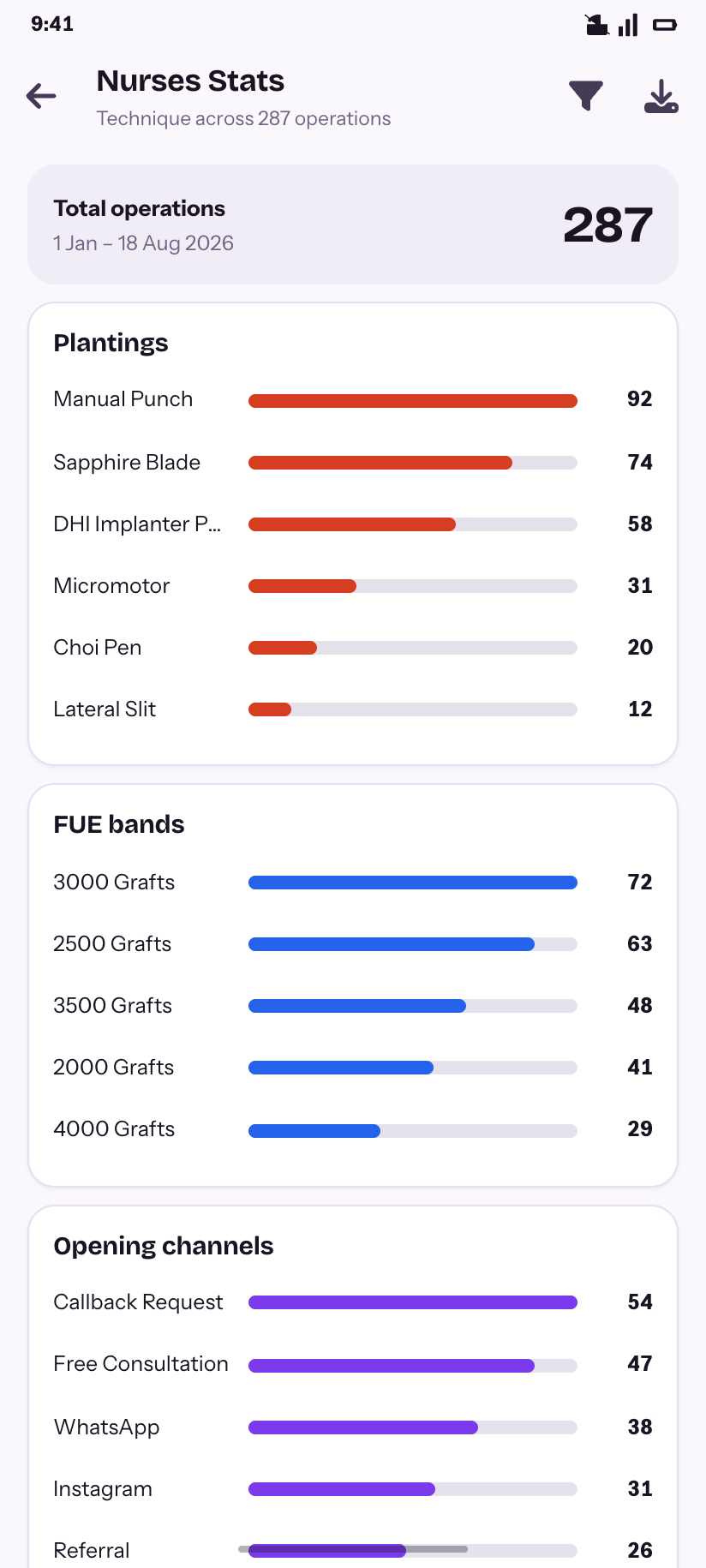
Nurses Stats
Plantings, FUE bands and opening channels across 287 operations.
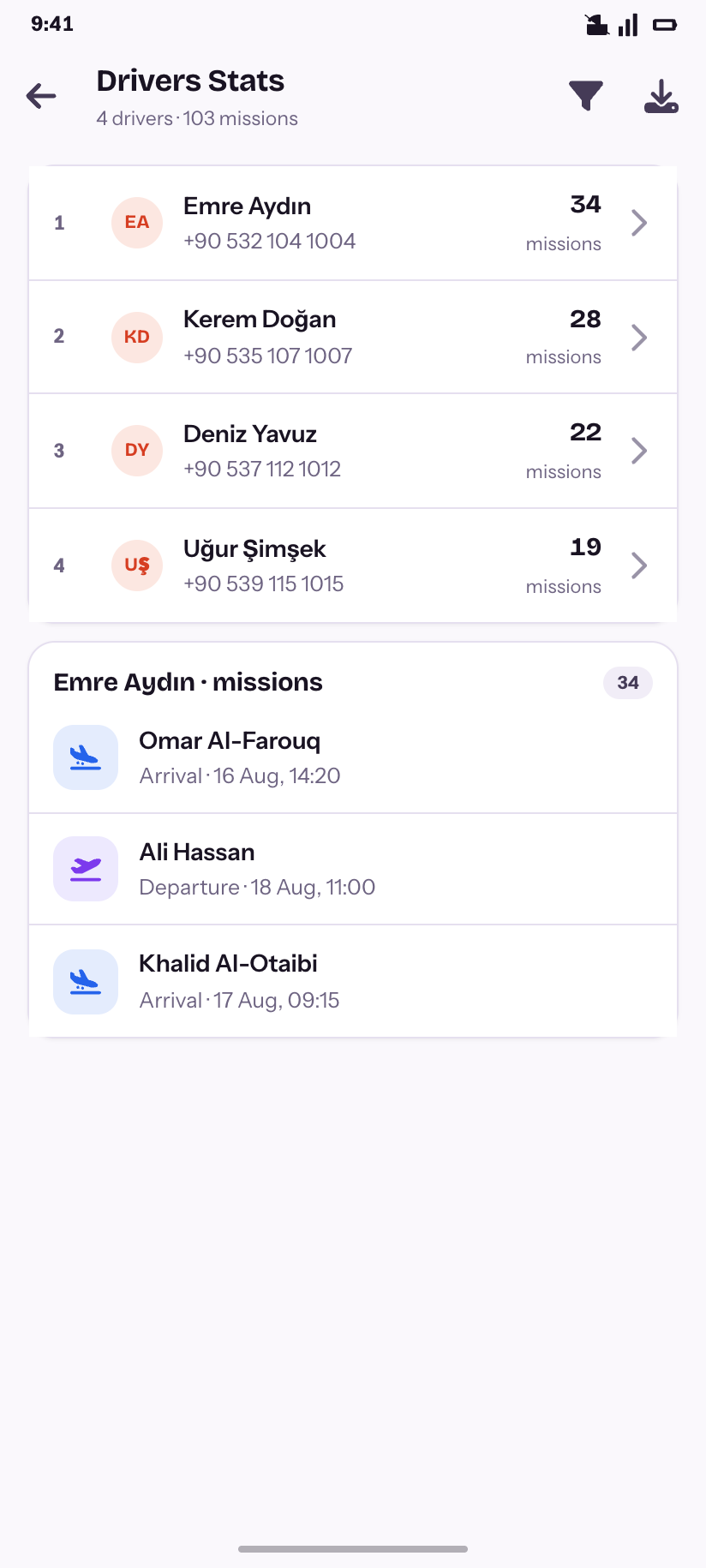
Drivers Stats
Missions per driver, and the missions themselves.
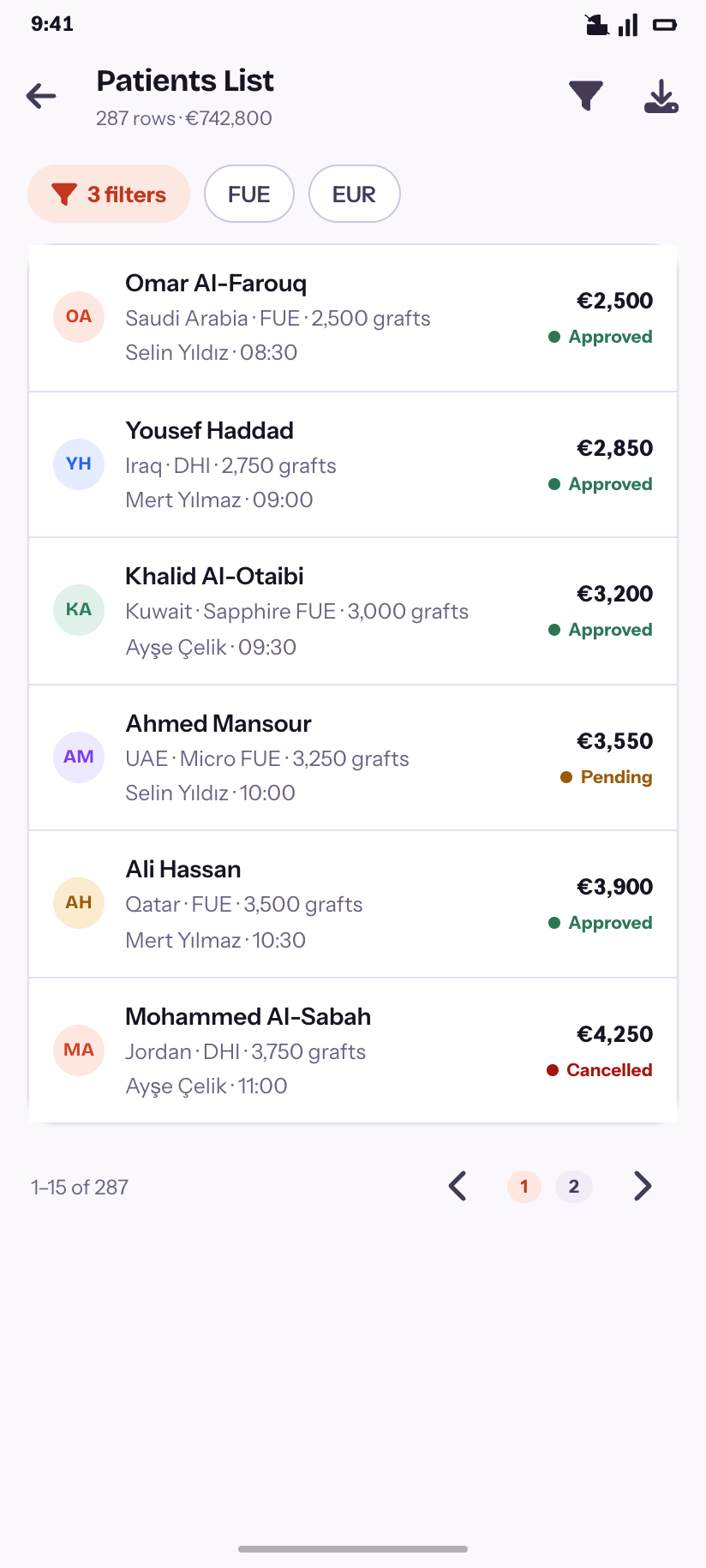
Patients List
The exportable row-per-operation report.
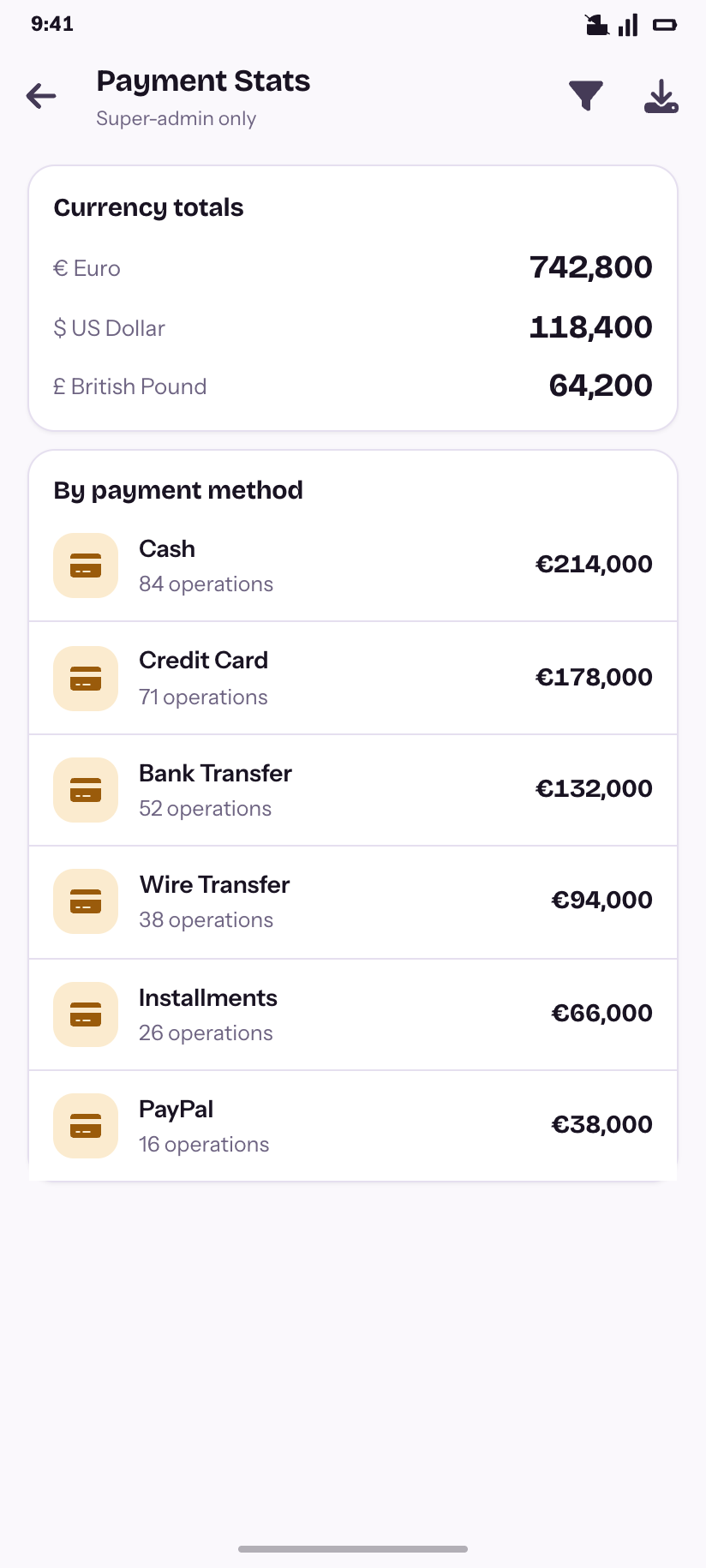
Payment Stats
Currency totals by payment method — super-admin only.
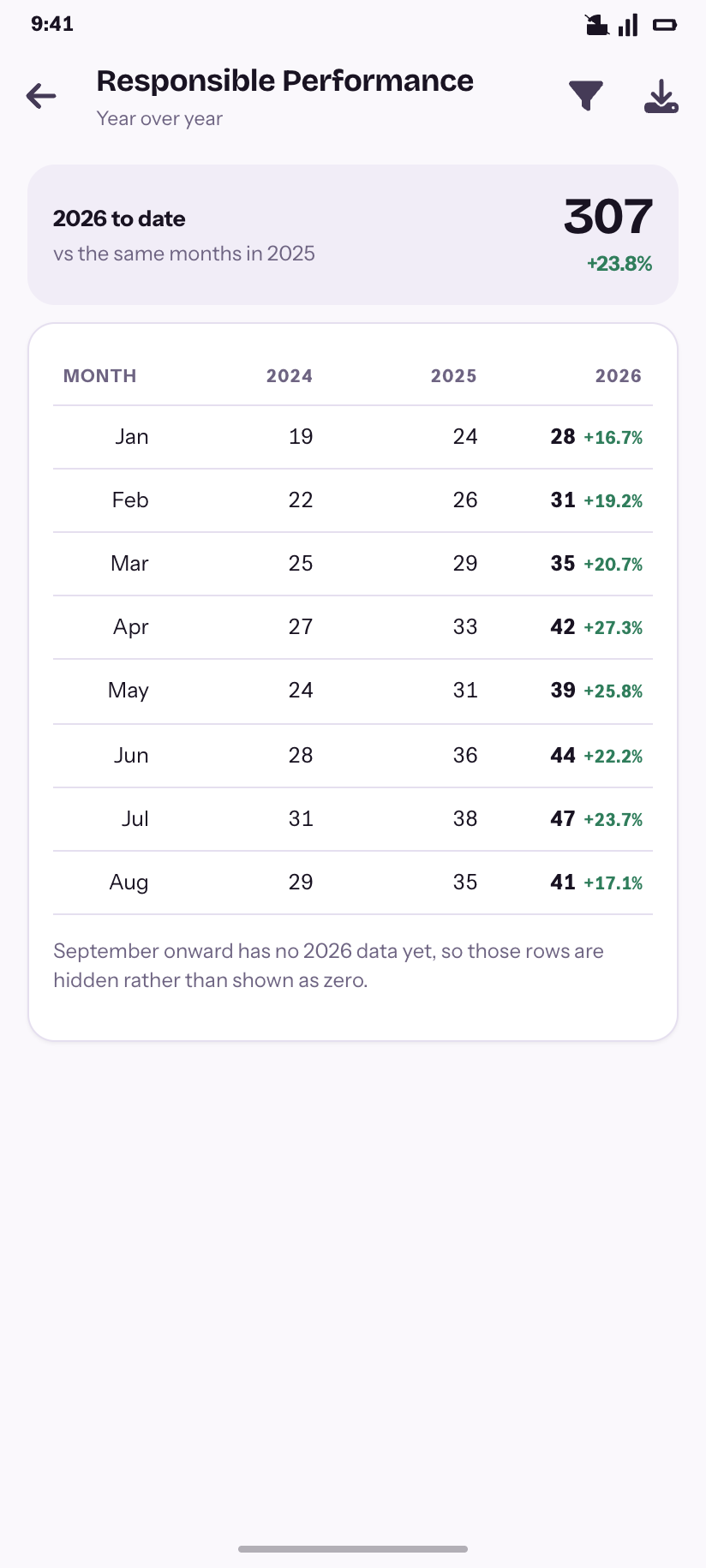
Performance
Month × year with year-over-year growth.
Communications
5Seven email templates, a token catalogue, and the log of everything the system has sent — including what failed and why.
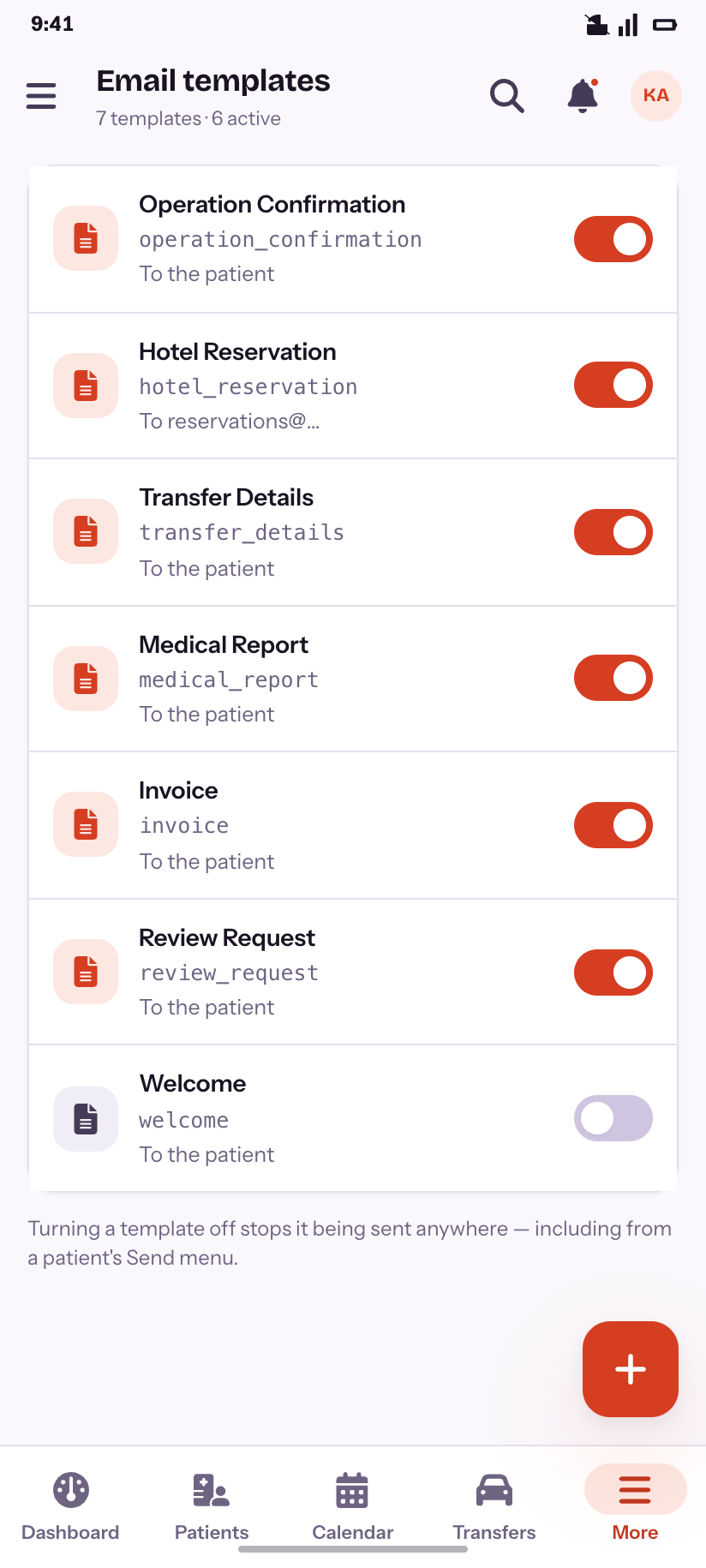
Templates
Seven templates, six active.
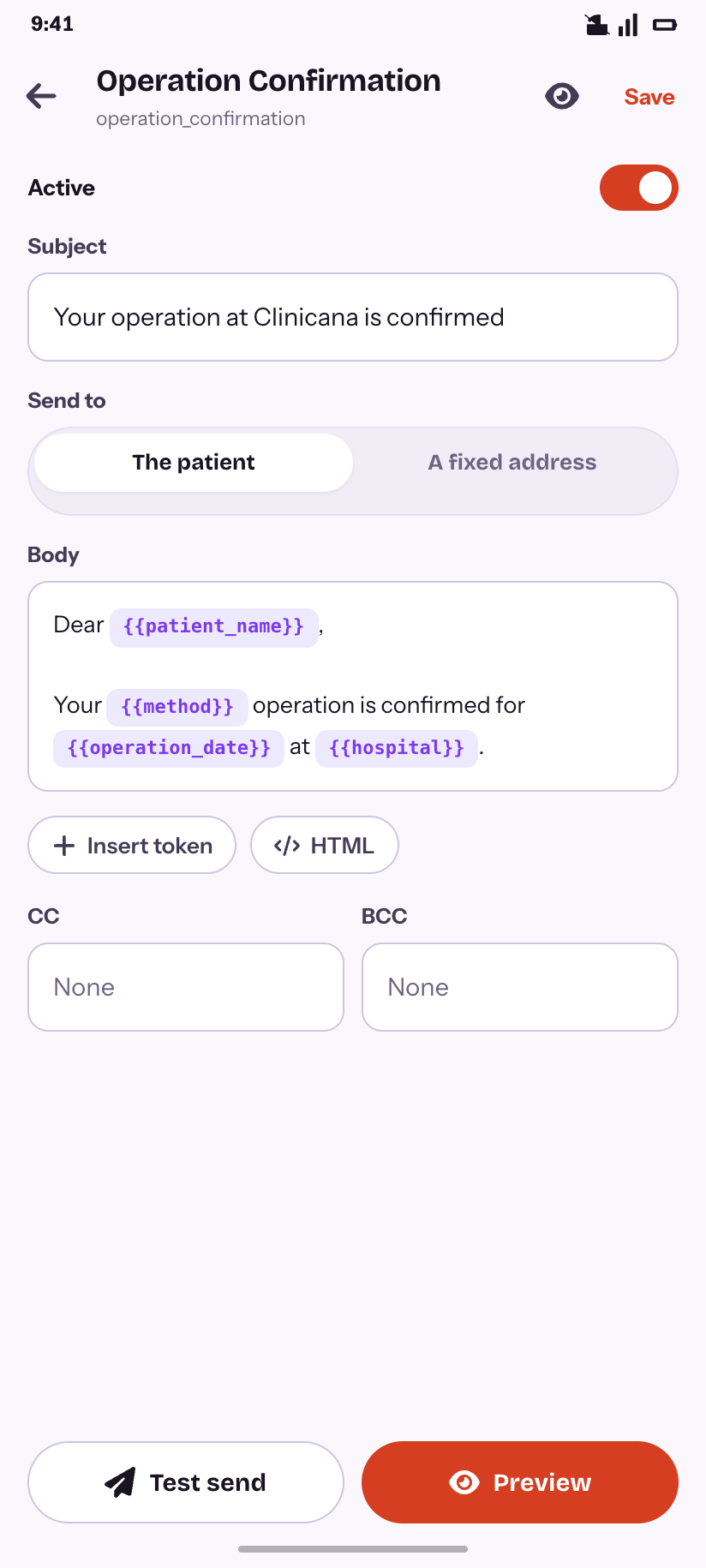
Editor
Subject, recipient rule and a body with live tokens.
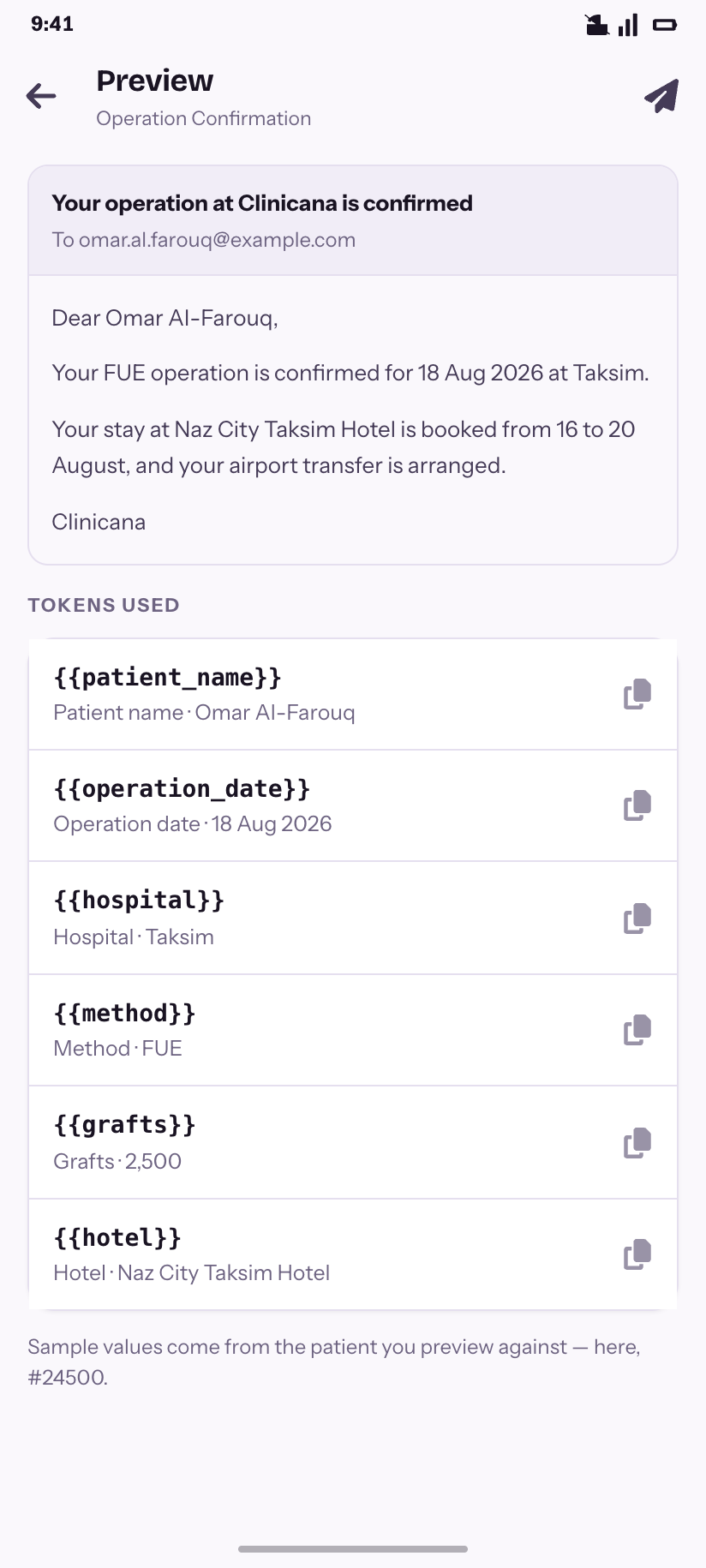
Preview
Rendered against a real patient, with the tokens it used.
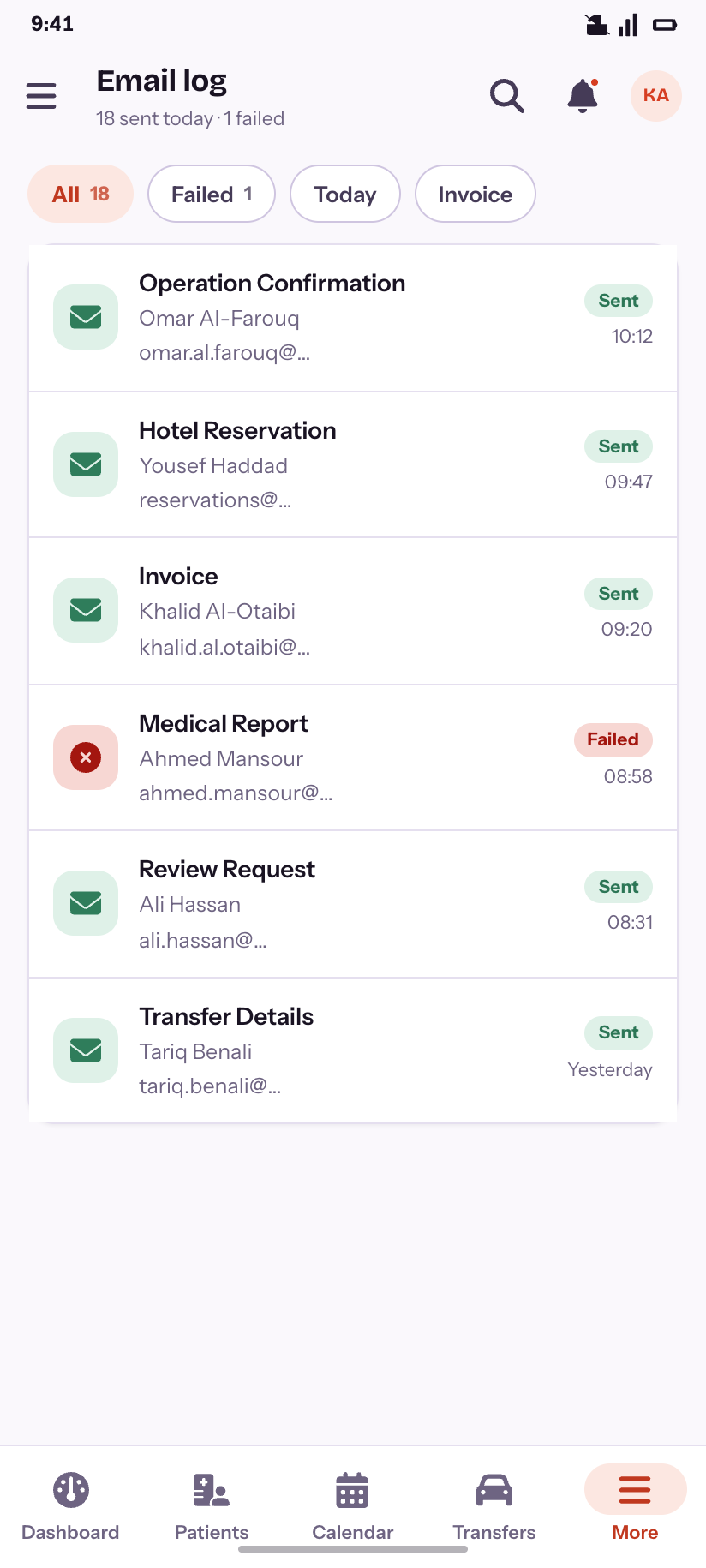
Email log
Everything sent today, and the one that did not arrive.
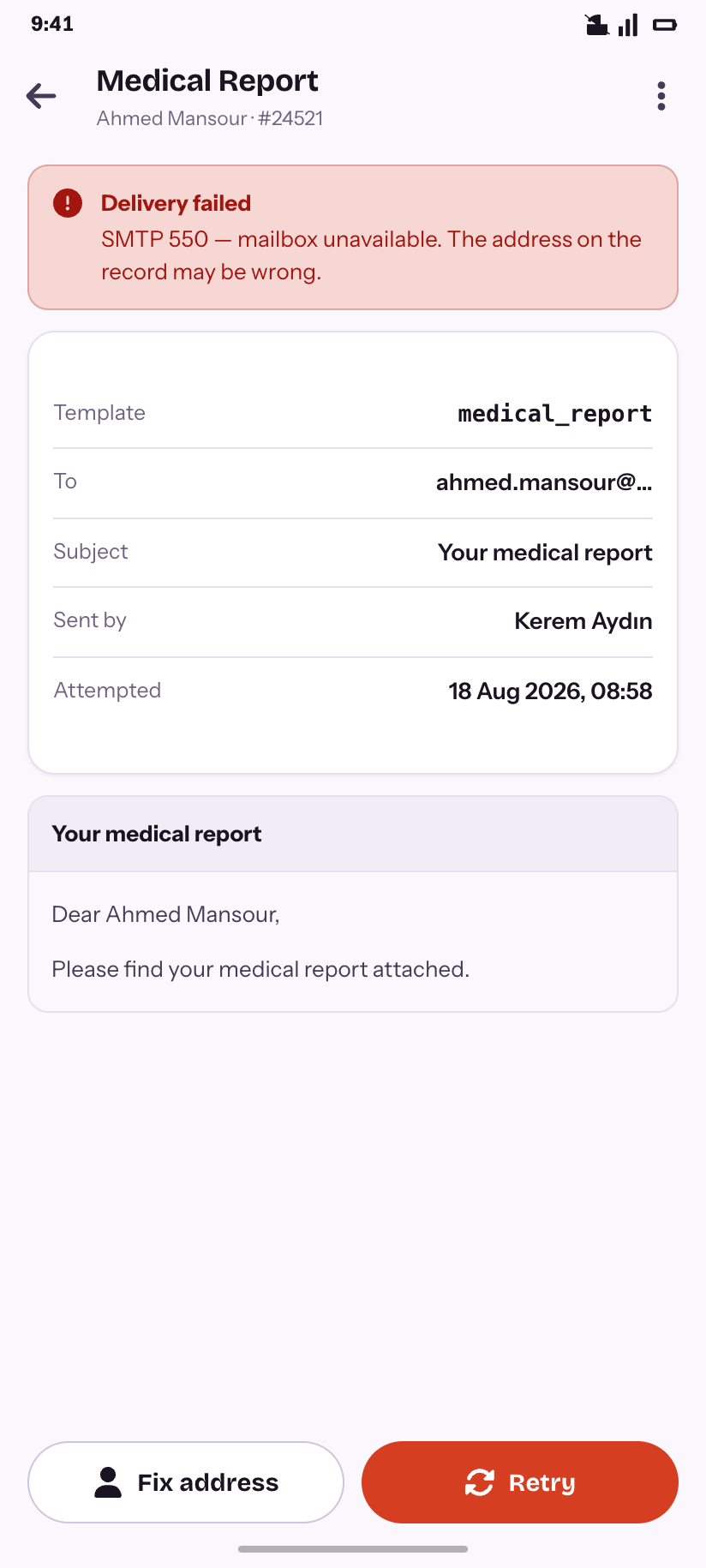
Failed email
The SMTP reason, and the two ways forward.
Users & access
10Thirteen roles ported from the legacy ACL, 196 permissions discovered from the modules' own config, and the four person-shaped lists the product keeps separate because they mean different things.
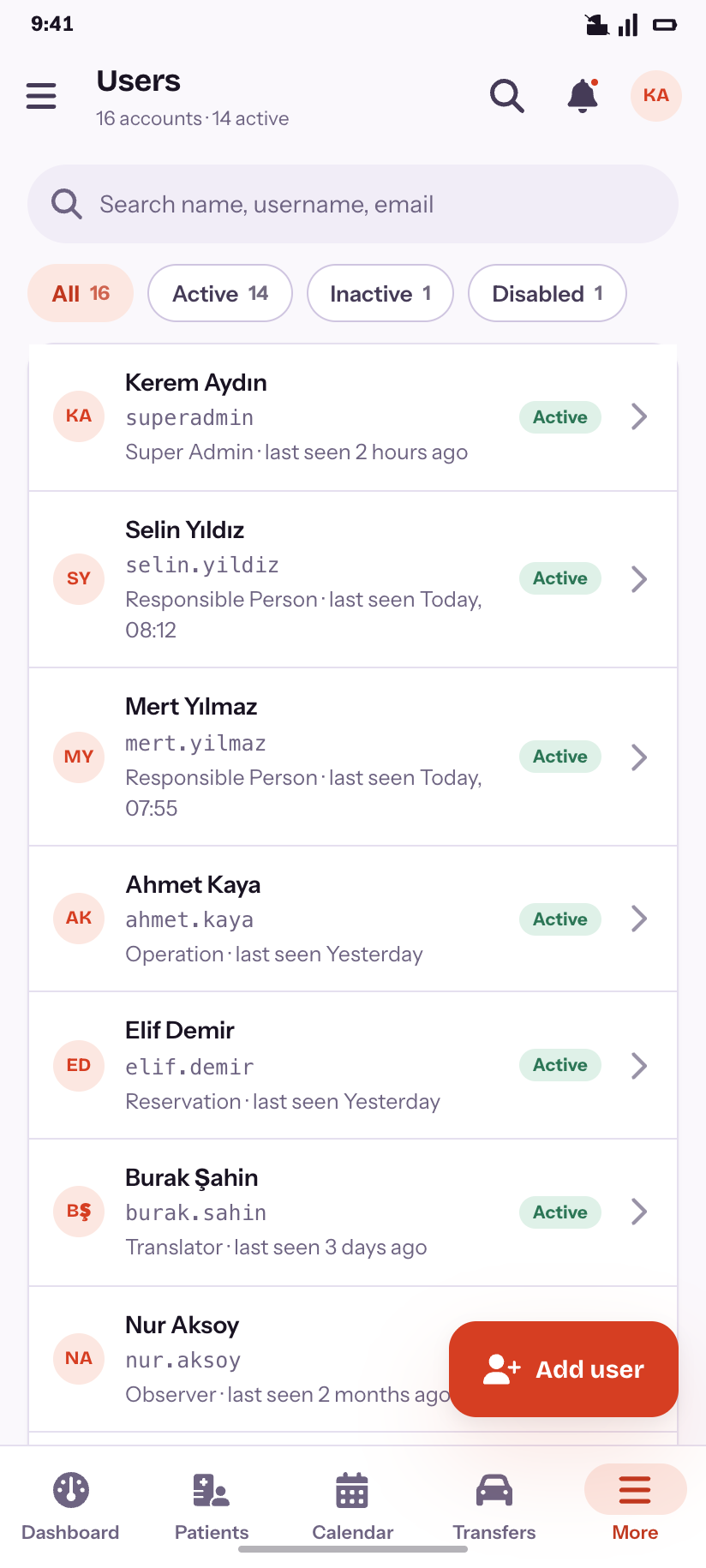
Users
16 accounts across three statuses.
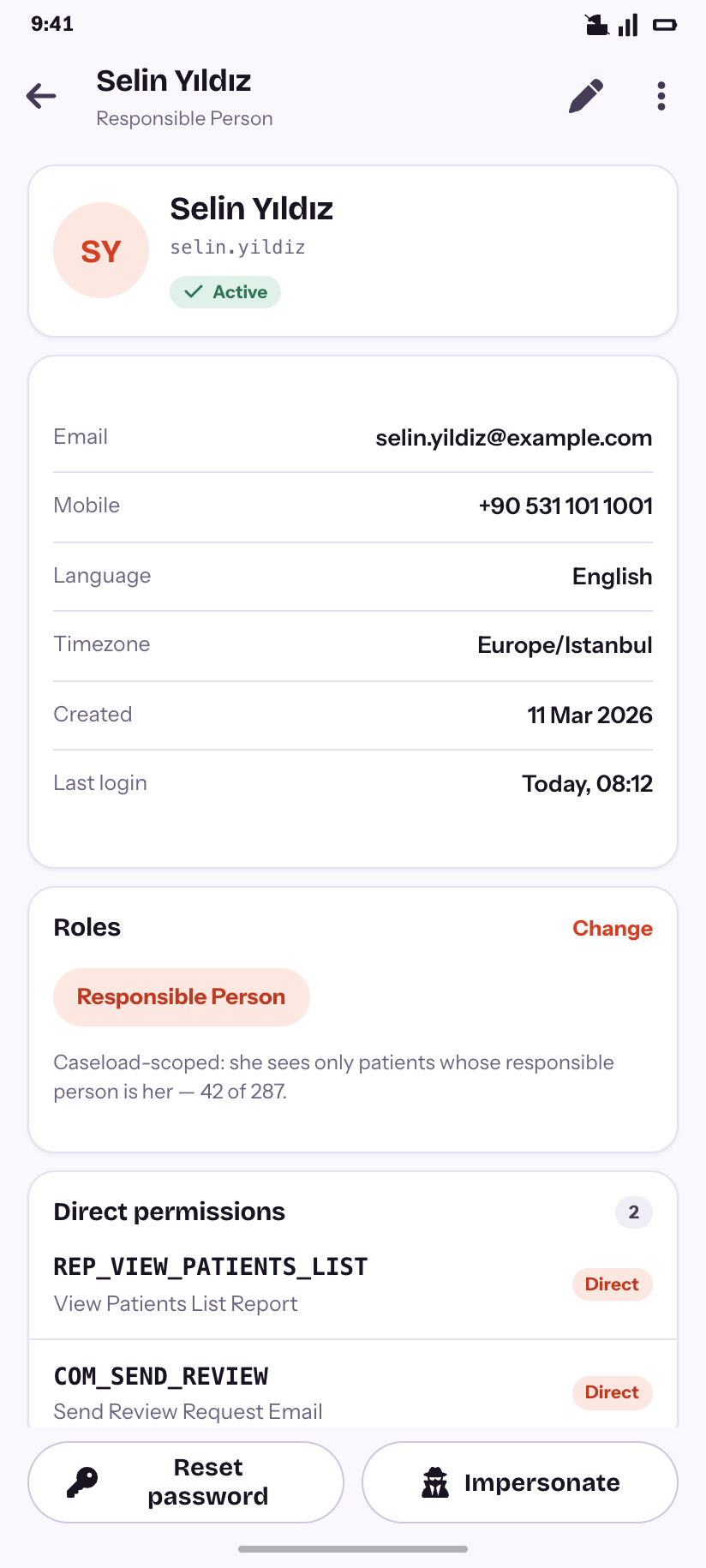
User
Role, direct permissions, and what caseload scoping means for her.
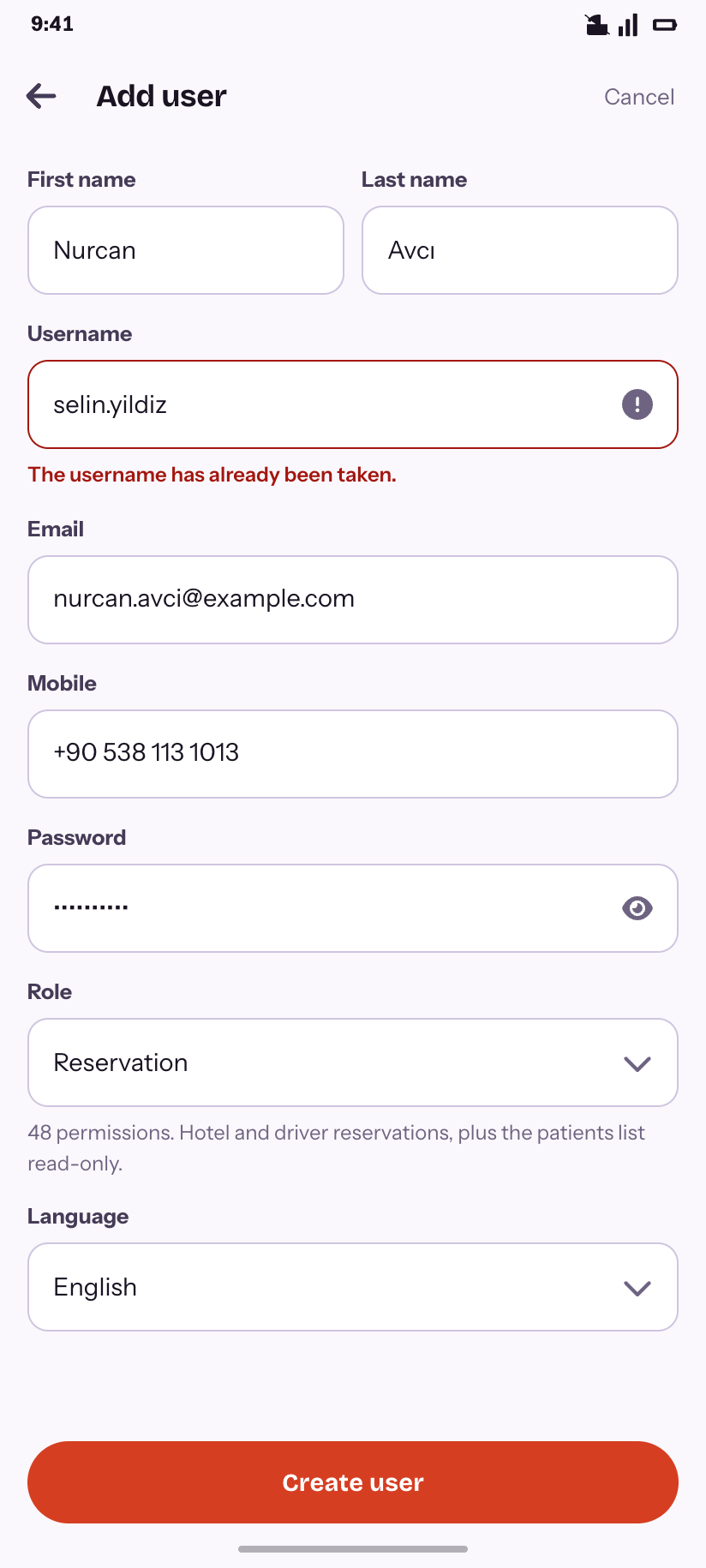
Add user
With the taken-username error the API really returns.
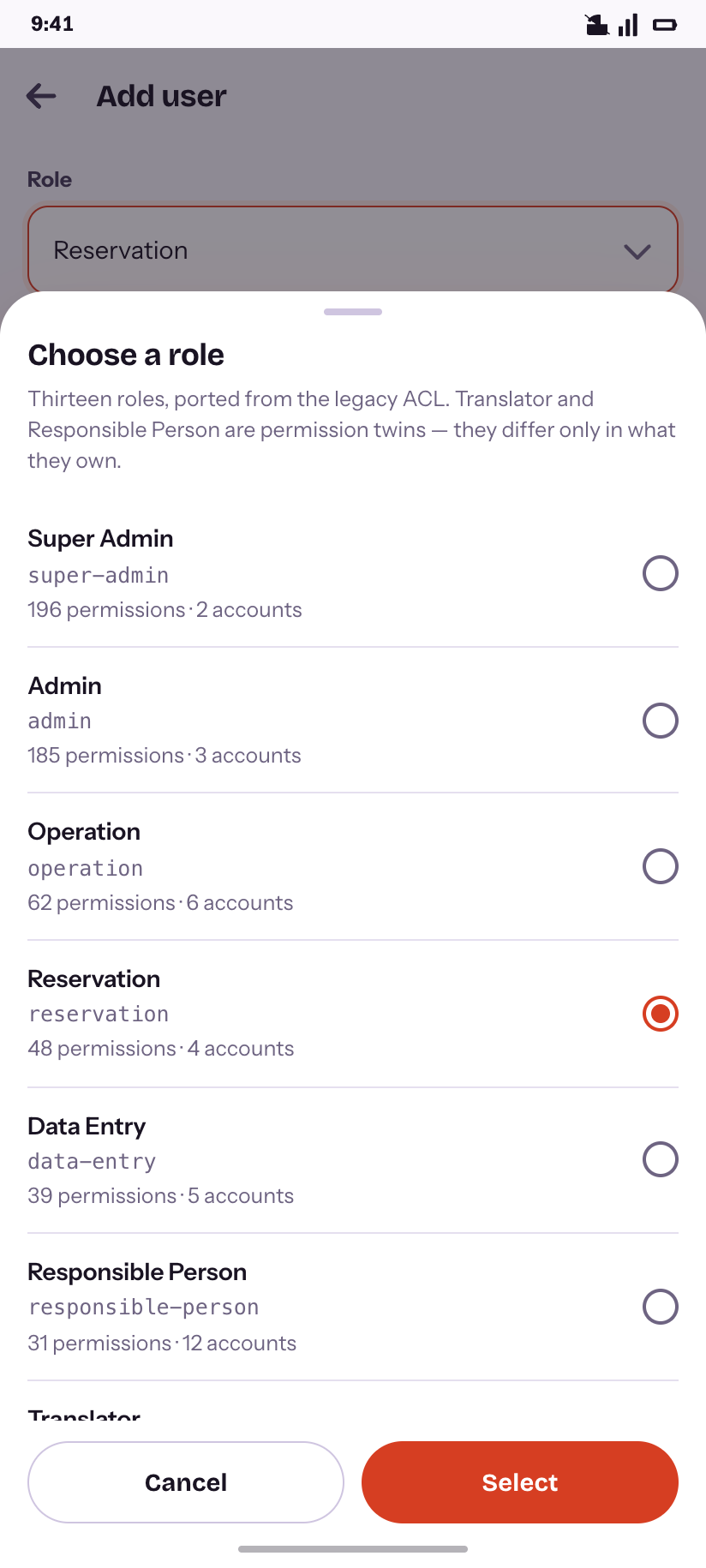
Choose a role
Each role with its permission count and headcount.
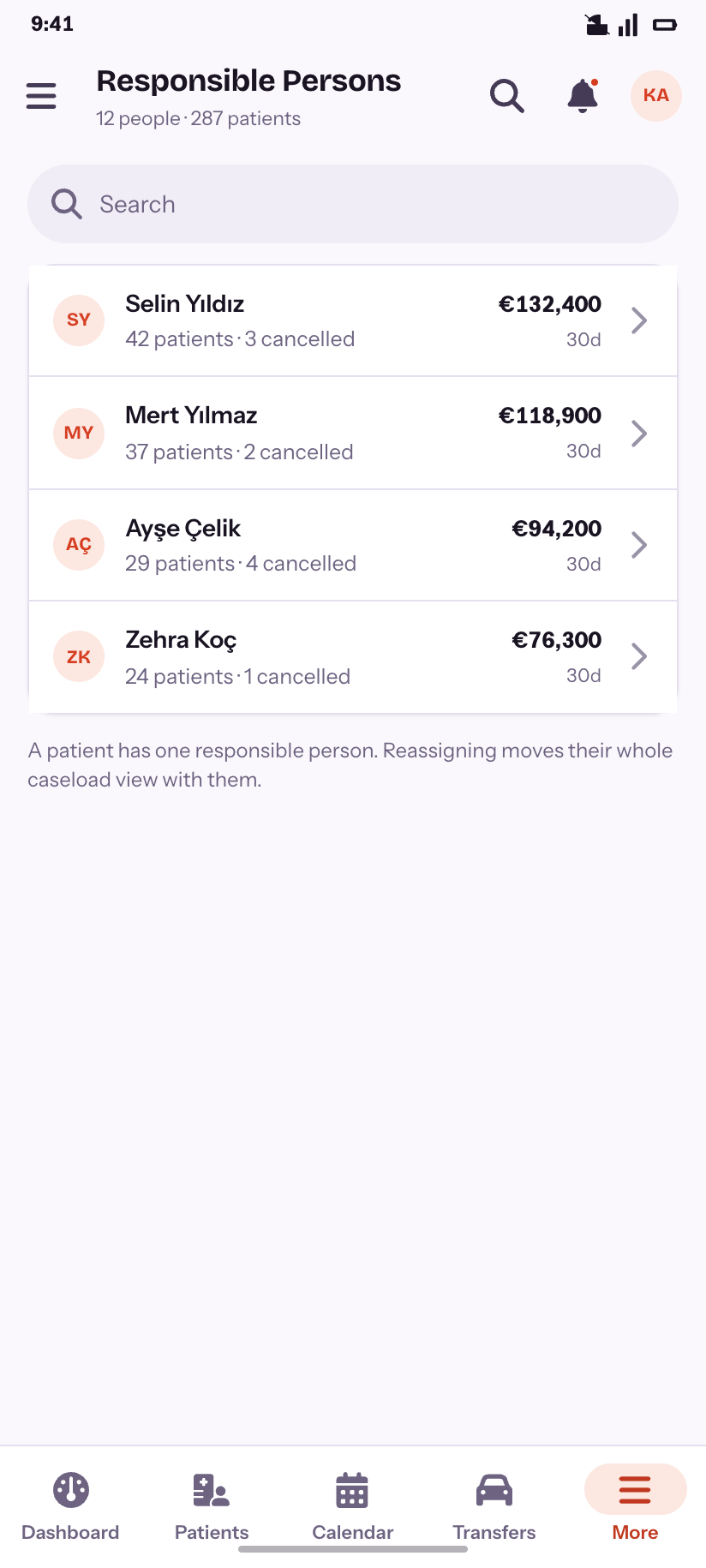
Responsible Persons
Case owners, ranked by 30-day income.
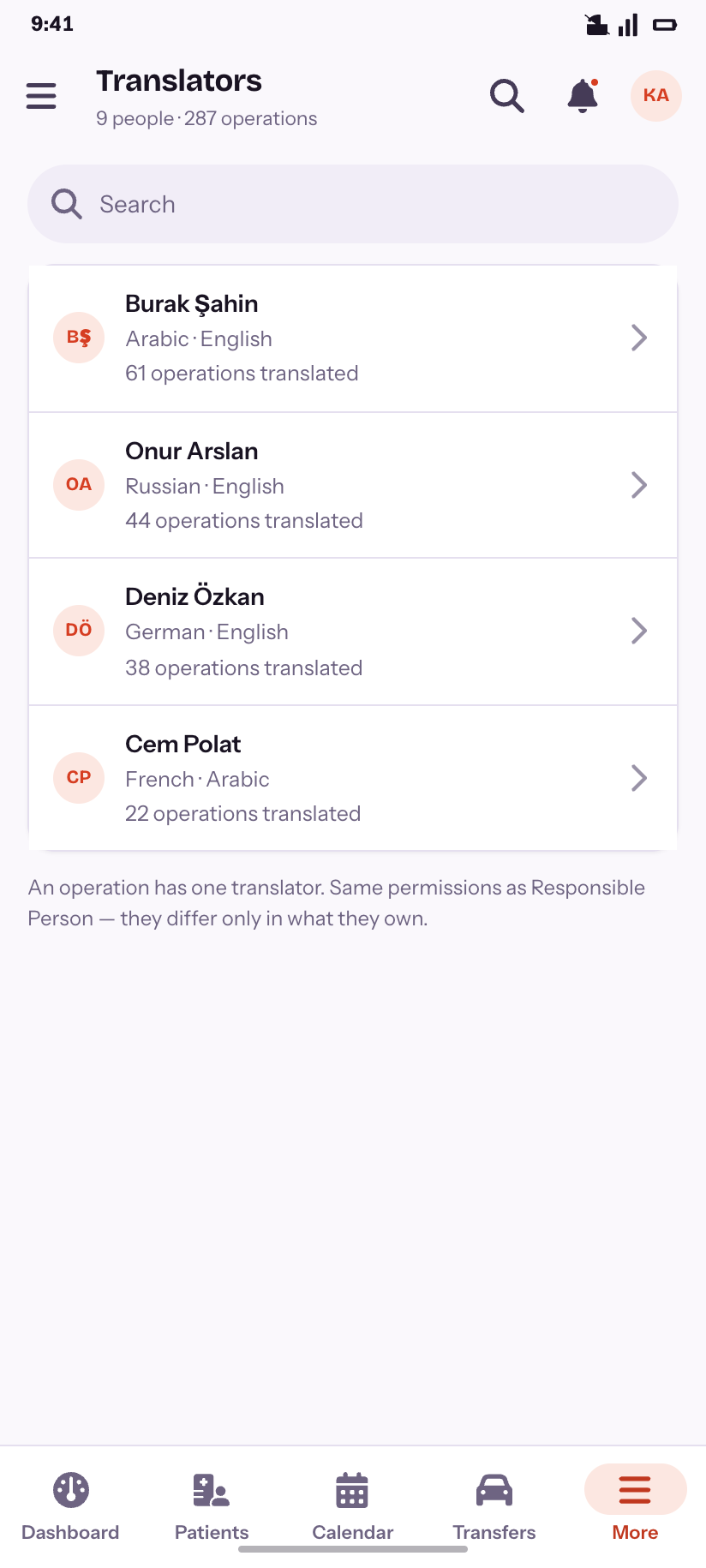
Translators
The permission twin of Responsible Person.
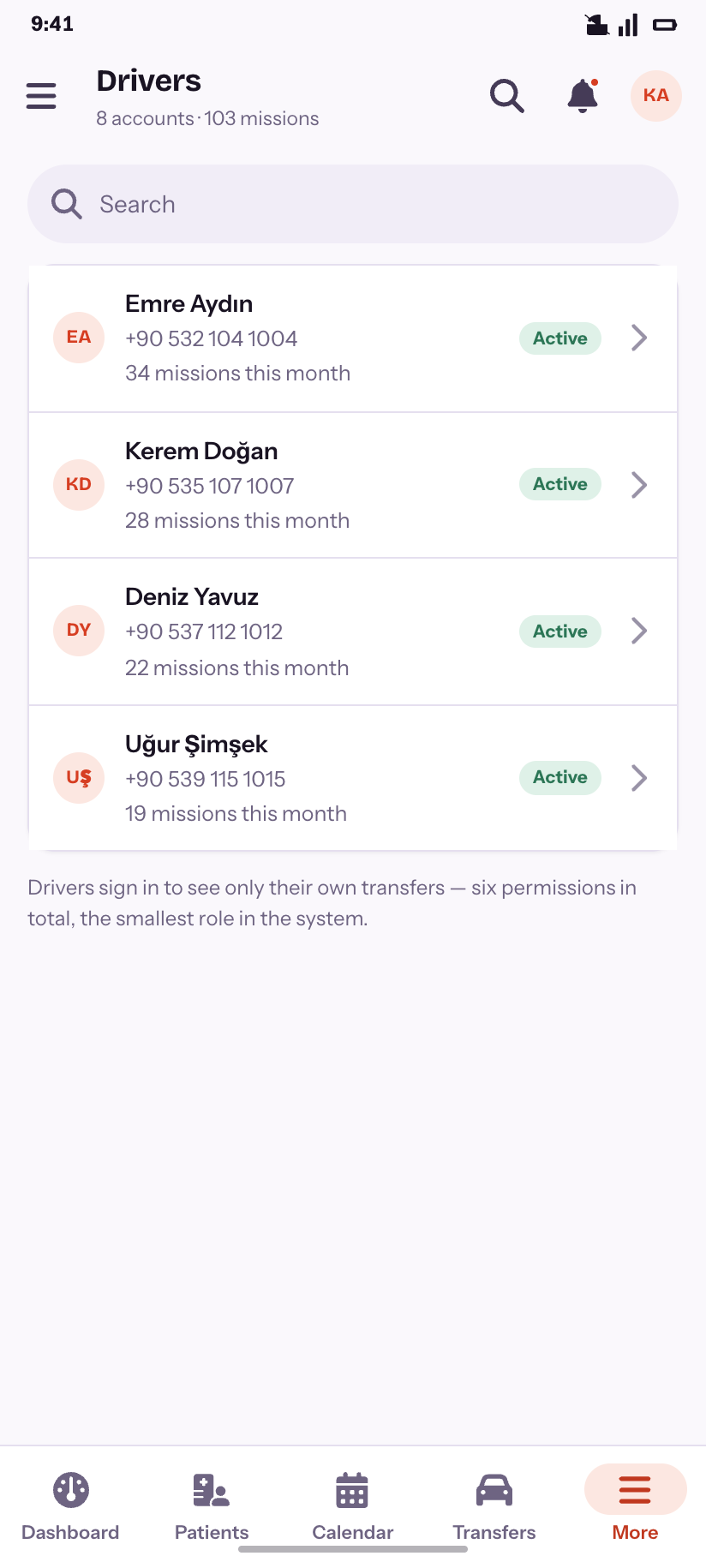
Drivers
Six permissions — the smallest role in the system.
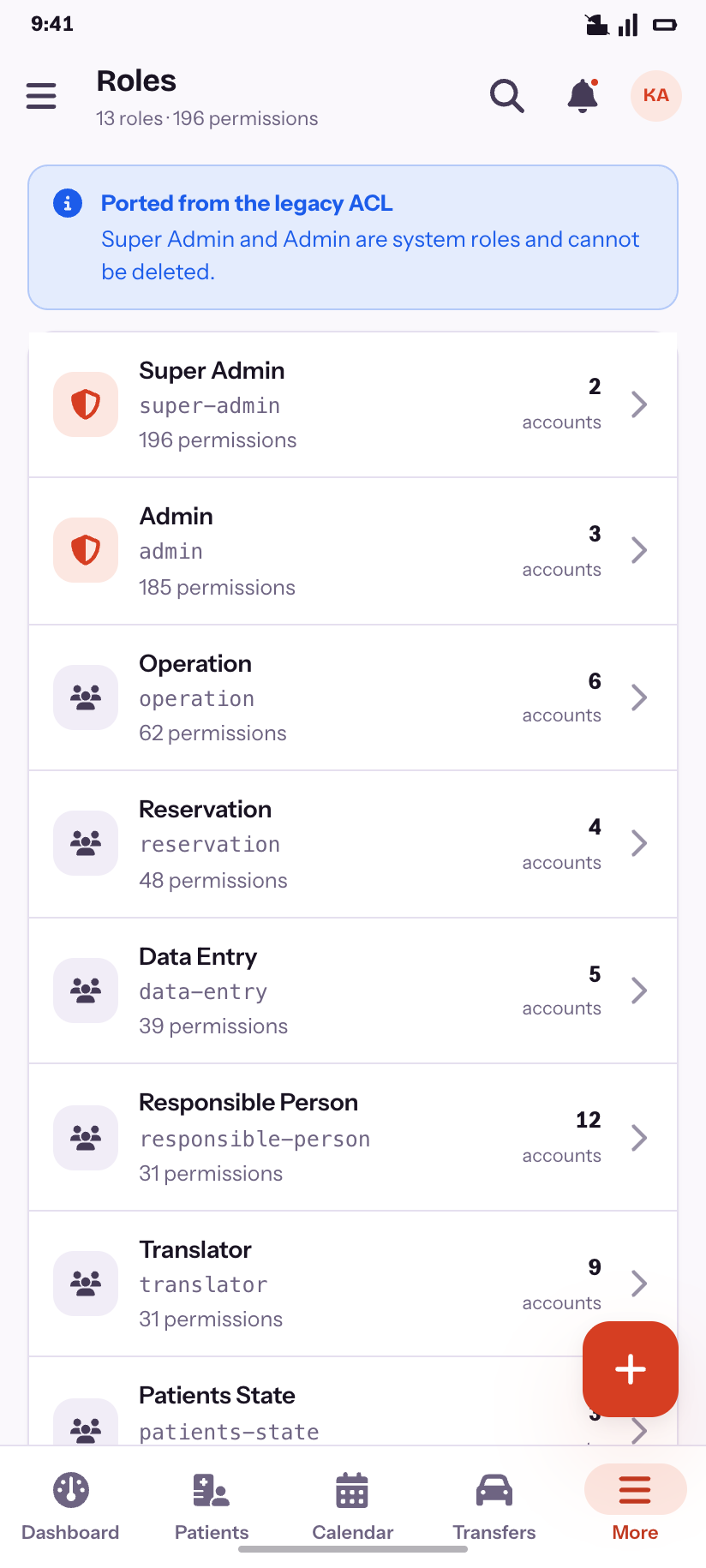
Roles
All thirteen, with the two that cannot be deleted marked.
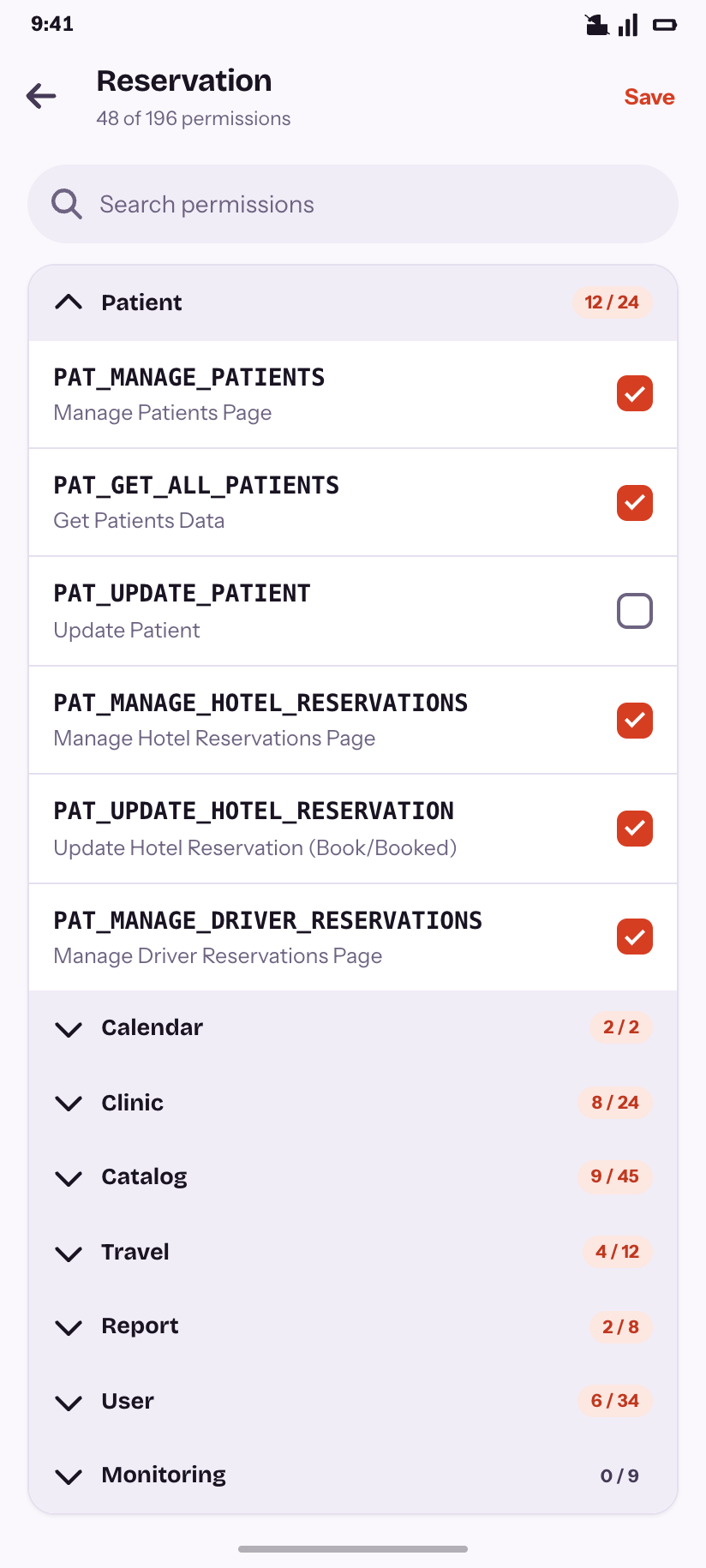
Role editor
Permissions grouped by module, with per-module counts.
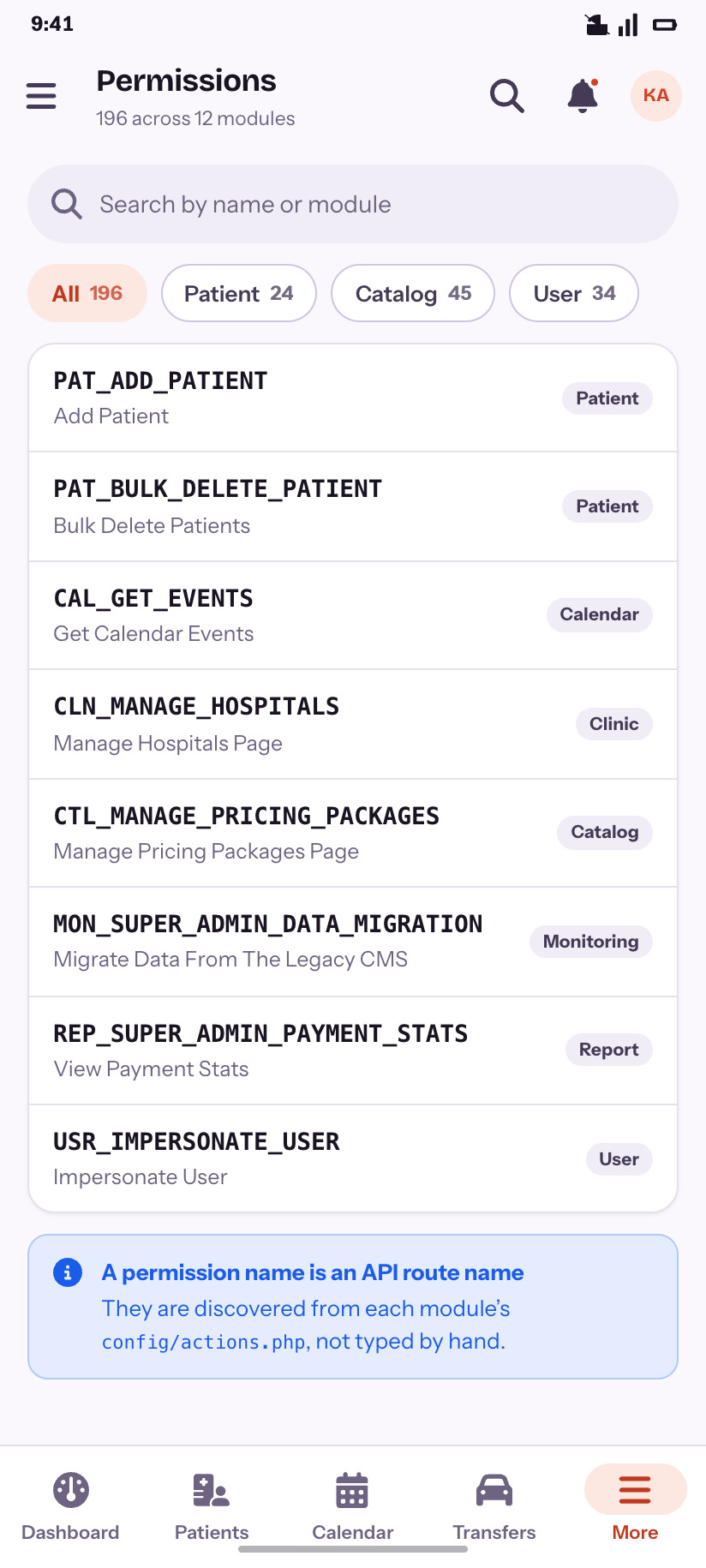
Permissions
The catalogue, and where the names come from.
Reference data
13Eighteen lookup pages behind the product's own Settings / Clinic / Travel split. Eleven of them are literally the same list, so the design draws that shape once and says so.
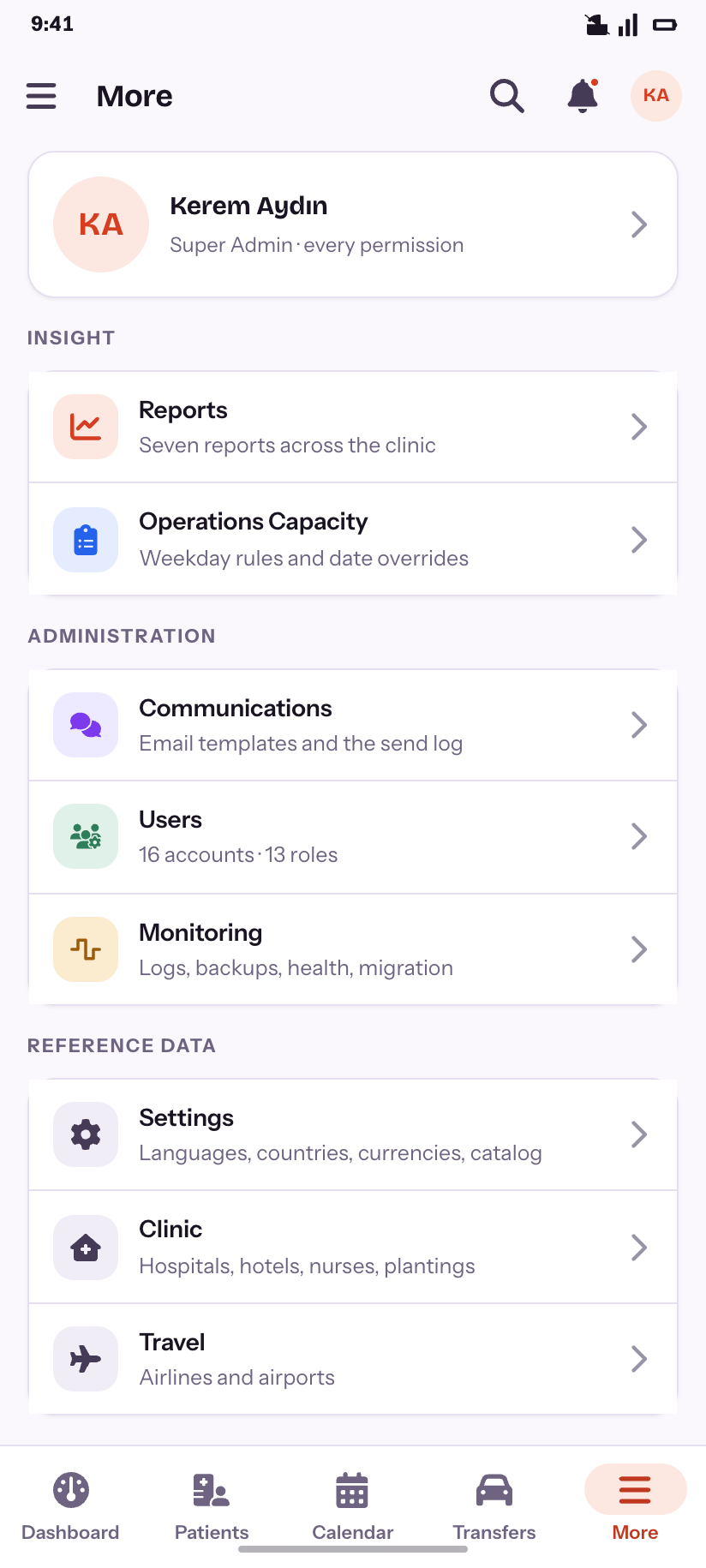
More
The fifth destination: everything that is not a daily job.
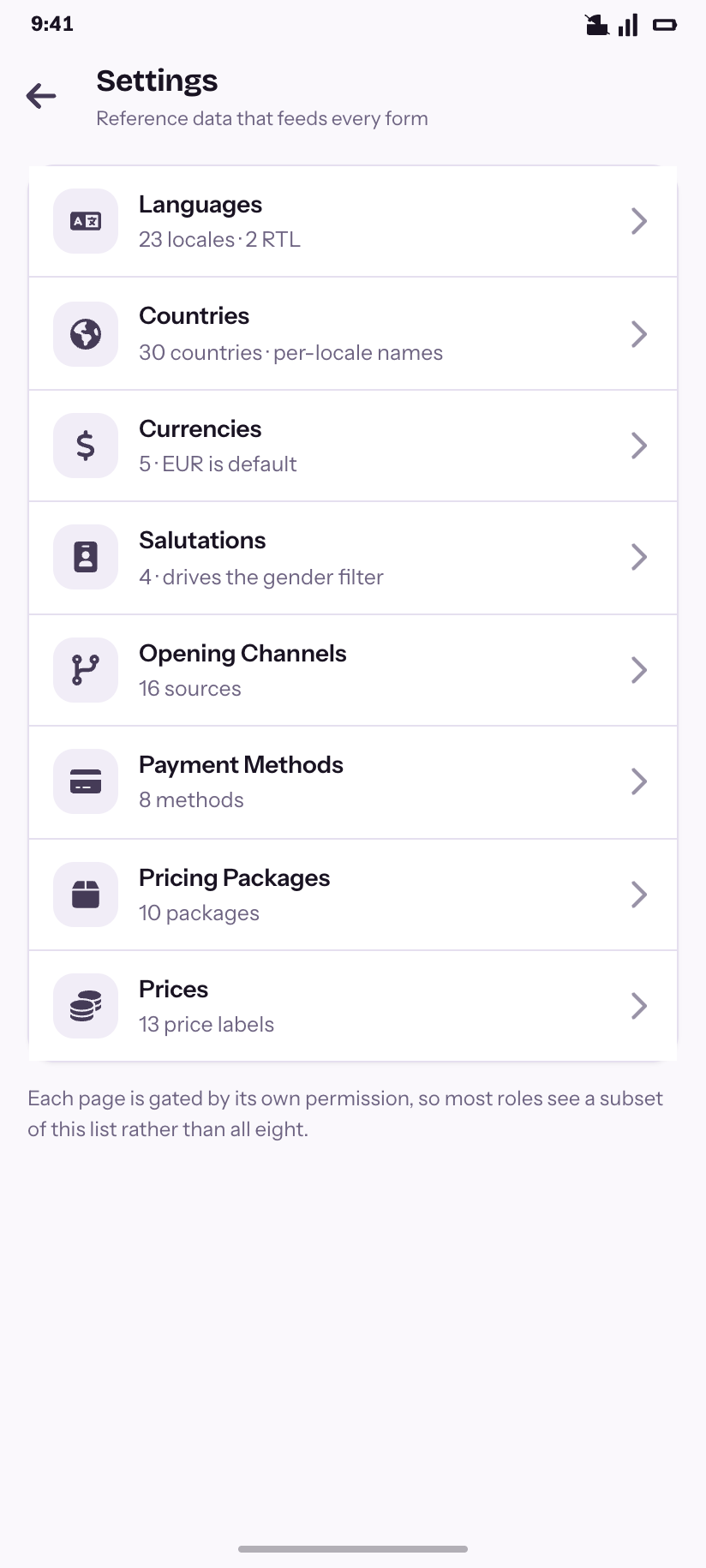
Settings
Eight areas, each behind its own permission.
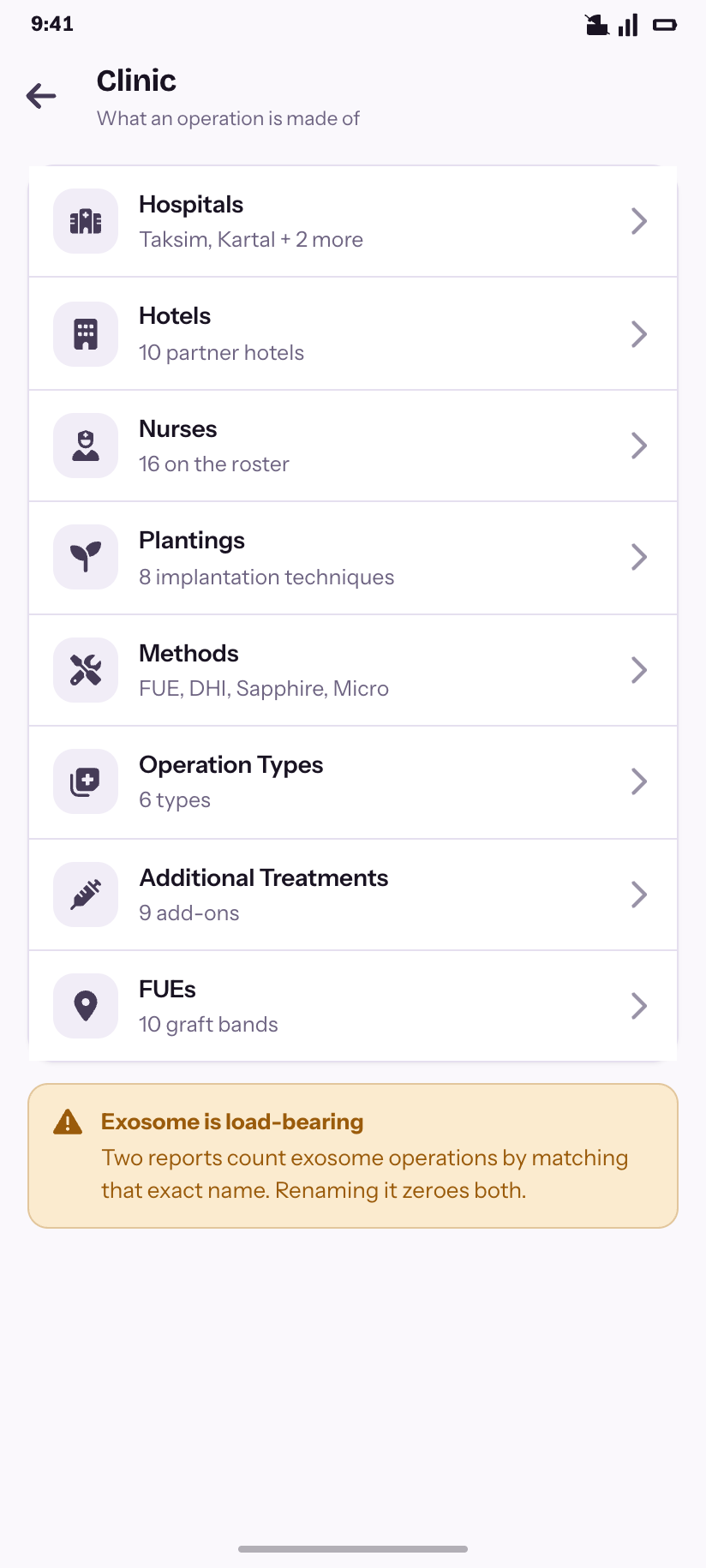
Clinic
What an operation is made of — plus the one row you must not rename.
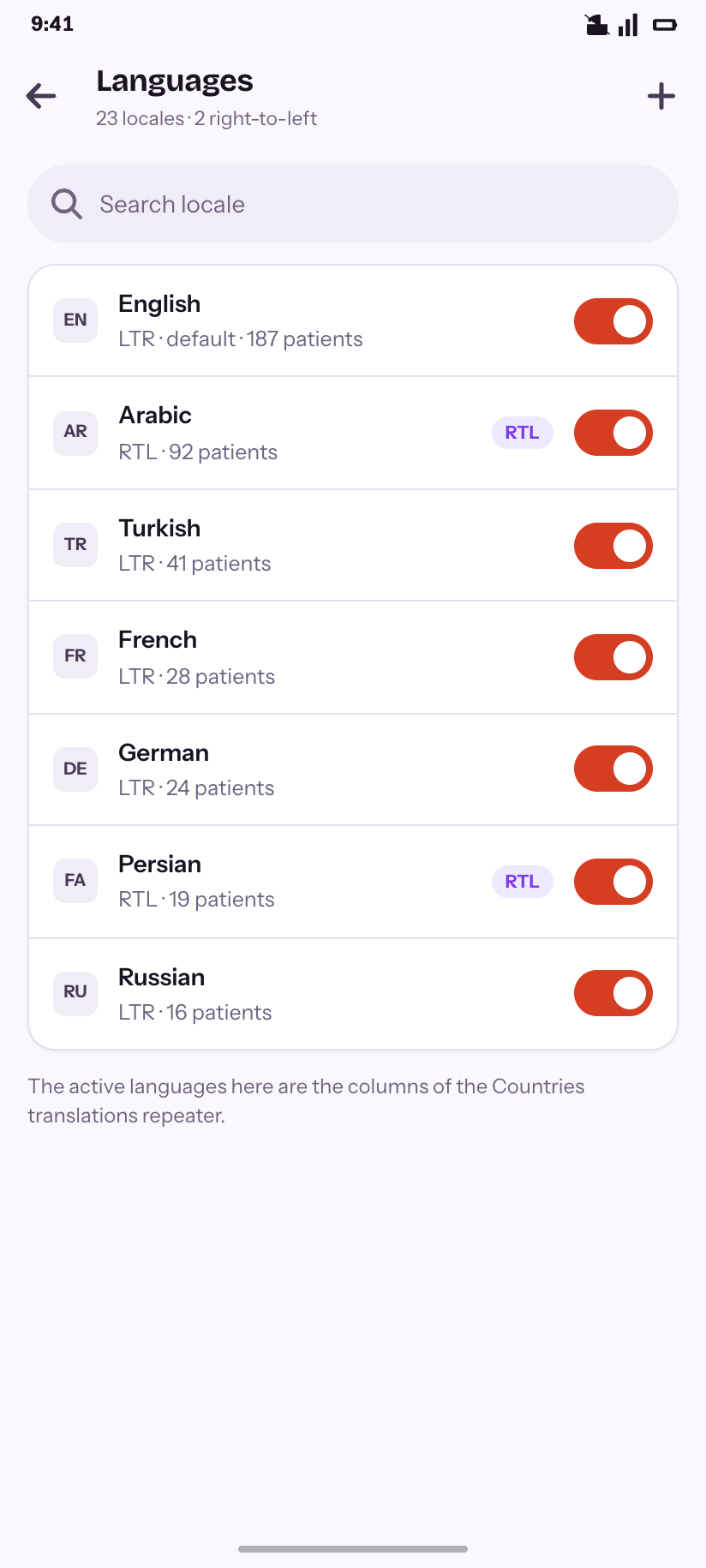
Languages
23 locales, with RTL flagged and volume behind each.
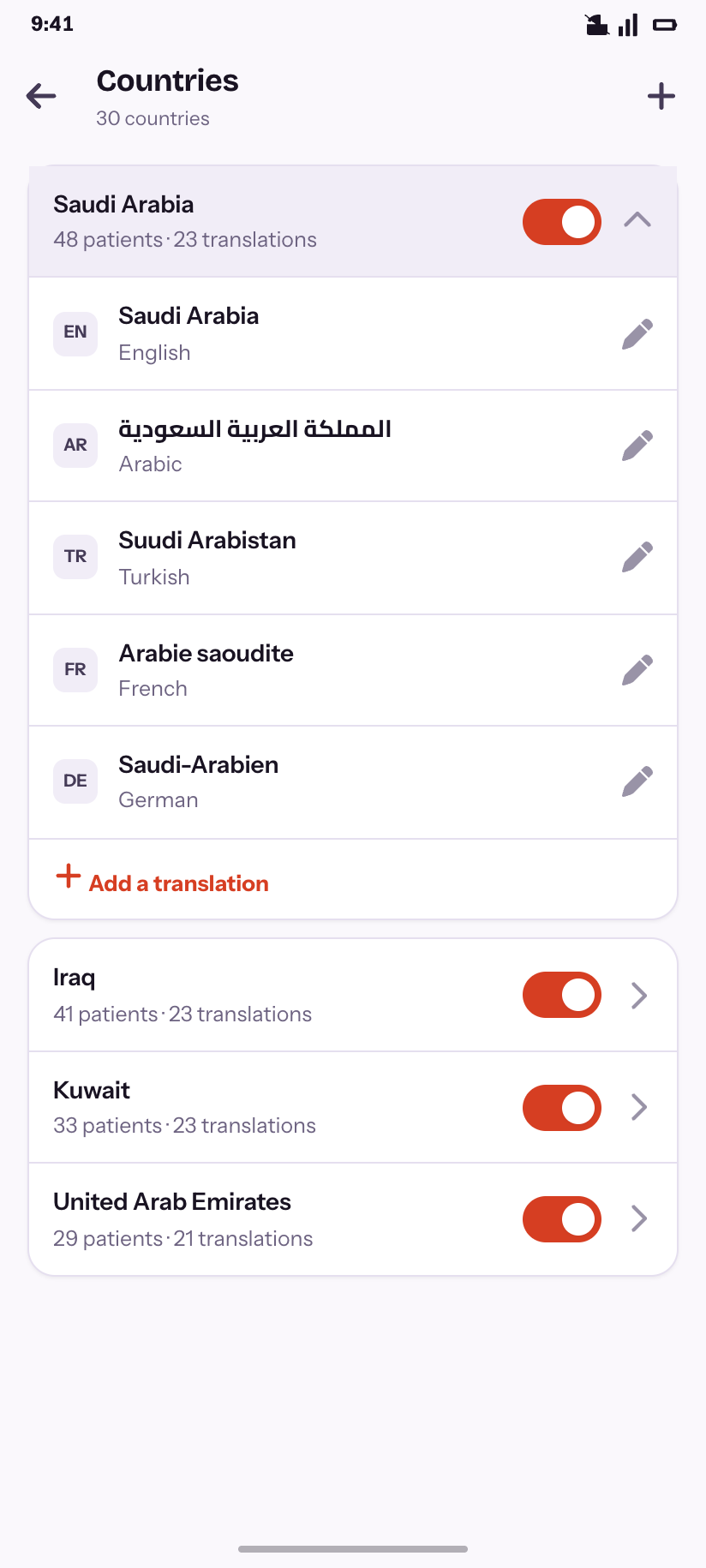
Countries
One row expanded to show the per-locale translations repeater.
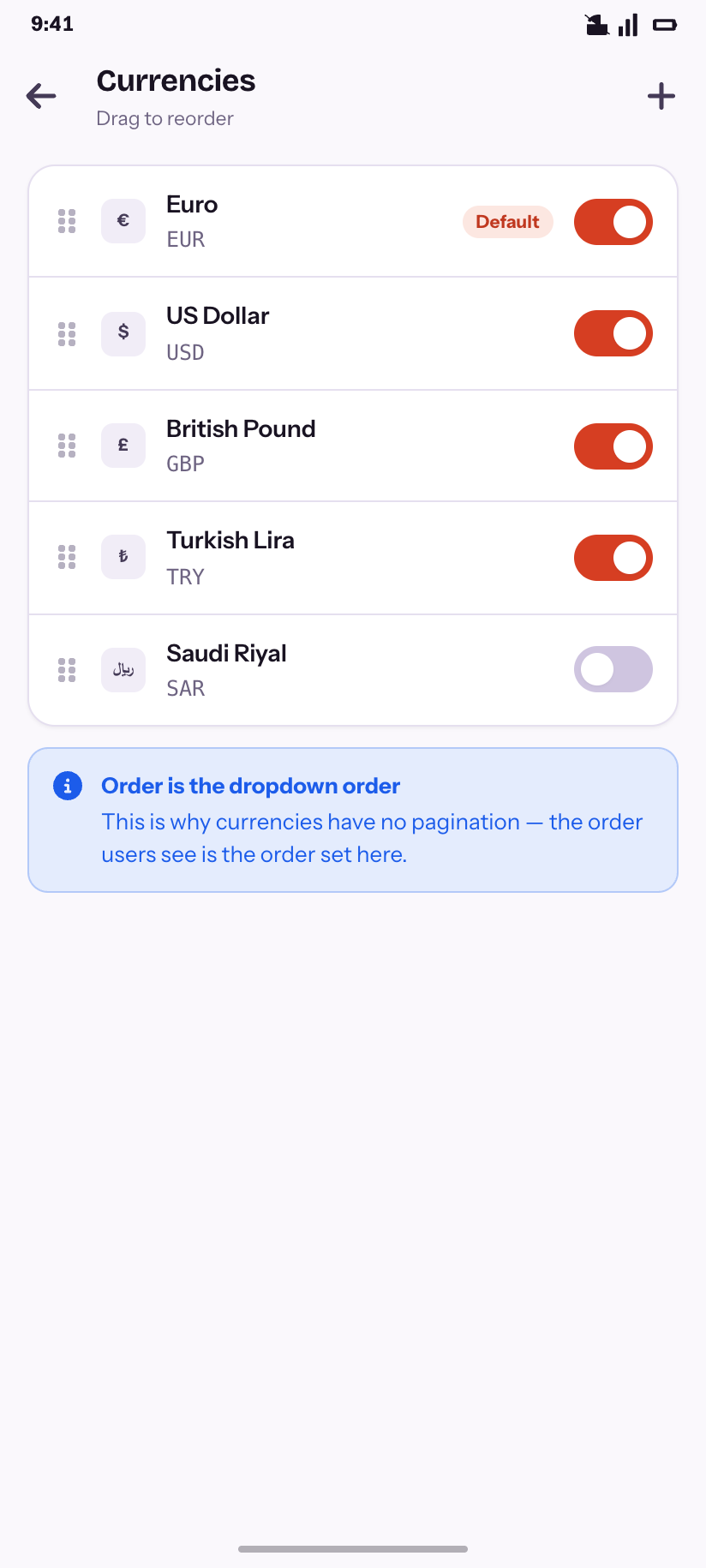
Currencies
Reorderable, because the order is the dropdown order.
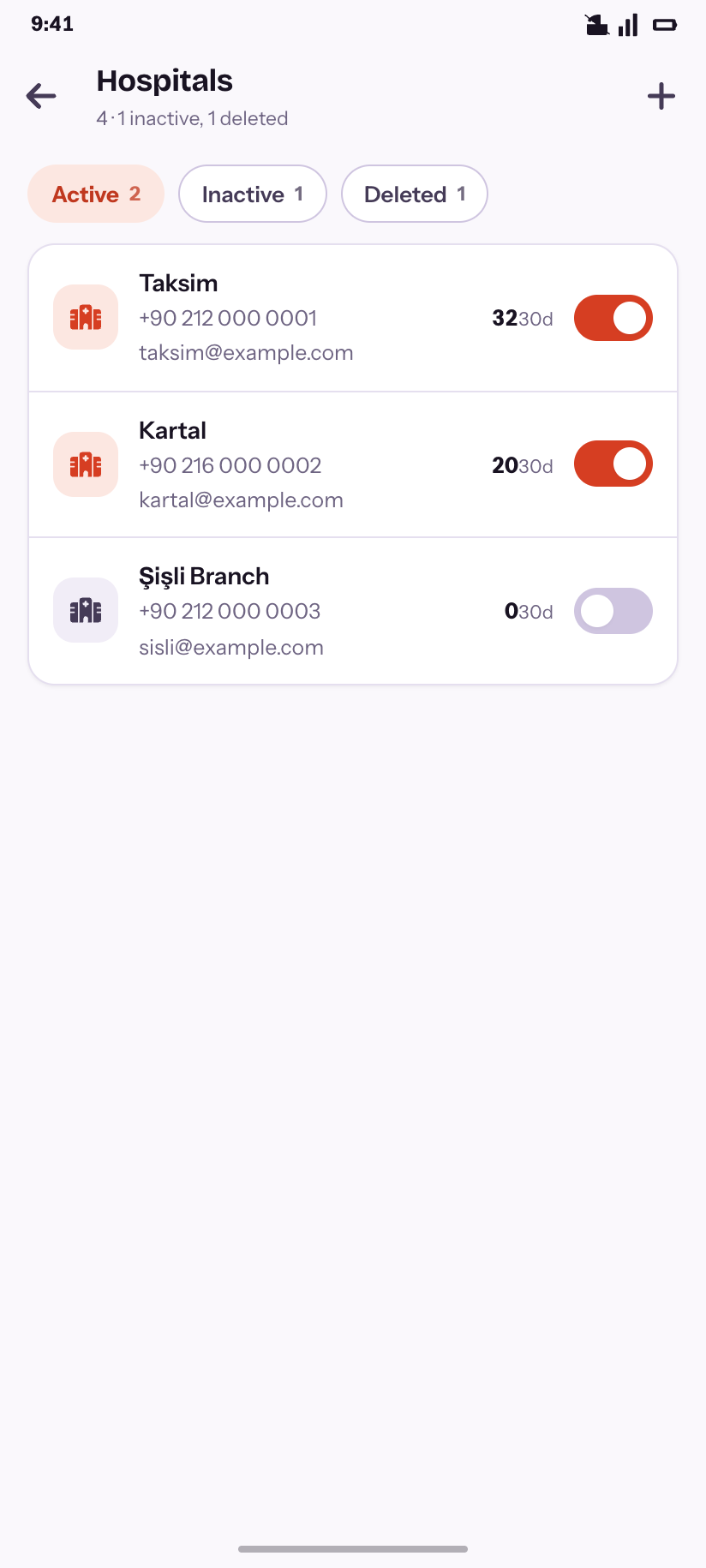
Hospitals
Two live branches, one inactive, one deleted.
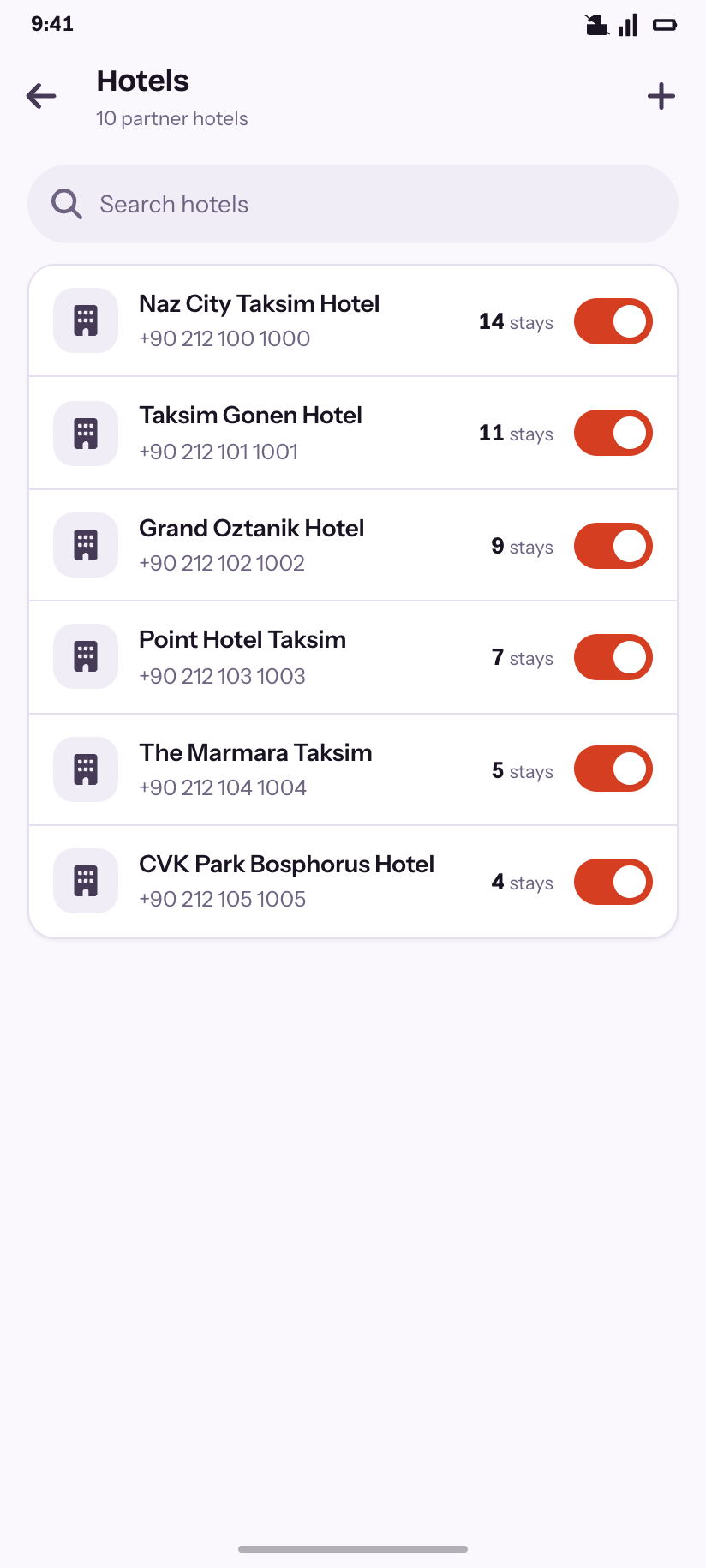
Hotels
Partner hotels ranked by stays.
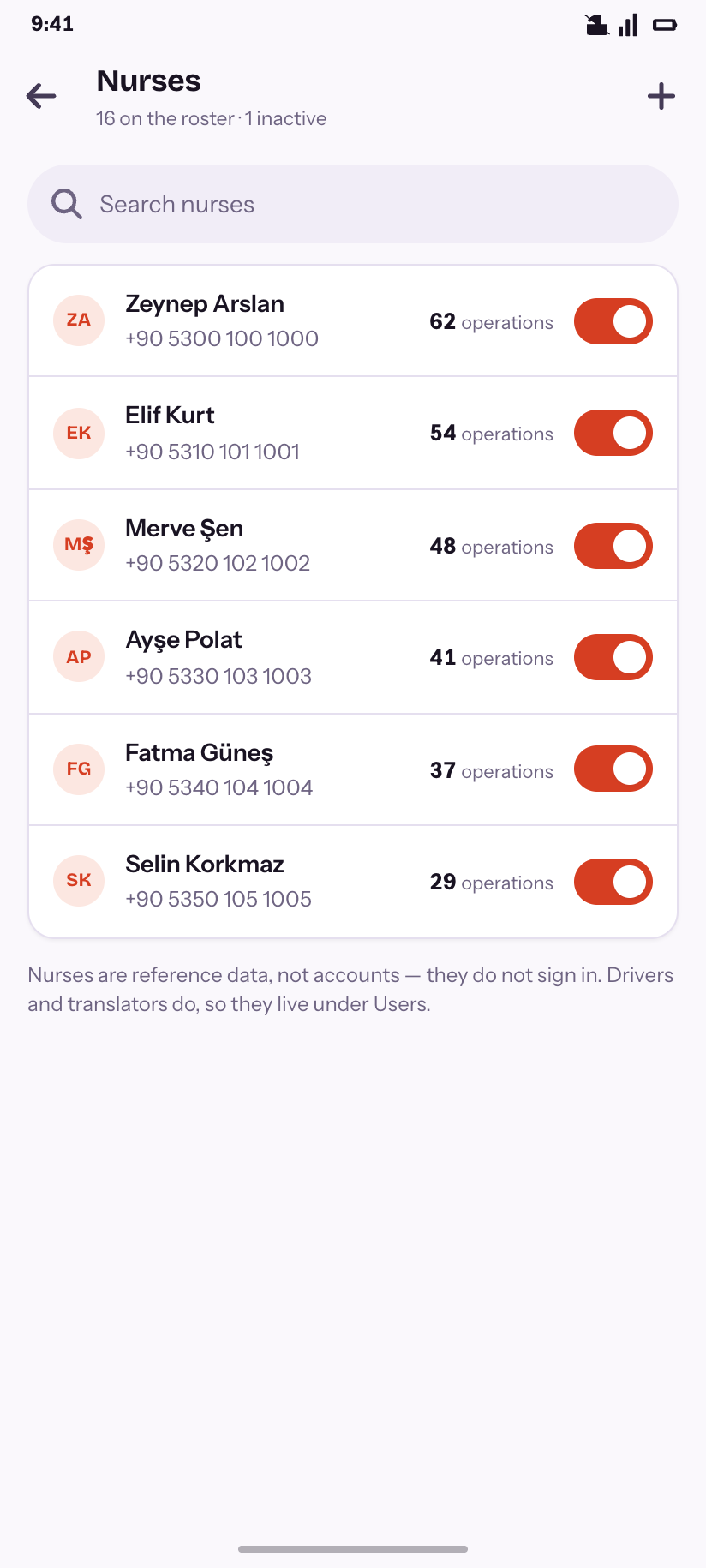
Nurses
Reference data, not accounts — and why that matters.
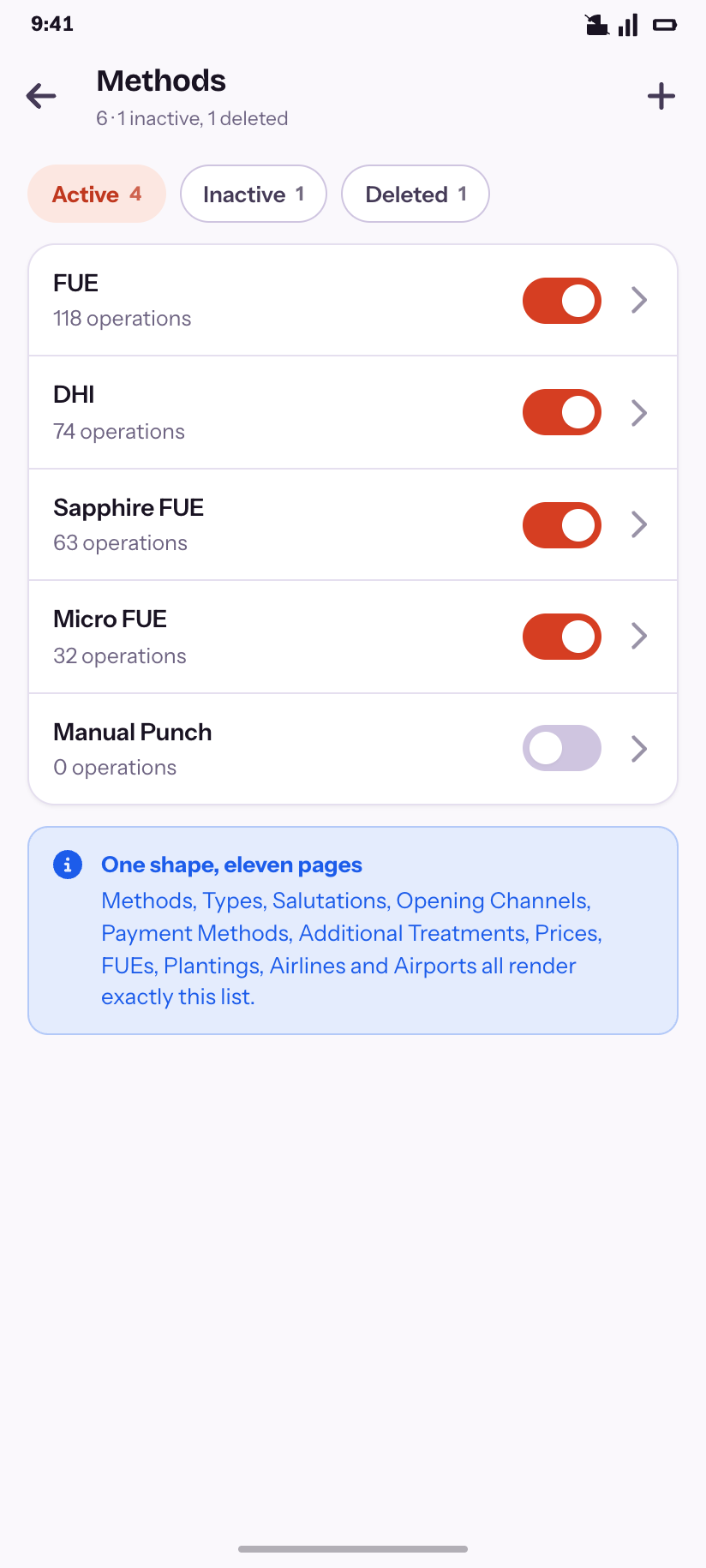
Methods
The shape eleven other reference pages share.
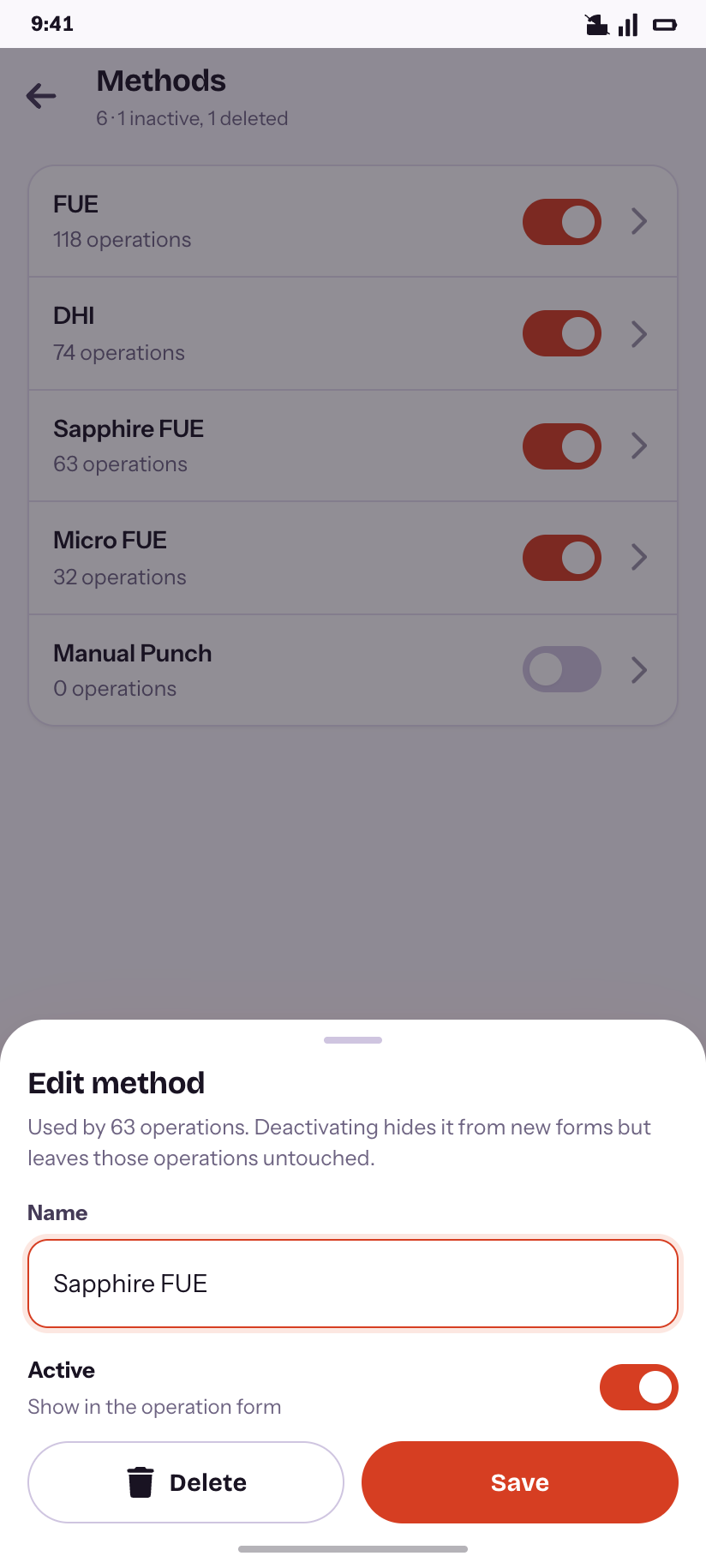
Lookup editor
The sheet behind every reference row.
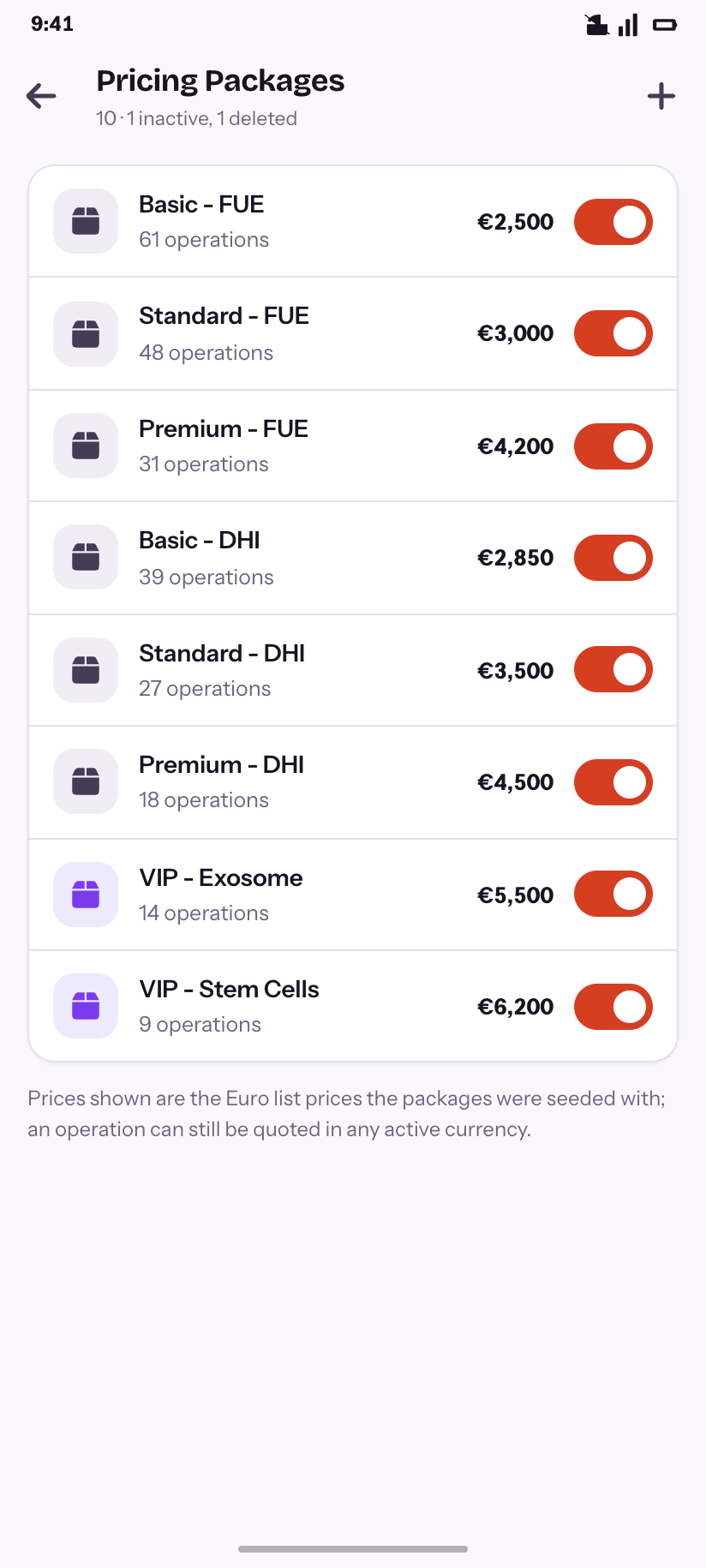
Pricing Packages
The legacy packages and their Euro list prices.
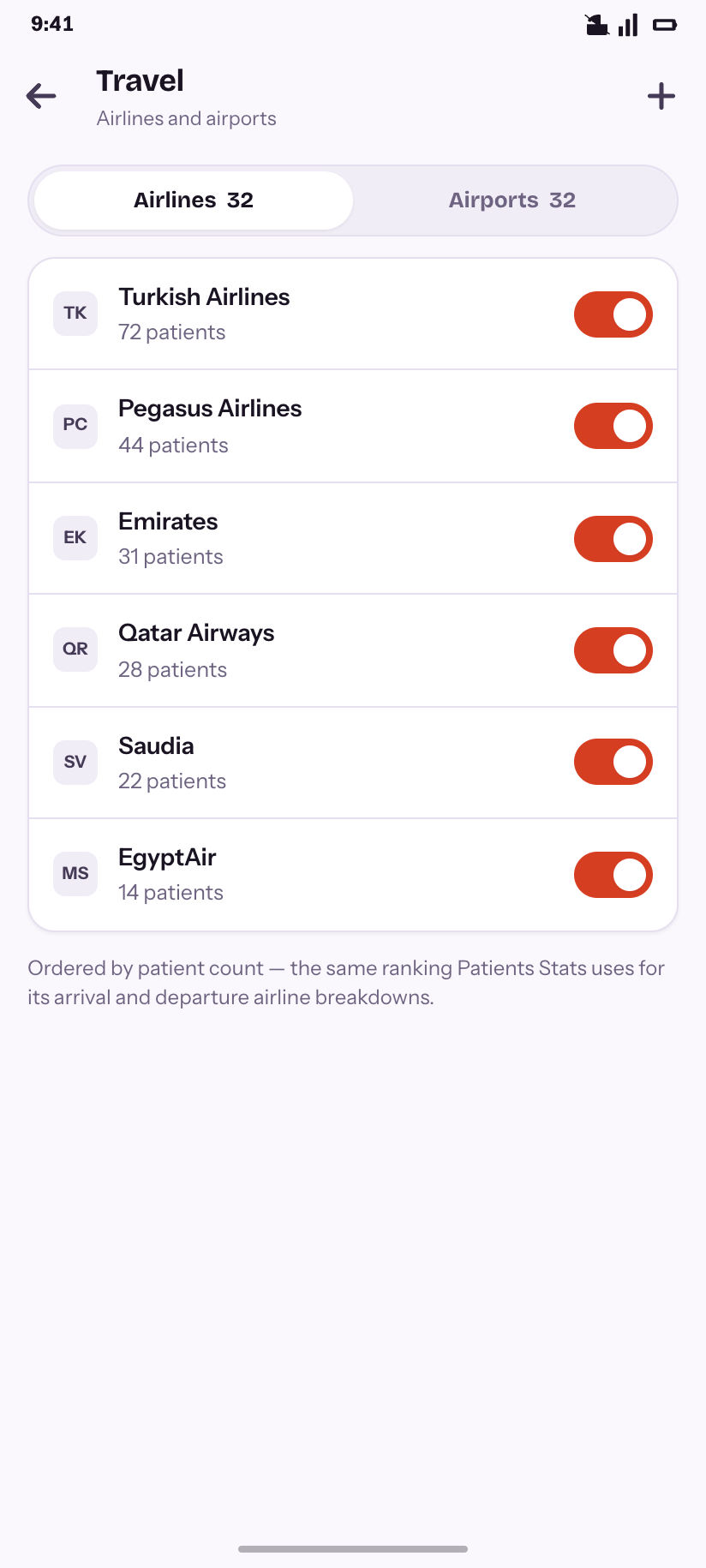
Travel
Airlines and airports, ranked the way the reports rank them.
Monitoring
9Super-admin surfaces. On the desktop these are wide diagnostic tables; the question you ask from a phone is “is it broken right now”, so status leads and the table follows.
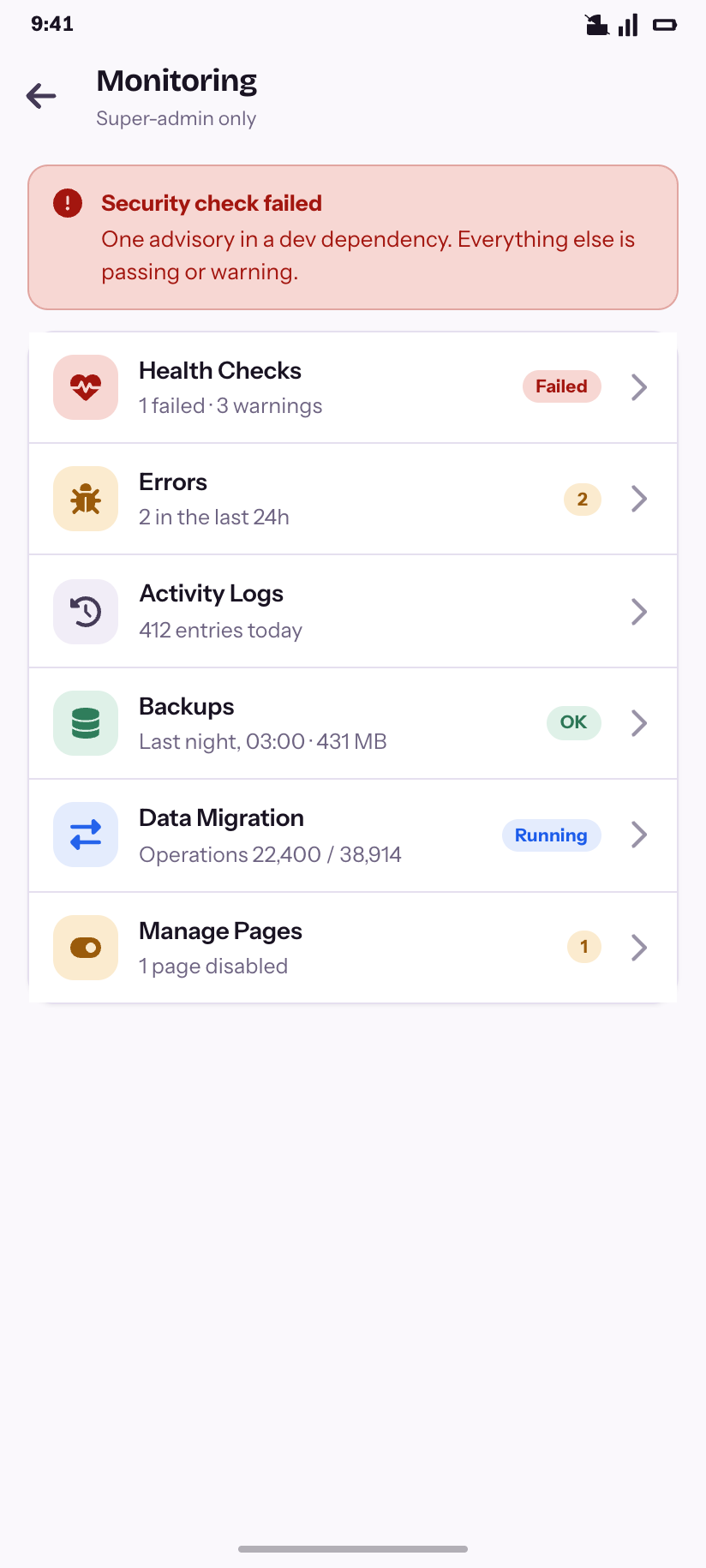
Monitoring
Six pages, each carrying a live signal rather than just a name.
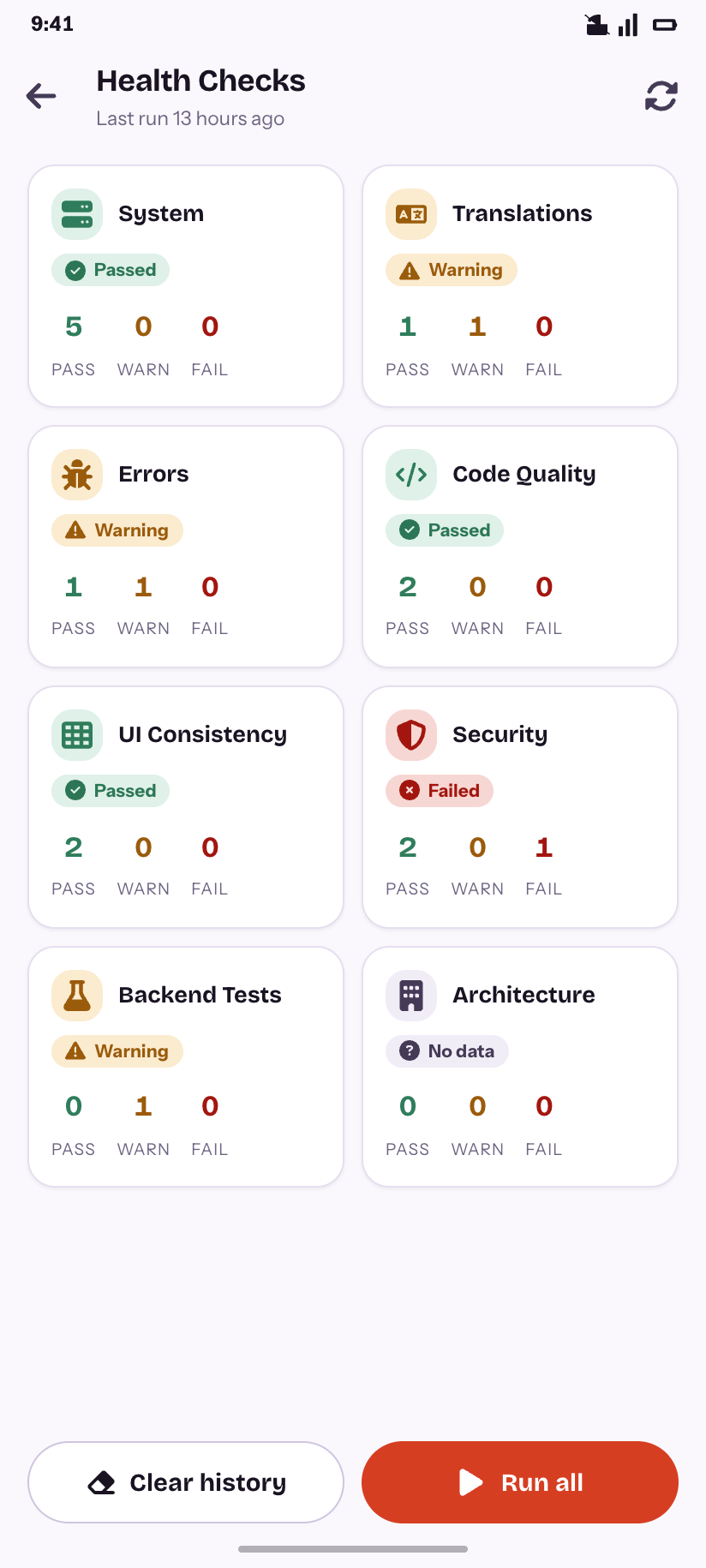
Health Checks
Eight categories, one failing.
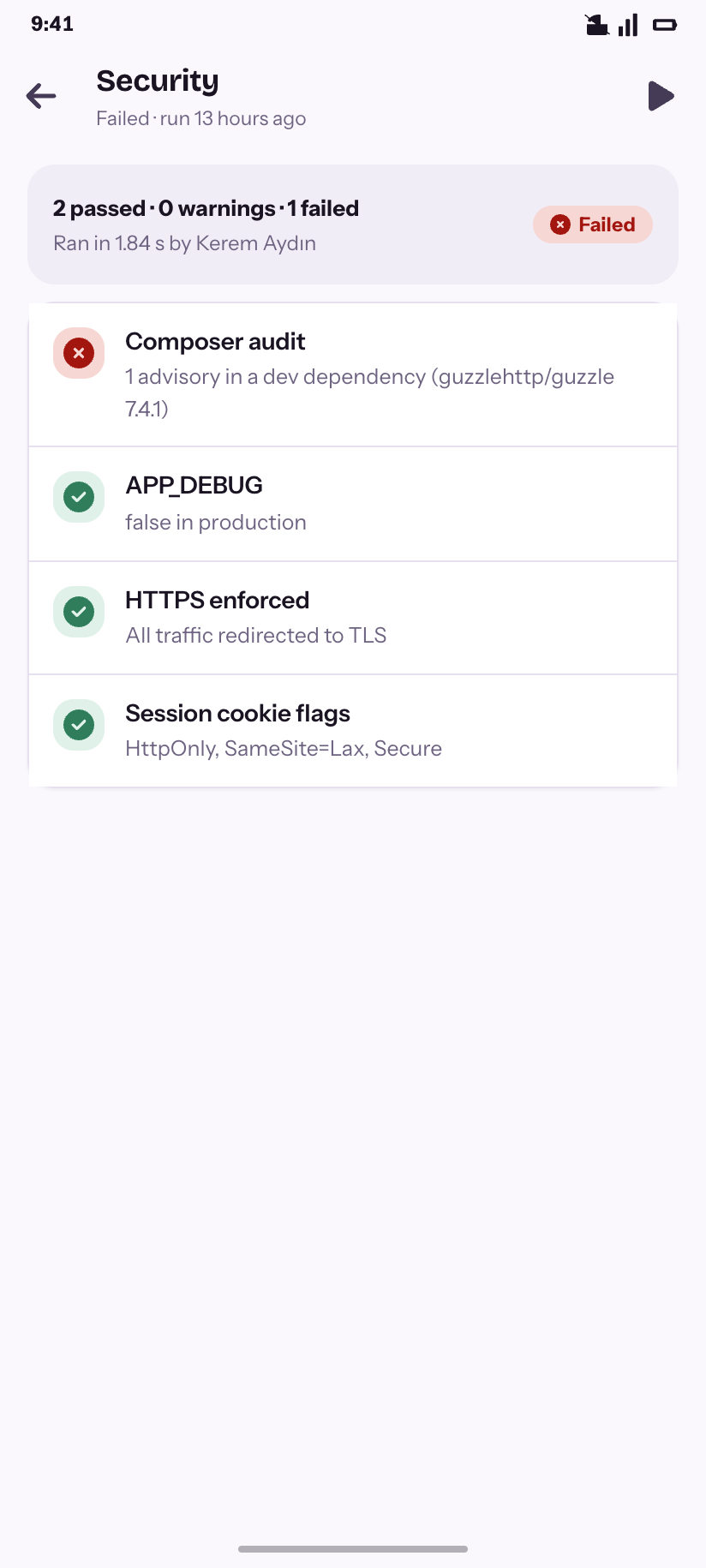
Security
The four checks behind the failure.
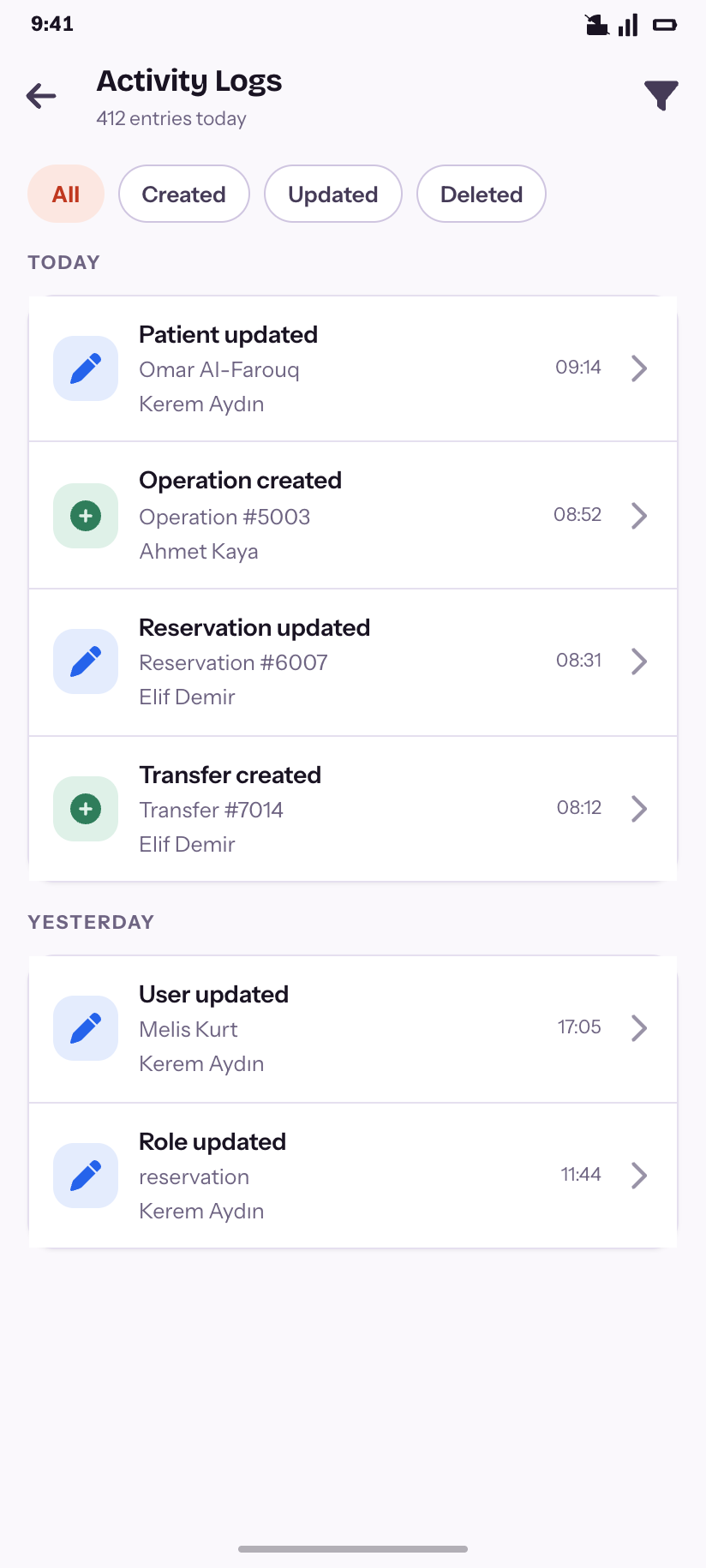
Activity Logs
Who did what, grouped by day.
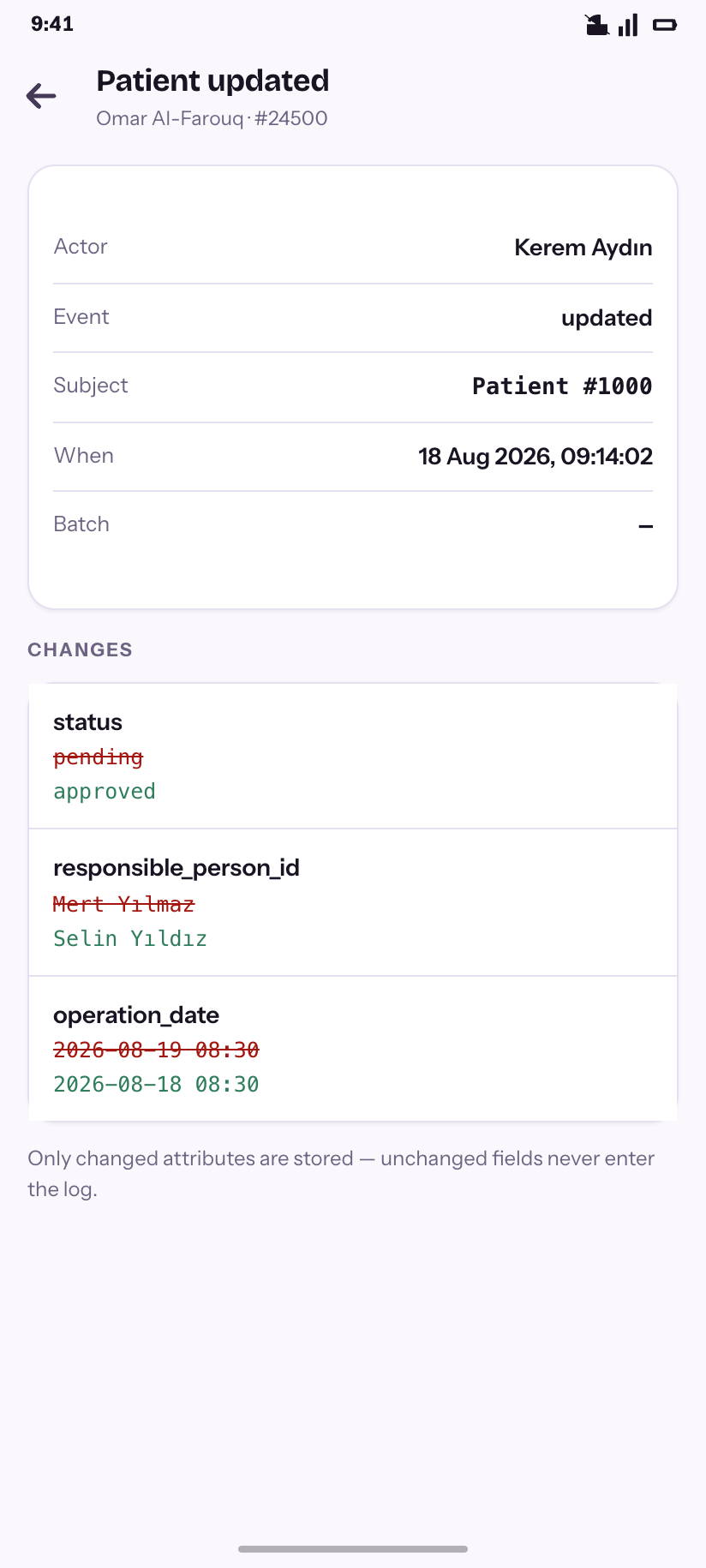
Log entry
The field-by-field diff, old struck through.
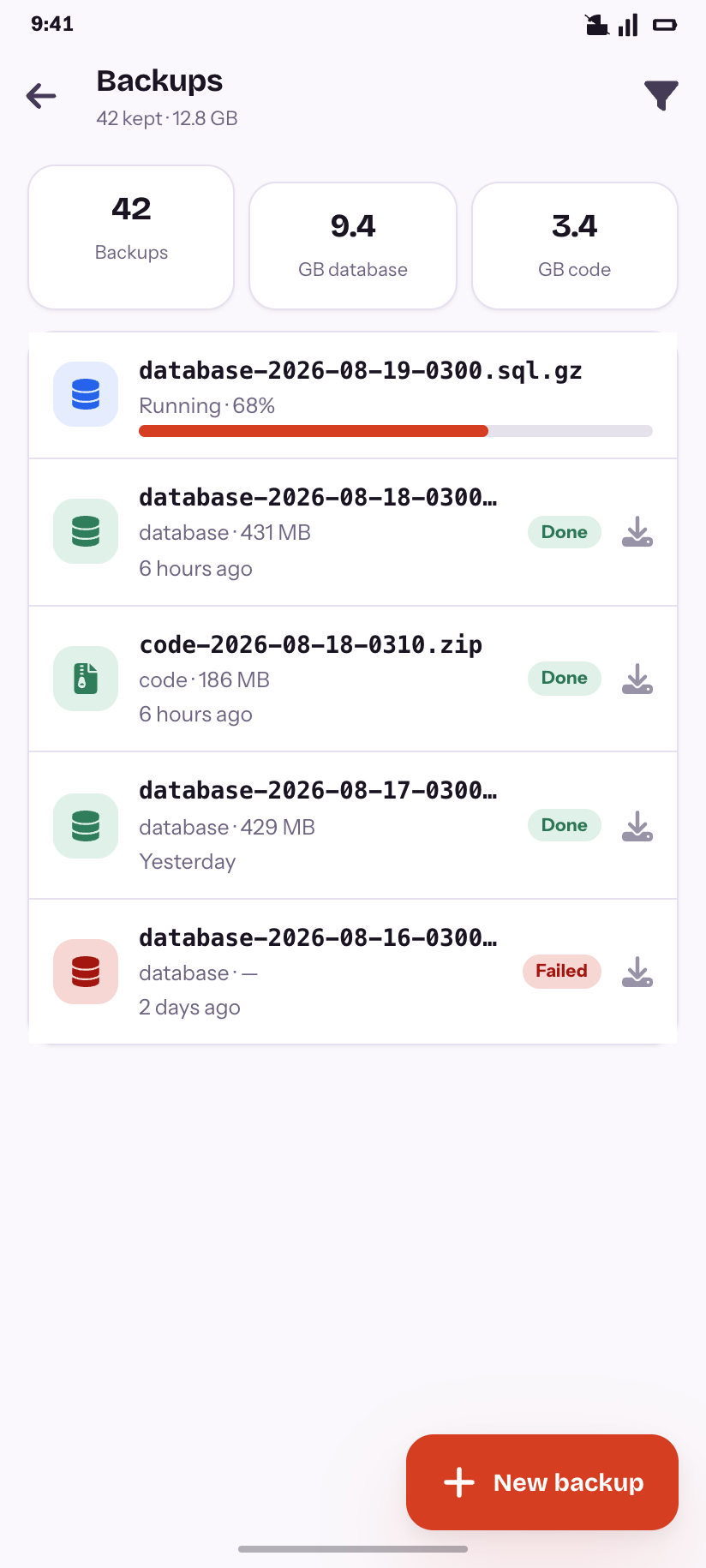
Backups
History plus one run mid-progress.
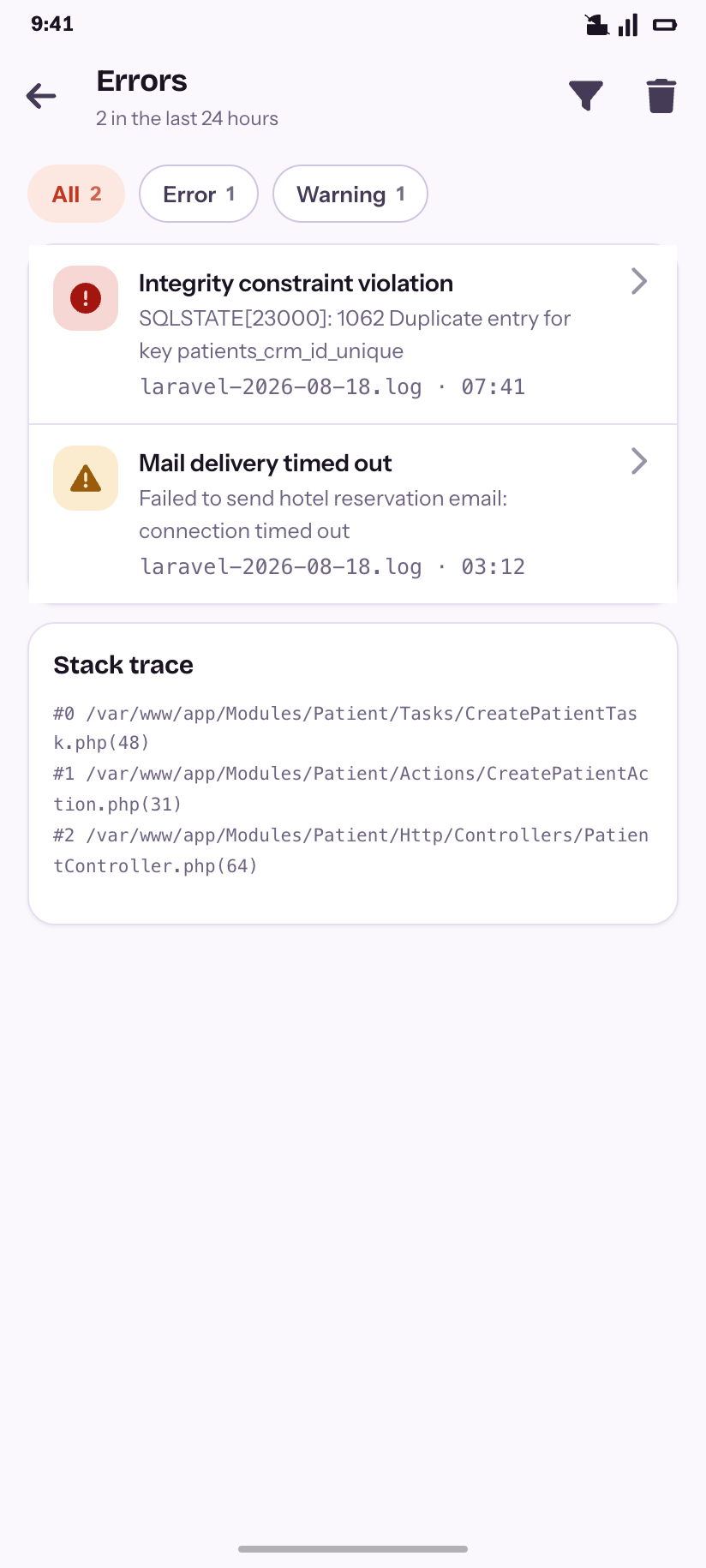
Errors
Two in 24 hours, with a stack expanded.
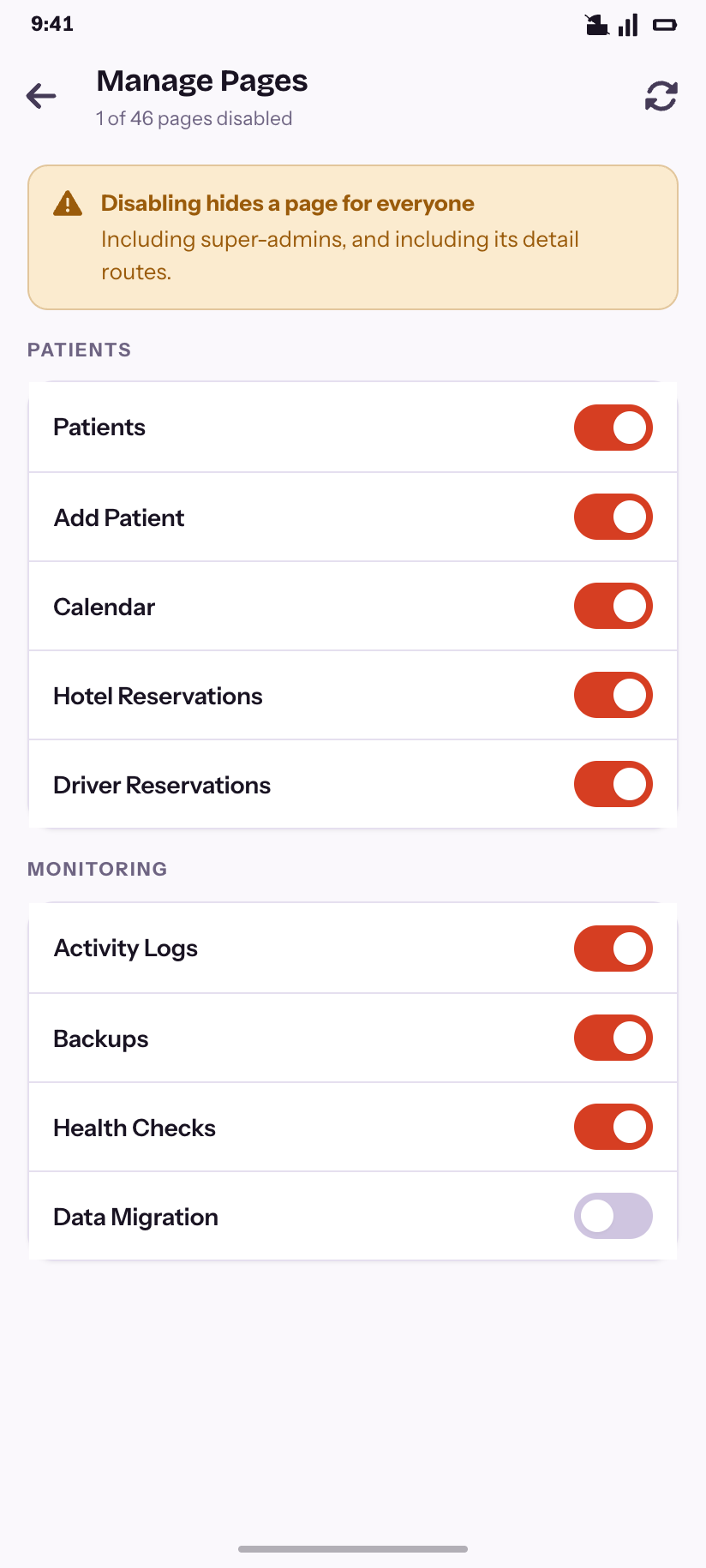
Manage Pages
The switch that hides a page from everyone.
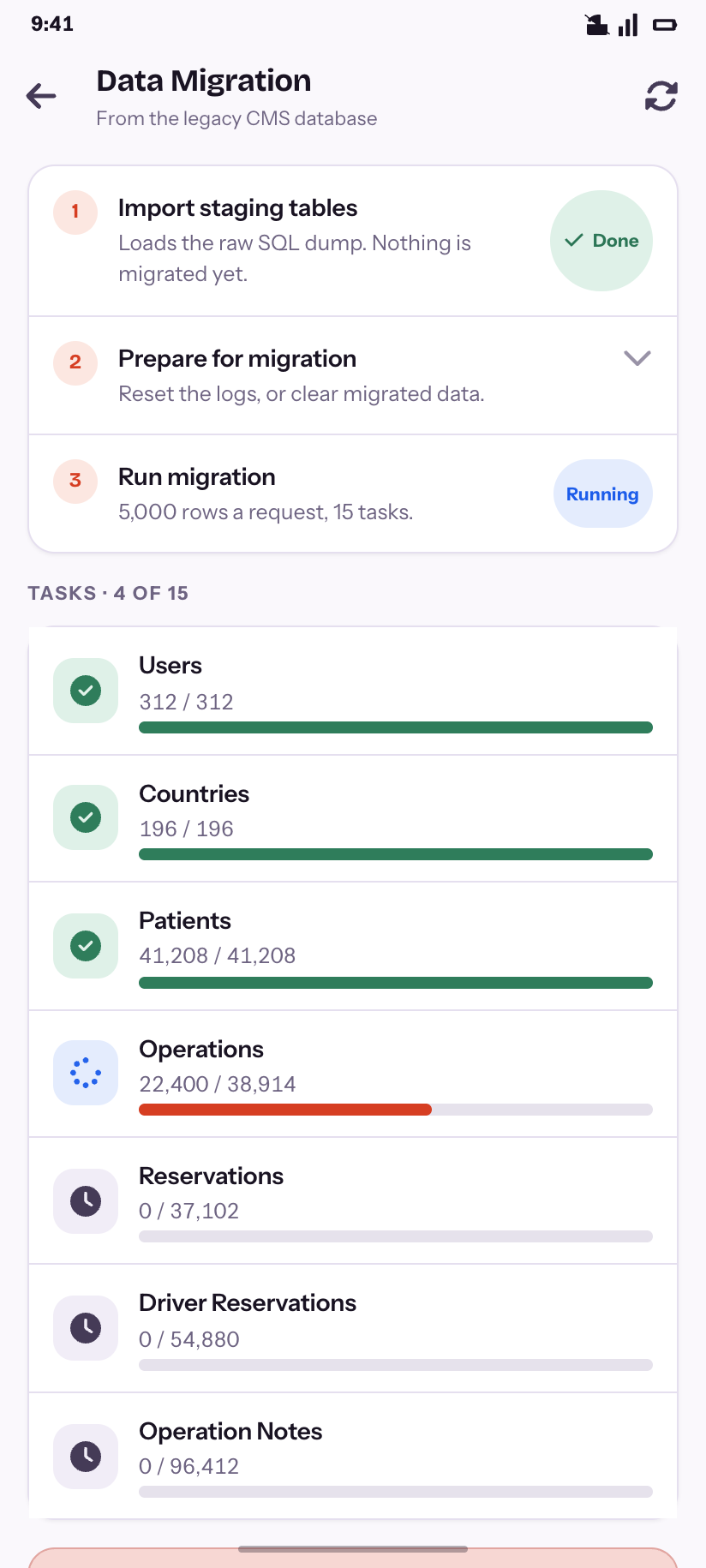
Data Migration
The three-step wizard, its fifteen tasks, and a fenced danger zone.
Account & system
9Your own account, the appearance customizer that makes the other five styles real, and the two states you meet when something is wrong.
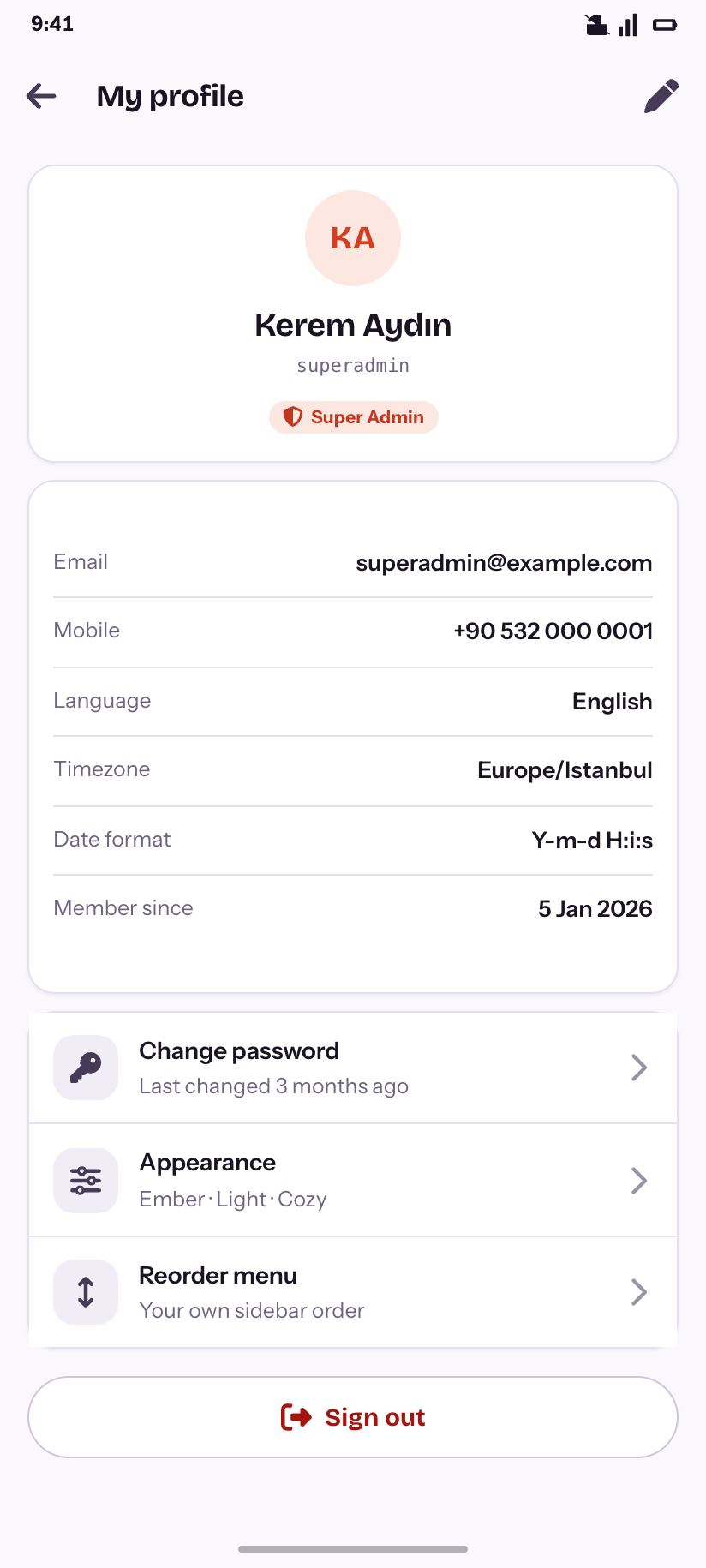
My profile
Identity, preferences, and the three things you can change.
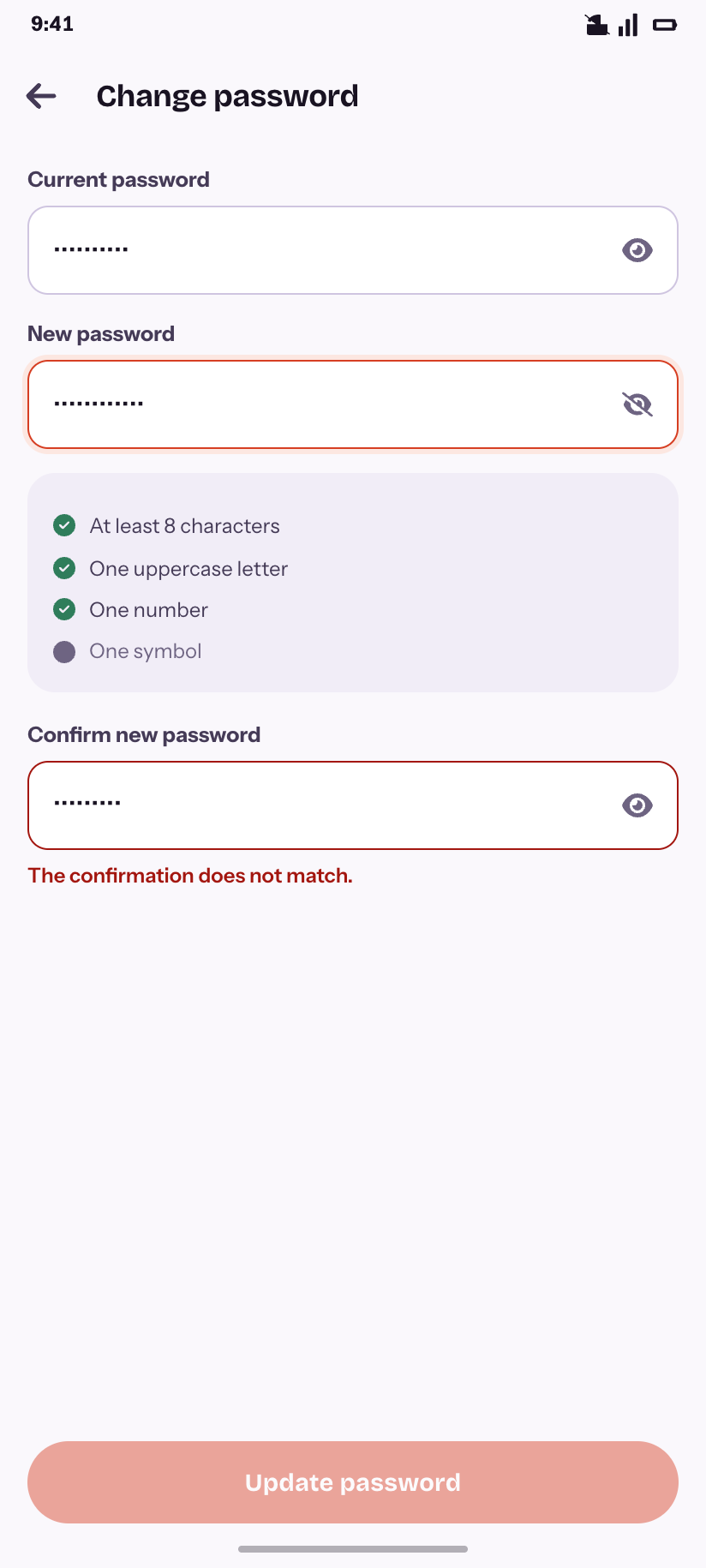
Change password
The product’s own rules, as a live checklist.
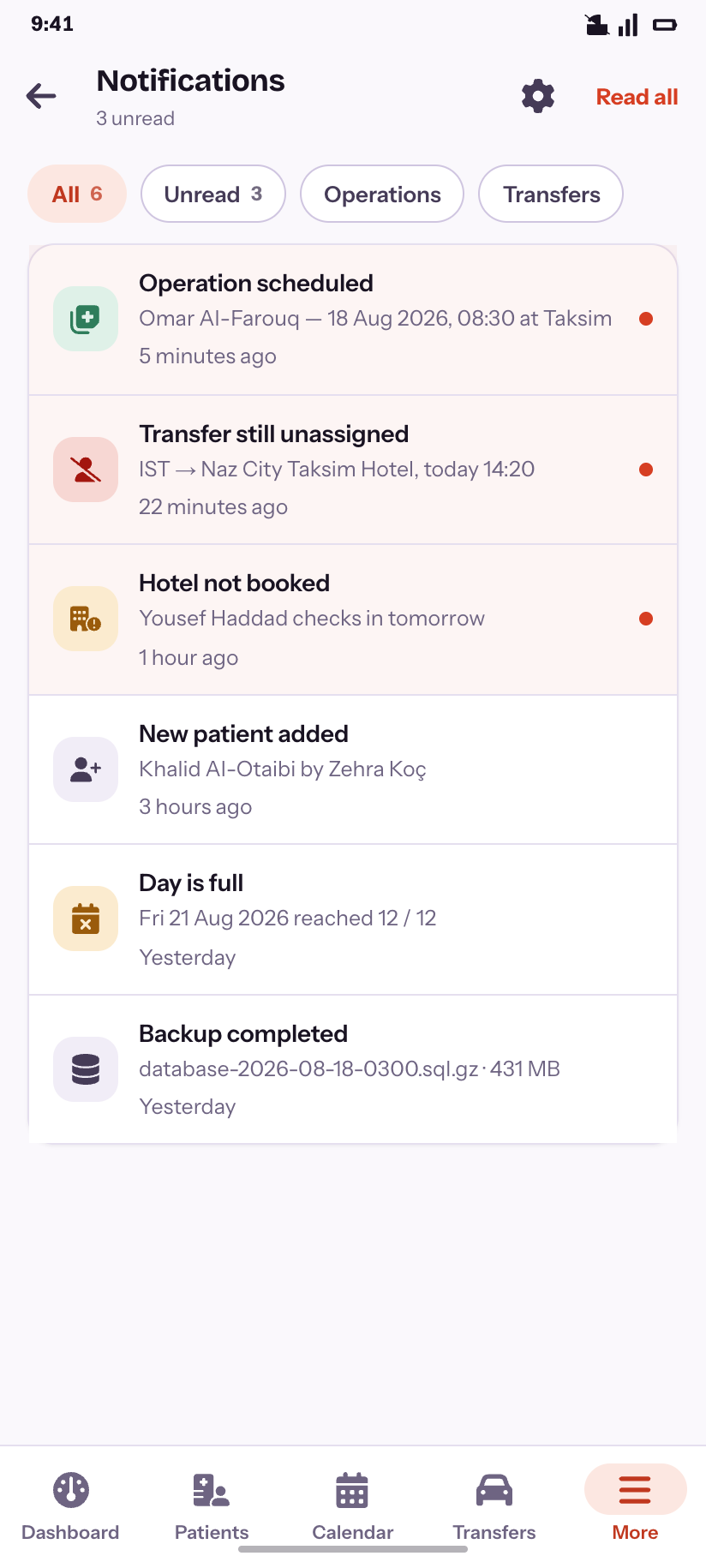
Notifications
Six, three unread, tinted by severity.
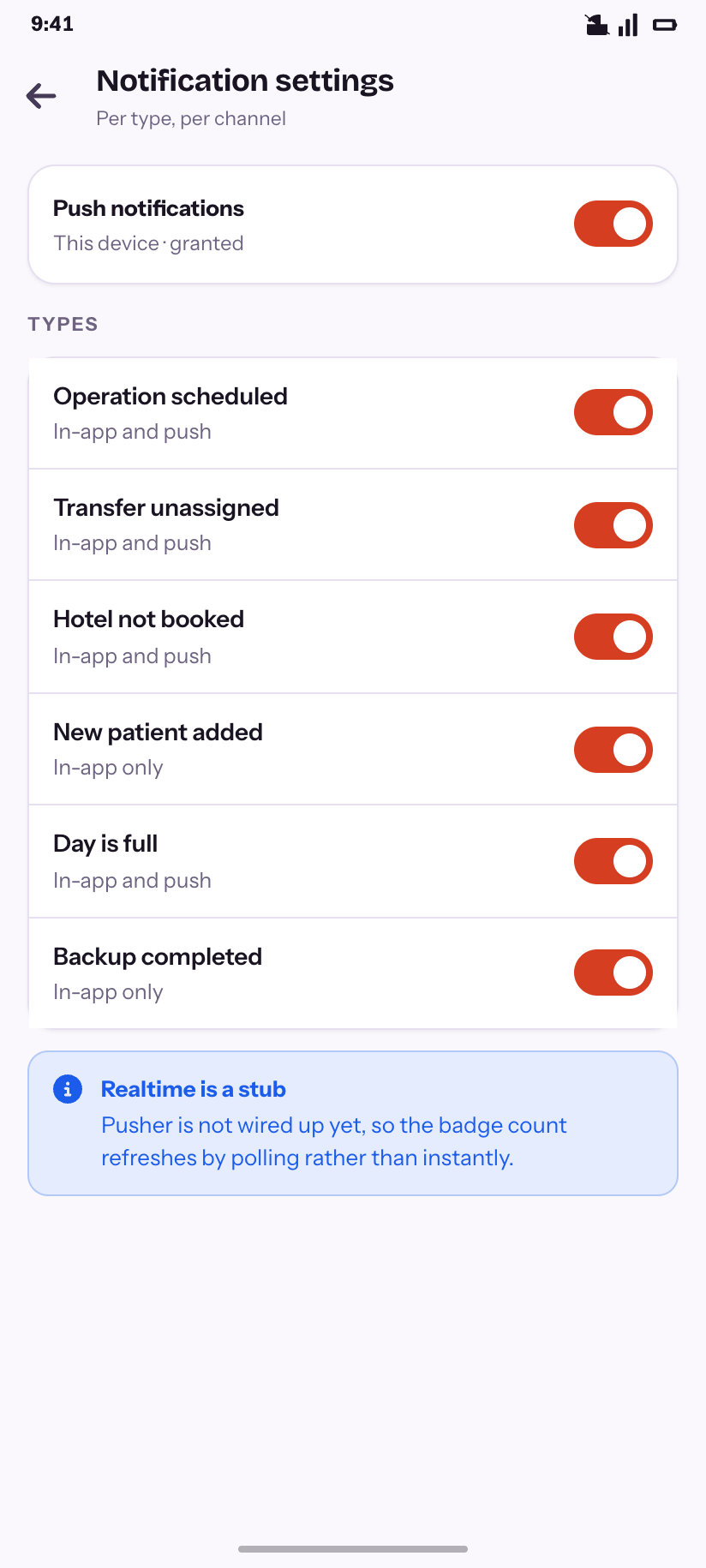
Notification settings
Per type, per channel — and the honest note about realtime.
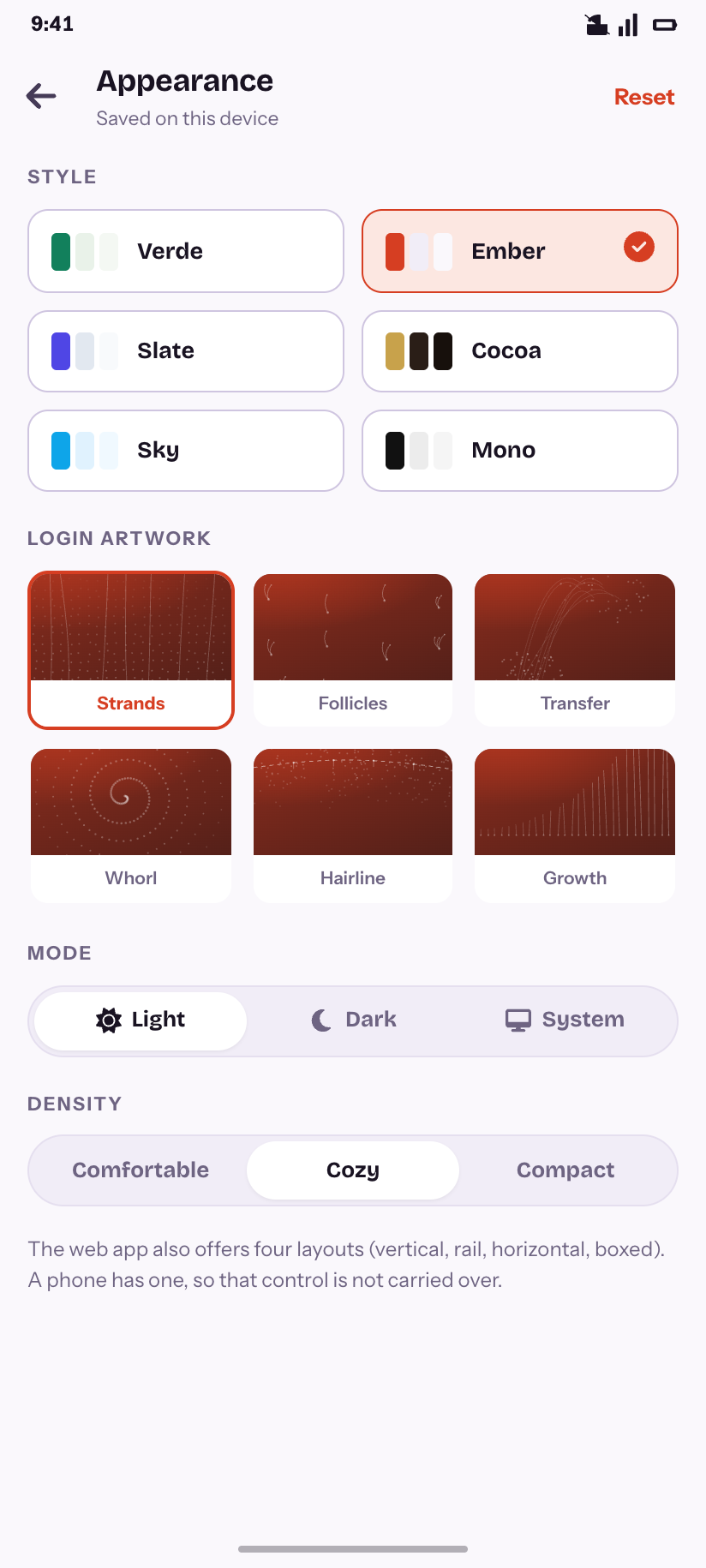
Appearance
All six styles and all six login motifs, as the customizer offers them.
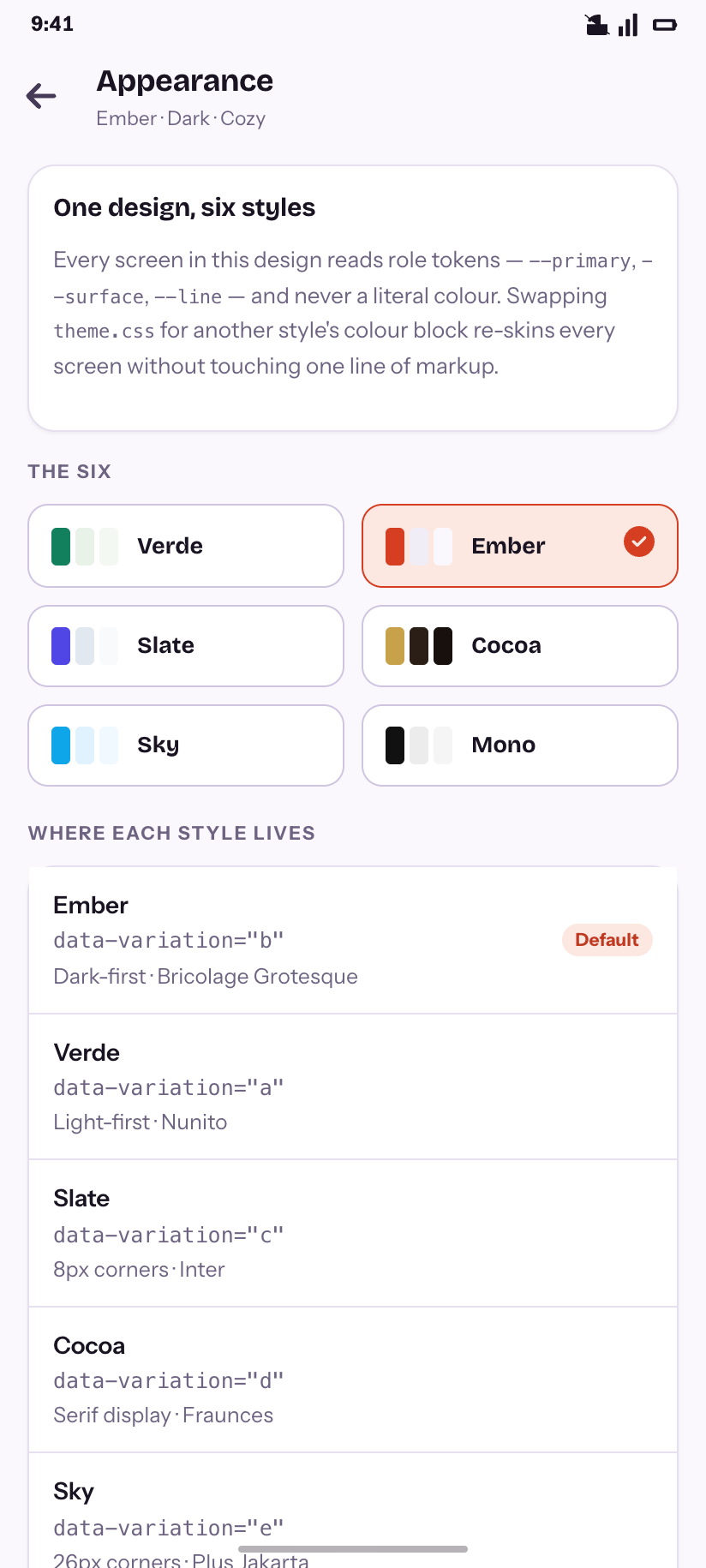
Six styles
Where each style lives, and why one theme.css re-skins everything.
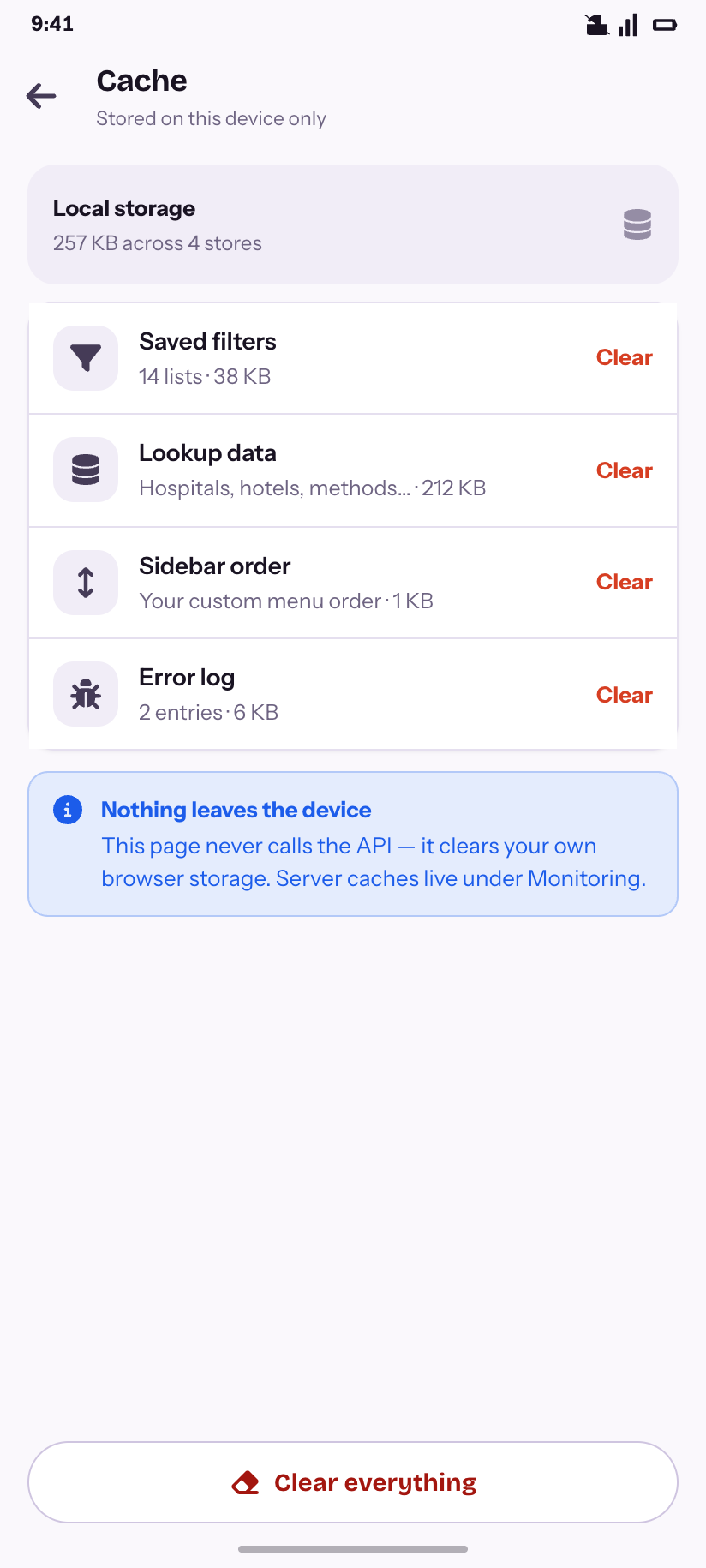
Cache
Device-local storage, cleared without touching the API.
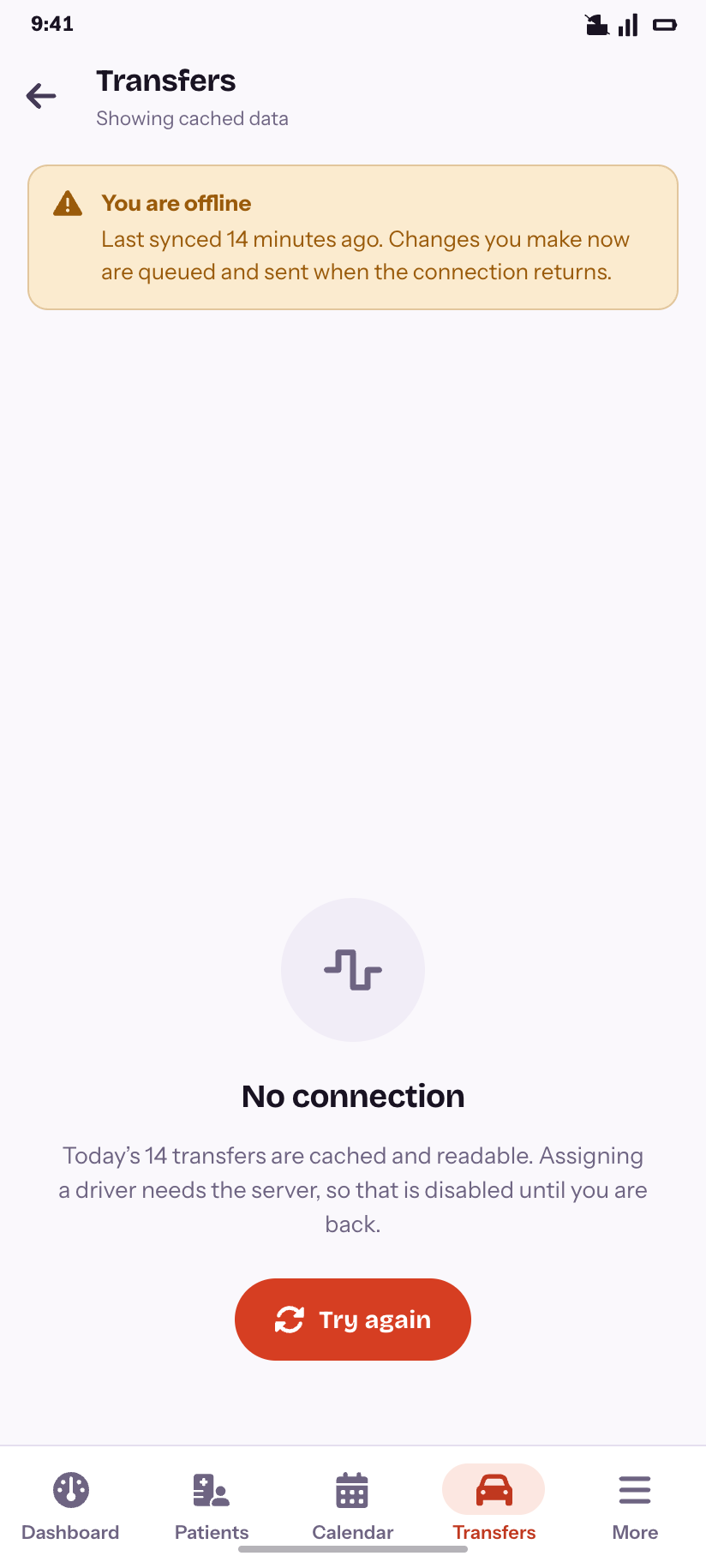
Offline
What still reads, and what needs the server.
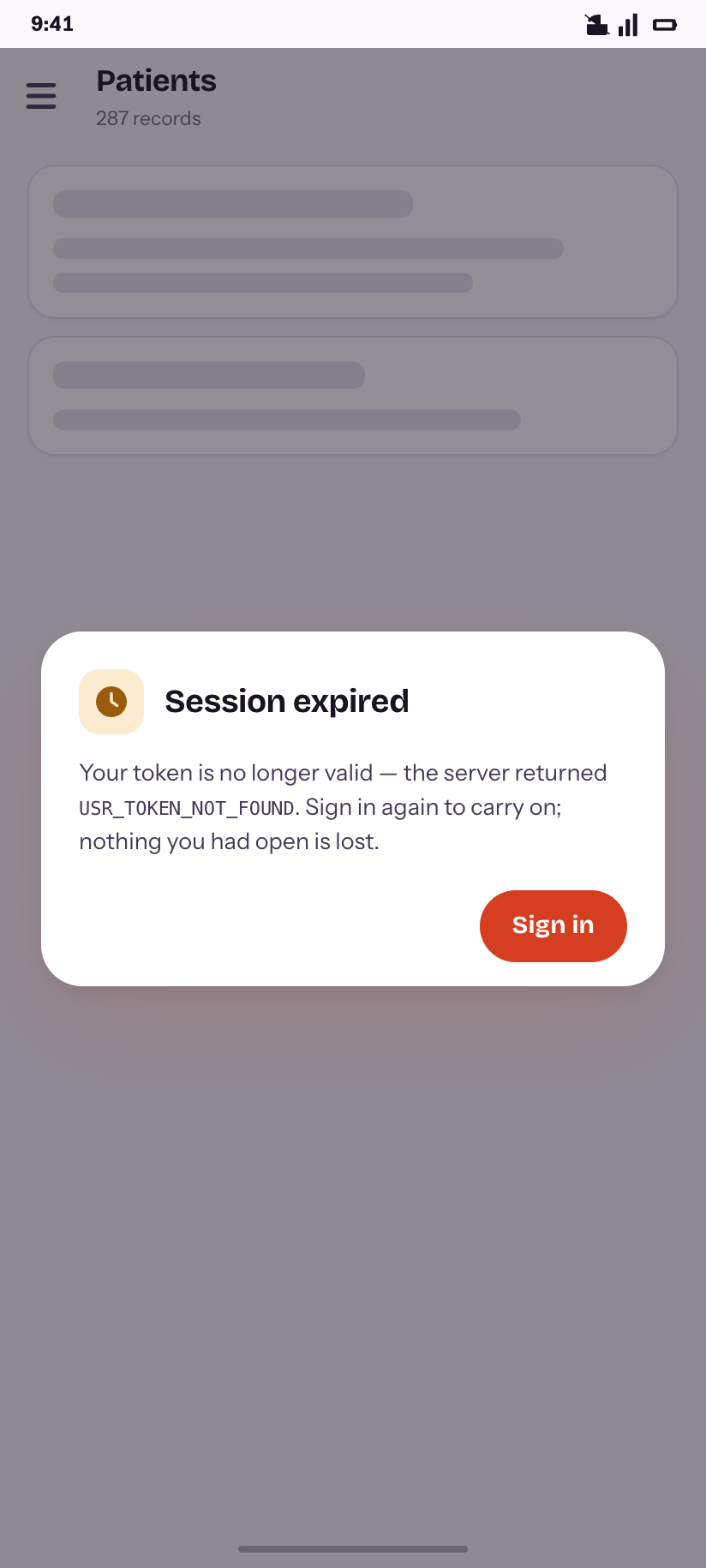
Session expired
The real error code, and no lost work.
How this folder is built
Tokens
cms/theme.css is the CMS's own “Ember” block from tokens.css, in both modes, plus the semi-dark rail and the text inks the phone needed. tokens.json is the same set in Tokens Studio format for Figma.
Components
cms/base.css is the component layer, built on the product's own vocabulary — card, badge, chip, seg, tabs, drawer — at 12/16/24 radii with pill buttons. Screens compose it; they rarely add CSS.
Icons & type
164 Font Awesome 6 glyphs — every fa-* the CMS references, plus a bell and a phone a desktop never needs. Bricolage Grotesque and Instrument Sans are base64'd into fonts.css, so a screen opened off disk still looks like the product.
Rendering
node render.js renders every screen to both themes at 2× in seconds, node lint.js checks them, and node gallery.js rebuilds this page.