Getting in
5Pulse opens dark — the palette was drawn on #08080F and light is the translation. These five are the only screens where the gradient is allowed to be most of the design; after sign-in it retreats to rings, one tab underline and one button.
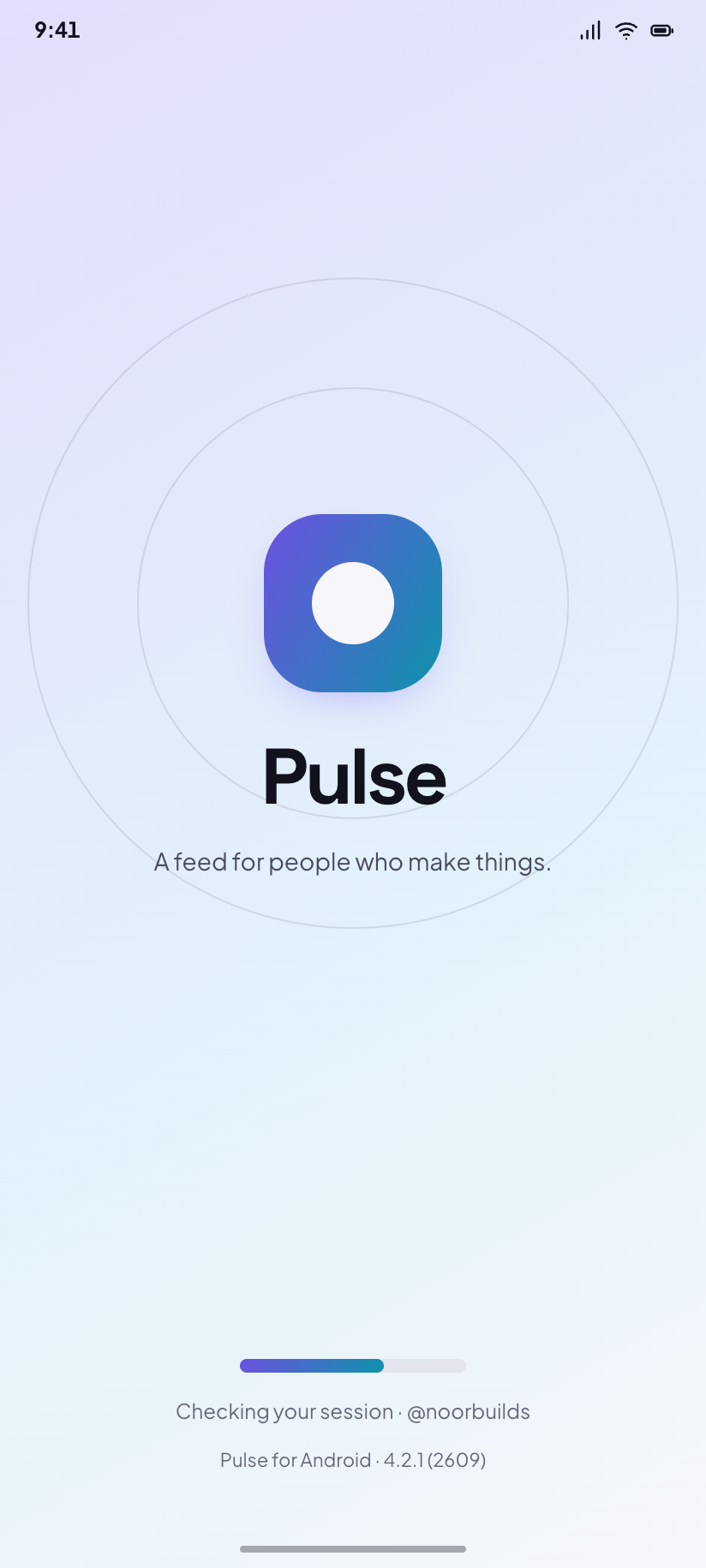
Splash
The mark alone on a gradient wash while the stored session token is checked.
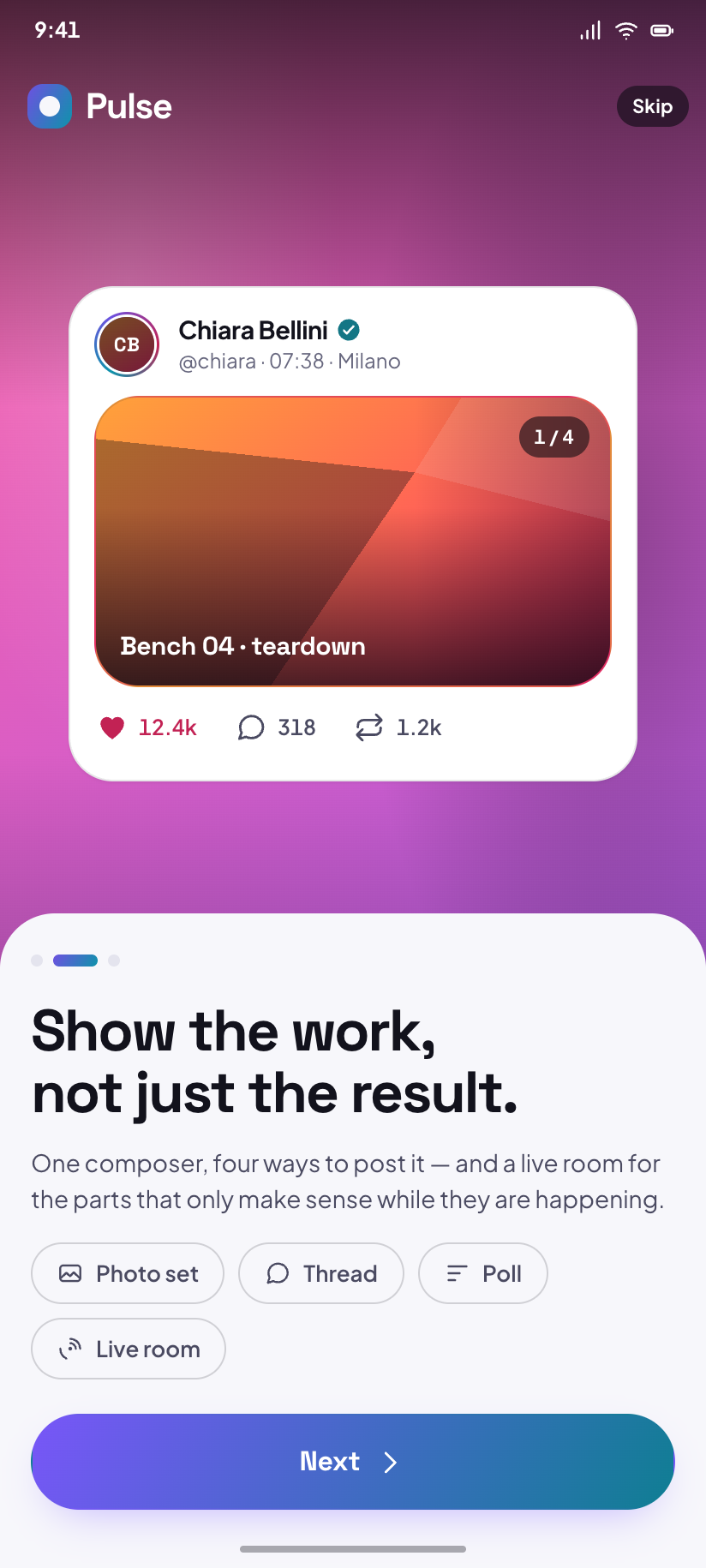
Onboarding
Panel two of three, over a drawn cover that changes seed with every swipe.
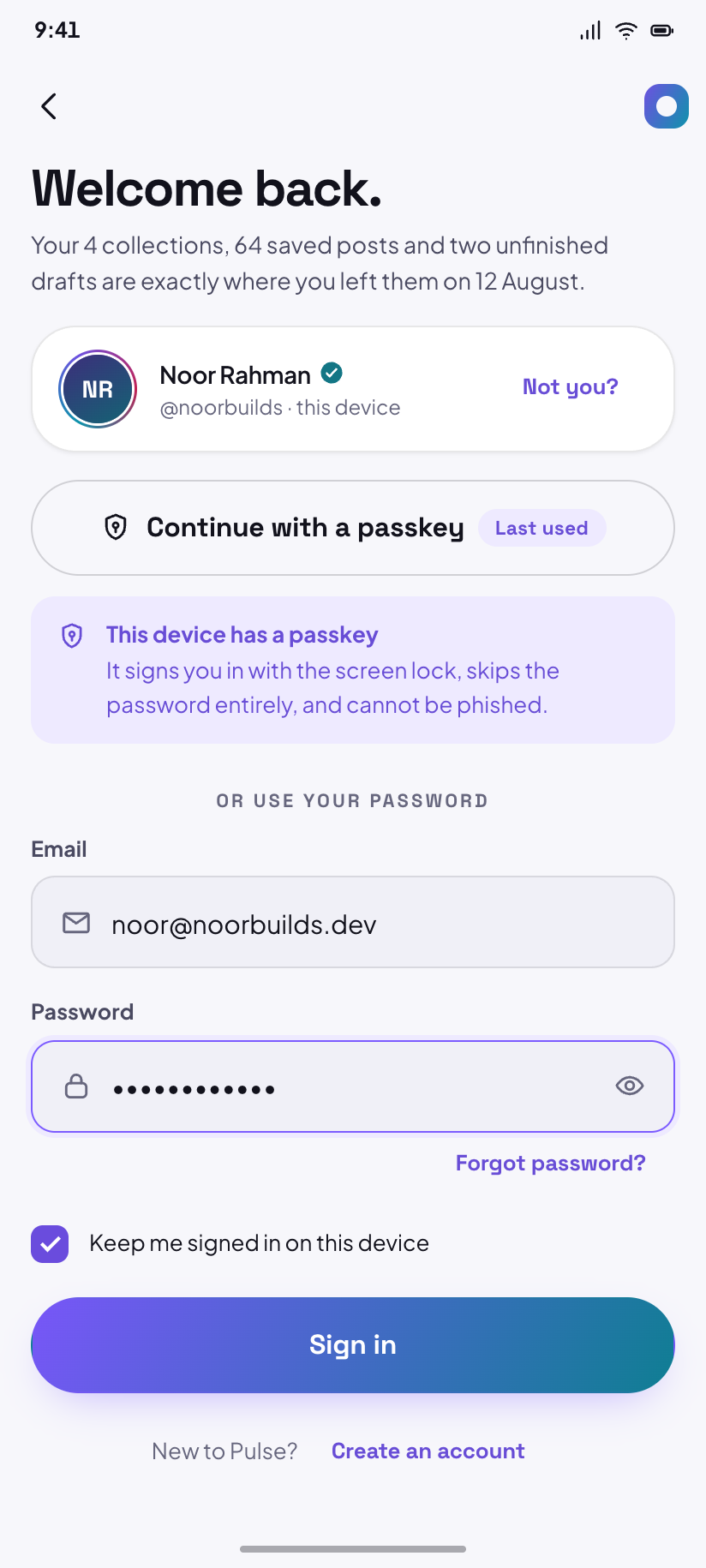
Sign in
Email and password with a passkey shortcut, and the method last used remembered.
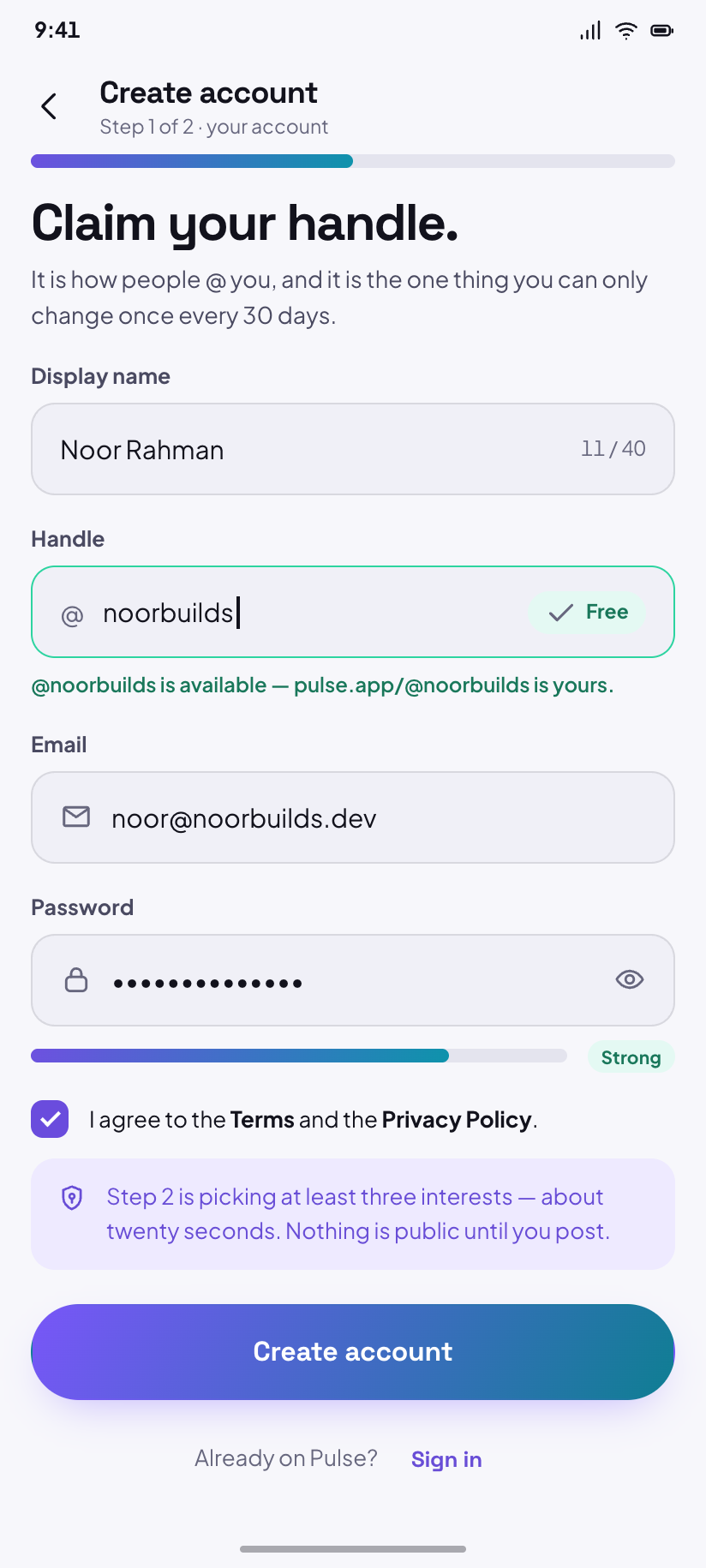
Create account
Handle availability resolves as you type — @noorbuilds comes back free.
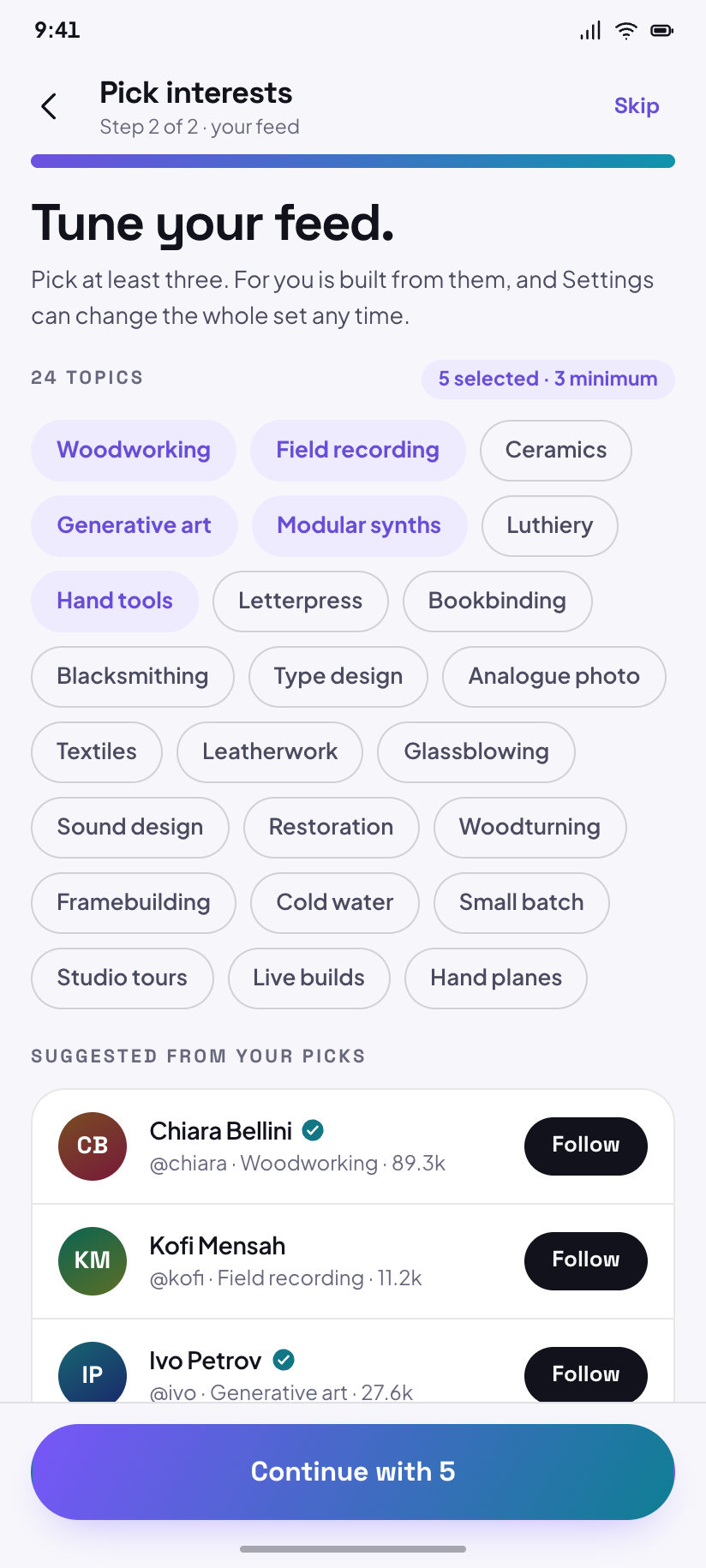
Pick interests
Twenty-four topics; three are the minimum and the counter is what unlocks Continue.
The feed
6Home is the busiest destination in the design and the template every other feed copies: a story rail, then one hairline-separated column of posts with no card in sight. Only these screens — and the sheet and drawer drawn over Home — may draw the bottom nav.
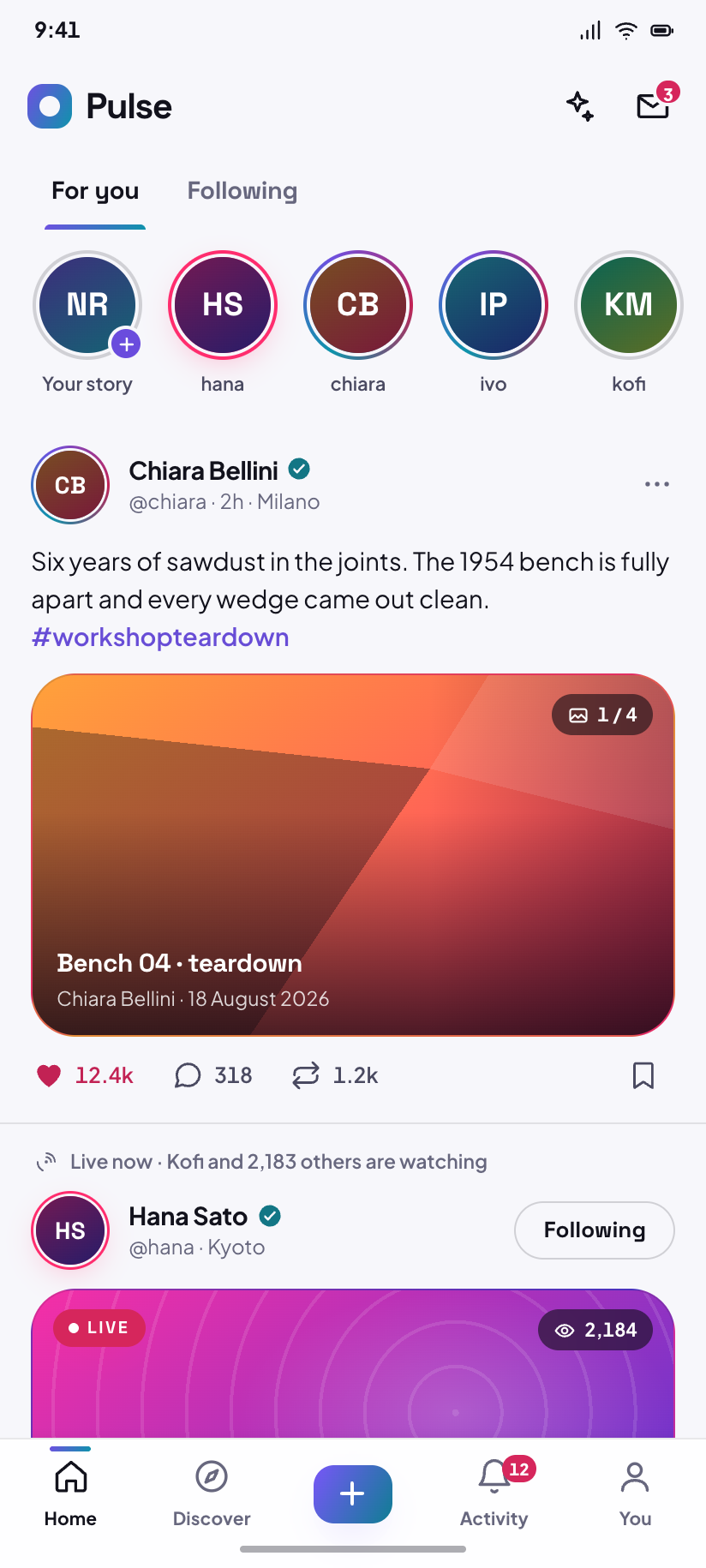
Home · For you
Chiara's teardown at 12.4k likes, then Hana broadcasting live to 2,184 people.
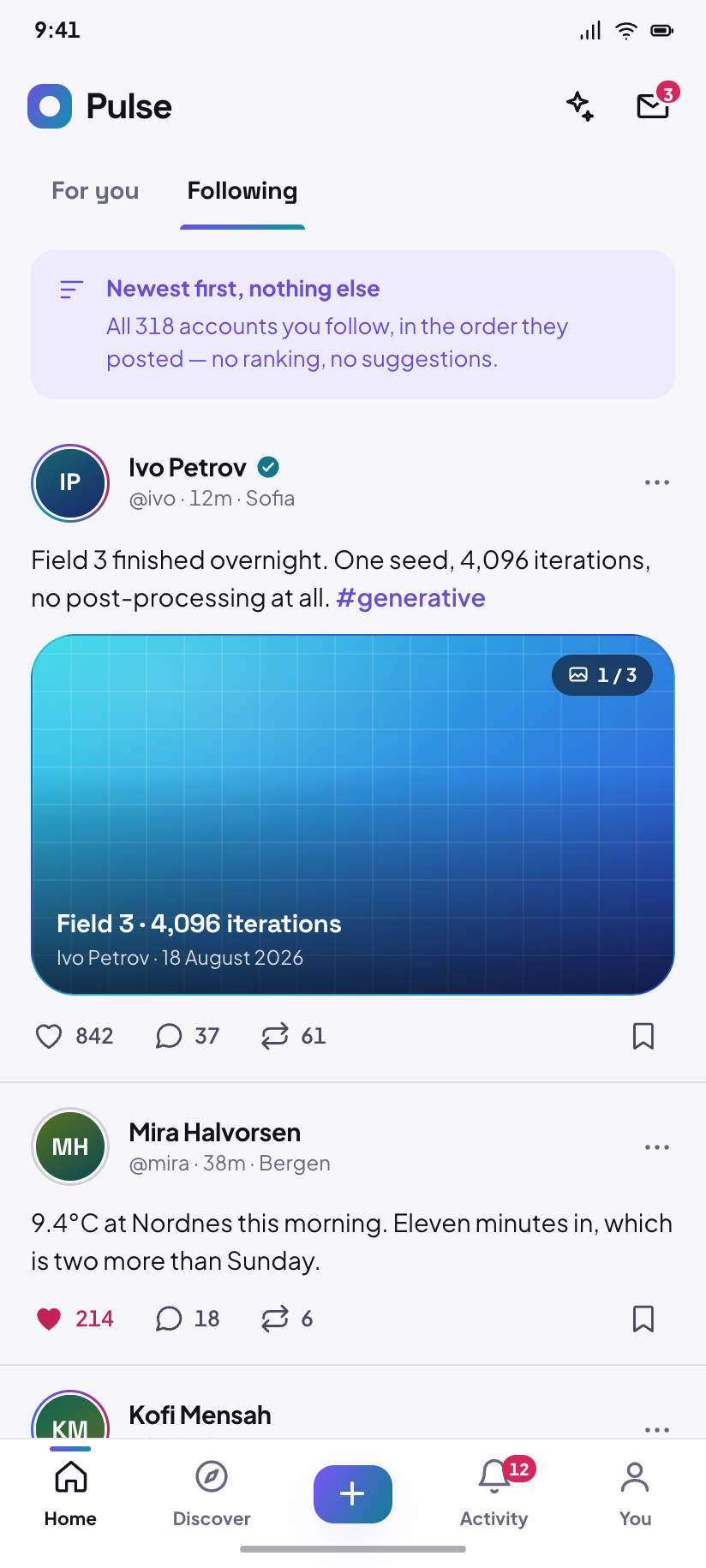
Following
Strictly reverse-chronological and much quieter — no ranked post, no suggestions, and a line at the top that says so.
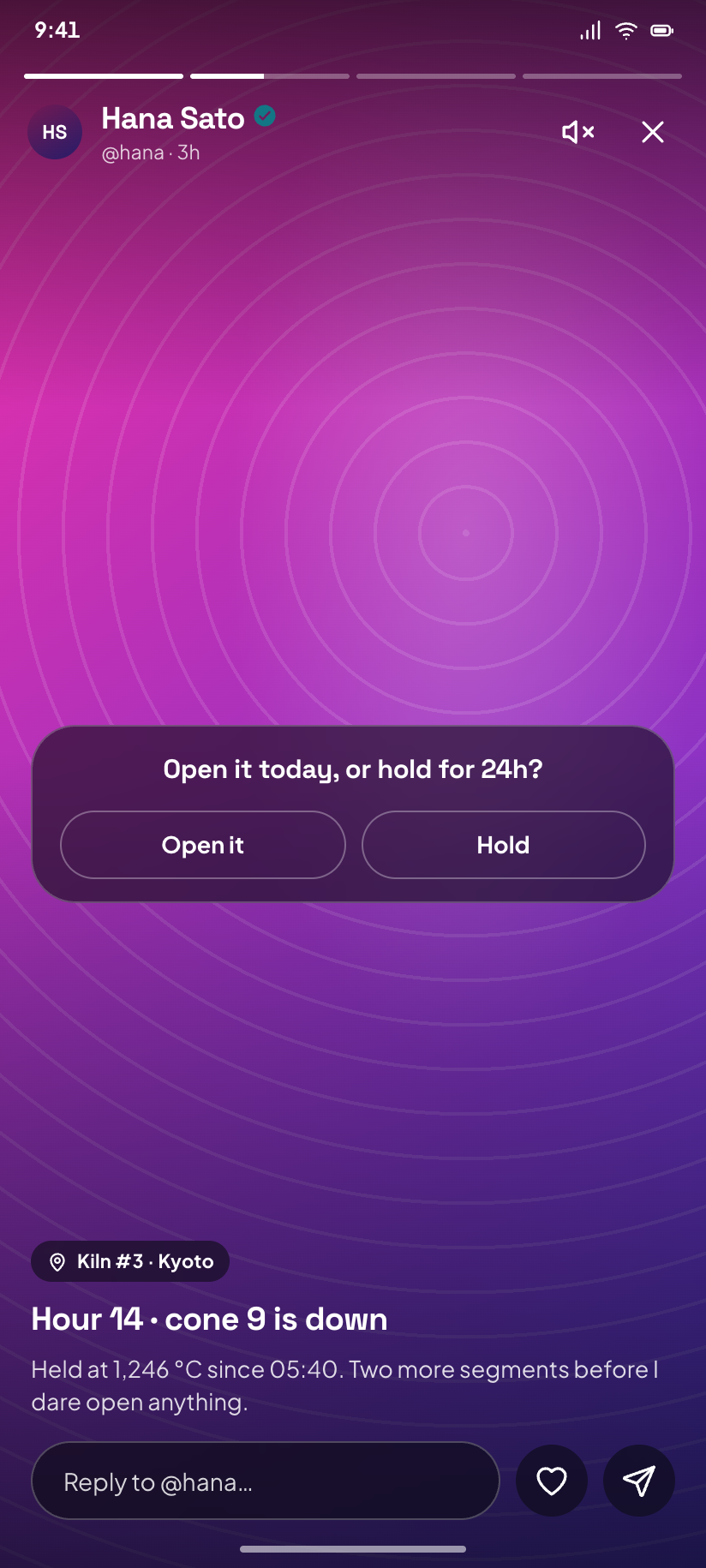
Story viewer
Hana's story, segment two of four, with the reply bar and mute control over a full-bleed stage.
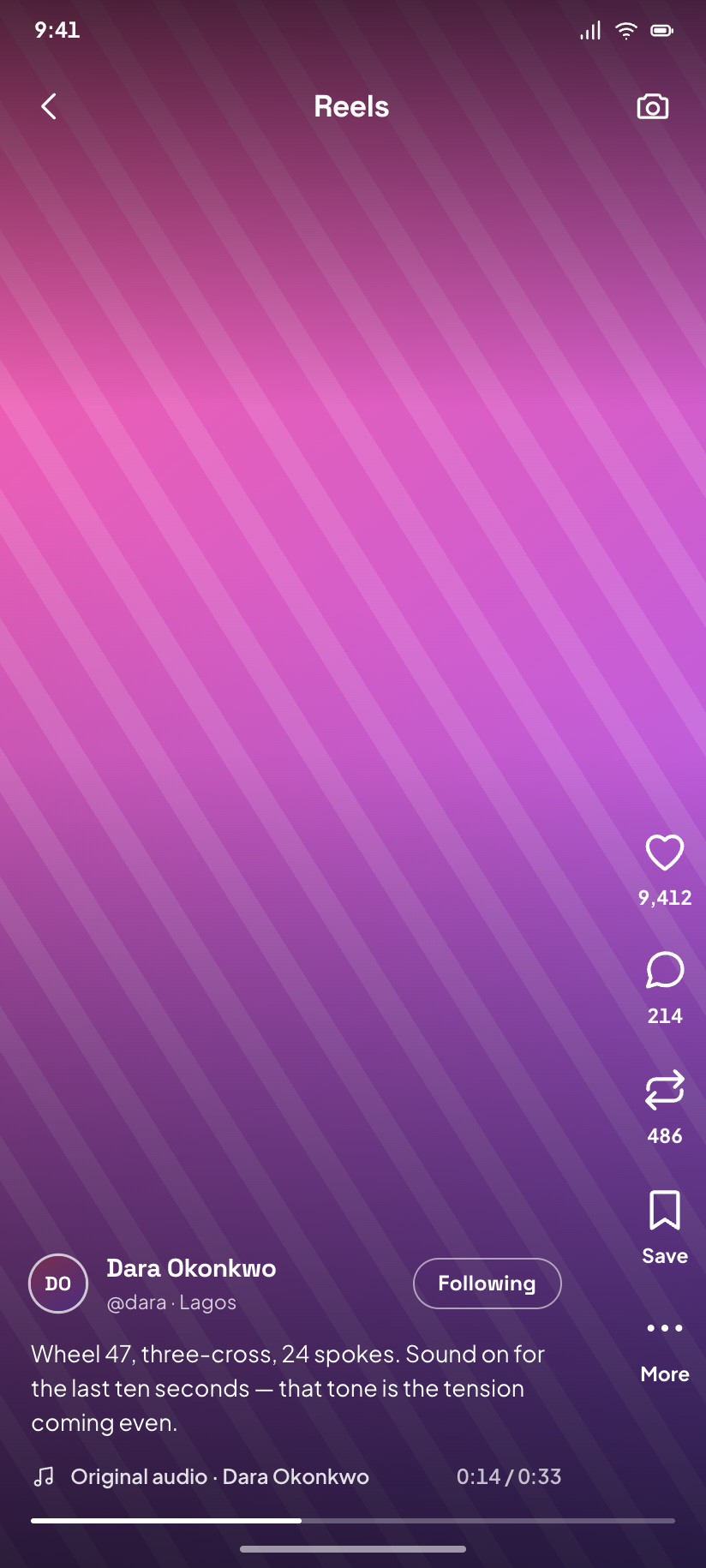
Reels
Vertical video: the stage fills the canvas and every control including the status bar goes white.
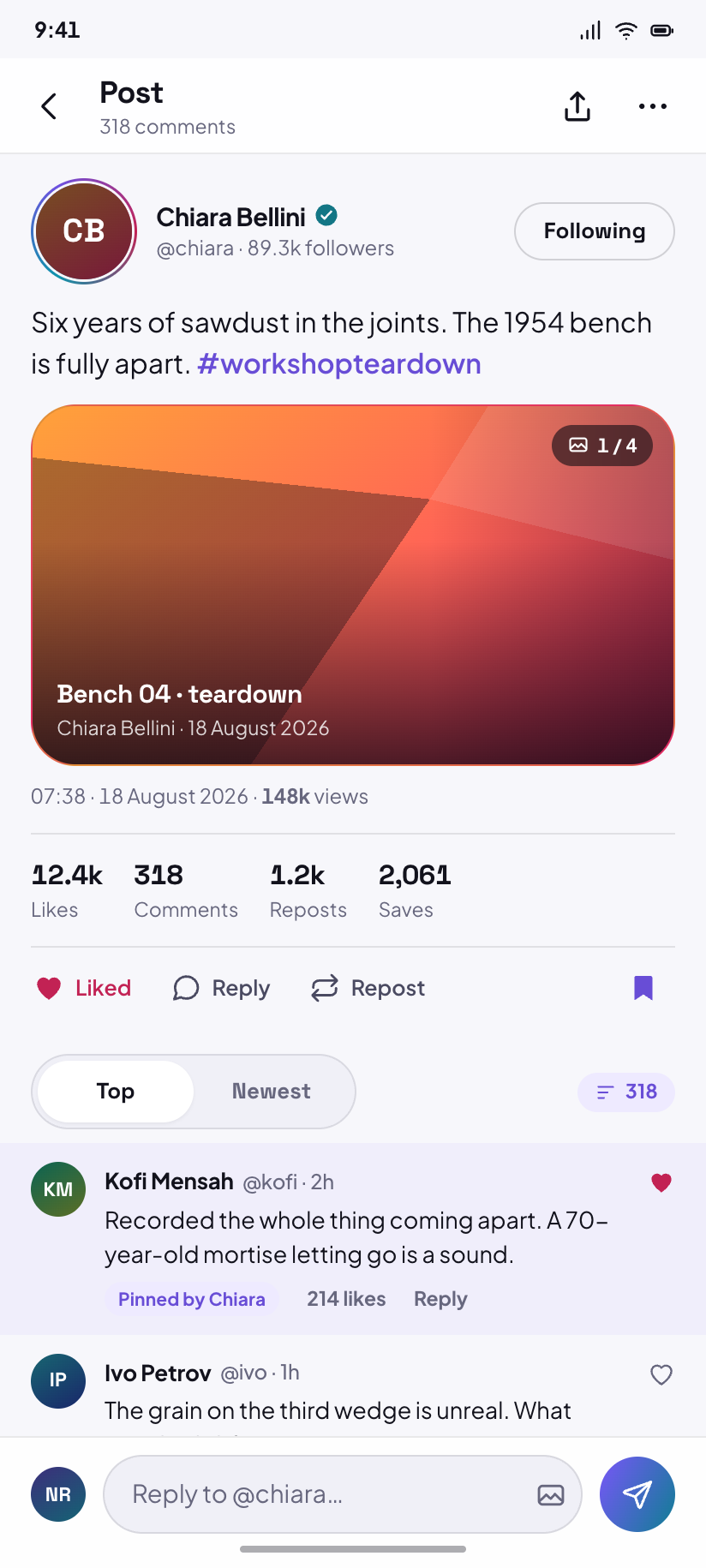
Post
The hero post opened — full stat strip, Kofi's pinned comment, and Chiara's own reply one level in.
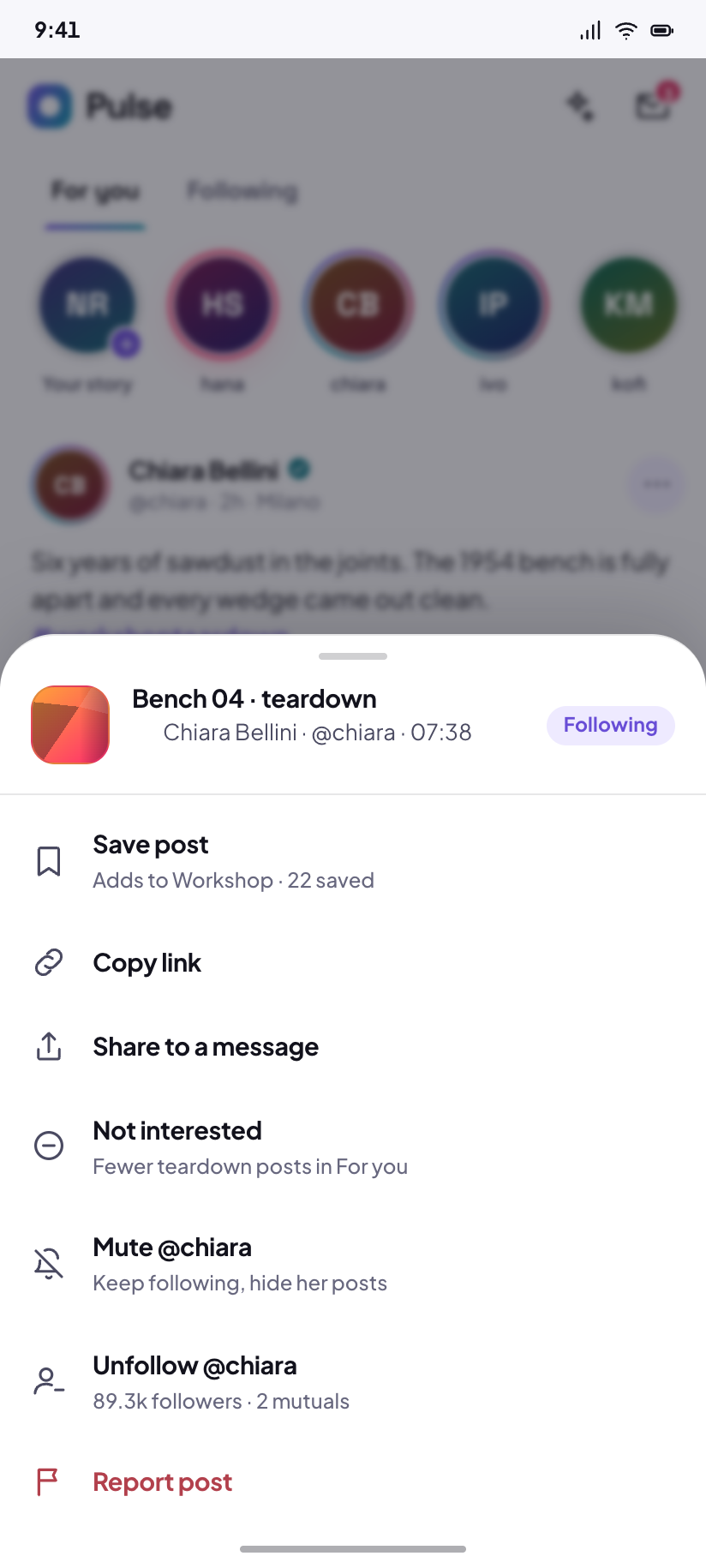
Post menu
The overflow sheet over the feed; the one sheet in the design that keeps its parent's bottom nav.
Making something
4The composer is a full-screen modal, never a destination, so none of these draws a nav. The character counter is the only hard limit Pulse ever shows.
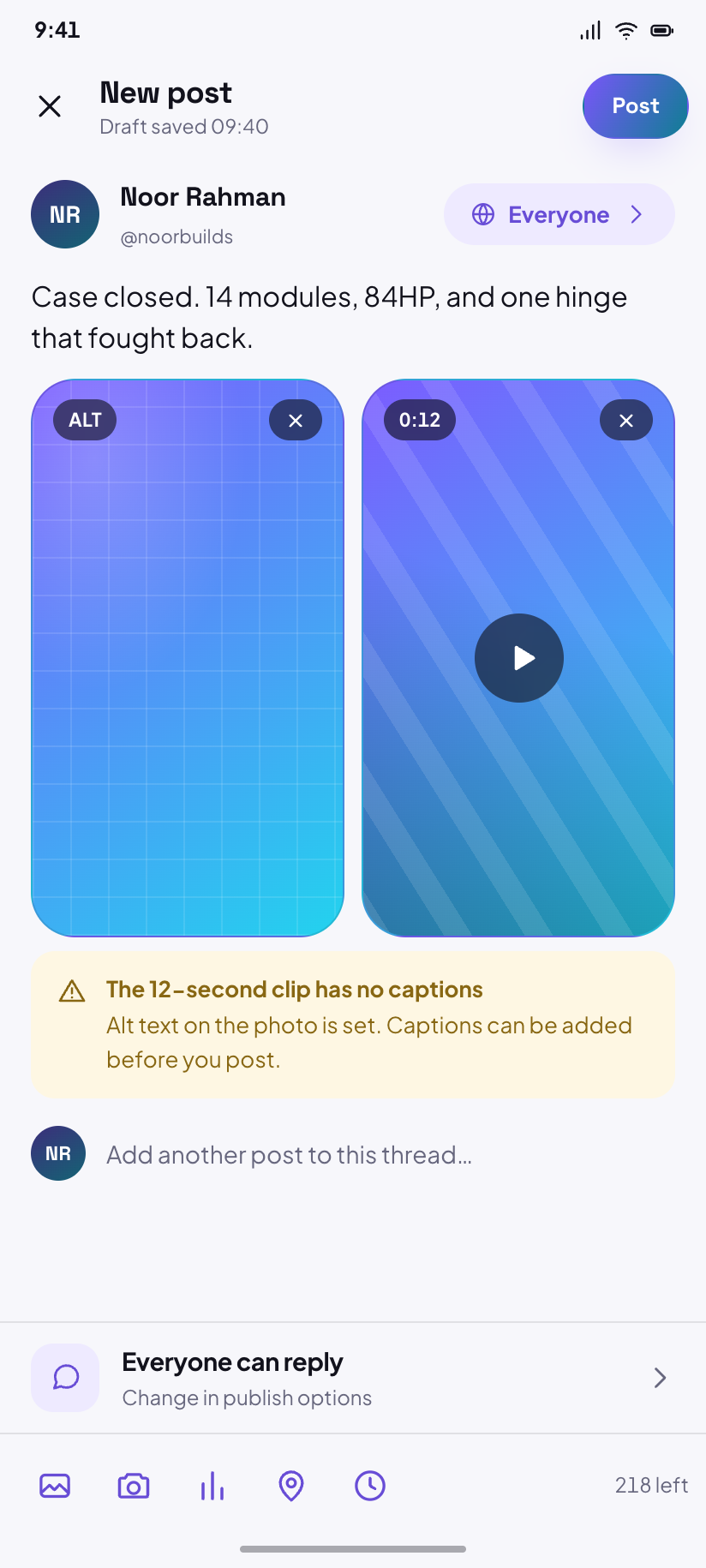
Composer
Text plus two attached tiles, 218 characters left, audience set to Everyone.
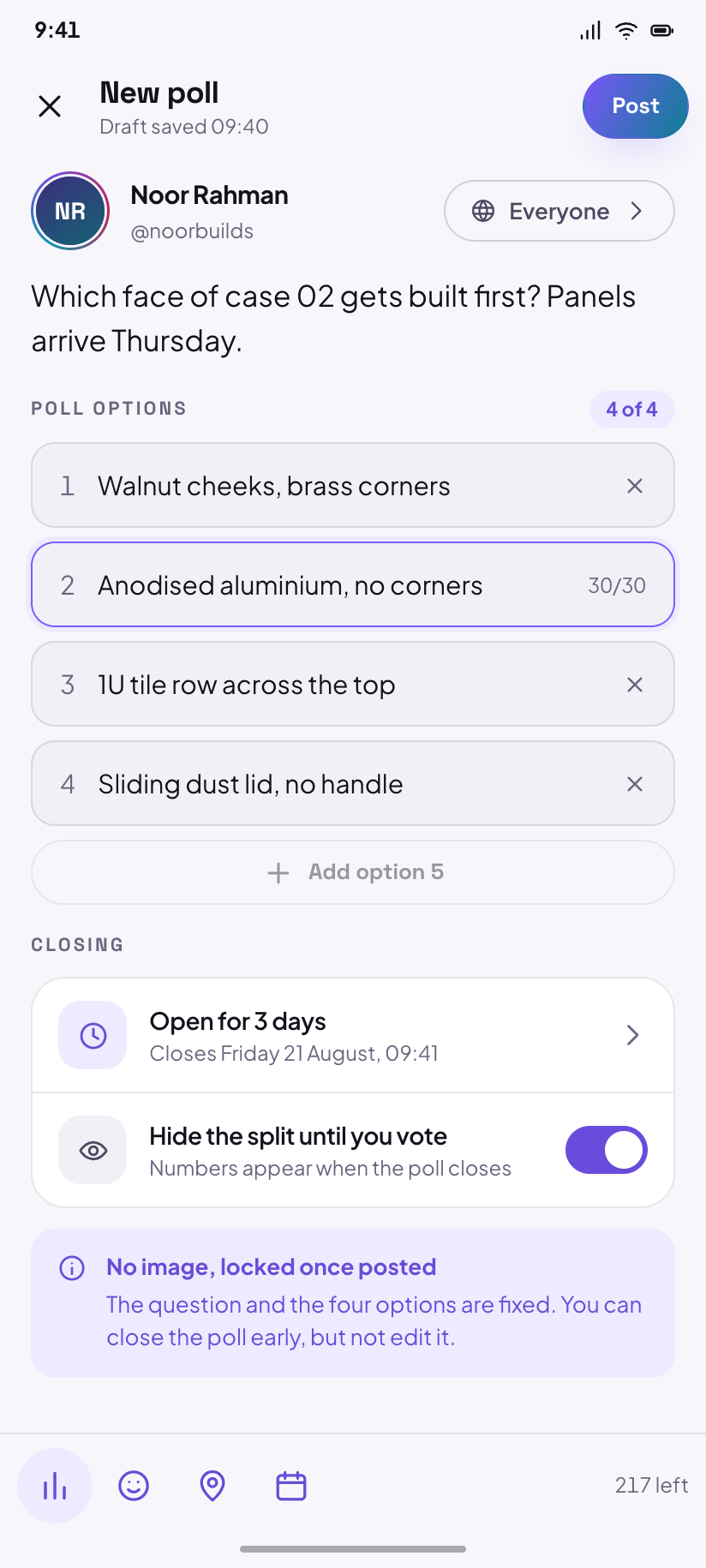
Composer · poll
The same composer in poll mode: four options, a three-day close, and the fifth option disabled.
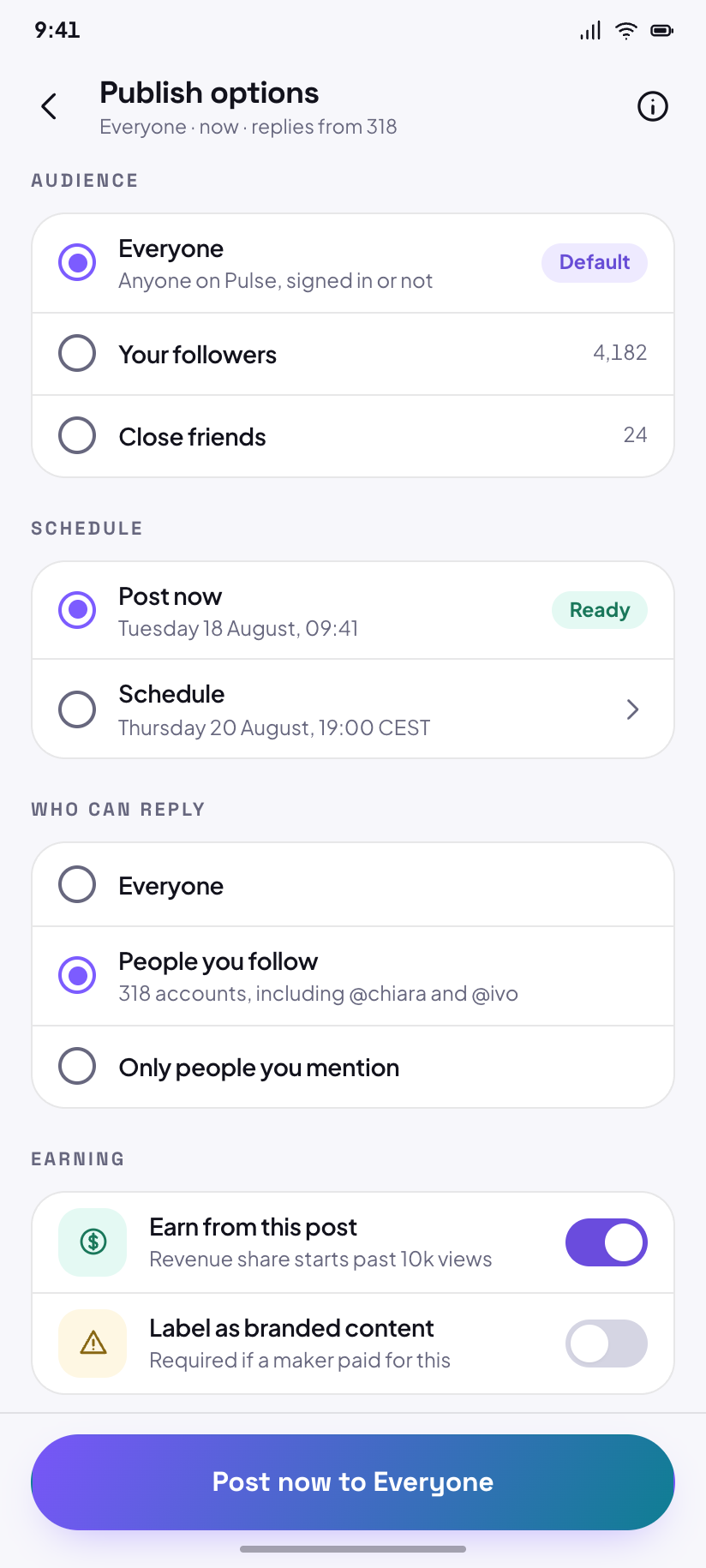
Publish options
Audience, schedule, who can reply and whether it earns — in the order the API wants them.
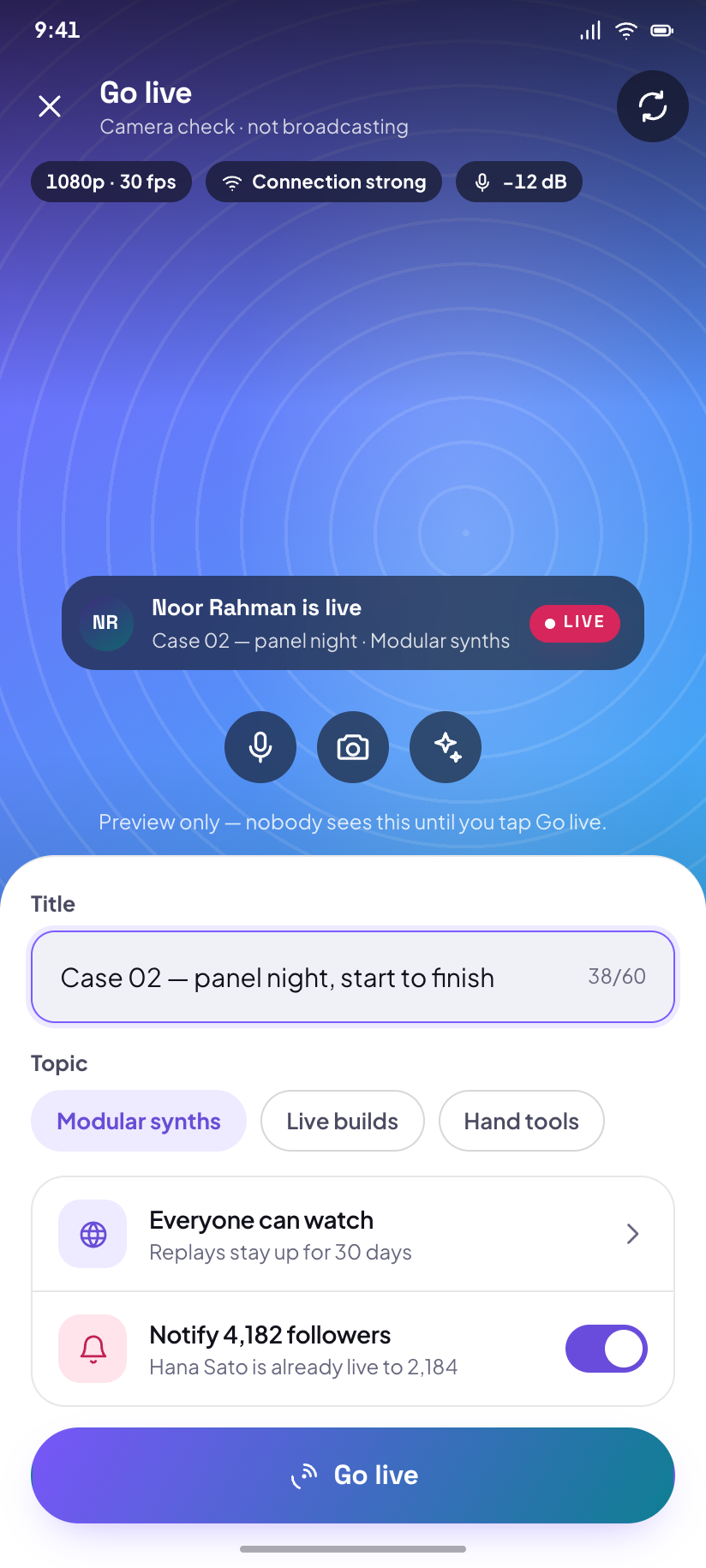
Go live
Pre-flight for a broadcast: title, topic, who can watch, and a camera check drawn as a stage.
Discover
4Discover is the second nav destination. Search is pushed from it, so search, its results and a topic page all lose the nav.
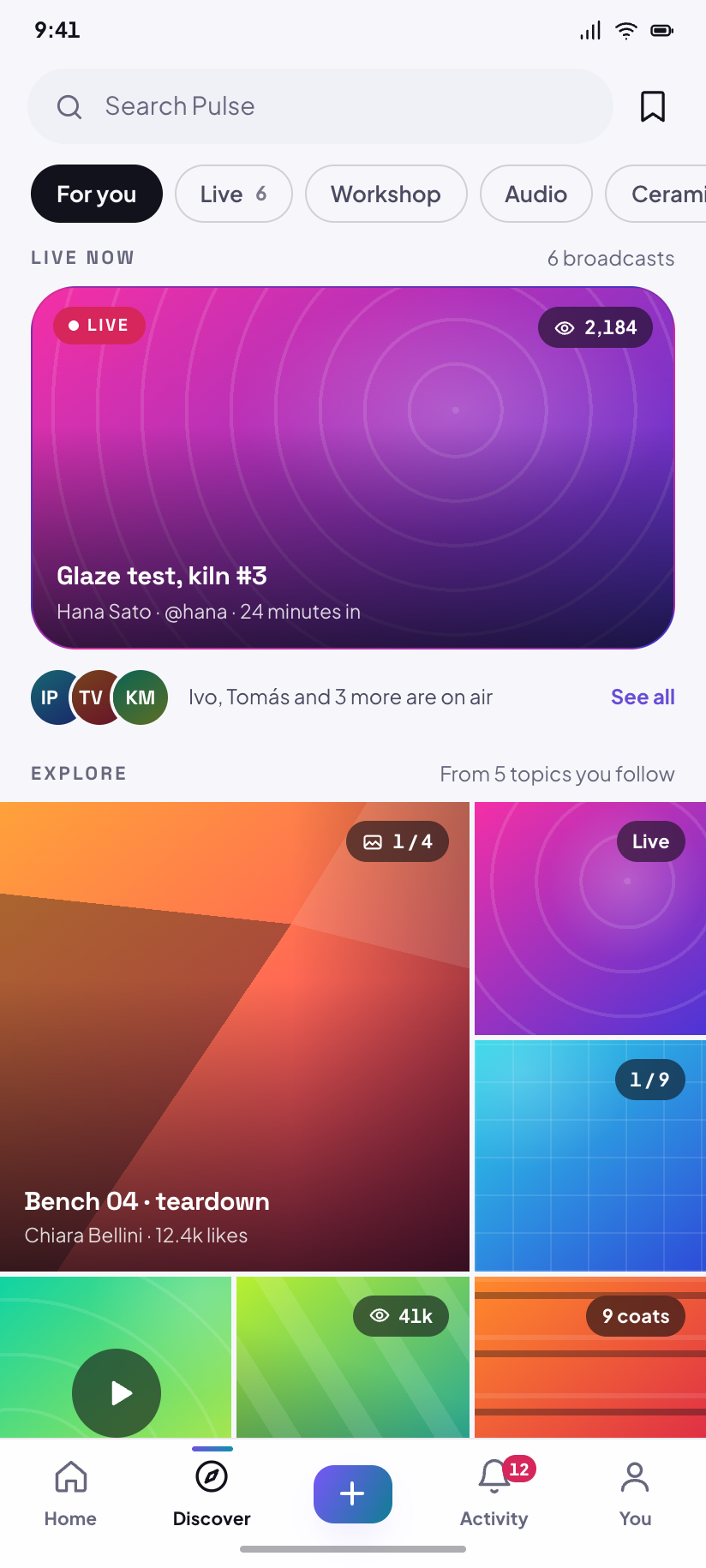
Discover
The explore mosaic: eight drawn tiles in a three-column grid where the lead tile claims four cells.
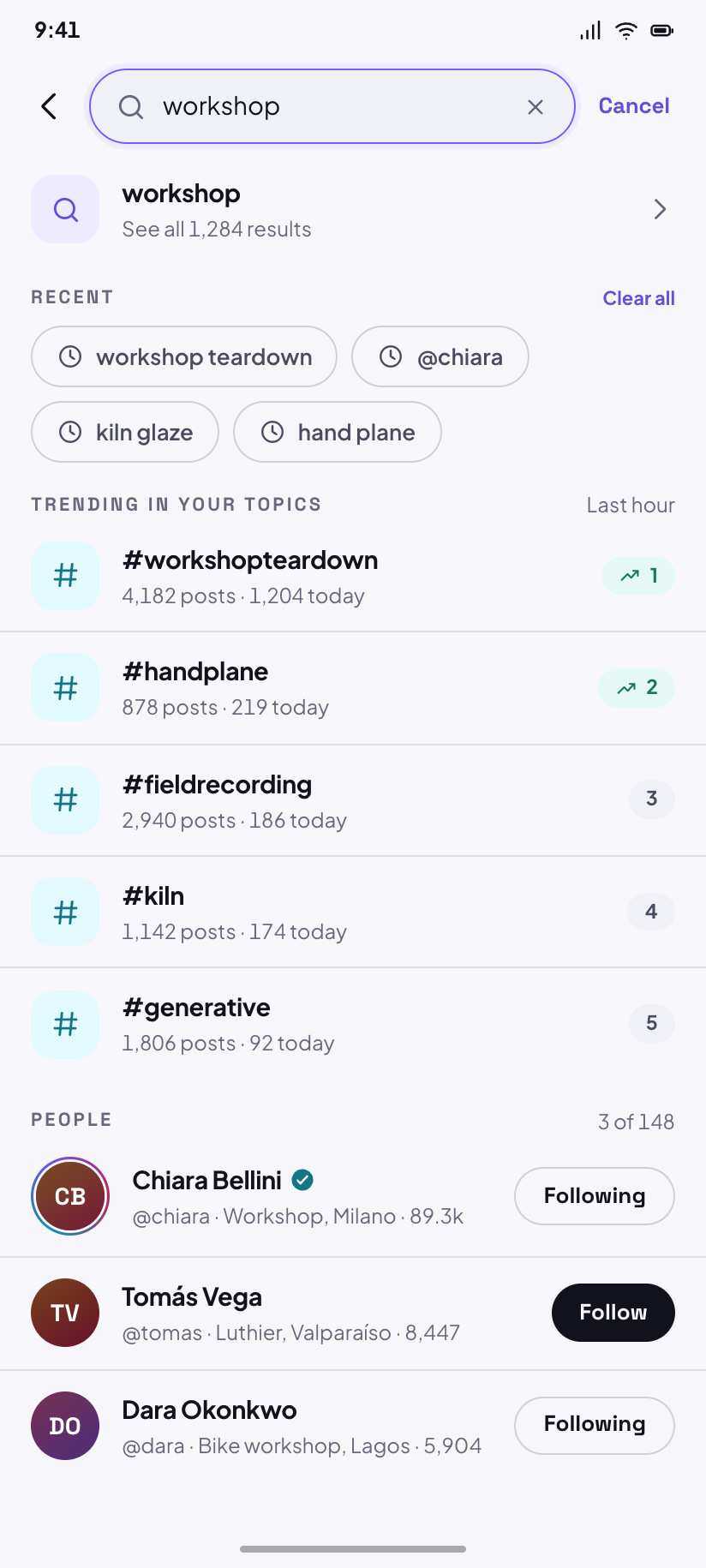
Search
The focused field with recent searches, five trending tags and the three people Pulse thinks you mean.
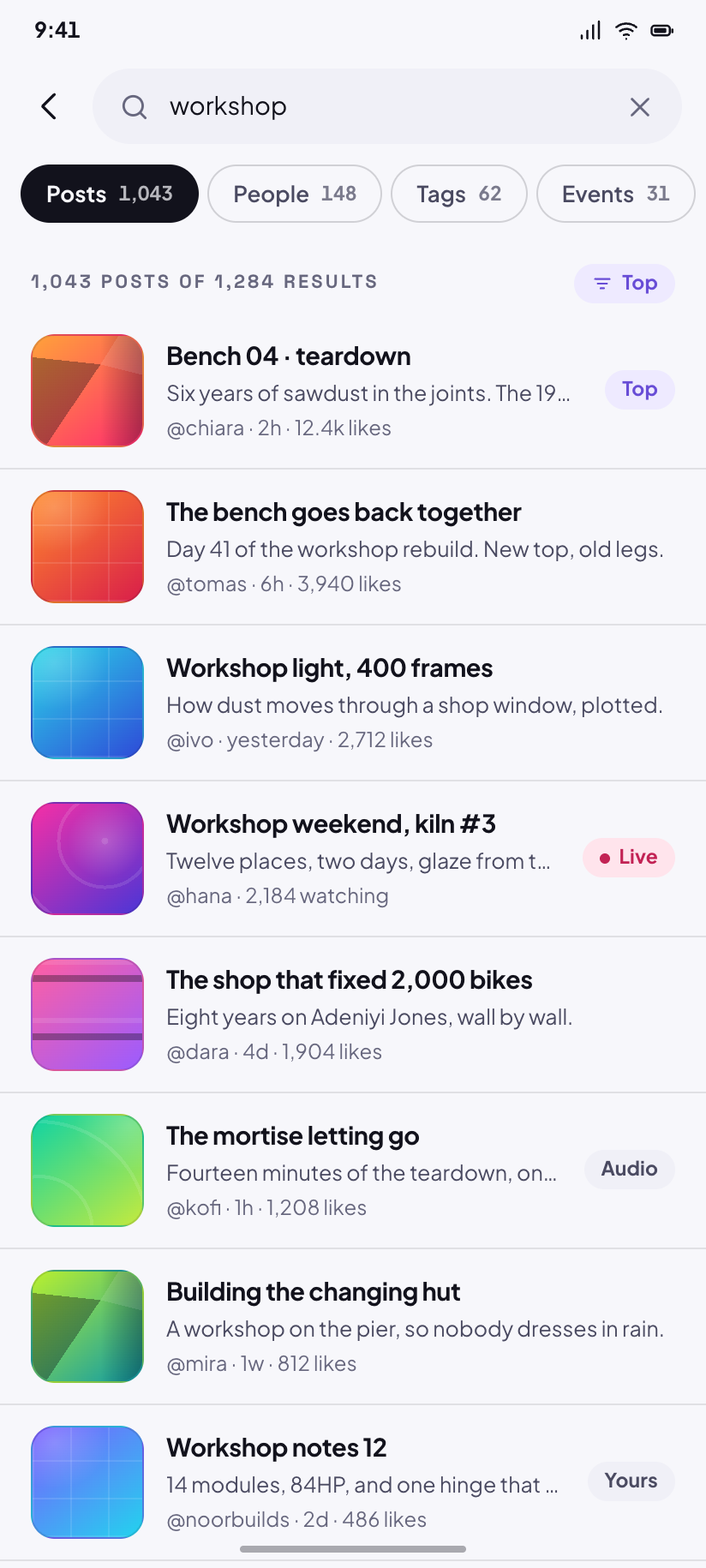
Search results
1,284 matches for “workshop”, split across four tabs whose counts add up to the total.
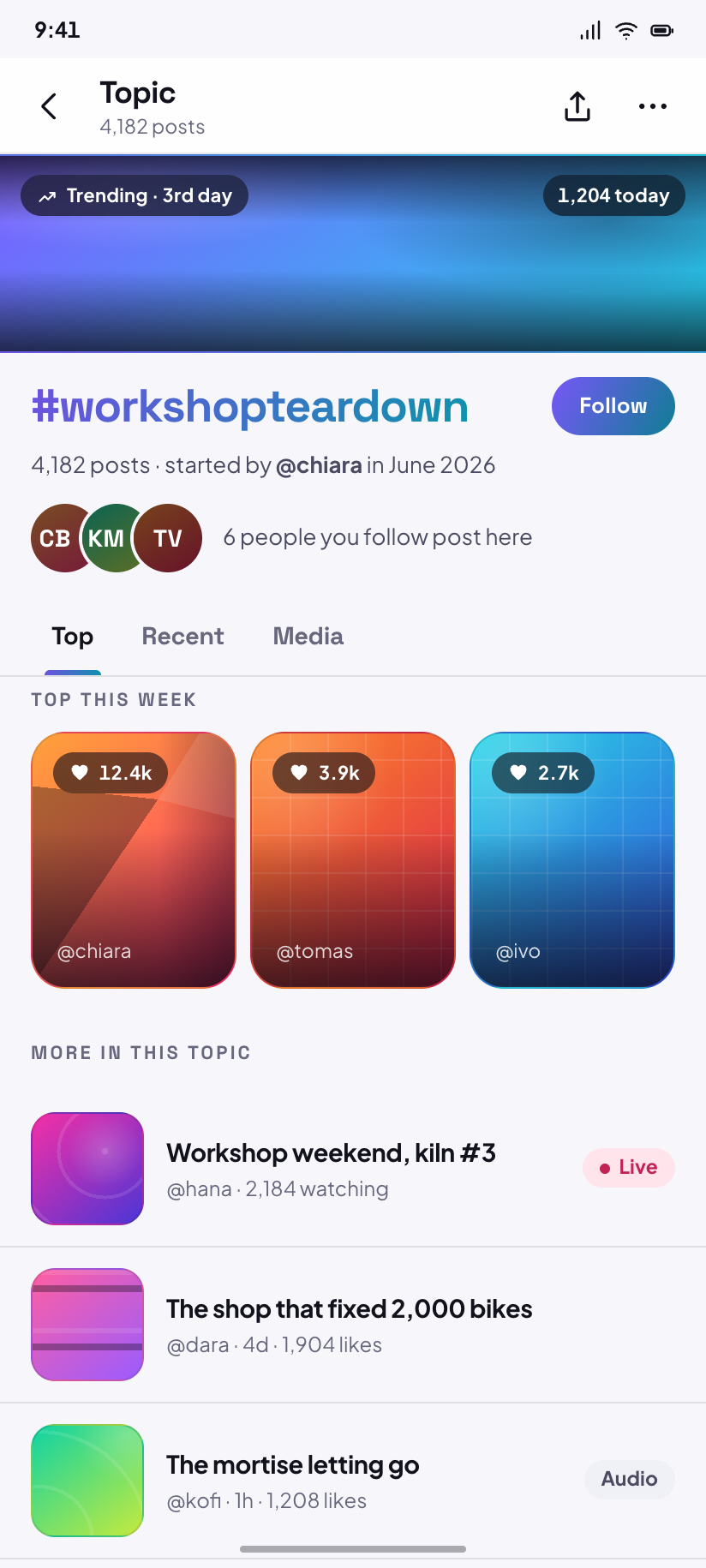
Topic
#workshopteardown as a place: 4,182 posts, a top row, and a Follow control for the tag itself.
People
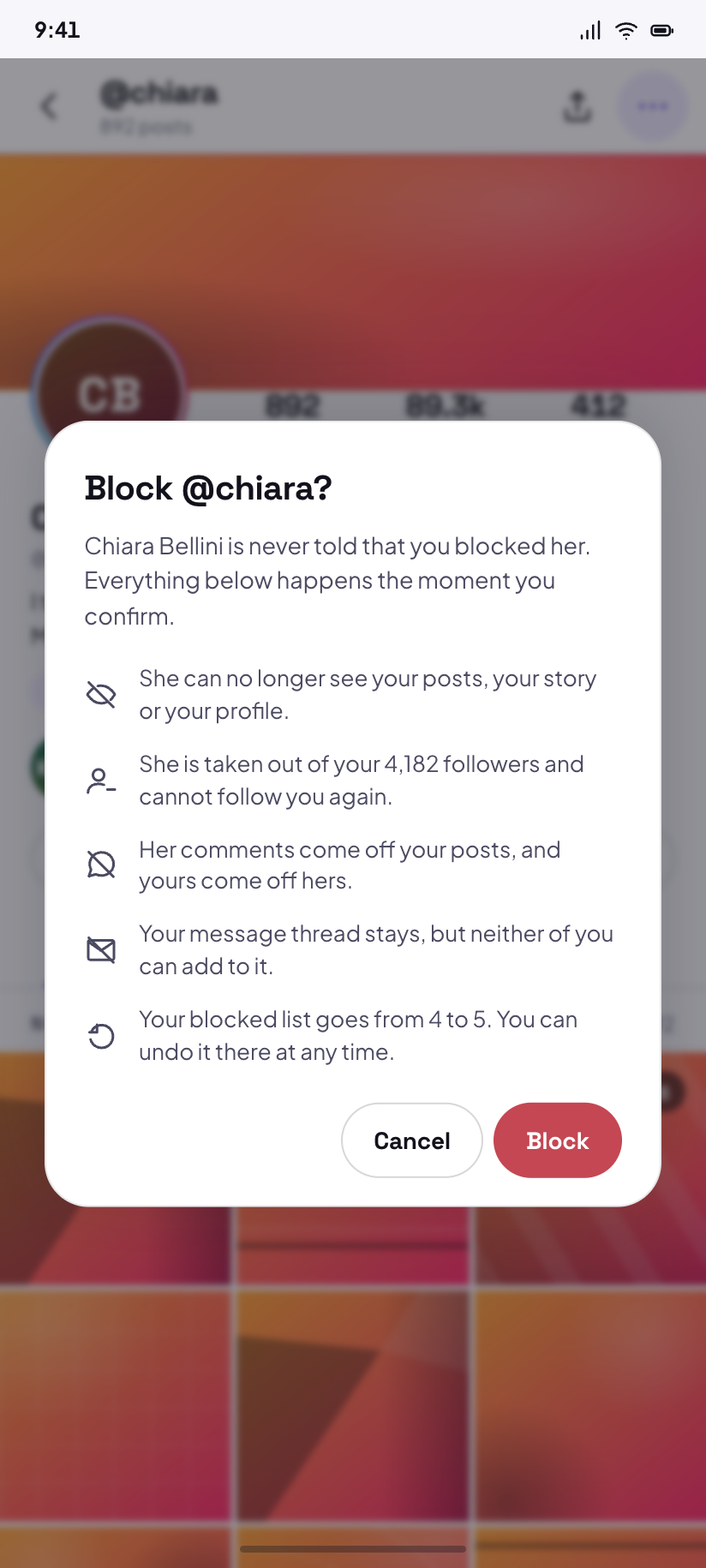
6Your profile and someone else's are different screens, not one screen with a button swapped: yours carries an editor and a studio link, theirs carries Follow, Message and the overflow that leads to the block dialog.

Your profile
214 posts, 4,182 followers, 318 following, and a grid of your own drawn tiles.
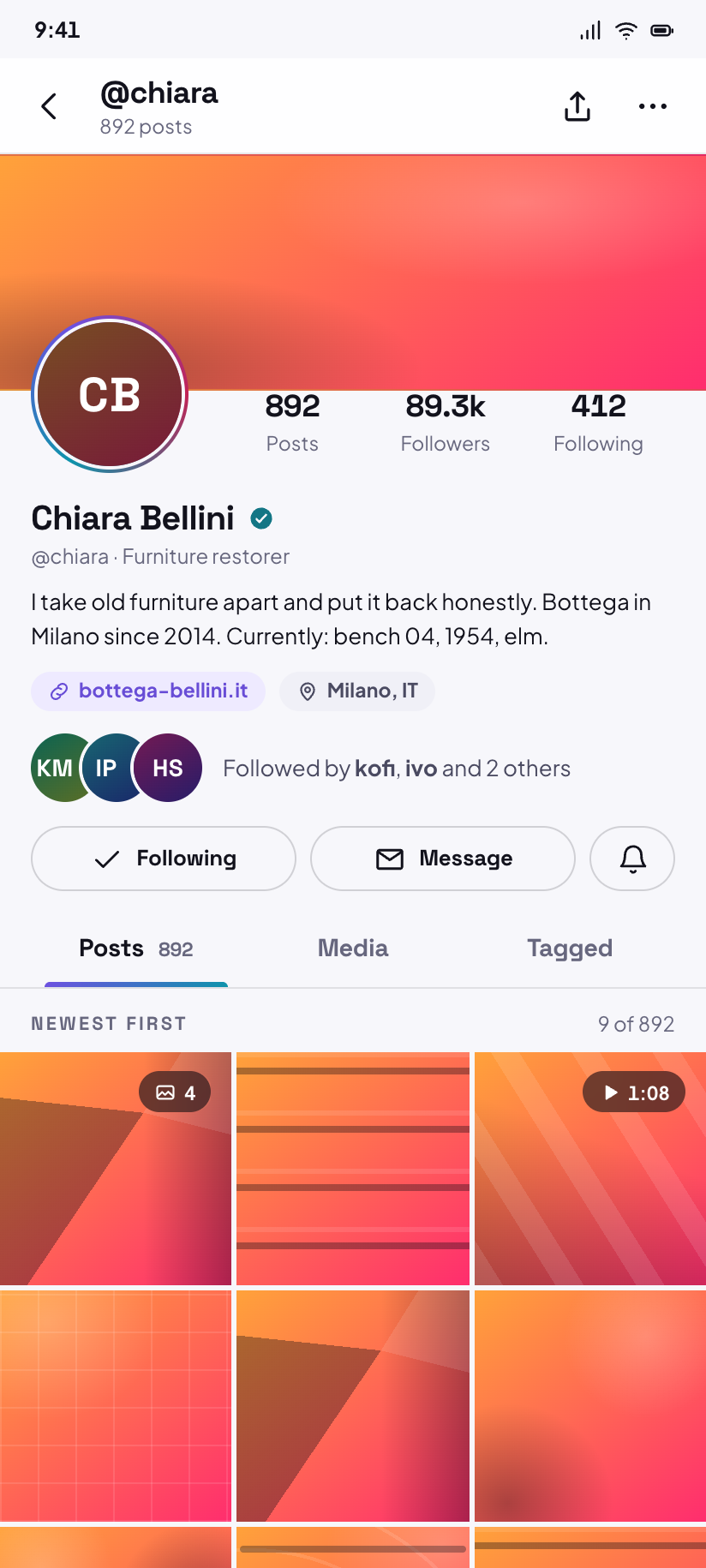
Profile · visitor
Chiara's profile as a visitor sees it, with the mutual-followers line and a Message button.
Block · dialog
The block confirmation over her profile — the design's one dialog, and it names every consequence.
Edit profile
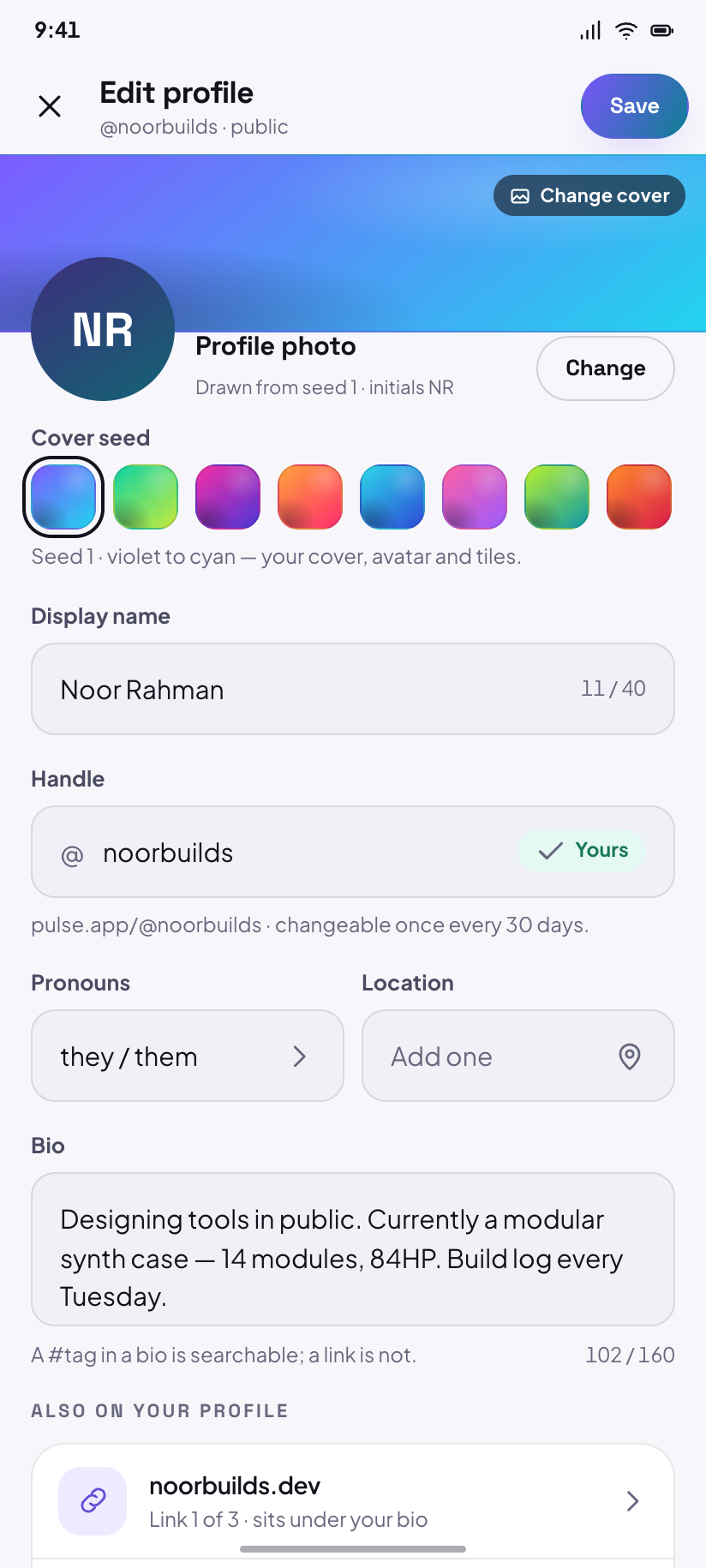
The densest form here: cover seed, avatar, name, handle, bio with a counter, links and pronouns.
Followers
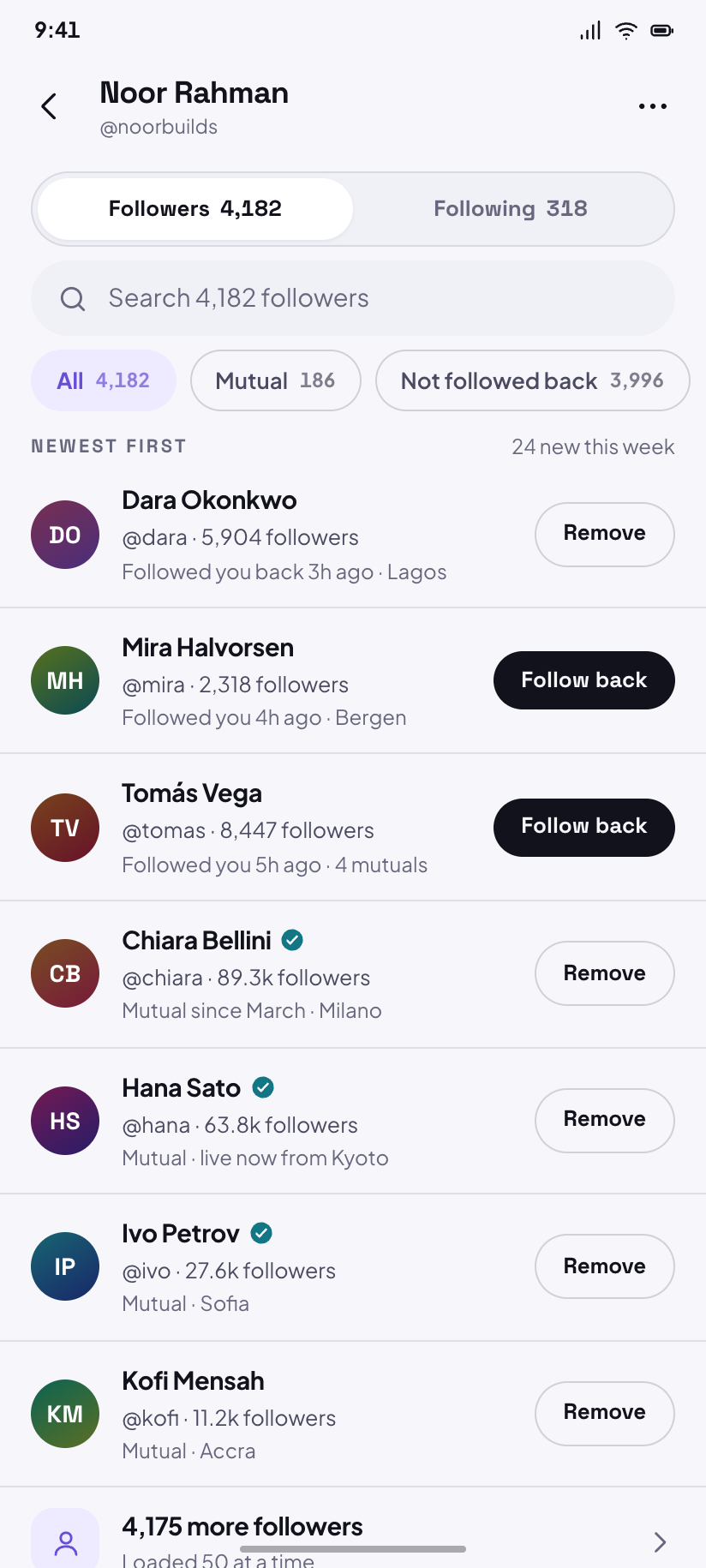
Followers and Following behind one segmented control, with Remove available on your own followers.
Account drawer
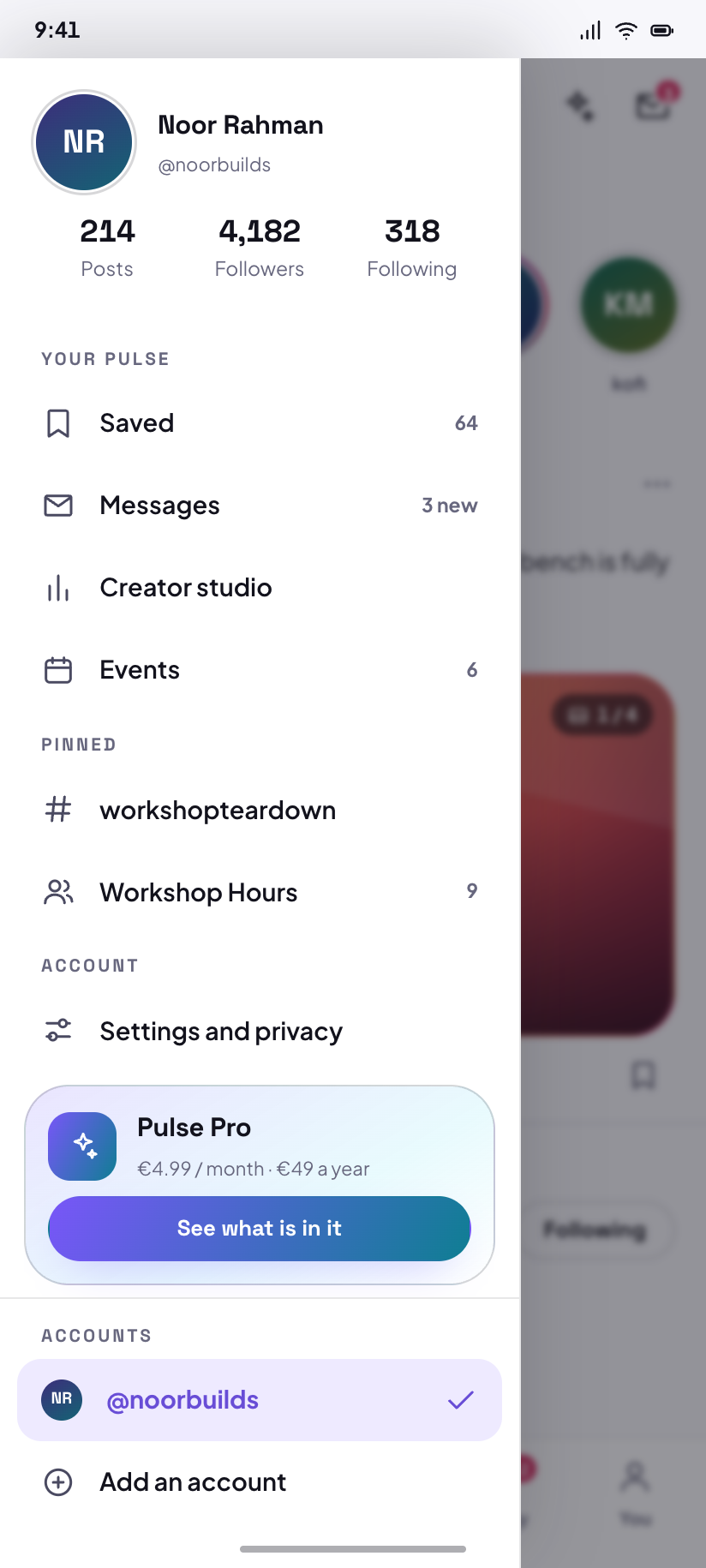
The drawer over Home: your counts, the four places the nav cannot reach, and account switching.
Saved
2Saved is reached from the drawer and from a post's bookmark, so neither screen has a nav. Selection mode replaces the app bar rather than adding to it, and hides the nav on purpose.
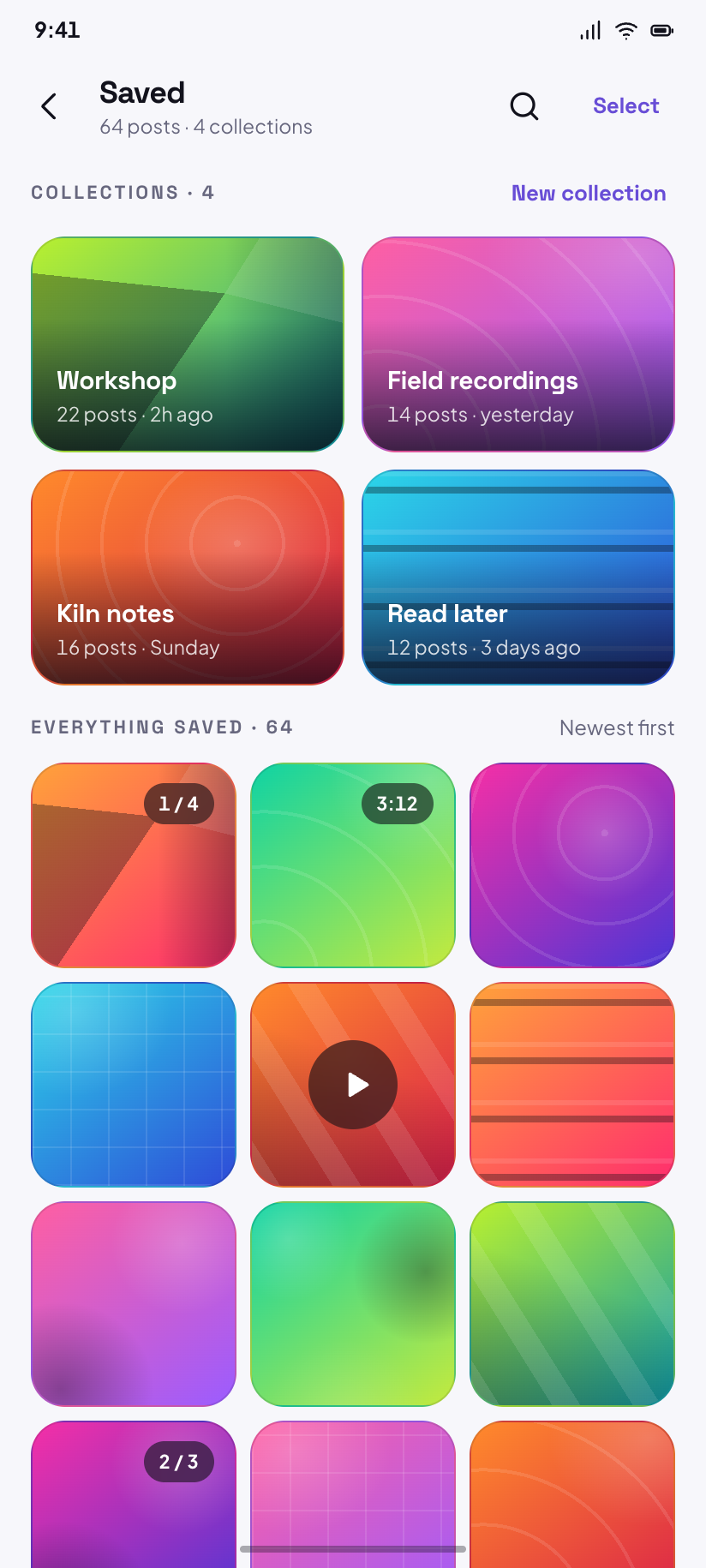
Saved
64 saved posts in four collections, each cover a drawn tile seeded from the collection's name.
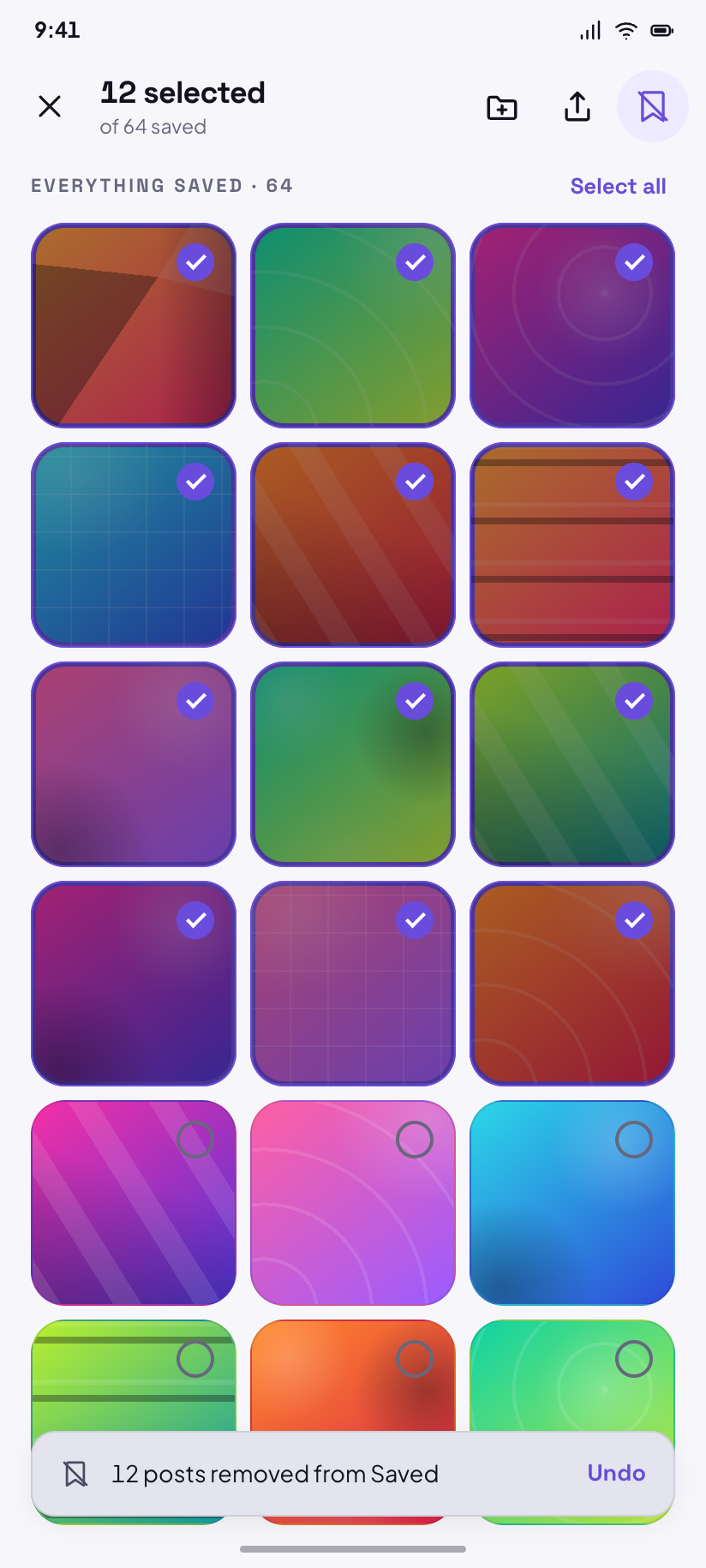
Saved · selection
Twelve selected, a contextual app bar, and the snackbar that follows removing them.
Messages
4Messages is pushed from Home's app bar rather than being a nav destination — the badge on that envelope is the only way in, which is why it carries a count.
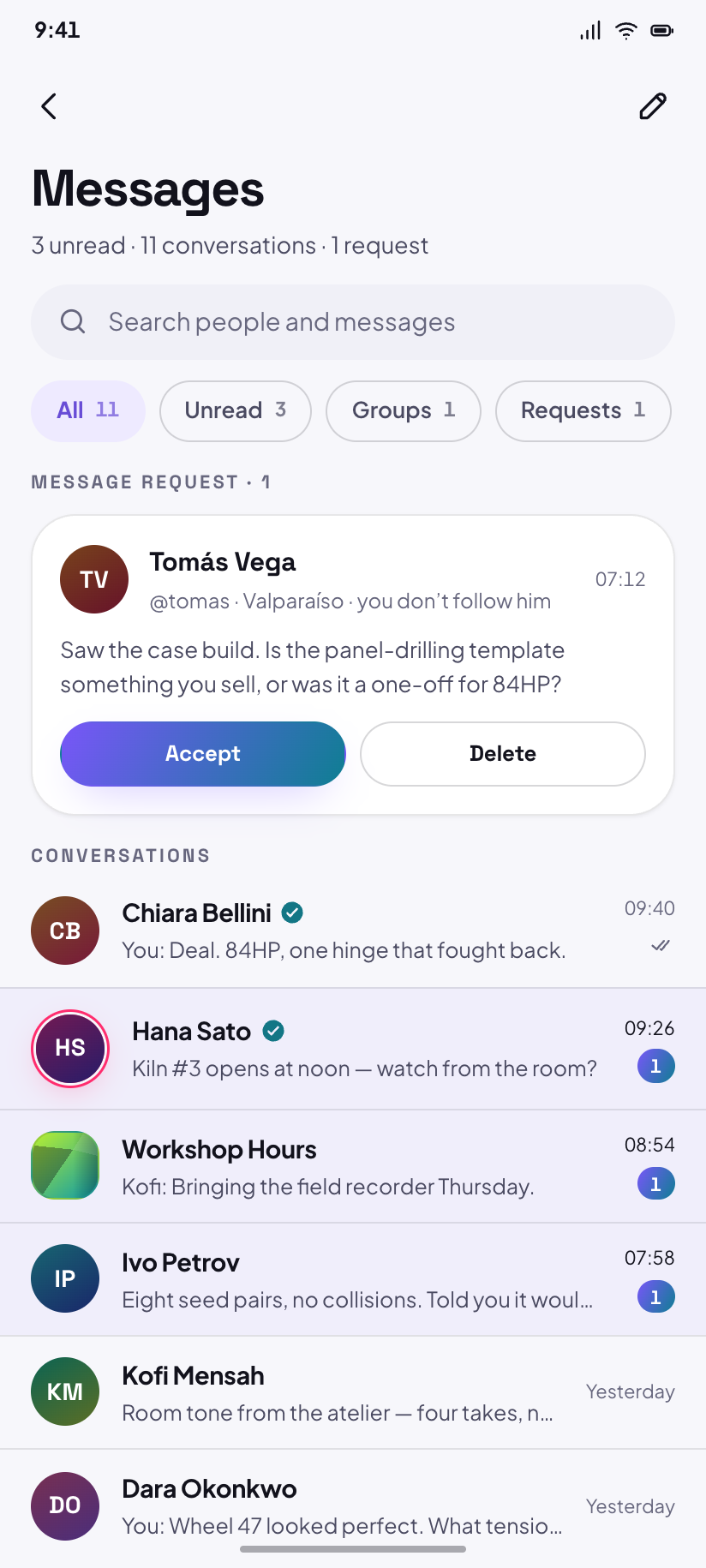
Messages
Three unread of eleven threads, plus a request row from someone you do not follow.
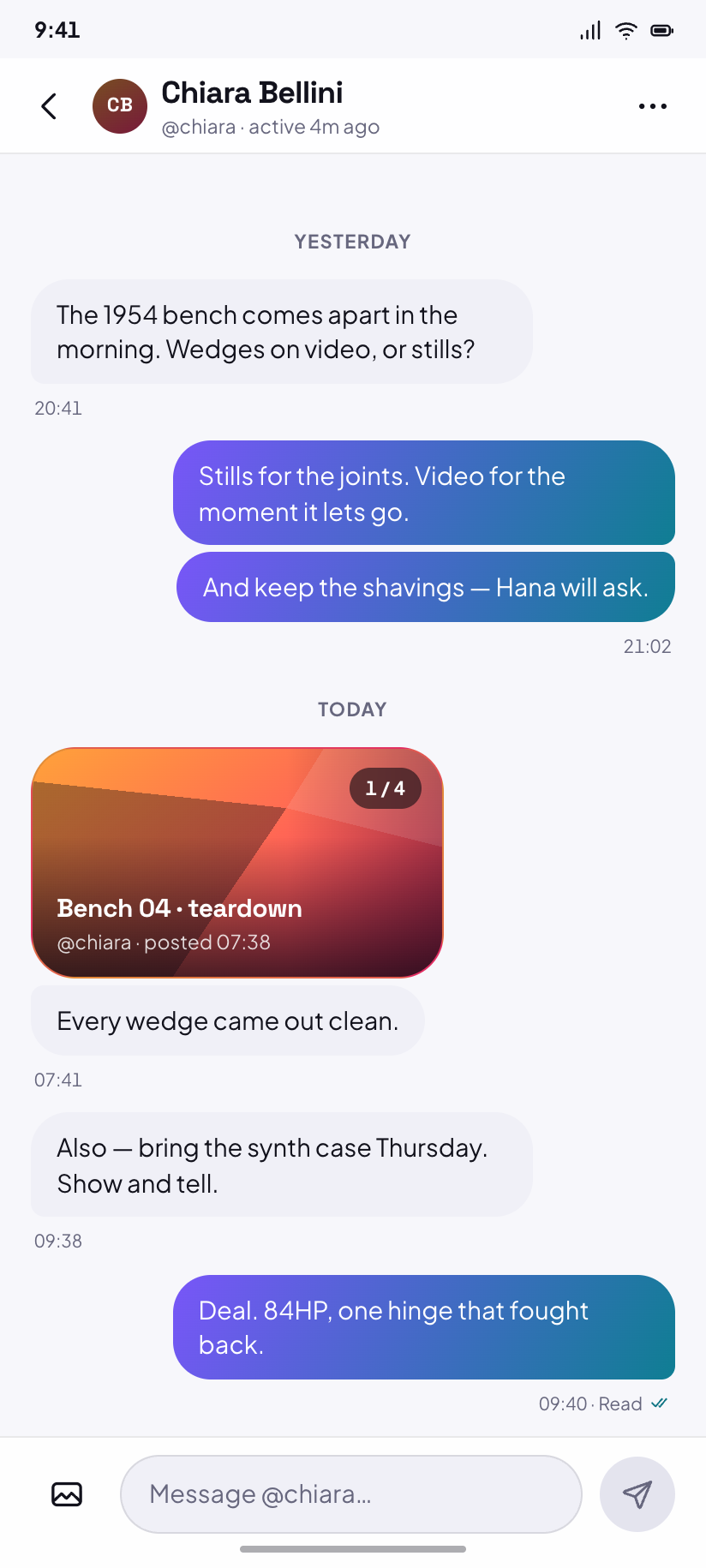
Direct message
The thread with Chiara: gradient bubbles outbound, a shared post preview, read receipts.
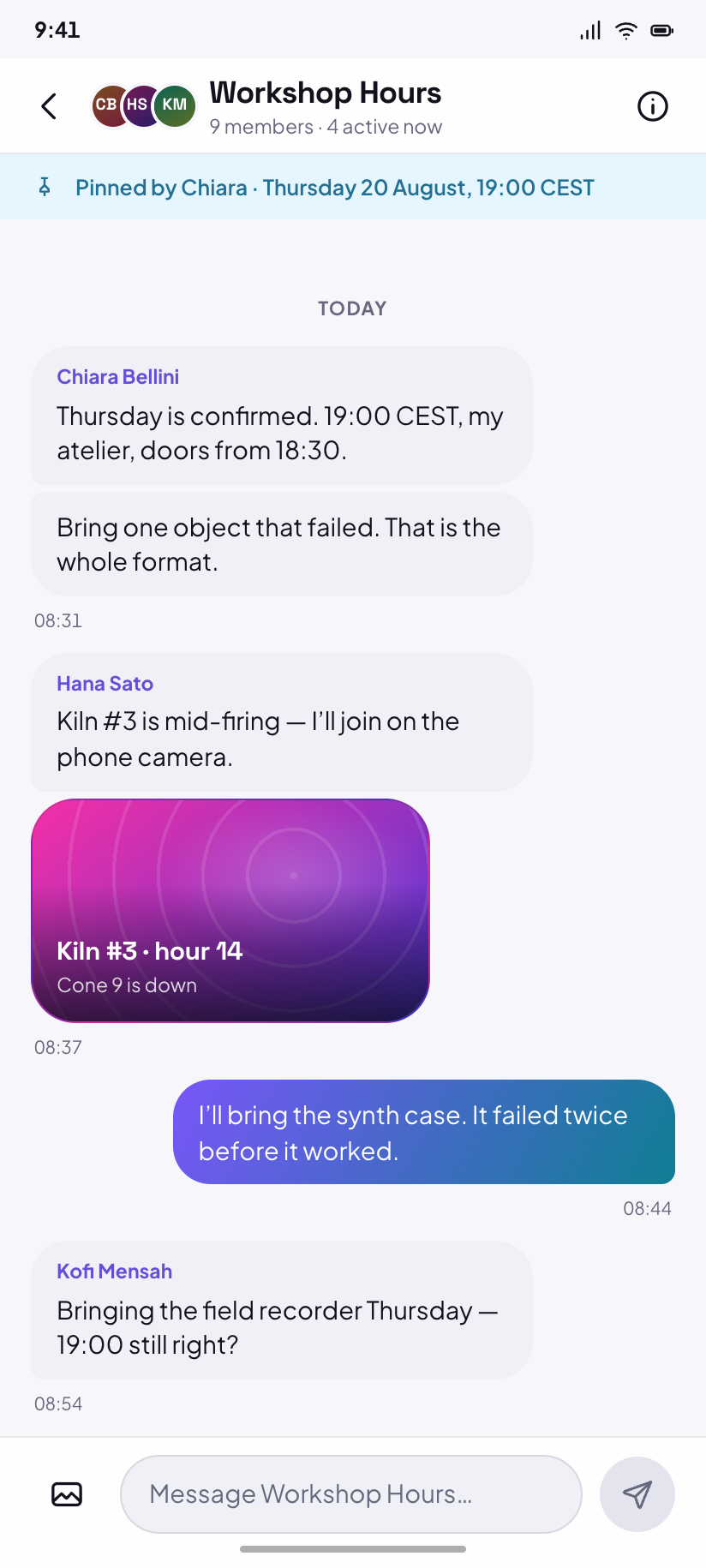
Group chat
Workshop Hours, nine members — sender names on inbound runs and a stacked-avatar header.
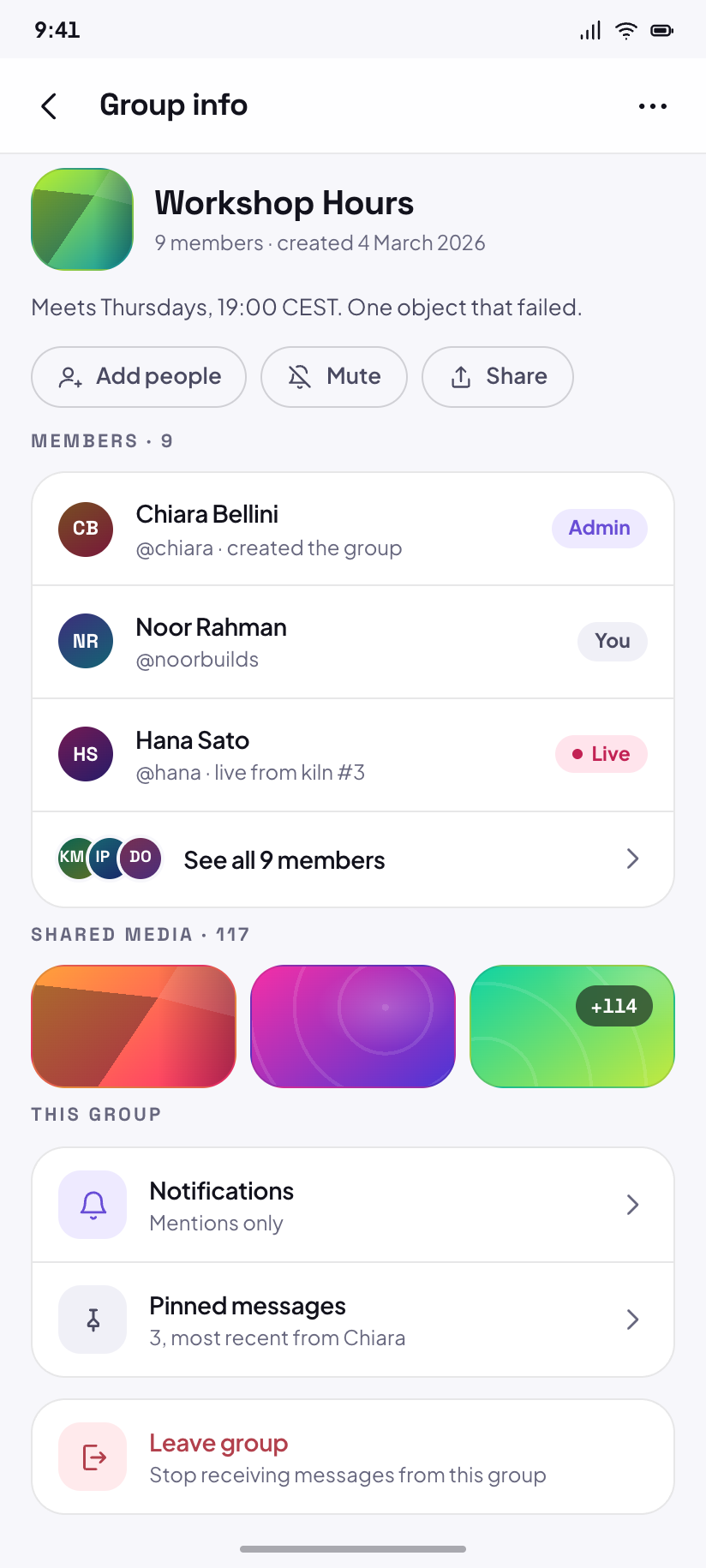
Group info
Members, shared media, notification level, and the fenced Leave group action.
Live & events
3Live is a stage screen — chrome floats, ink is white in both modes. Events are cards, and the only place in Pulse that prints a calendar date instead of a relative time.
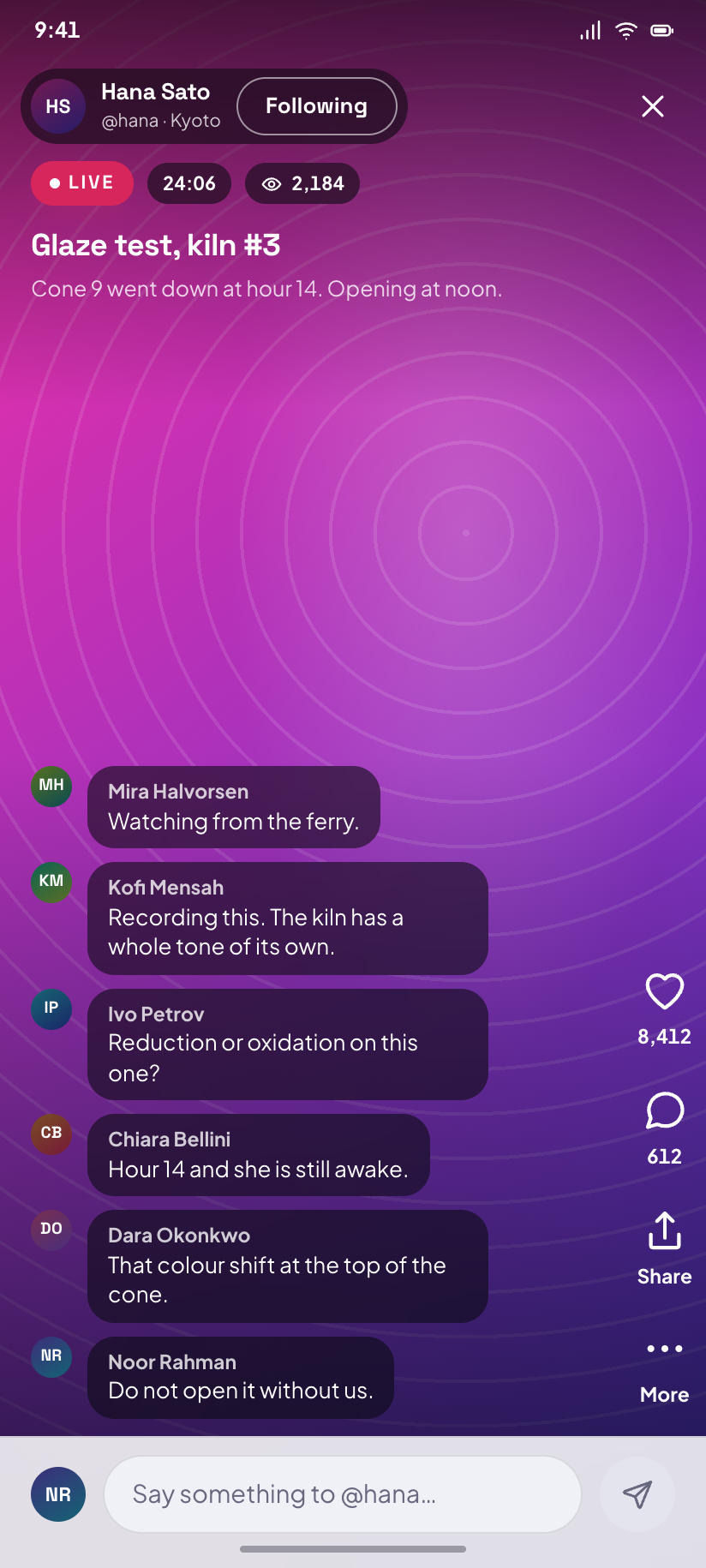
Live
Hana's kiln at 2,184 watching, with the chat column floating above the composer.
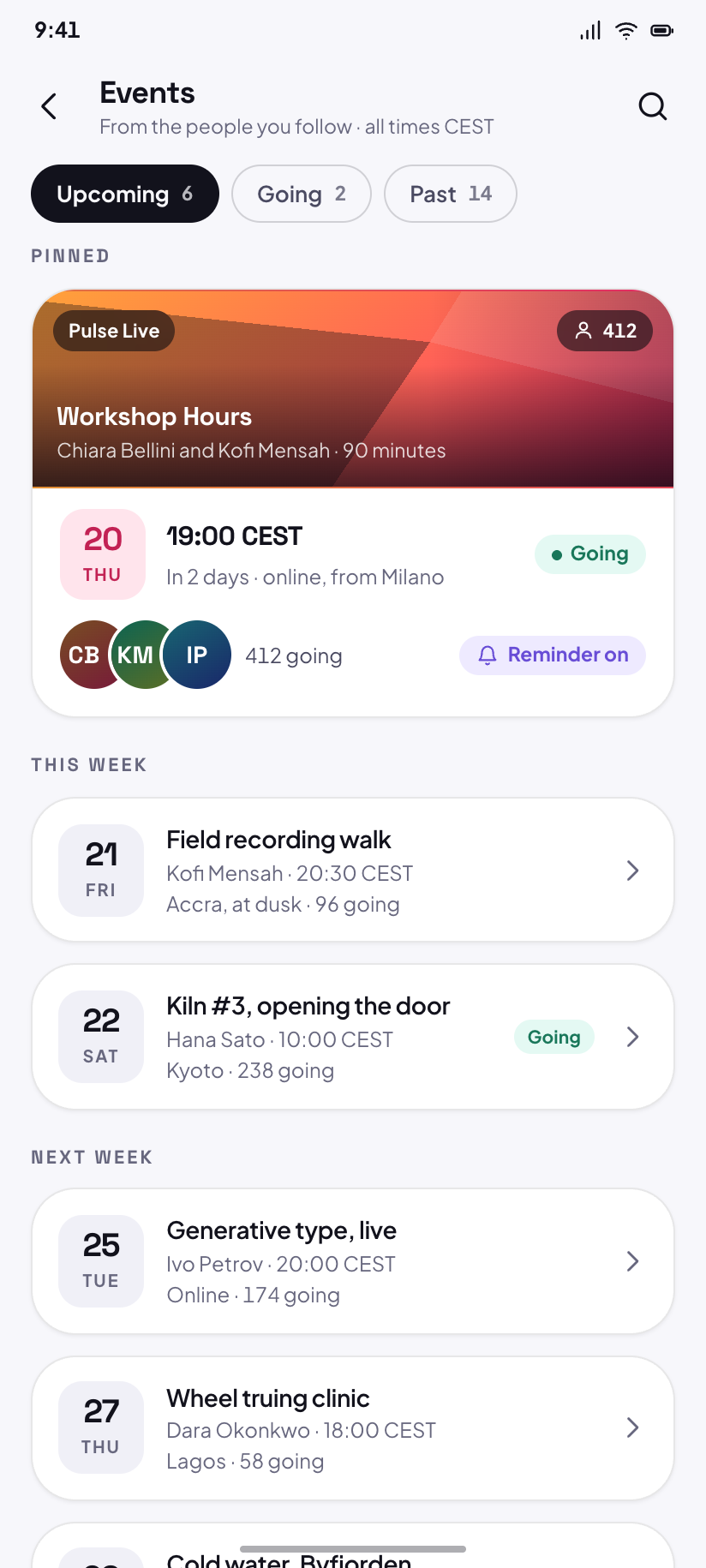
Events
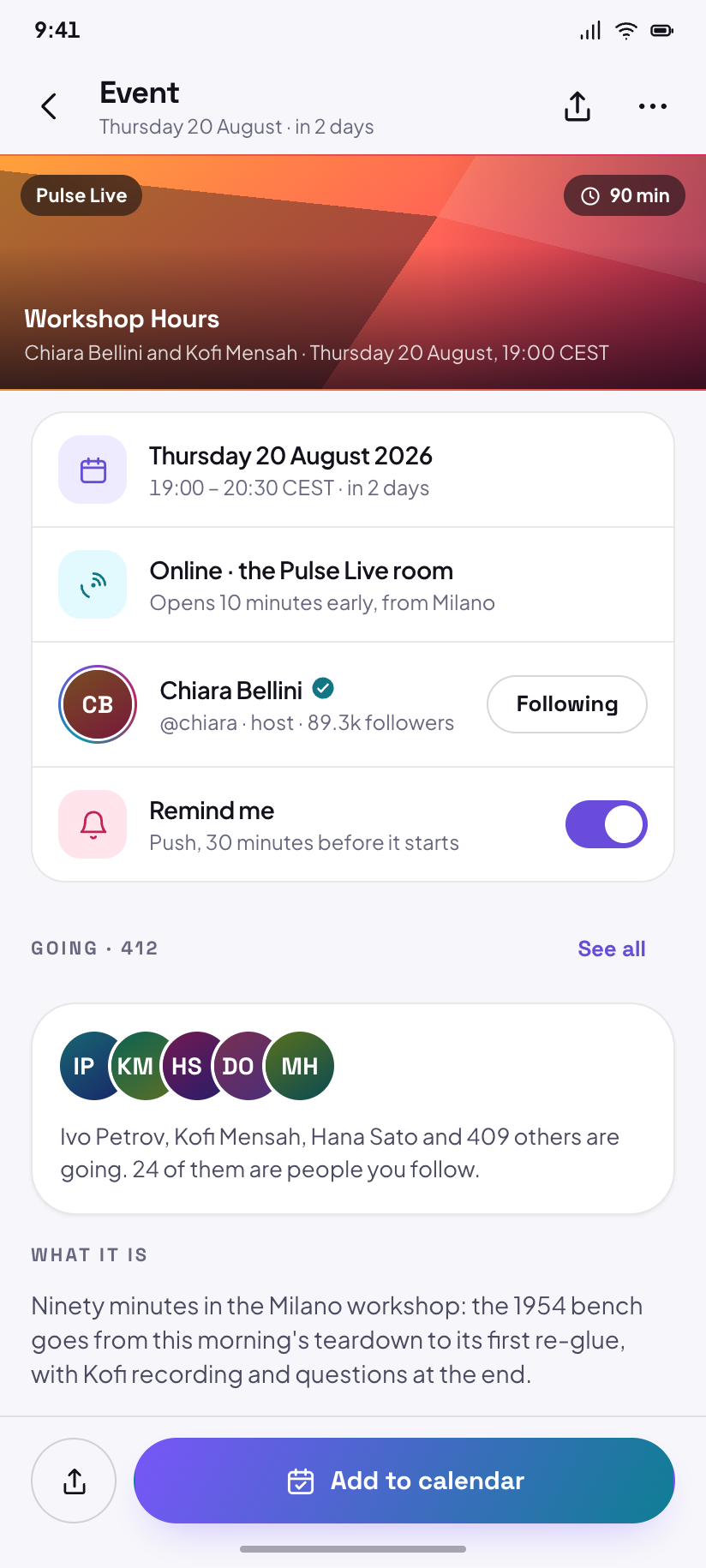
Six upcoming, with Thursday's Workshop Hours pinned at the top and 412 going.
Event
Pulse Live: Workshop Hours — who is going, what it is, and a Remind me that is already on.
Creator
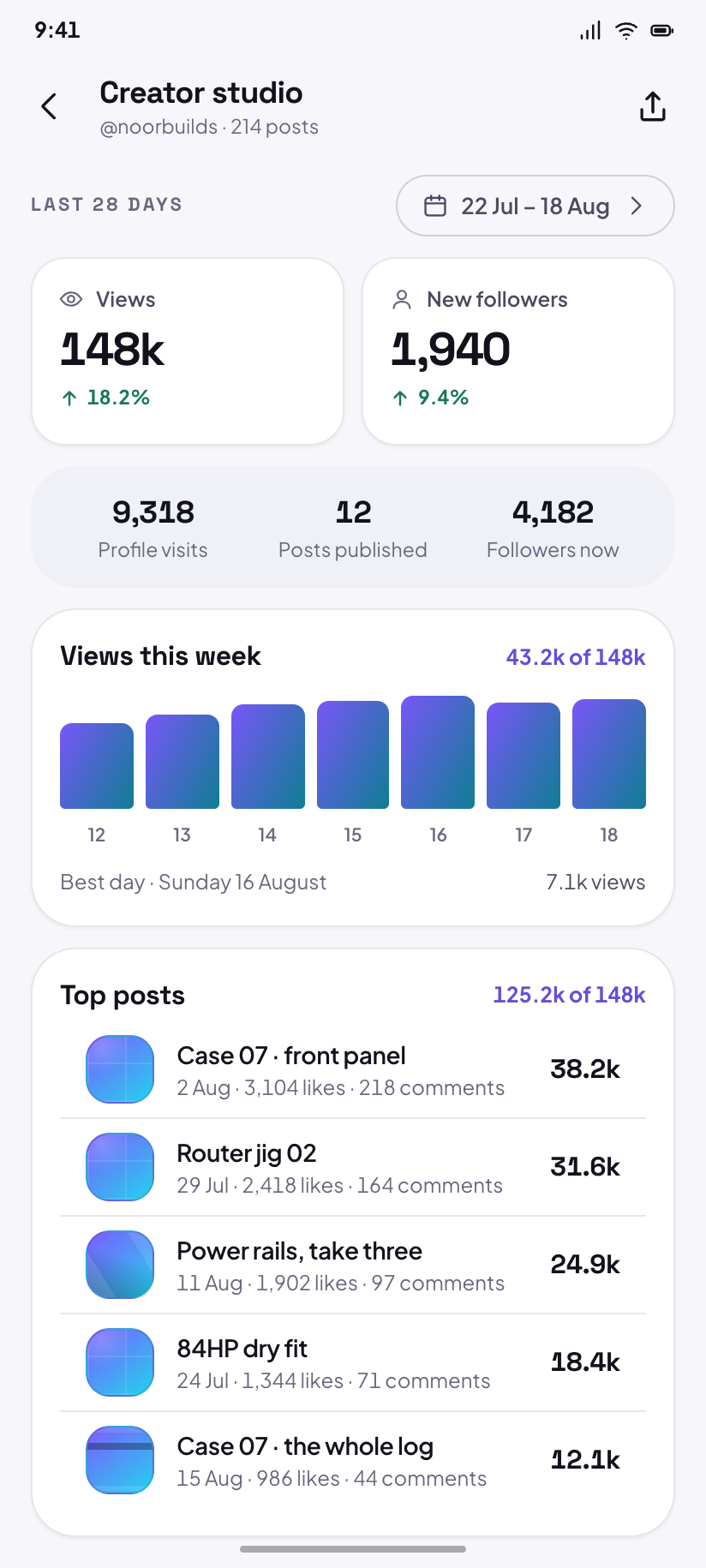
2The studio is the only place Pulse draws charts. Every mark in them takes an -ink token, because the raw cyan and emerald are under 2:1 on a white page.
Creator studio
Last 28 days: 148k views up 18.2%, 1,940 new followers, and the five posts that did it.
Pulse Pro
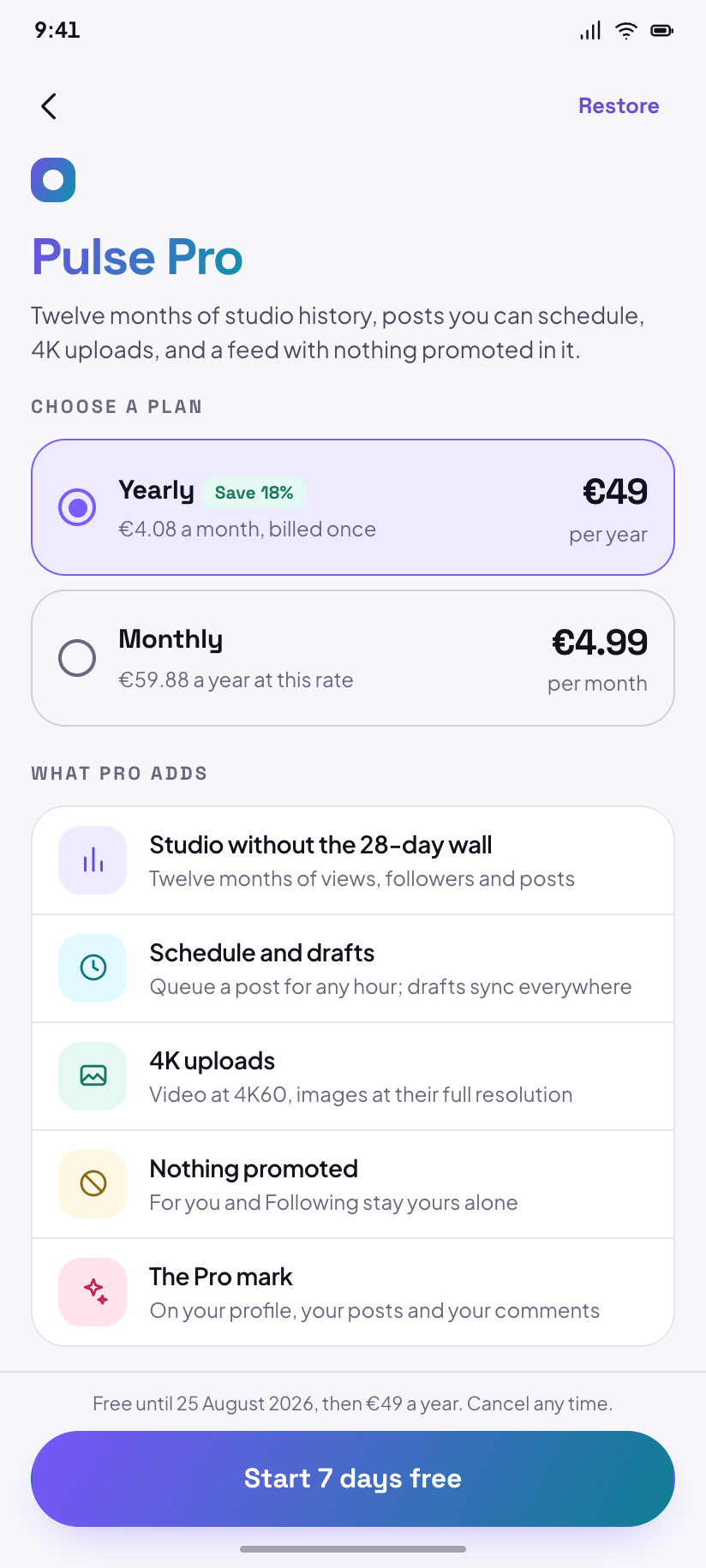
€4.99 monthly or €49 yearly, with the 18% saving stated exactly as the arithmetic gives it.
Activity
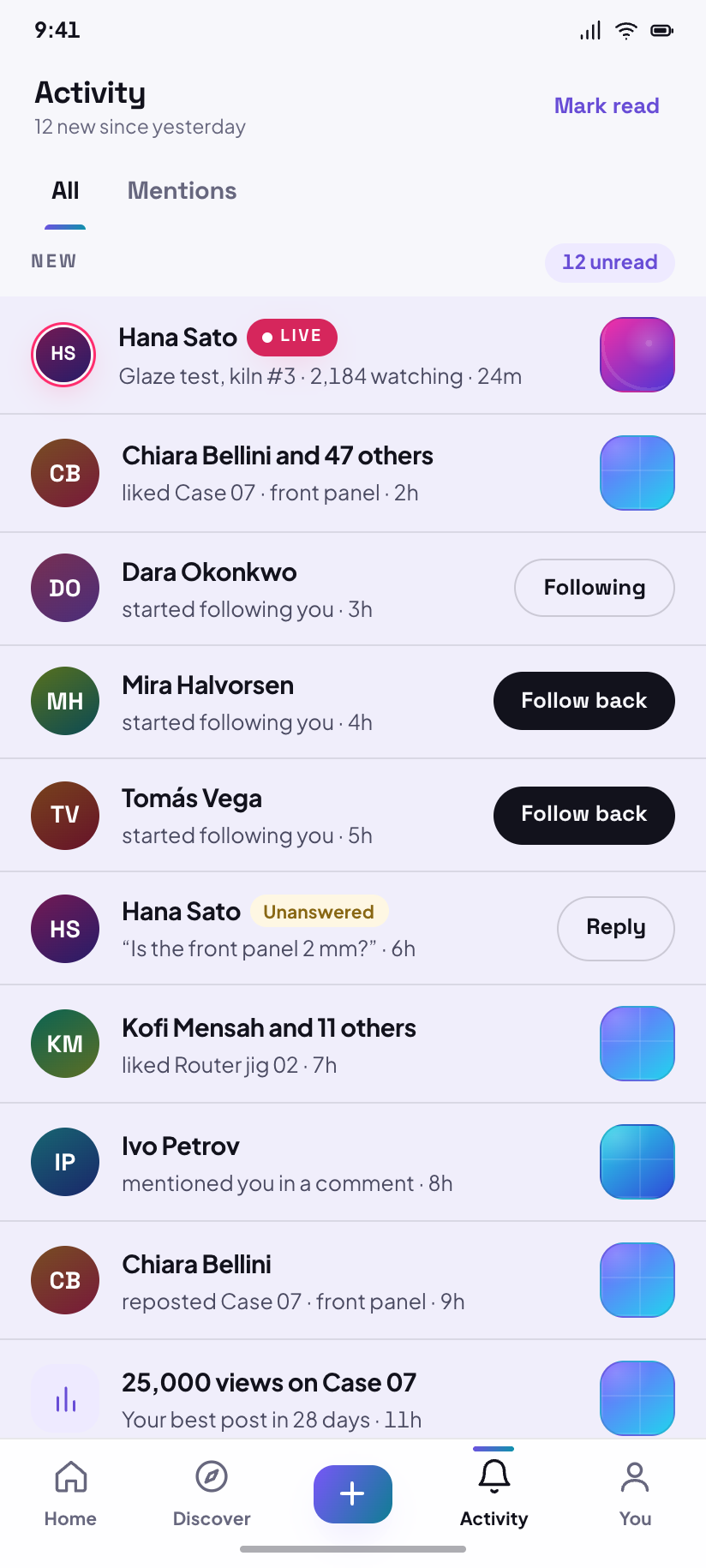
2Activity is the fourth nav destination and both of its tabs keep the nav. Likes are grouped by post; a mention is never grouped.
Activity
Twelve new: likes grouped by post, three follows, and one comment still waiting on a reply.
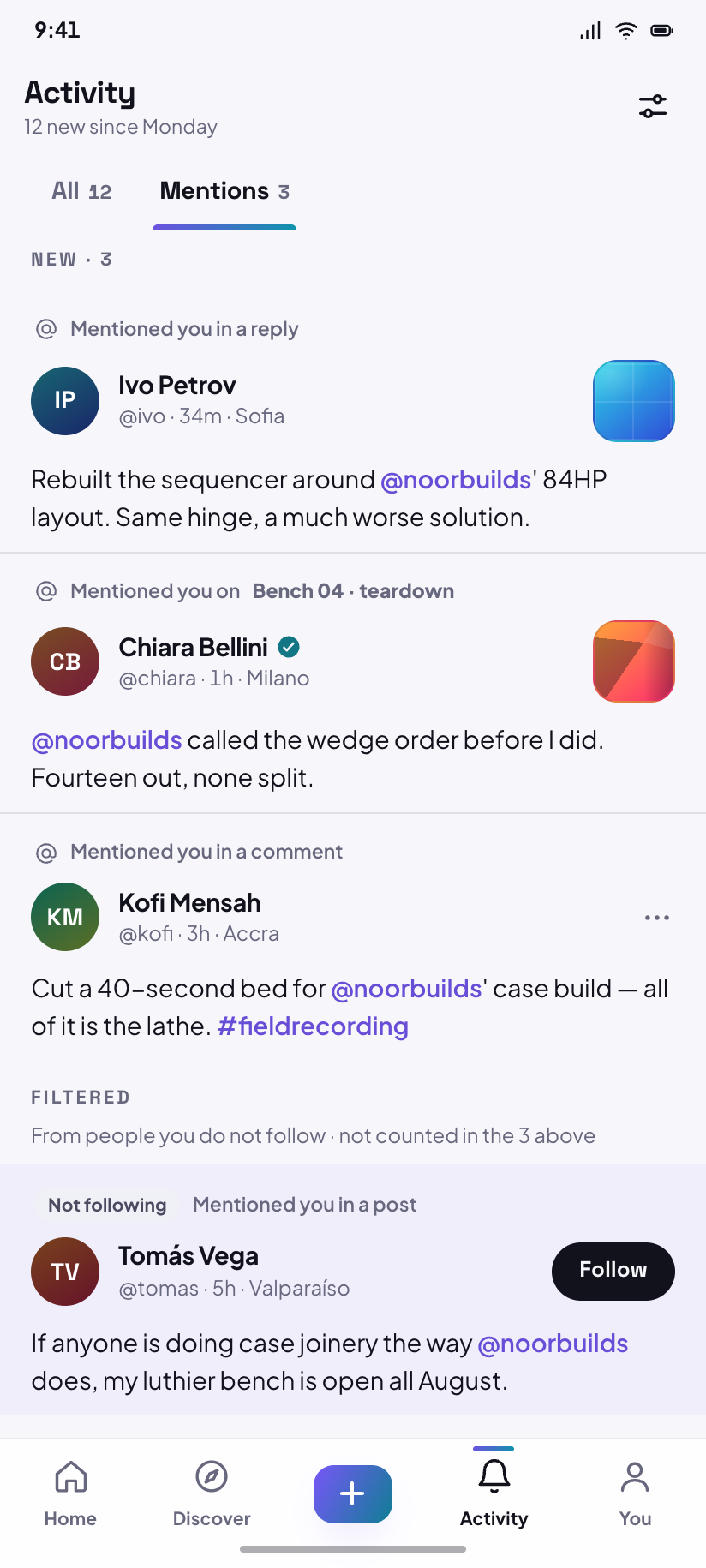
Mentions
The Mentions tab, where a mention from someone you do not follow is filtered into its own band.
Settings
5Four sub-pages under one hub, plus the legal corner. All are pushed screens, so none of them draws the nav.
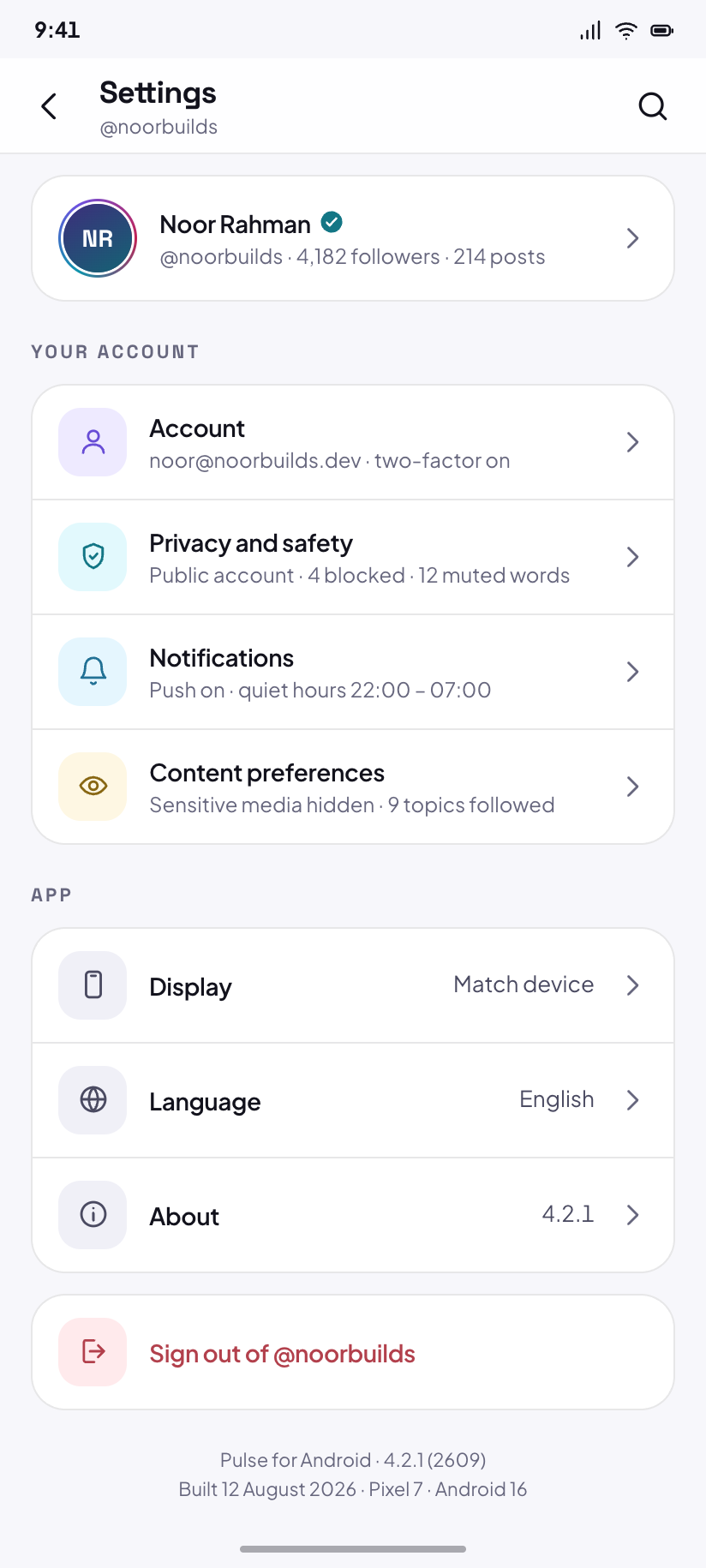
Settings
The hub: account, privacy, notifications, content preferences, and where the version number lives.
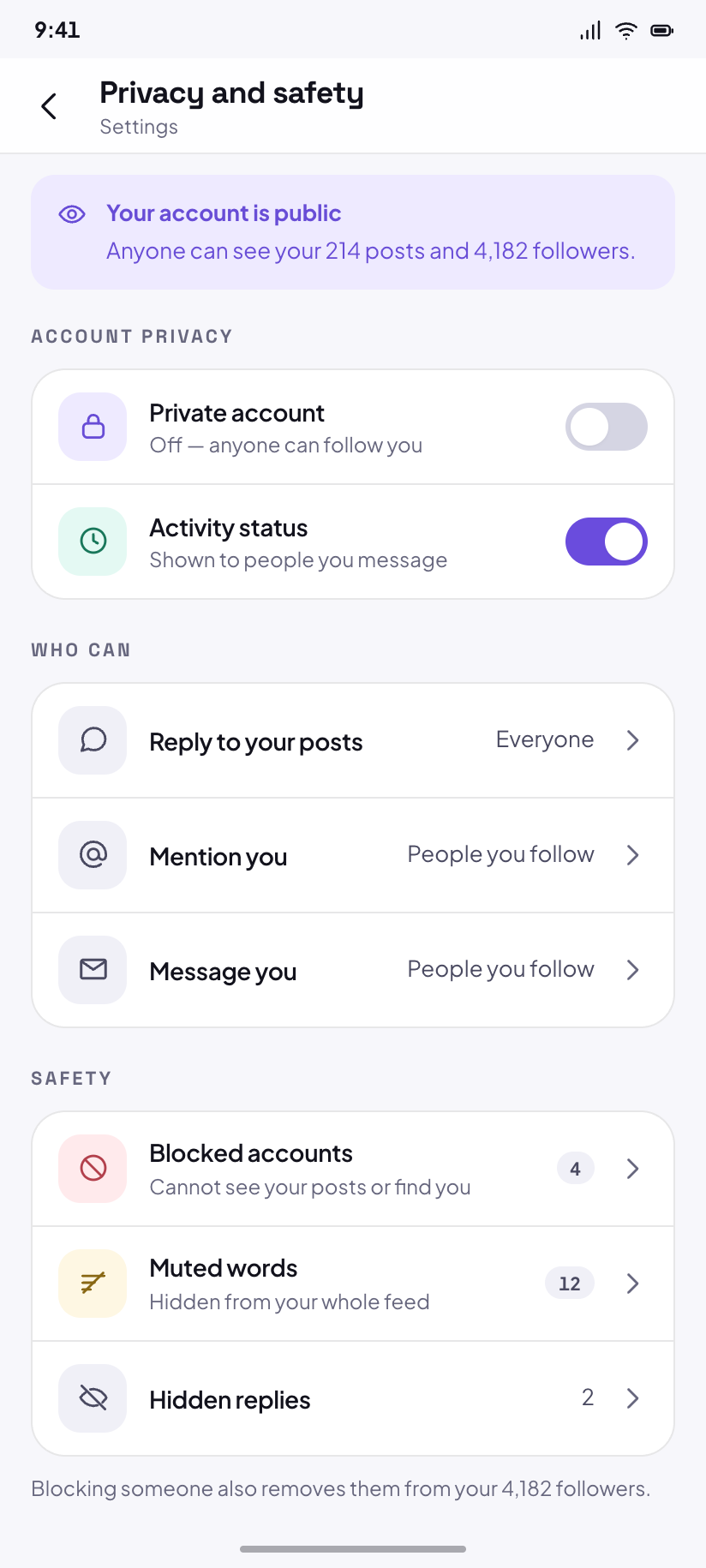
Privacy
Private account off, who may reply, who may mention you, and a blocked list standing at four.
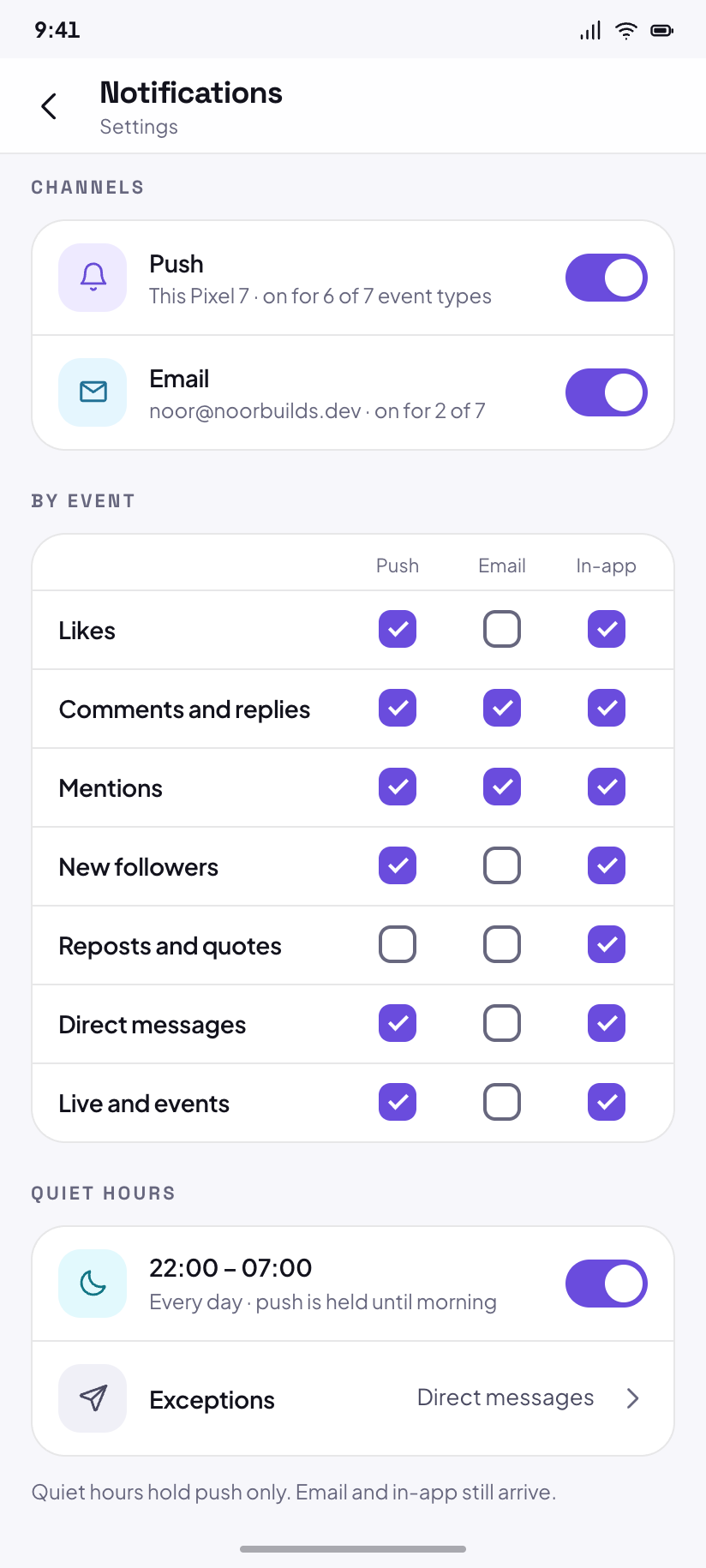
Notifications
Push, email and in-app split per event type, with a quiet-hours window already set.
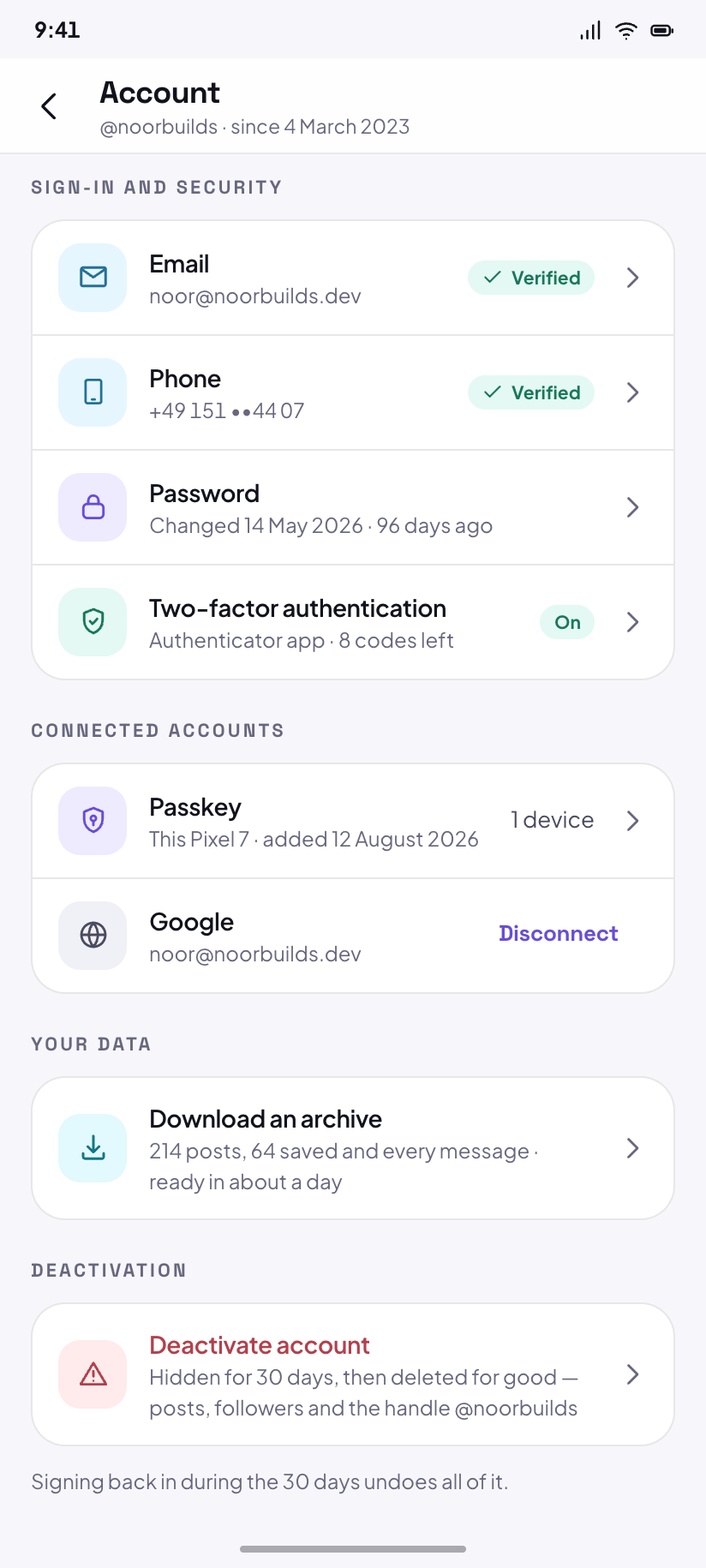
Account
Email, phone, password, connected accounts, data download, and the deactivation fence.
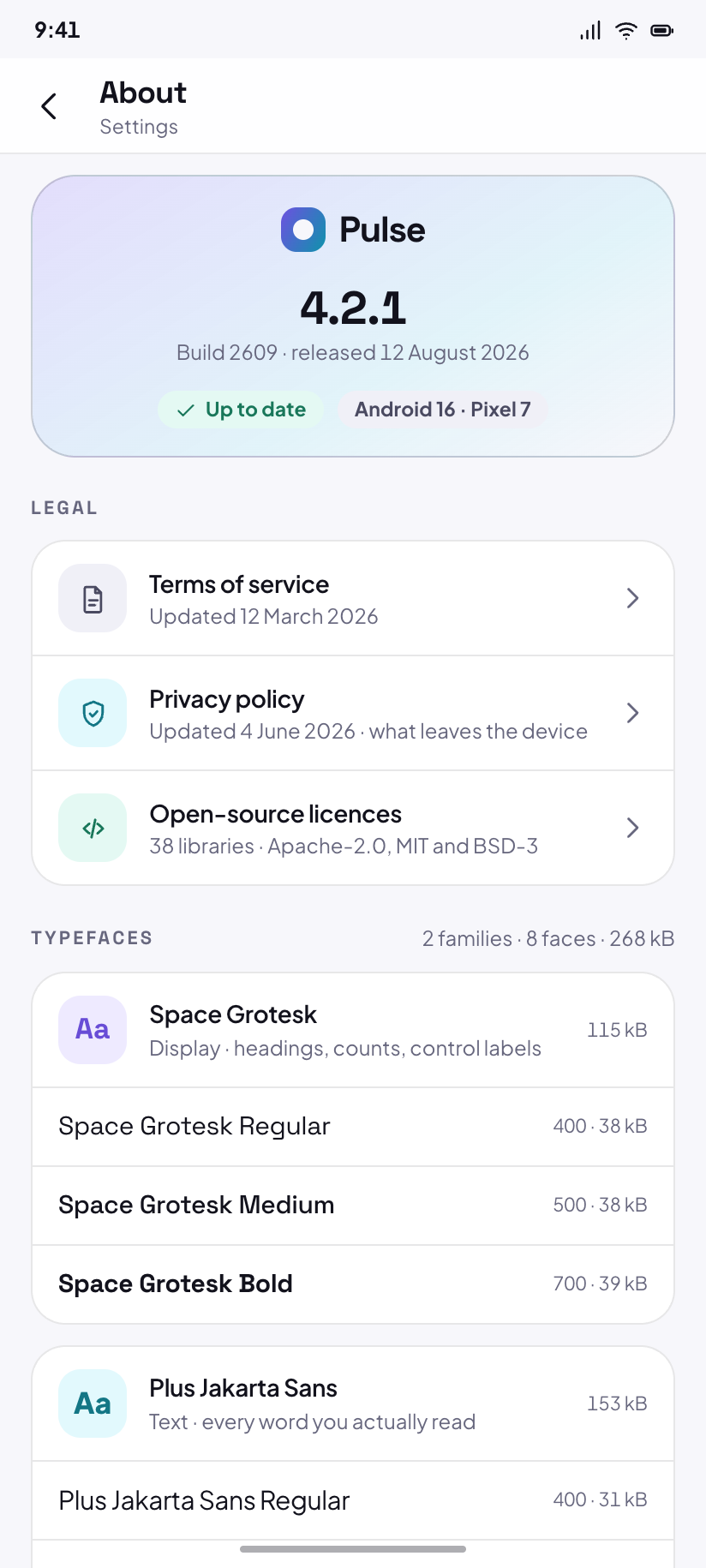
About
Version 4.2.1, licences, terms, privacy policy, and the eight typefaces the app ships.
Edge states
4Four states as their own screens, because in a media app they look nothing alike: an empty search, a skeleton feed, a load that failed, and an offline feed that still has something to show.
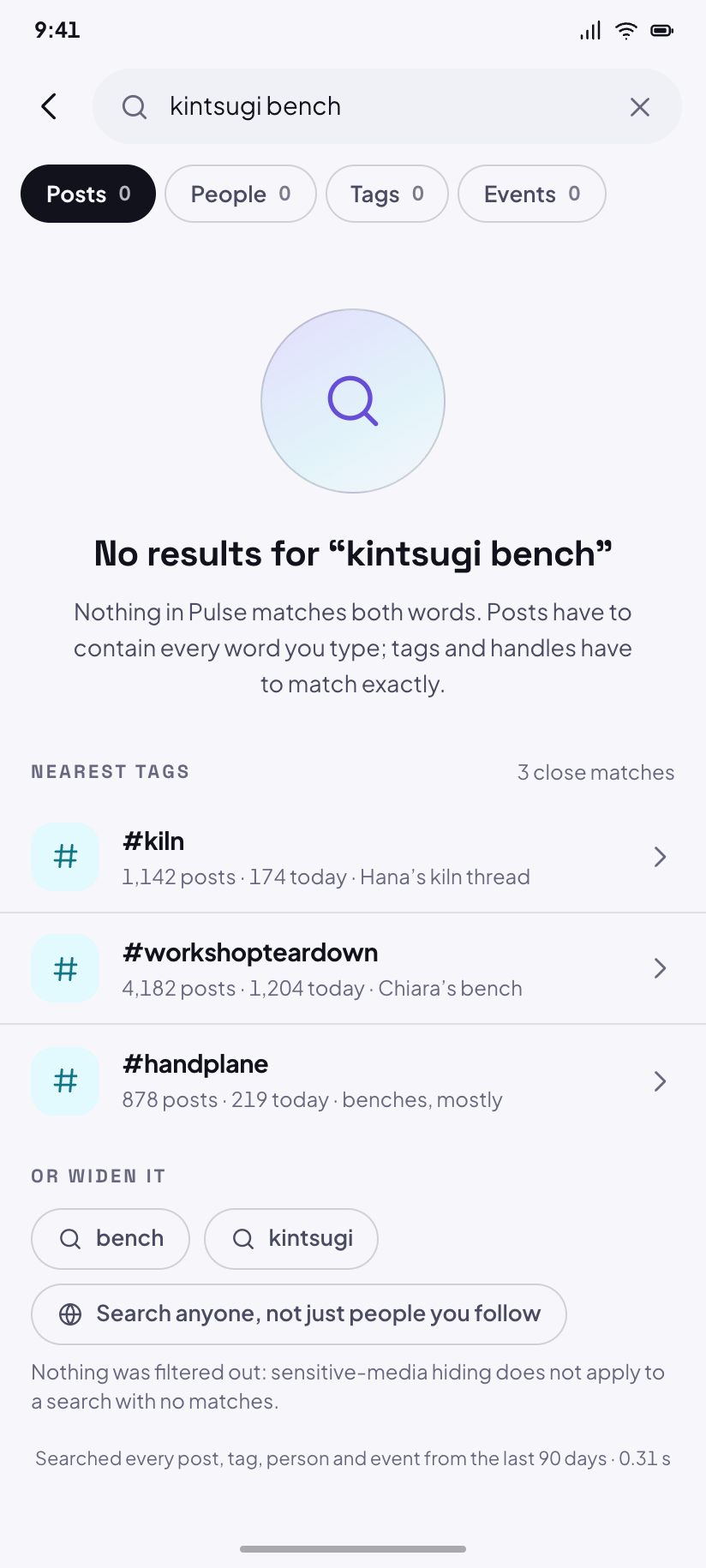
No results
Nothing matches “kintsugi bench”, so the three nearest tags are offered instead.
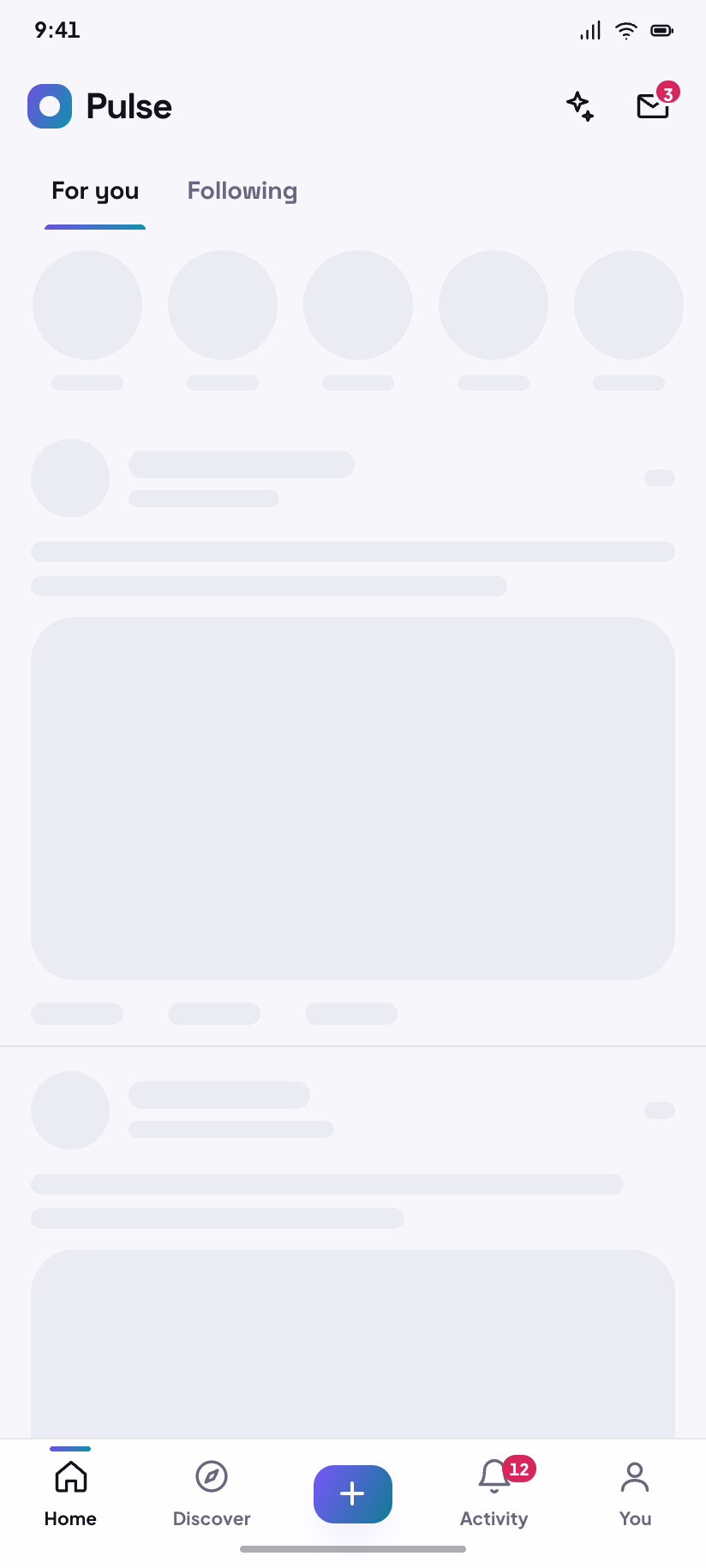
Loading
The Home skeleton: story rail and two post frames drawn on --skeleton, never on the gradient.
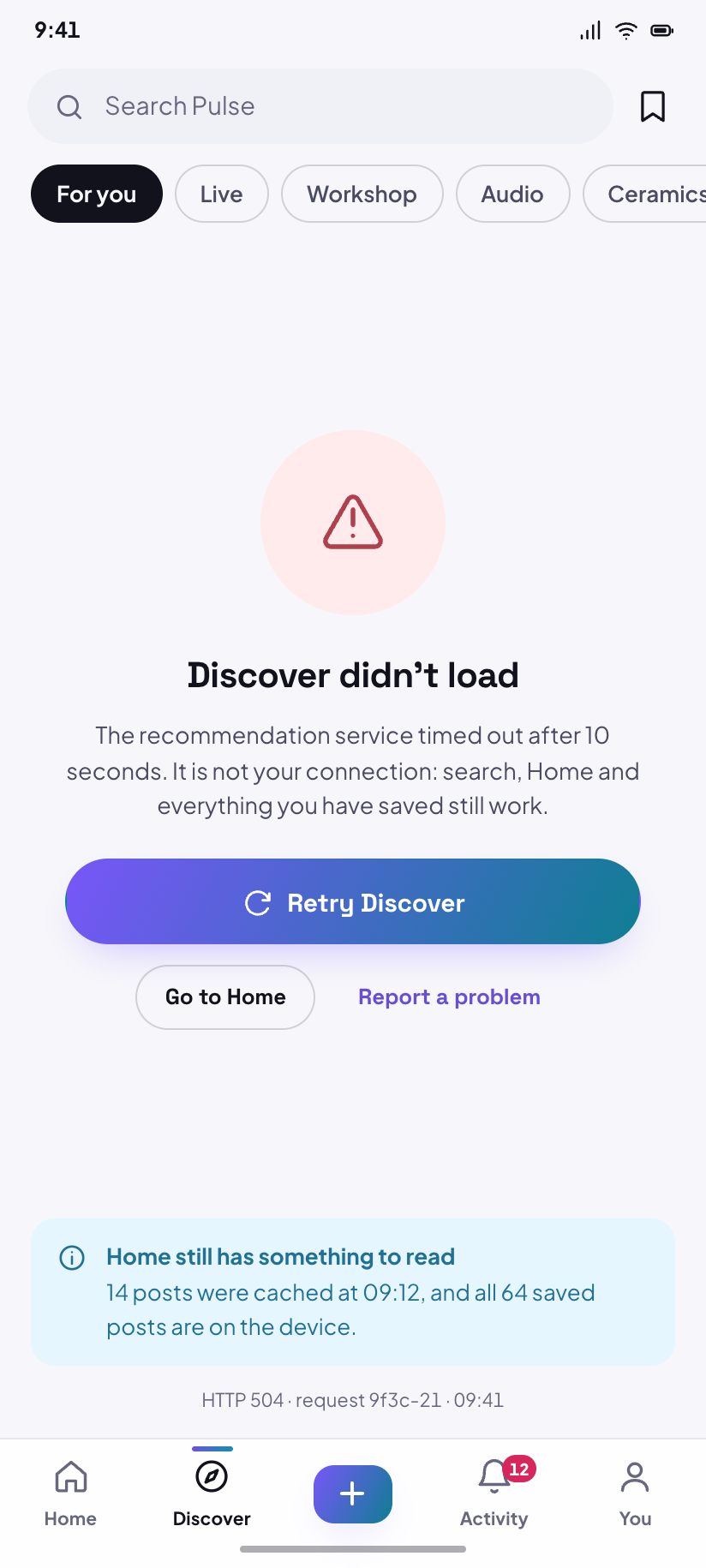
Error
Discover failed to load; the message names what broke and the button retries exactly that.
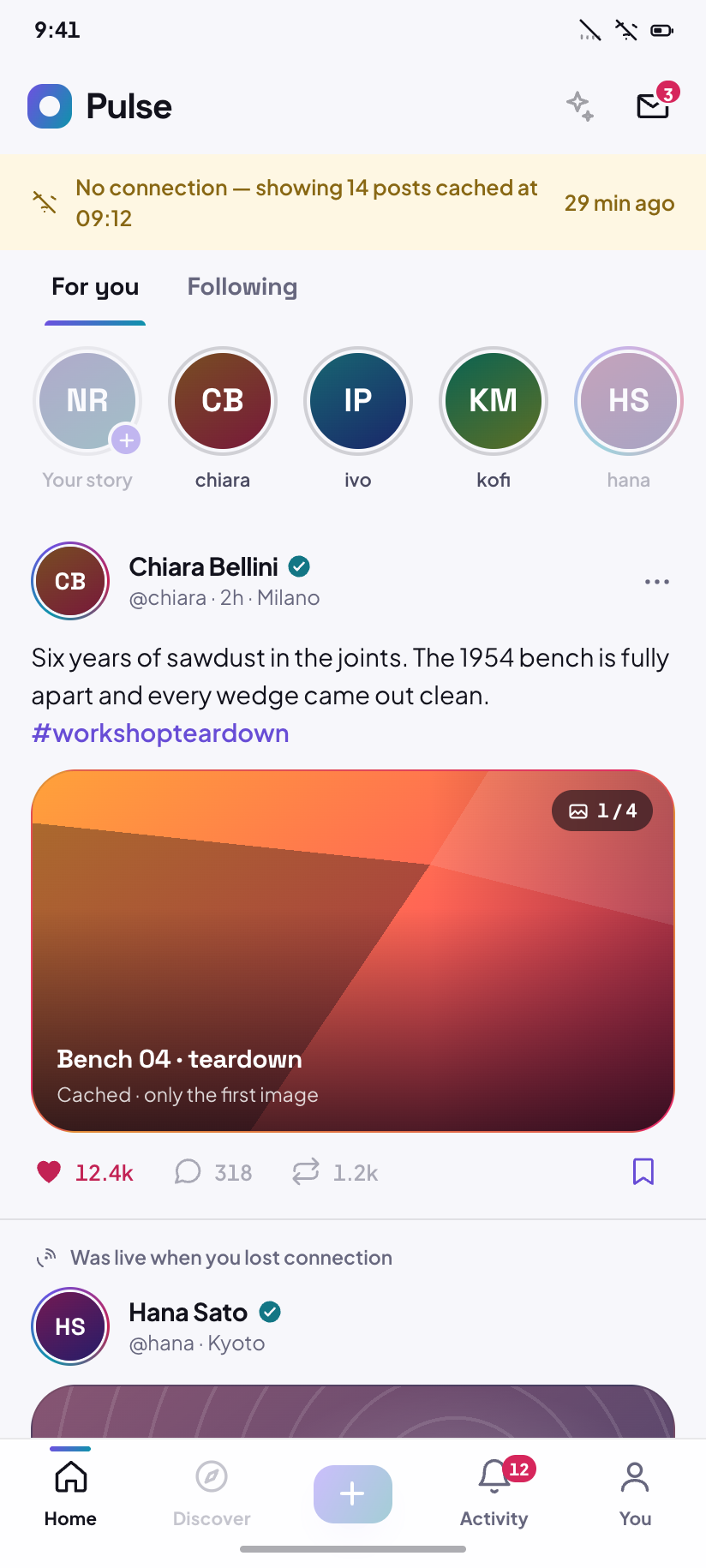
Offline
Home with the offline banner, serving the 14 posts already cached and disabling the composer.
How this folder is built
Two gradients, one axis
--grad is the luminous violet→cyan and is for GRAPHICS only — avatar rings, the active-tab bar, progress, the mark. --grad-fill is the same axis with the cyan end pulled to #0F7E93, the deepest point at which white ink holds 4.68:1 across the whole ramp; it is the only gradient a filled button, chip or bubble may use.
Media is drawn
Eight seed pairs (.s1….s8) × eight CSS-gradient motifs (.m-arcs….m-strata). Seeds are assigned per handle and never re-tint between modes — a photograph would not, and neither does a tile. Only --line-media changes: a hairline on a white page, a whisper on black.
live ≠ danger
Broadcast state has its own role. --live is a hot magenta-red 30° of hue away from --danger, so a LIVE pill can never be mistaken for a destructive action. Both ship a -fill that carries white ink at 4.8:1.
Dark has no shadows
Elevation in dark is a surface step — --bg → --surface → --surface-2 → --surface-3 — plus --glow, a coloured bloom only a near-black ground can carry. --sh-1 is literally none in dark. Light mode gets real, violet-tinted shadows back.